

Video Star supports beginners who feel unsure when opening a complex video editor. It explains common editing tasks in a simple way, with clear steps and practical examples, so you can follow along without guessing. The content focuses on everyday use, like creating funny clips or photo videos with music, and then builds toward more advanced ideas such as reverse video and basic animation. Whether you already installed the Video Star APK or plan to try the editor later, the guide presents core tools in plain language and keeps the learning flow organized.
Step by step tutorials
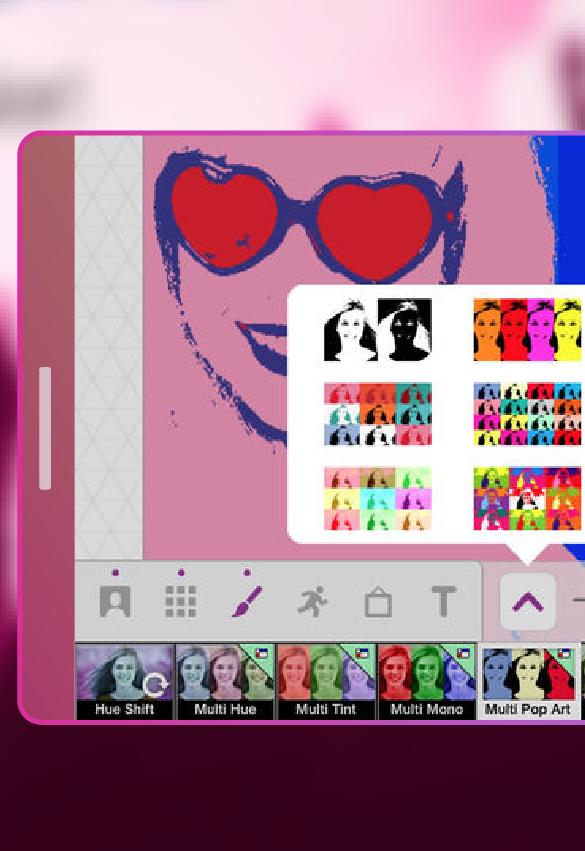
Video Star breaks down key actions into short, simple steps. You learn how to import photos and clips, trim scenes, add music, and apply basic effects. Each section guides you from start to finish so you can repeat the same steps on your own projects.
Topic based tips
Saved reading progress
You can save your current chapter and return to it later. This helps you continue a tutorial without searching for your last spot, especially when practicing alongside your edits.
Important disclaimer
This is an unofficial guide for learning how to use the Video Star editor. It is not affiliated with the official application. Names and references belong to their respective owners and are used within fair use guidelines.
This guide organizes steps, tips, and examples to help you understand core tools before editing. Review the tutorials to avoid common mistakes and build confidence. If you plan to download Video Star, reading a few chapters first can make your first project smoother.
Latest Version
1.1Uploaded by
Sraj Alawrd
Requires Android
Android 4.4+
Category
Free Video Players & Editors AppContent Rating
Everyone
Report
Flag as inappropriateLast updated on Feb 27, 2018
Video Star app for Android Advice VideoStar HD






APKPure - A multi-platform app store primarily focused on Android, providing extensive app-related content. Discover the app you want easier, faster, and safer, with quick and efficient downloads and installations.