
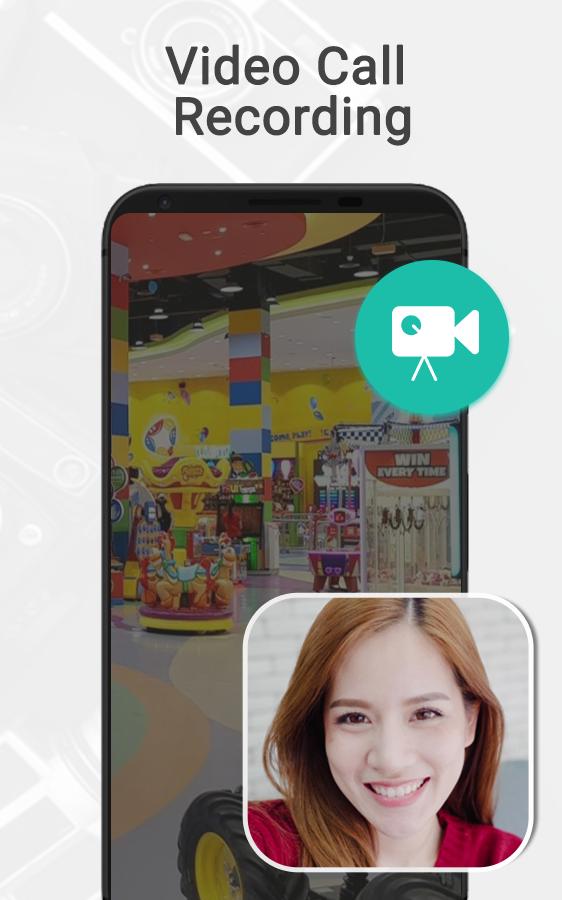
Video recorder is a free screen recording app which provides an ultimate opportunity to the users to share their experience with their friends and family over the social media and to remember their video chat memories. It has an easy mode of performing the operations with the facility of screen capture with audio. The app is free to use with no requirement of rooting or watermark for the installation.
Screen video recorder not only records the video chat but also helps you to save any kind of screen actions. Therefore, in case, if you are looking for the game recorder to share your skills with others then it will be an ideal match for your requirements. Apart from this, people looking to create tutorials for e-learning can make the videos easily and free through the video recorder. The app comprises of a straight forward user interface which is quite helpful for the first timers to understand the app quickly.
The screen recording feature of the app enables the IT companies to showcase and promote their android apps over the internet through sharing video recording of different features. The app saves the video automatically which user can open and watch out at any time. The prominent features of the video recorder are:
• The video quality is of at high level which provides the user with desired experience.
• The video can be shared on any social media platform directly from the smartphone.
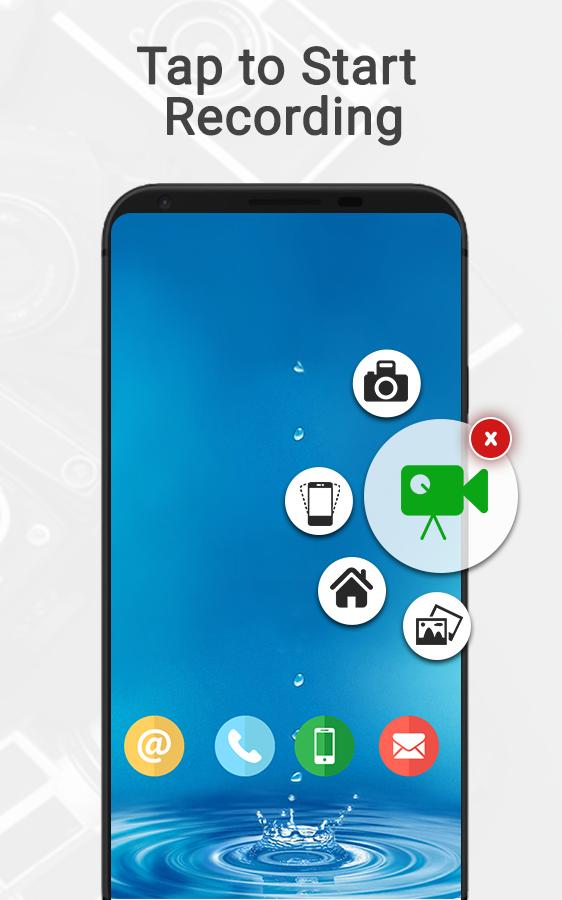
• Enable the camera when you feel comfortable for screen recording of the device.
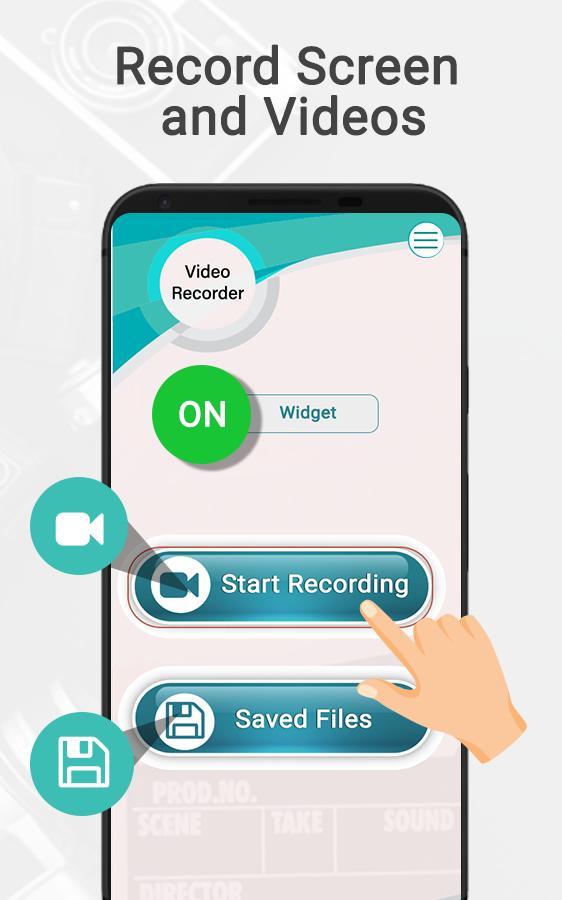
• Screen video recorder comprises of a saved folder where all the recorded videos are placed to watch or share.
• It requires only a single a touch on the widget to start recording and correspondingly clinking the stop button to end the recording session.
The screen recording app for android attracts the users with its flexible working by supporting both landscape and portrait formats. Through this, the users don’t have to download full programs from the internet instead they can record the desired part by enabling the video recording button of the app. The application requires connection of Wi-Fi to operate its functions over the smartphone.
Download the video recorder to enjoy and enhance your smartphone gaming a video chatting experience. Do share with us if any suggestions and recommendations are in your mind.
Latest Version
1.0Uploaded by
Mg Chit Thu
Requires Android
Android 4.2+
Category
Free Video Players & Editors AppContent Rating
Everyone
Report
Flag as inappropriateLast updated on Dec 30, 2019
Minor bug fixes and improvements. Install or update to the newest version to check it out!





APKPure - A multi-platform app store primarily focused on Android, providing extensive app-related content. Discover the app you want easier, faster, and safer, with quick and efficient downloads and installations.