Scan Date:Jun 11, 2025
Show More


TikTok (Asia) serves users across Asian markets who want quick entertainment, regional trends, and easy tools to make short clips. It focuses on local languages and creators, so the content you see often matches your location and preferences. The app surfaces videos based on your viewing habits, then offers straightforward controls to follow topics and participate in challenges. Because it is a regional build, it aligns with local trends and culture, while the TikTok (Asia) APK provides access tailored to your area.
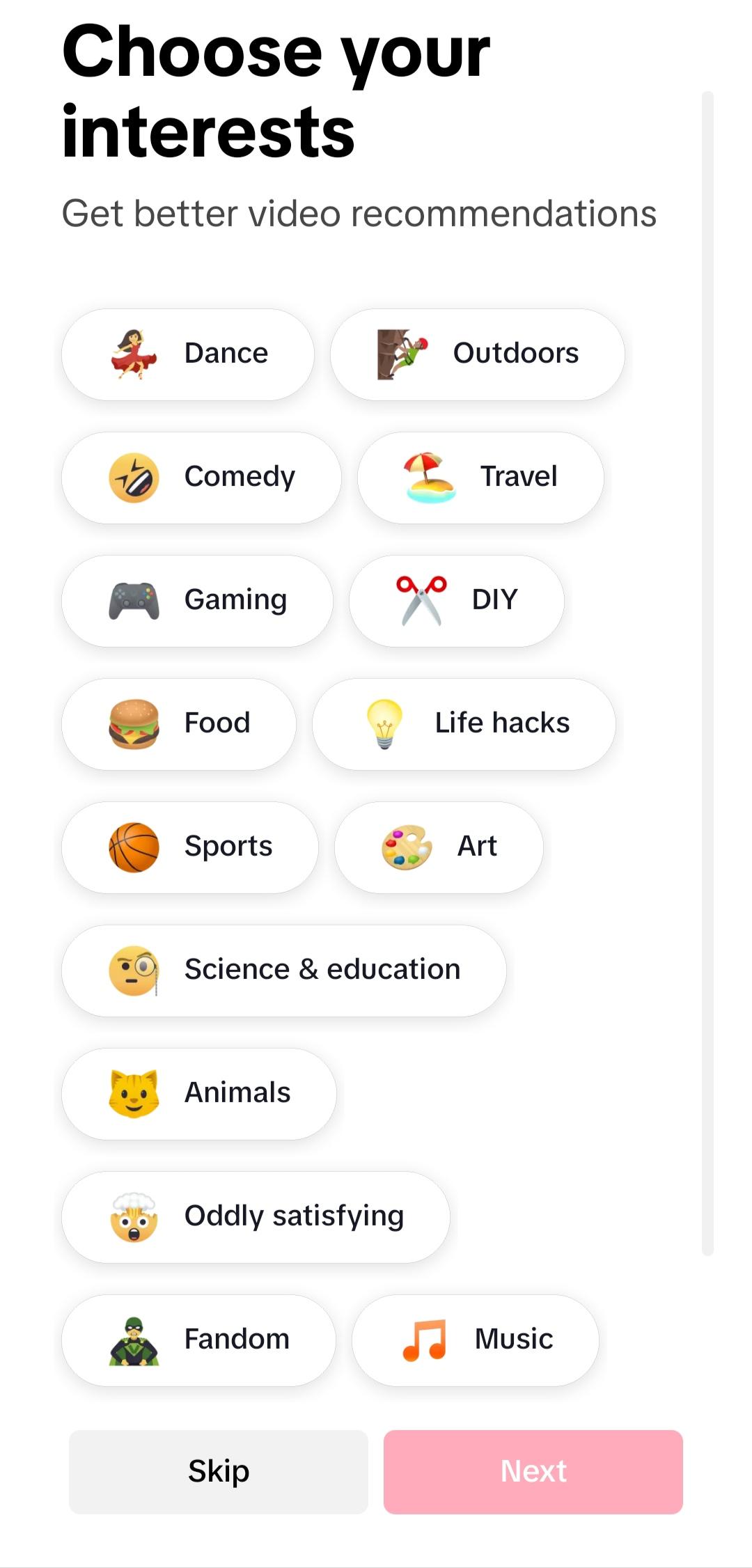
Personalized For You feed
TikTok (Asia) learns from what you watch, like, and share to shape a continuous feed that reflects your interests. Over time, it shows more of the topics and styles you revisit, from quick tips to comedy. This ongoing tuning helps new users settle in, while returning users see familiar themes with fresh posts.
Swipe discovery and smart search
You can move through videos with a single vertical swipe, which keeps browsing simple on a small screen. When you need something specific, the search tool helps you find topics, creators, sounds, or tags. This combination supports casual scrolling and focused exploration without switching screens.
Multi-clip recording and in-app editing
TikTok (Asia) lets you capture several takes in one session by pausing and resuming recording. After that, you can trim, cut, merge, or duplicate clips to build a clear sequence. This workflow lowers the need for external editors and keeps the process inside the app from start to finish.
Music and sound library
You can browse a wide range of tracks and curated playlists to match the tone of your video. The editor helps align cuts with beats and balance the voice with the background music. Using trending sounds can also connect your posts to current challenges and increase visibility within your region.
Creative effects and AR filters
TikTok (Asia) includes visual filters, effects, and AR objects you can preview before posting. These tools are updated to reflect active trends, which helps your videos stay current. Simple controls keep the focus on timing and clarity instead of complex settings.
Community, trends, and sharing
You can follow creators, join challenges, and interact through likes and comments. Posting controls are straightforward, so sharing a finished clip takes only a few taps. As trends shift, the app highlights tags and sounds that many people in your area are using, which supports timely participation.
Access to TikTok (Asia) varies by country and local regulations. The app is banned in India, and attempting to use it may conflict with local laws. Before downloading or using the app, users should review and follow applicable rules in their country. Content, languages, and featured creators may also differ by region, which affects what you see and what sounds are available.
TikTok (Asia) is a regional version of TikTok for markets outside mainland China. Douyin is a separate app used within mainland China with different services, content, and accounts. If you use TikTok (Asia), your experience will not carry over to Douyin, and features may not match between the two.
The TikTok (Asia) latest version may introduce changes to editing tools, effects, or recommendations. Some updates roll out gradually by country or language, so new features might appear at different times across regions. Users can check in-app prompts and help pages for feature availability.
New users can start with basic browsing and then try simple recordings to get comfortable. For the first post, keep the flow short and use built-in tools to edit and add a sound.
Open the app, create or sign in to an account, and allow camera and microphone permissions if prompted.
Swipe up on the For You feed to browse, and tap the search icon to find topics, creators, or sounds.
Tap the plus button to start recording, then press and hold to capture a take. Release to stop, and tap again to add another take.
Move to the editor to trim or cut clips, adjust their order, and then add a music track or recorded voice.
Apply effects or filters if needed, add a caption and tags, choose audience settings, and tap Post to publish.
TikTok (Asia) offers short video discovery and creation focused on local languages, sounds, and trends. If this aligns with your region and rules, you can download TikTok (Asia) APK from APKPure and start exploring or posting in a few minutes.
For reference, official information is available at the link below.
Official website: https://www.tiktok.com/download/en
Latest Version
37.5.22Uploaded by
TikTok Pte. Ltd.
Requires Android
Android 5.0+
Category
Free Video Players & Editors AppContent Rating
Teen
Security Report
Report
Flag as inappropriateLast updated on Apr 30, 2026
Minor bug fixes and improvements. Install or update to the newest version to check it out!







APKPure - A multi-platform app store primarily focused on Android, providing extensive app-related content. Discover the app you want easier, faster, and safer, with quick and efficient downloads and installations.