Scan Date:May 14, 2026
Show More


Video Player All Format helps users handle videos saved across a phone and SD card when formats vary and playback needs to stay stable. It focuses on smooth performance, privacy controls, subtitle handling, and simple gestures so you can watch without interruptions. Moreover, it supports casting to televisions for big screen viewing while you keep using your phone. If you need a reliable Android viewer for local clips, the Video Player All Format APK offers a straightforward way to manage and play files.
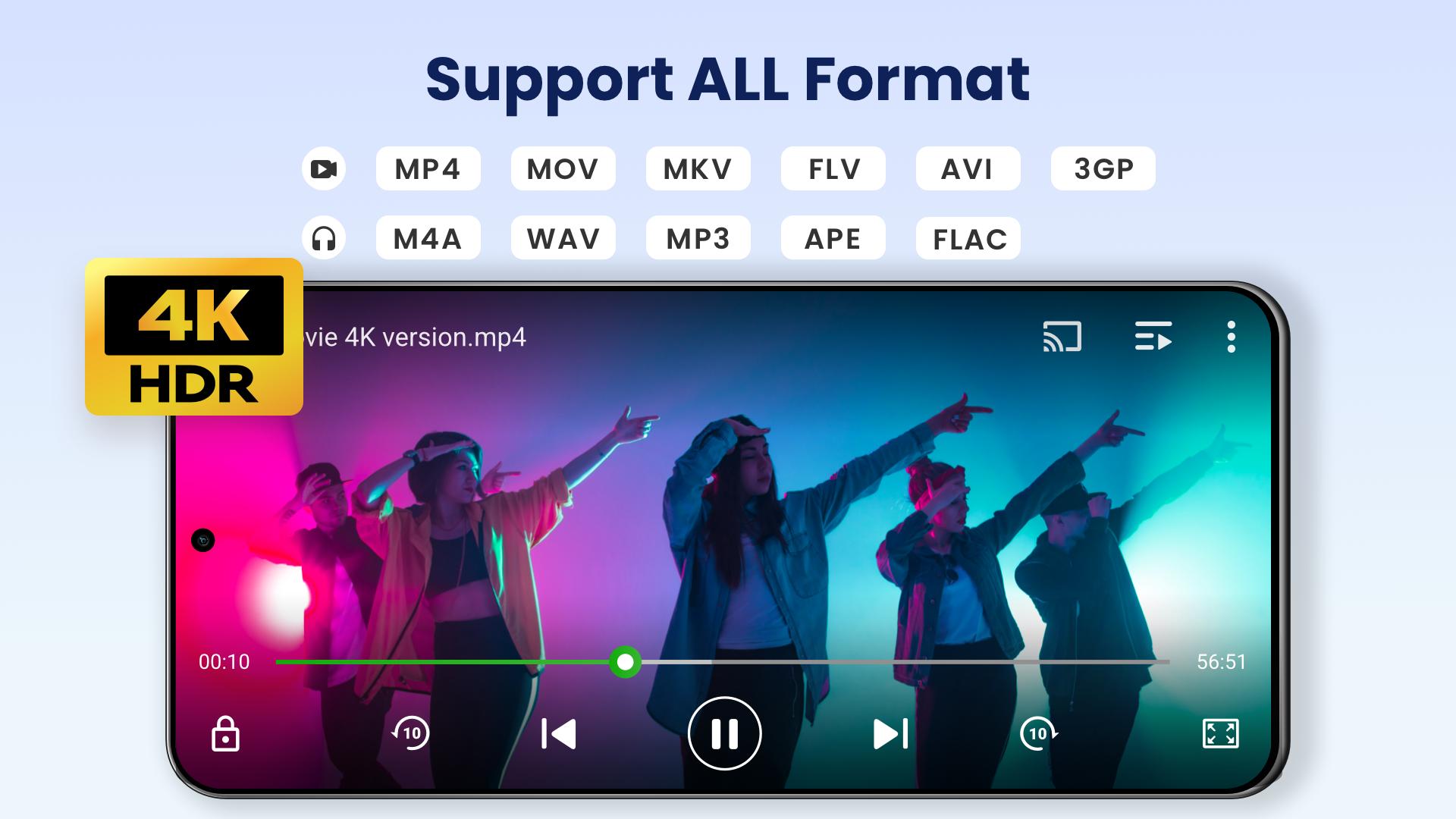
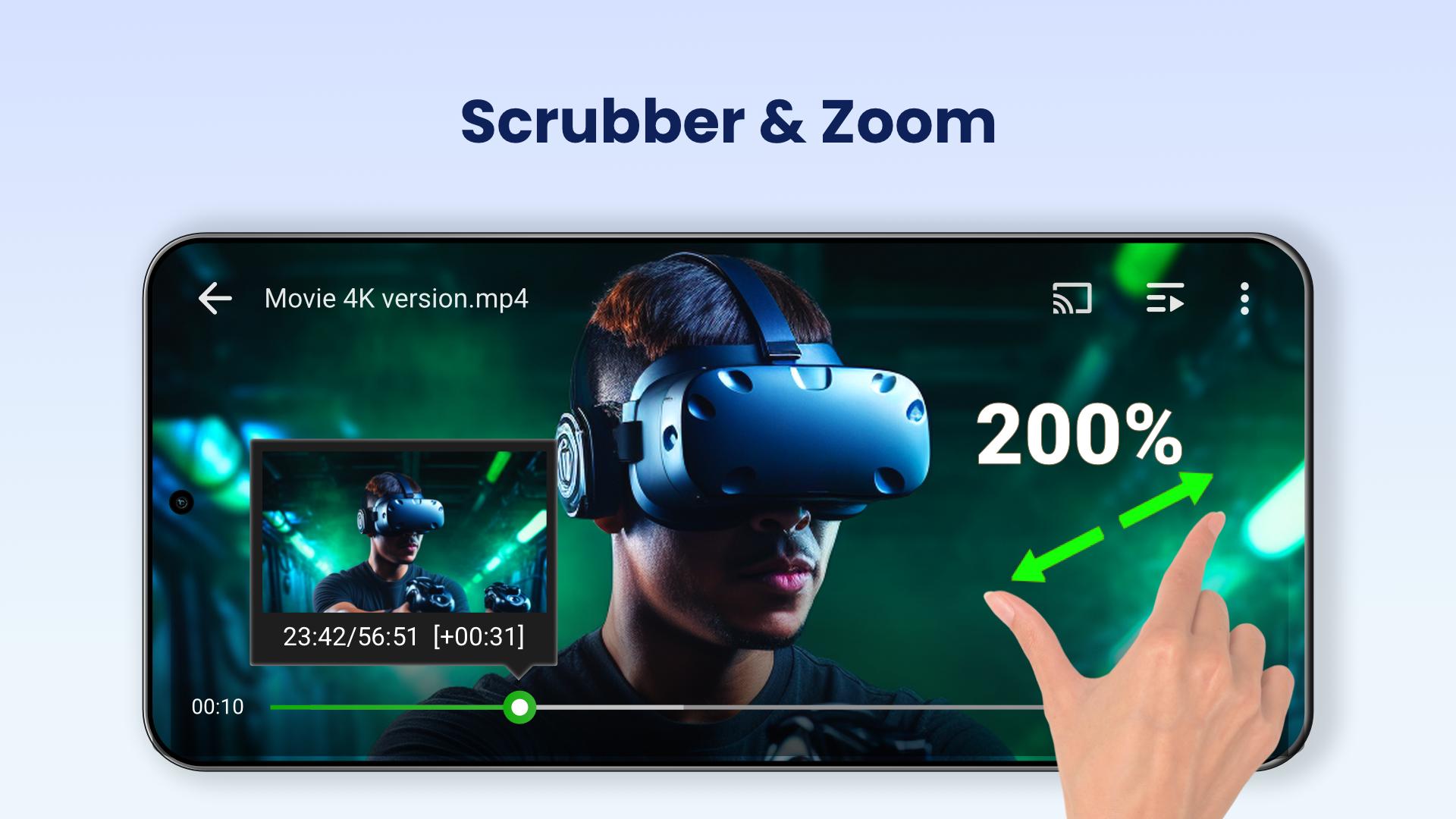
Video Player All Format plays MKV, MP4, M4V, AVI, MOV, 3GP, FLV, WMV, RMVB, TS, and other common containers. Hardware acceleration helps large files and high resolution videos run smoothly, including 4K and Ultra HD. You can switch aspect ratio and rotation as needed, so videos fit your screen correctly.
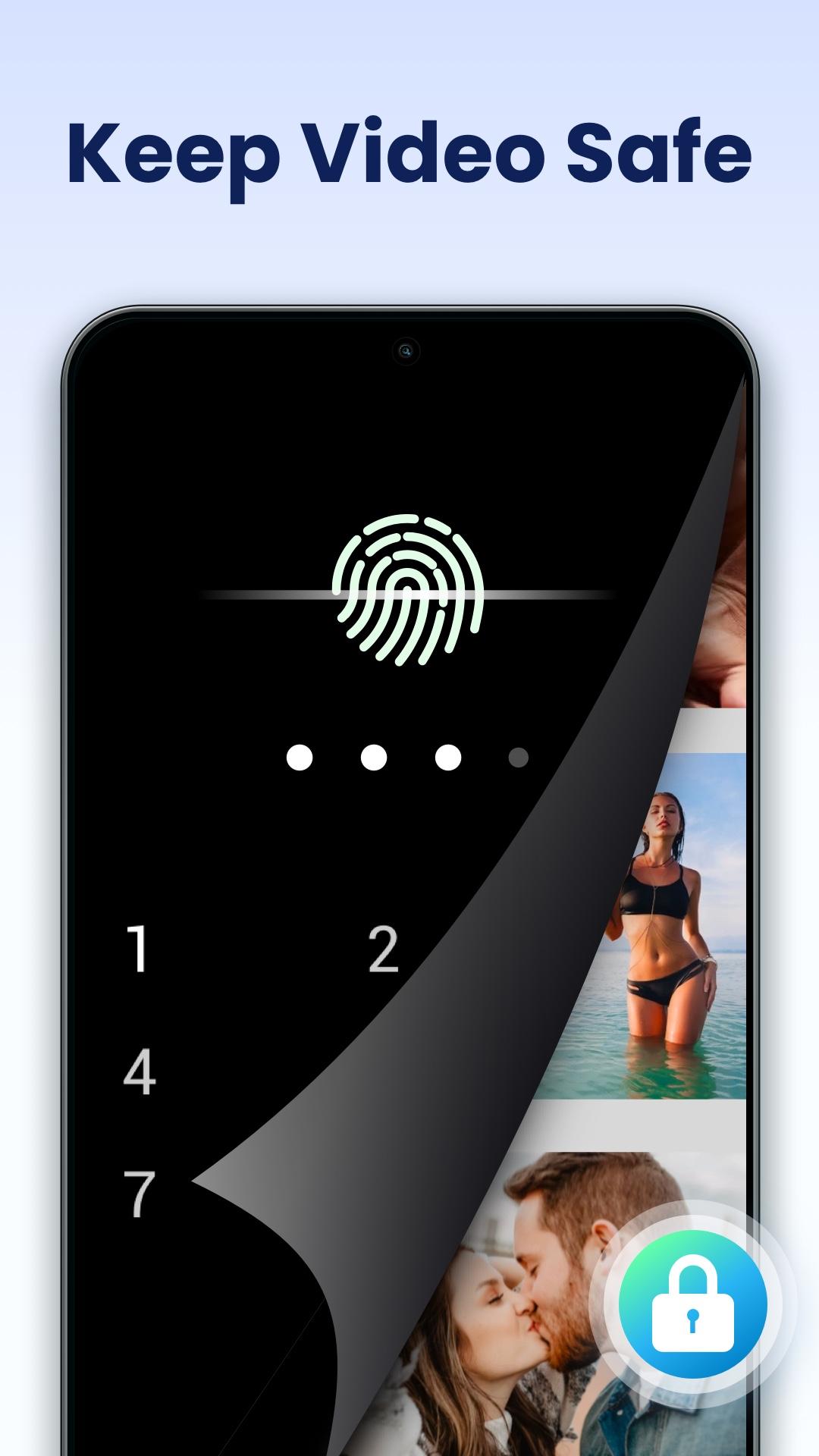
Password protected private folderVideo Player All Format lets you lock sensitive clips inside a private folder secured by a password. You can hide personal videos from the main library and access them only when needed. This keeps casual browsing separate from files you prefer to keep out of sight.
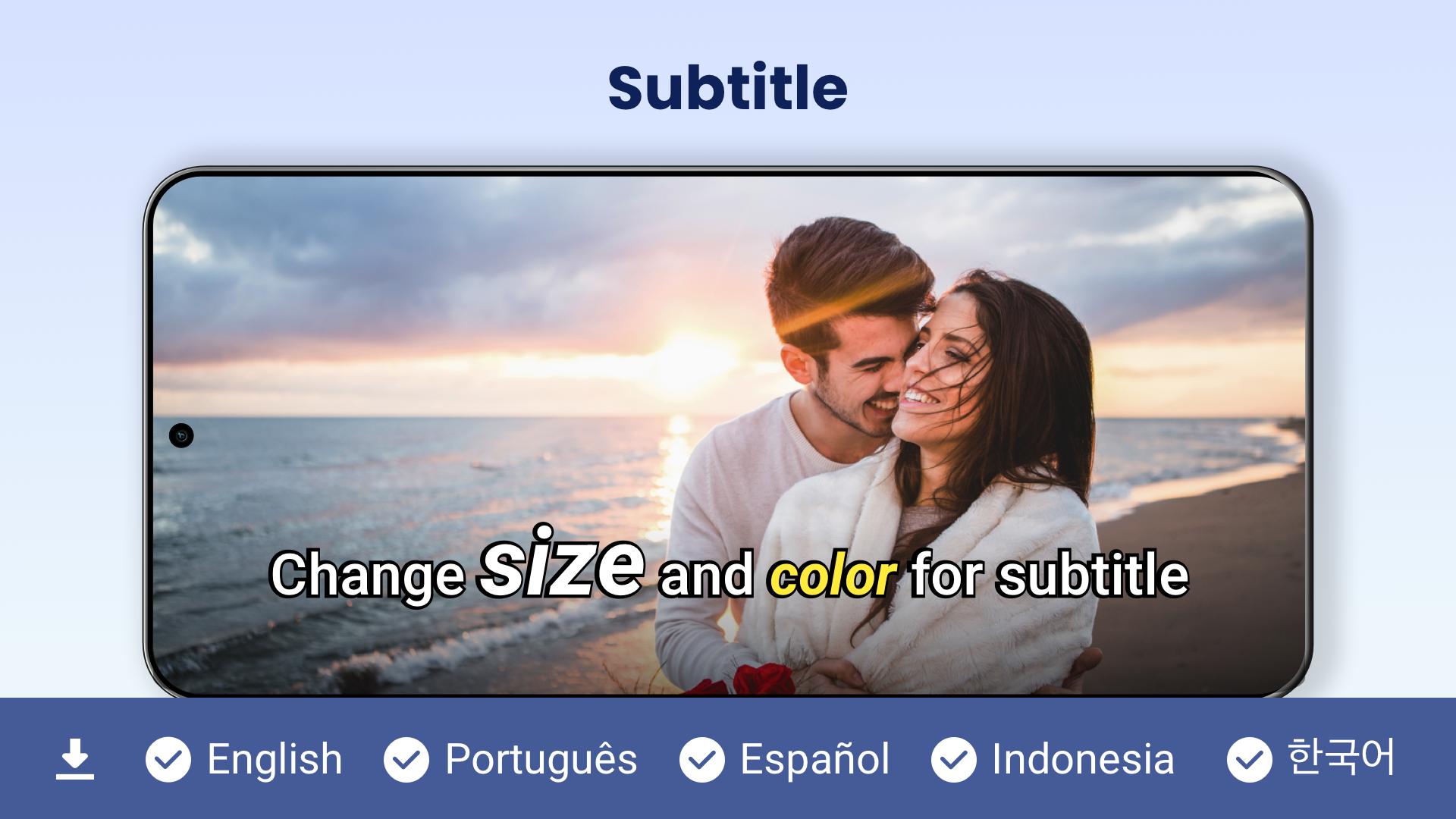
Subtitle tools for movies and showsYou can download subtitles and attach them to your videos directly in the player. Timing adjustments help fix out of sync audio or text, and simple controls keep changes quick. This makes it easier to watch content in another language or improve clarity on dialogue heavy scenes.
Cast to TV with ChromecastVideo Player All Format supports Chromecast, so you can stream local videos to a television. Once connected, playback moves to the big screen while controls remain on your phone. This setup is useful for living room viewing without moving files to another device.
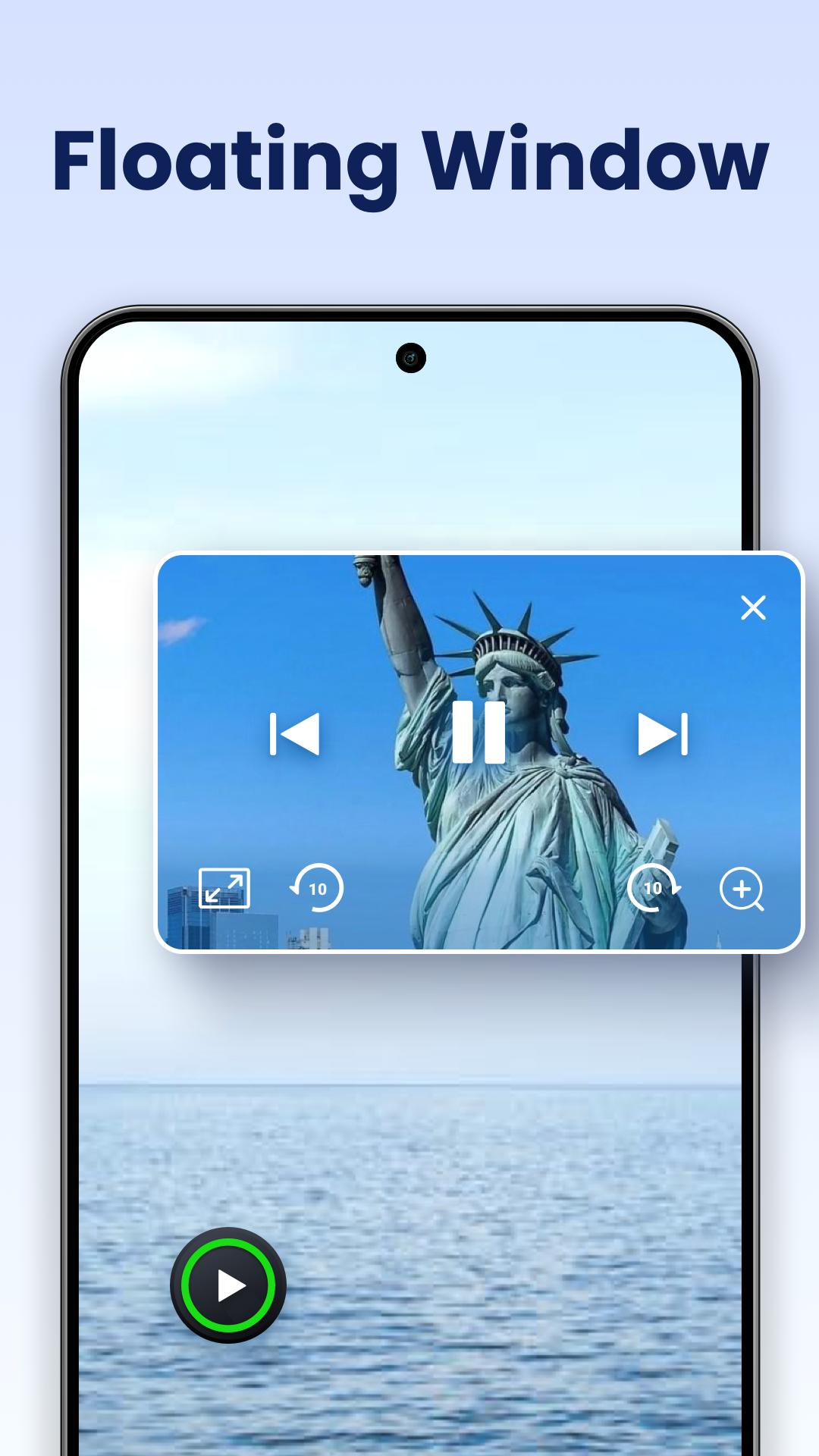
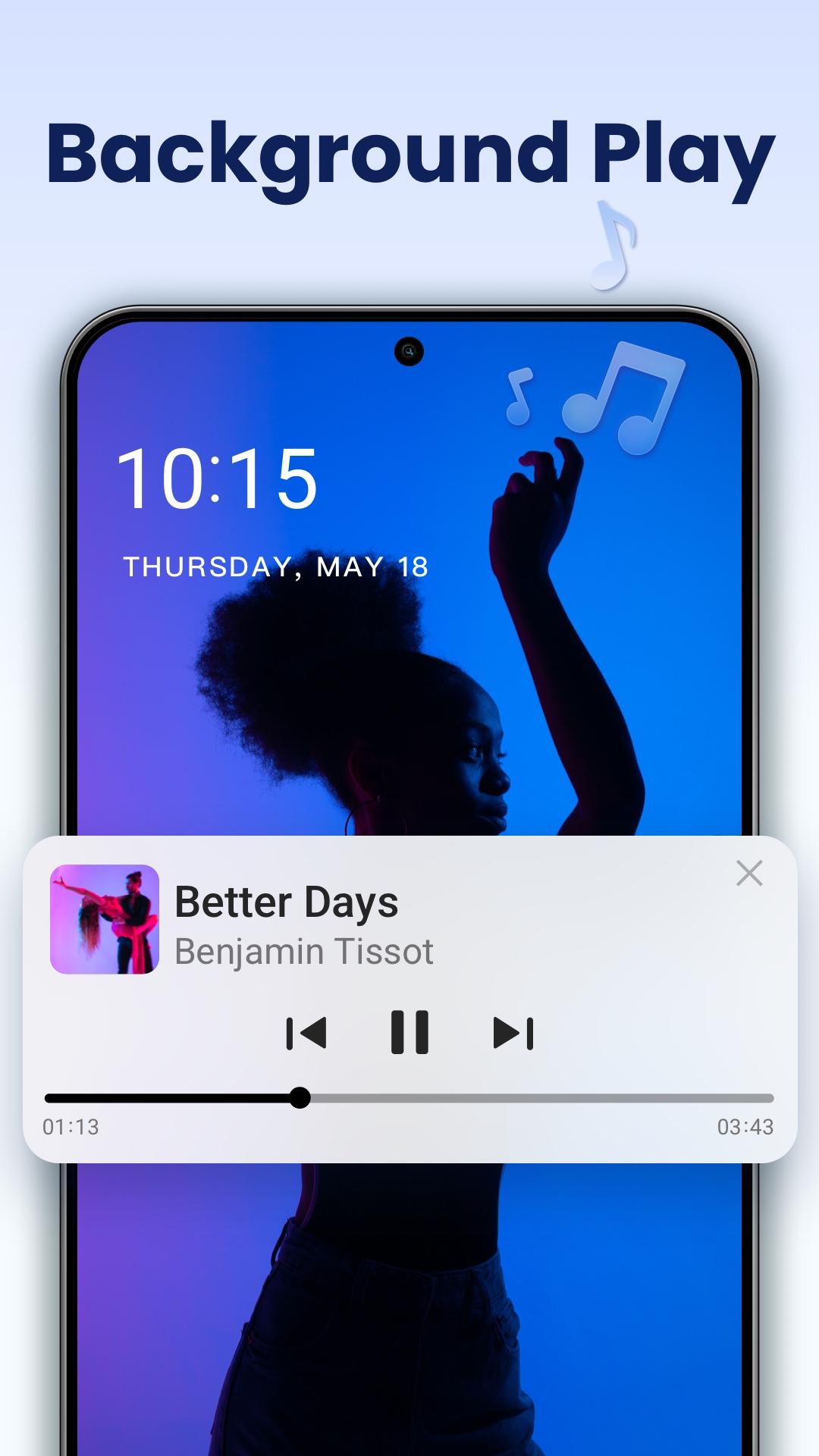
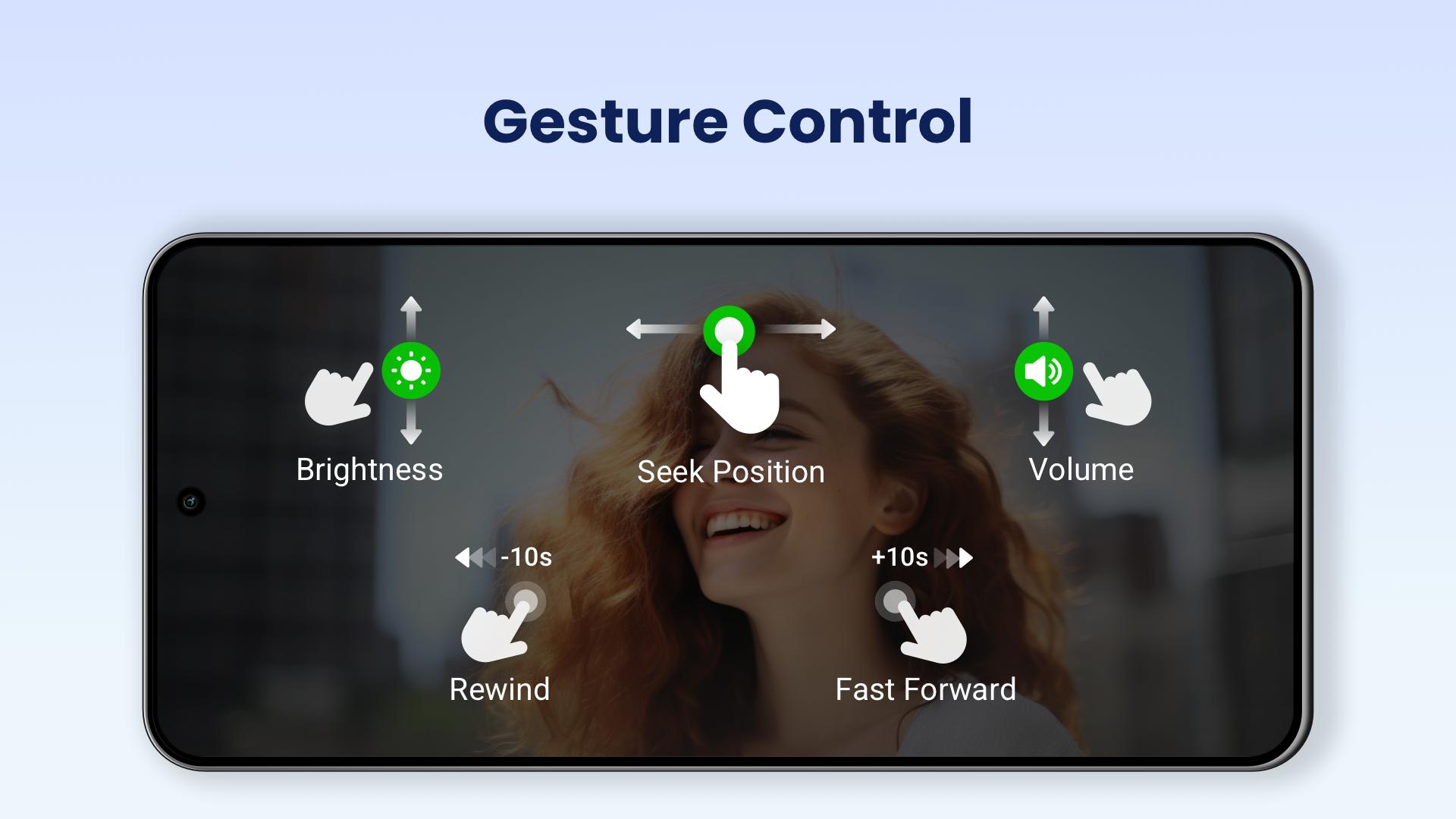
Multitasking and smart controlsVideo Player All Format supports a floating popup window, split screen, and background playback, so you can keep watching while using other apps or listen like audio. A smart scanner auto detects videos on your device and SD card, and built in tools let you manage or share files. Gesture controls adjust volume, brightness, and seeking, while options like playback speed, night mode, quick mute, and screen lock fine tune your viewing.
Video Player All Format is an Android app and is also known as XPlayer by InShot Inc. Casting to a television is available through Chromecast on supported devices. There is no native PC edition.
The app contains ads and offers in app purchases. Some components may show advertising during use, and optional purchases can remove limits or add extras. This information helps set basic expectations before installing.
After installation, Video Player All Format organizes your videos for quick access. To begin, download Video Player All Format and open it on your phone. The steps below cover finding files, playback, casting, and privacy.
Video Player All Format focuses on local playback across many formats, subtitle control, TV casting, and a secure private folder. For stable viewing and simple controls on Android, consider the Video Player All Format latest version. Install it and keep your videos accessible on your phone and TV.
For official information or support, use the links below.
Latest Version
2.6.2Uploaded by
Sandy Alberto Coca Reynoso
Requires Android
Android 7.0+
Category
Free Video Players & Editors AppContent Rating
Everyone
Security Report
Report
Flag as inappropriateLast updated on May 14, 2026
✅ Improvements
- Subtitles improved for a smoother experience.
- Other bug fixes and performance improvements.


APKPure - A multi-platform app store primarily focused on Android, providing extensive app-related content. Discover the app you want easier, faster, and safer, with quick and efficient downloads and installations.