Scan Date:Apr 24, 2026
Show More


KMPlayer helps when you want one player for local files, network shares, and streaming links. It focuses on straightforward playback controls and flexible settings, so you can adjust visuals and subtitles as needed. It works with many common audio and video formats, and it handles large files smoothly. To get started, download KMPlayer and grant storage access for your media. This keeps playback simple while still offering room to personalize your viewing. Setup is quick, and most actions are easy to find.
Playback and visual controls
KMPlayer provides quick buttons for common actions like pause and skip. You can change brightness, light intensity, hue, saturation, and gamma to match the screen. Use expand or contract to fit the picture to your display. When needed, adjust play speed for faster review or slower detail.
Subtitles and bookmarks
Local, network, and web playback
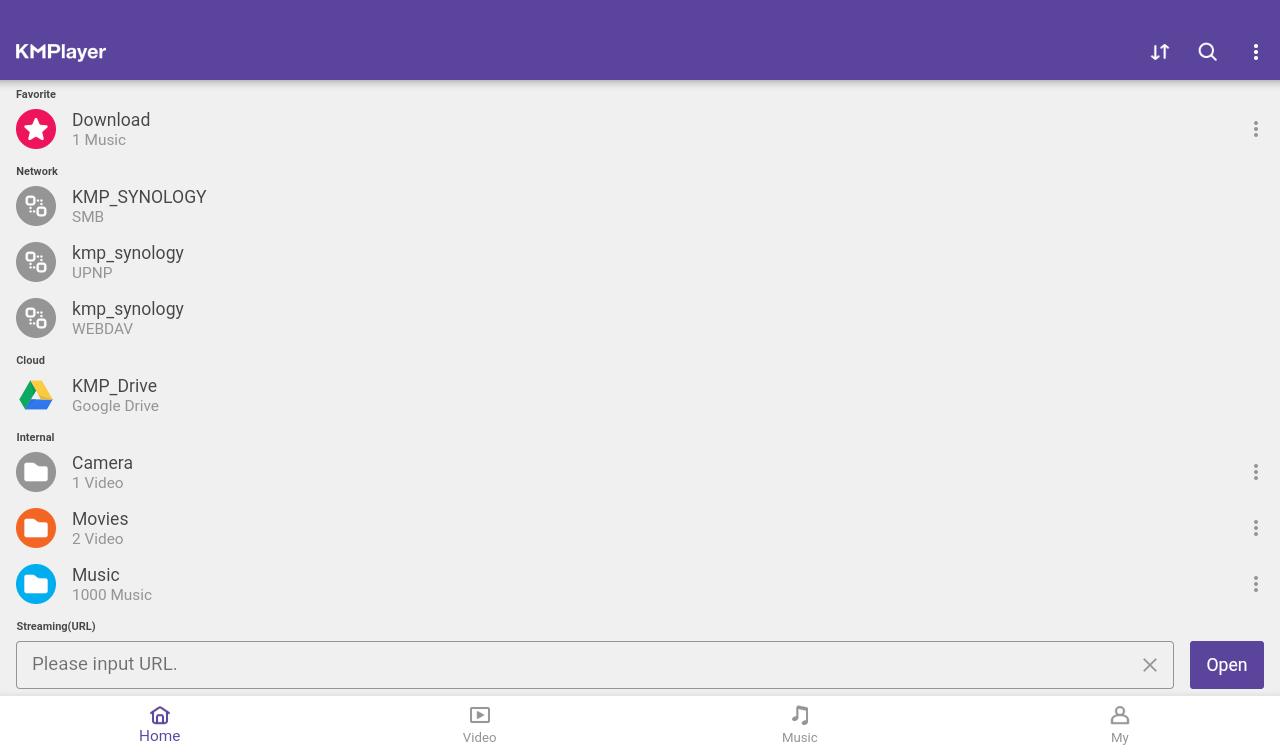
Beyond local files, KMPlayer opens videos from URLs for streaming. It connects to FTP, UPNP, SMB, and WebDAV servers, and supports cloud storage like Dropbox and OneDrive. When needed, cast content to a TV with Chromecast. KMPlayer APK also works with a wide range of audio, video, and subtitle formats.
VIP tools via in app purchase
KMPlayer covers everyday viewing for local files, network sources, and web streams. Customize visuals, subtitles, and speed, then cast to a TV if needed. For extra editing tools, try the VIP options. Install the KMPlayer latest version and check permissions so your library is accessible.
Latest Version
46.04.235Uploaded by
PANDORA.TV
Requires Android
Android 7.0+
Category
Free Video Players & Editors AppContent Rating
Everyone
Security Report
Report
Flag as inappropriateLast updated on Apr 24, 2026
Minor bug fixes and improvements. Install or update to the newest version to check it out!



APKPure - A multi-platform app store primarily focused on Android, providing extensive app-related content. Discover the app you want easier, faster, and safer, with quick and efficient downloads and installations.