Scan Date:Apr 17, 2026
Show More


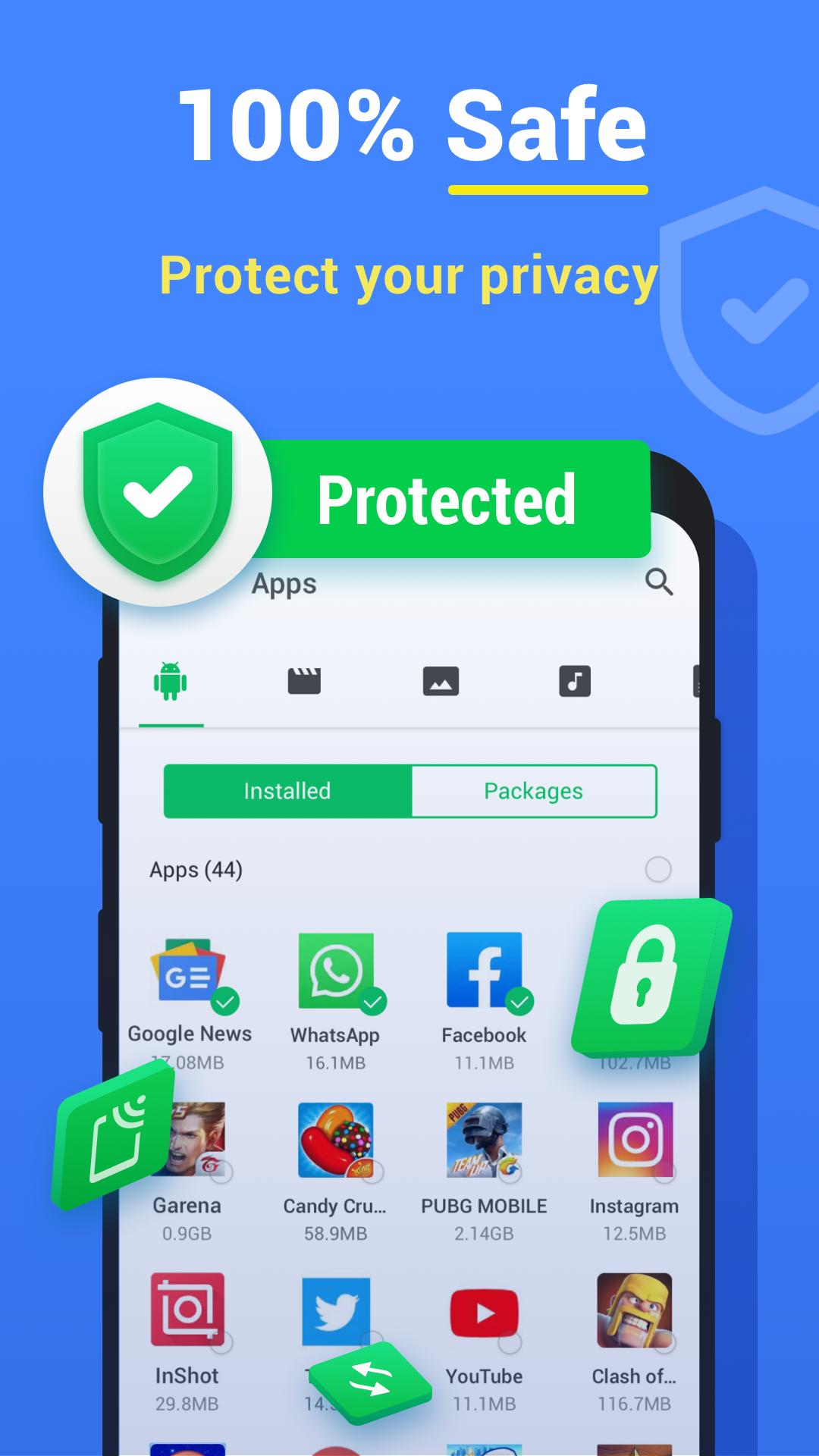
File Sharing - InShare helps when you need to move photos, videos, music, or apps between phones without cables. It uses local connections over hotspot or Wi-Fi, so sharing is direct and quick. Whether you are sending media to friends or setting up a new phone, the steps are simple to follow. To get started, download File Sharing - InShare and choose the items you want to transfer, then connect to the other device.
Fast local transfers
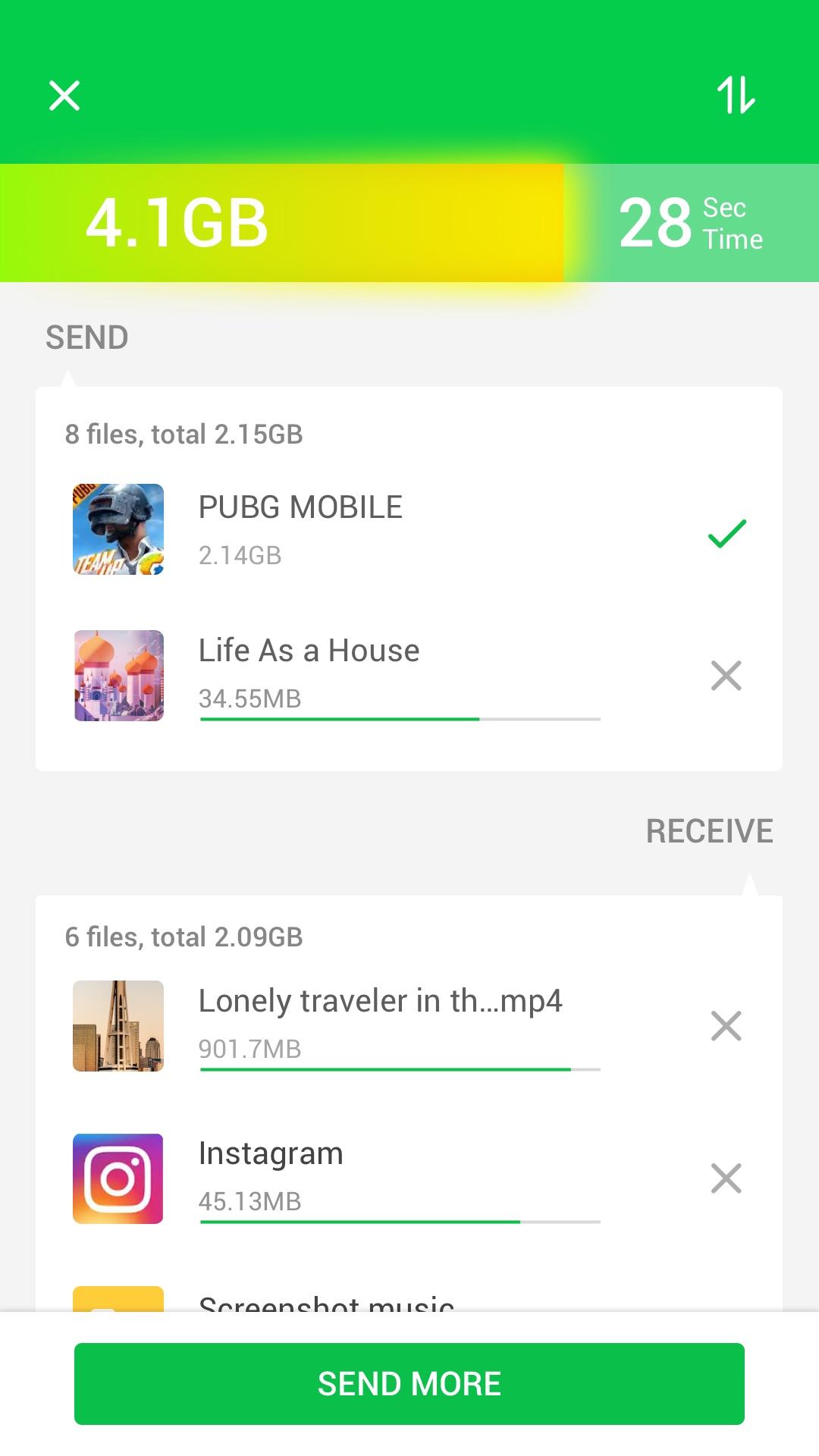
File Sharing - InShare supports transfer speeds up to 40 MB/s using hotspot or Wi-Fi. Large videos and other big files move quickly, and multiple items can be queued together. This setup keeps the connection device to device for consistent performance.
Send many file types
Smart phone replication
When changing devices, you can move contacts, SMS, photos, music, videos, and apps from an old phone to a new phone. File Sharing - InShare also lets you migrate files to another device without installing the app on the target, which helps in one time transfers.
Fast Mode and management tools
To improve stability, Fast Mode switches compatible devices to 5 GHz during transfers. A built in file manager offers sorting and search, and you can save received photos and videos directly to your device for offline access.
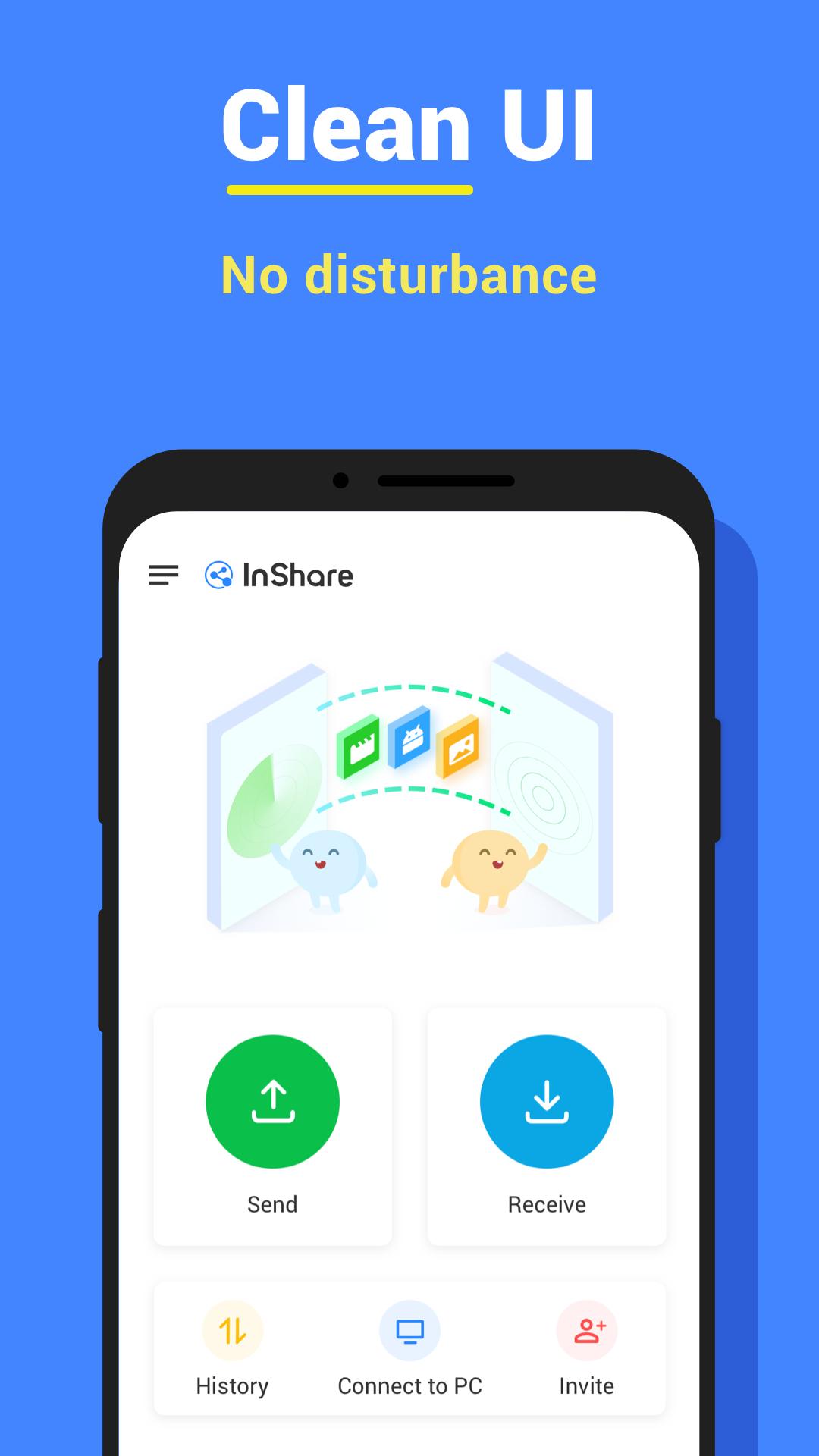
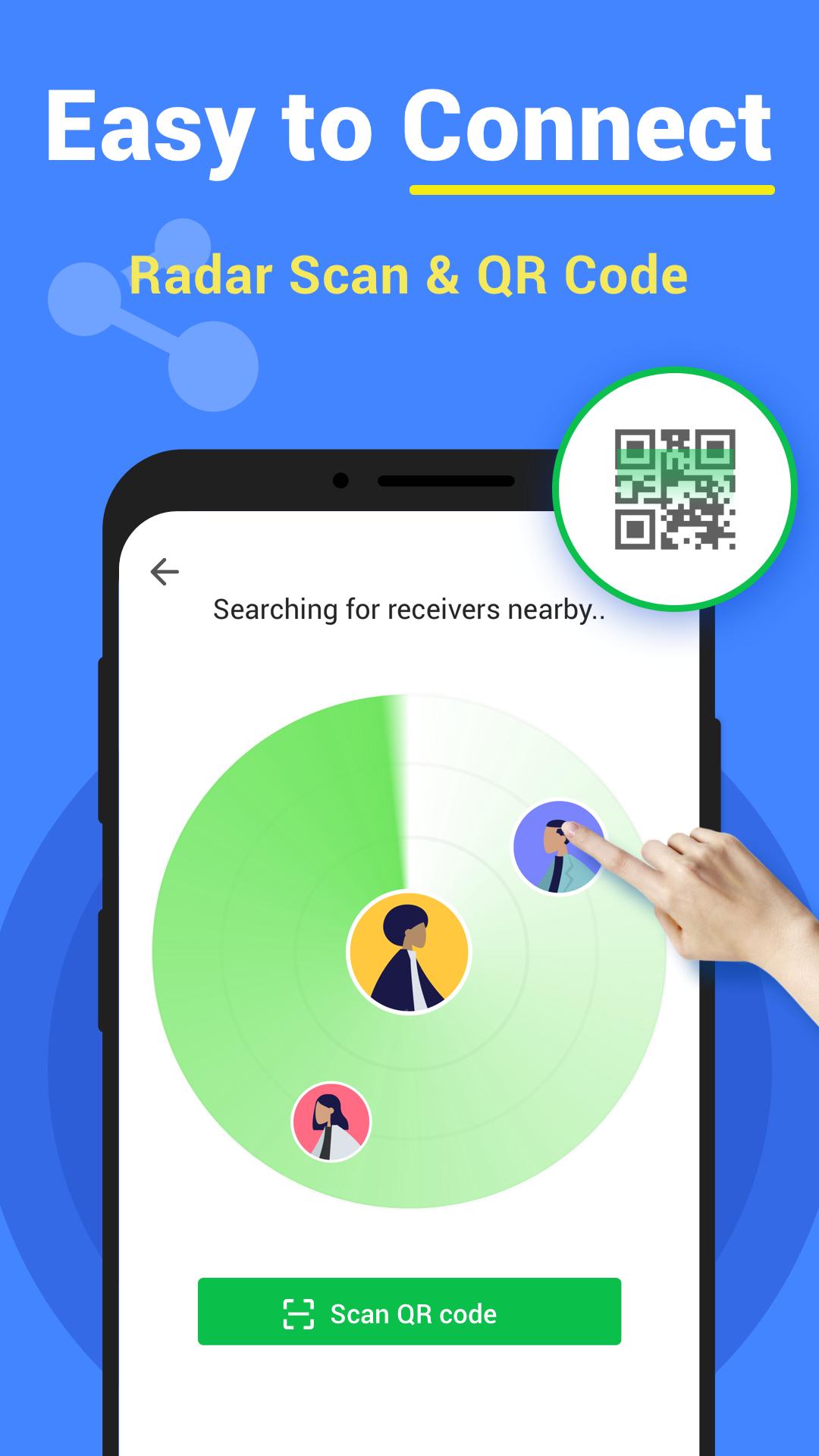
Open the app, choose what to send, and connect to the other device. For best results and new improvements, use File Sharing - InShare latest version. Transfers rely on local hotspot or Wi-Fi, so you can monitor progress on both screens. Finish by closing the connection when your items are delivered.
Latest Version
2.1.2Uploaded by
Mithun Kumar
Requires Android
Android 6.0+
Category
Free Tools AppContent Rating
Everyone
Security Report
Report
Flag as inappropriateLast updated on Apr 17, 2026
⭐️ Crash fixs and performance improvement
⭐️ Compatible with Android 15.0
Email us: videostudio.feedback@gmail.com




APKPure - A multi-platform app store primarily focused on Android, providing extensive app-related content. Discover the app you want easier, faster, and safer, with quick and efficient downloads and installations.