
The easiest way to turn your photos into movie masterpiece and create video slideshow in several clicks!
Video Maker is application for creating video from Images and Music, Its totally free and be forever without any watermark.
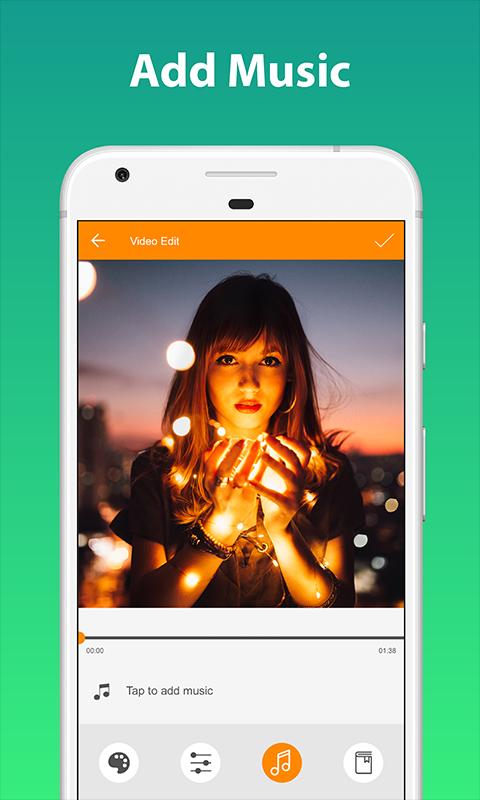
This easy-to-use movie maker app collects your photos and transforms them in to stunning videos. Enhance your picture-perfect moments with intuitive editing tools. Add a background music use your own music track, making your videos/slideshow more professional, personal, and special and you can easily share with your friends & family.
With this video maker, you can create amazing videos, as birthday/wedding surprises or for other special occasions, celebrations, and festivals. You can also share your movies easily to your Instagram and Facebook account or save an unfinished project in My Drafts if you want to edit or finish it later. Have fun making videos of superb quality with this intuitive movie maker/video maker and video editor!
Make your photos come alive with this movie creator in 3 easy steps:
1. Select photos.
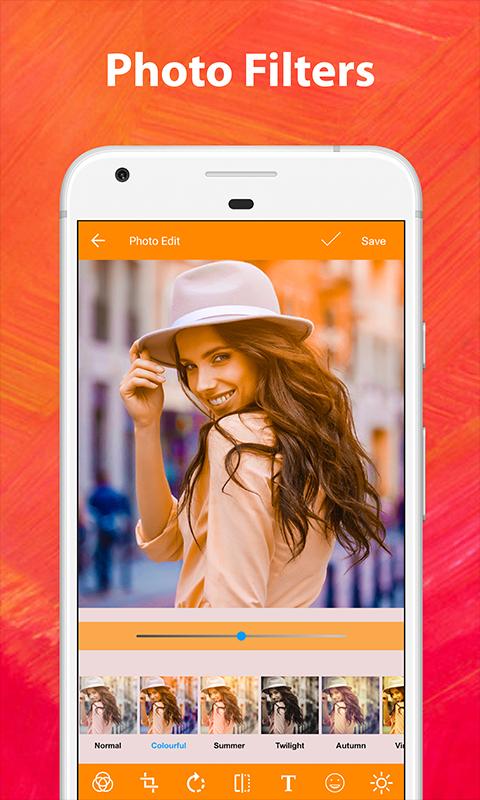
2. Edit photos, Arrange photos and Apply theme or color filter with preview then save.
3. Make Video of photos with song and animation and various effect.
4. Share it to your social media accounts eg. Facebook, Facebook Messenger, YouTube, Instagram, Whatsapp, Wechat, Line, Hike, Viber, Tango. imo, Badoo, Telegram, Vine, kik, Vimeo, Twitter, Email, or your cloud accounts.
HOT Features :
✔ Faster : Instant Converts your photo to video from Gallery or File manager using share option.
✔ Cloud-based photo support : Grab photos from Facebook, Instagram or Google plus to create your short movie.
✔ Edit order : Perfect can Rearrange photos in order to create a video of your own.
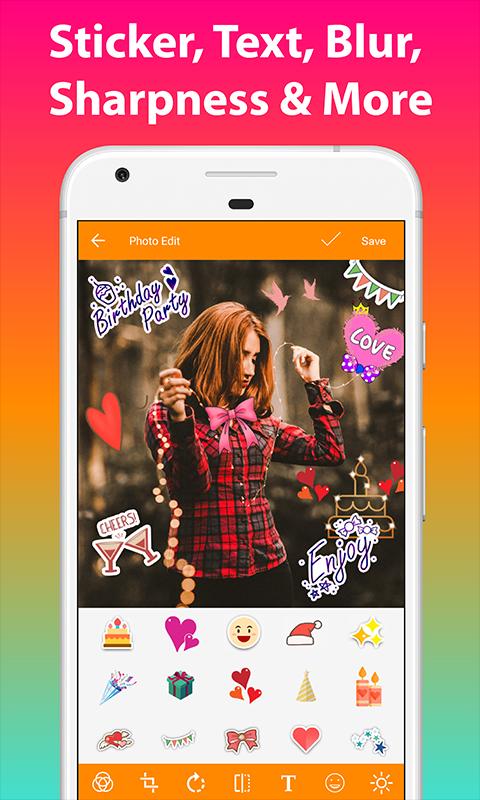
✔ Edit Photos : Edit Every image with amazing features like text, emoji, photo effects, crop, orientation, brightness, contrast, sharpness and more.
✔ Special Theme : Select the perfect theme for the occasion from our library of professionally-made themes, including Themes Overlay/Color Filters/Front Cover/Back Cover.
✔ Add Background music : Select background music from an external source.Edit the length of the music and apply to your movie/slideshow.
✔ Customize : Customize duration of slide as you like, default is set to 2 seconds per slide.
✔ Preview Video : With this handy video editor, you can get instant previews of the edits you’ve made to the photos, whether they be adjusting the photo order, replacing the photos, adding/changing music, adding/changing theme, adding/changing front cover image , adding/changing end cover image slides.
✔ My drafts : Save an unfinished project as a draft if you want to edit or finish it later. You can continue editing your projects via My drafts on the video maker home screen.
✔ Easiest User Interface to create video in a seconds.
✔ Share via social media platforms : Share stunning videos to popular social media sites such as Facebook, Facebook Messenger, YouTube, Instagram, Whatsapp, Wechat, Line, Hike, Viber, Tango. imo, Badoo, Telegram, Vine, kik, Vimeo, Twitter, Email, MMS and more!!
Privacy Policy :
Account permission user needed for the user's own google photo getting api so we are not use your personal information.
Latest Version
1.0.9Uploaded by
Omed Sndi
Requires Android
Android 4.1+
Category
Free Photography AppContent Rating
Everyone
Report
Flag as inappropriateLast updated on Jan 9, 2020
~ Photo Editing in add more features





APKPure - A multi-platform app store primarily focused on Android, providing extensive app-related content. Discover the app you want easier, faster, and safer, with quick and efficient downloads and installations.









