1. Select any video from Gallery.
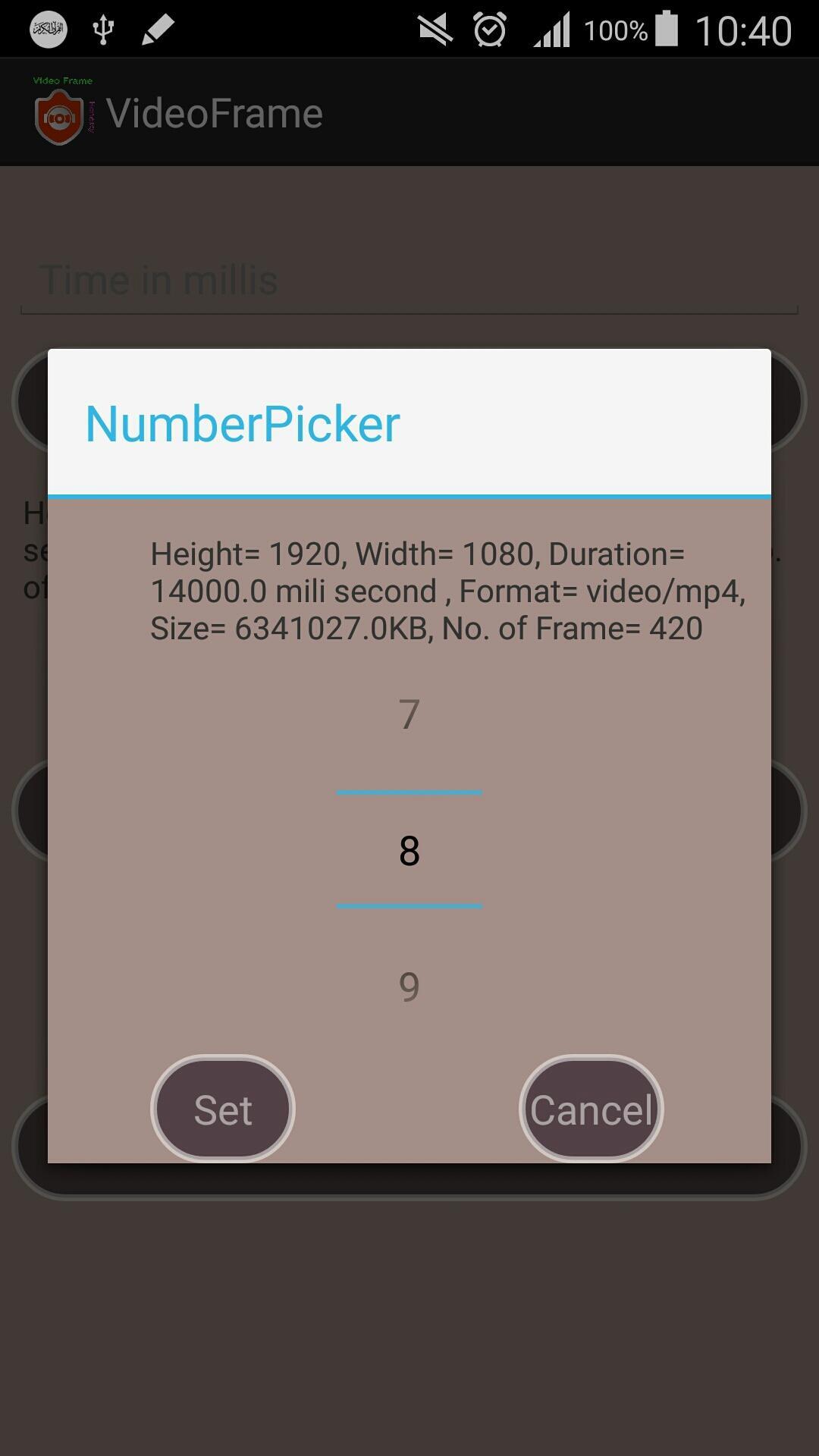
2. Select any frame number what you want to take from the video. (high quality video consists of 30 frames per second).
3. Give time in mili second with in the limit of the video. (1 second = 1000 mili second).
4. Generate the frame with your own choice by selecting time or number of frame.
5. See the preview of the frame and save the frame of the video in your sdcard.
Latest Version
4.0Uploaded by
Nguyen Ca Ca
Requires Android
Android 4.0+
Category
Free Video Players & Editors AppContent Rating
Everyone
Report
Flag as inappropriateLast updated on Oct 25, 2016
UI changed.




APKPure - A multi-platform app store primarily focused on Android, providing extensive app-related content. Discover the app you want easier, faster, and safer, with quick and efficient downloads and installations.