1. Select any video from Gallery.
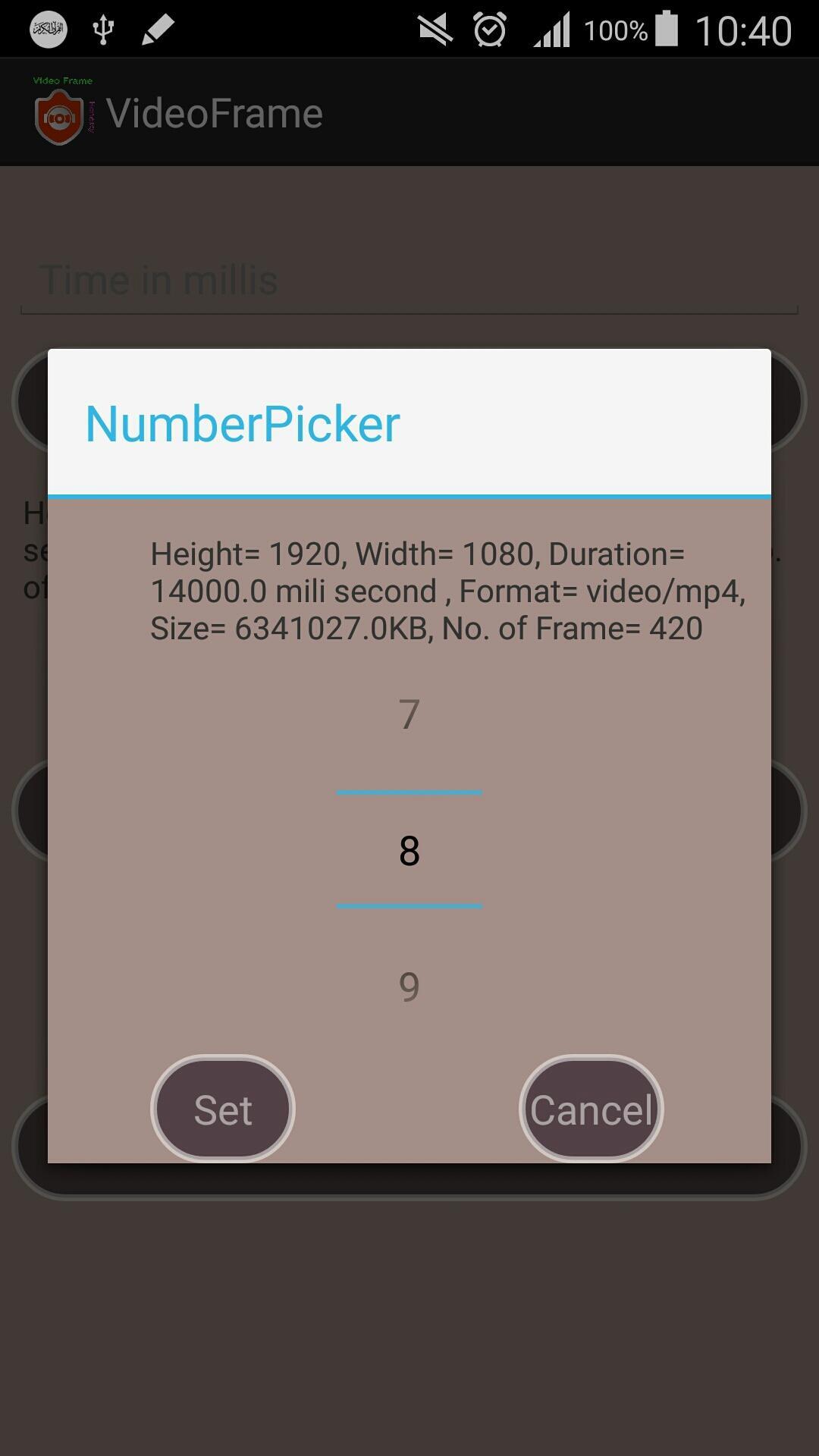
2. Select any frame number what you want to take from the video. (high quality video consists of 30 frames per second).
3. Give time in mili second with in the limit of the video. (1 second = 1000 mili second).
4. Generate the frame with your own choice by selecting time or number of frame.
5. See the preview of the frame and save the frame of the video in your sdcard.
Versi Terbaru
4.0Dimuat naik oleh
Nguyen Ca Ca
Memerlukan Android
Android 4.0+
Penilaian Kandungan
Everyone
Laporkan
Tandai sebagai tidak sesuaiLast updated on Oct 25, 2016
UI changed.




APKPure - Sebuah gedung aplikasi berbilang platform yang tertumpu terutamanya pada Android, menyediakan kandungan berkaitan aplikasi yang meluas. Temui aplikasi yang anda mahukan dengan lebih mudah, pantas, dan selamat, dengan muat turun dan pemasangan yang cepat dan cekap.