1. Select any video from Gallery.
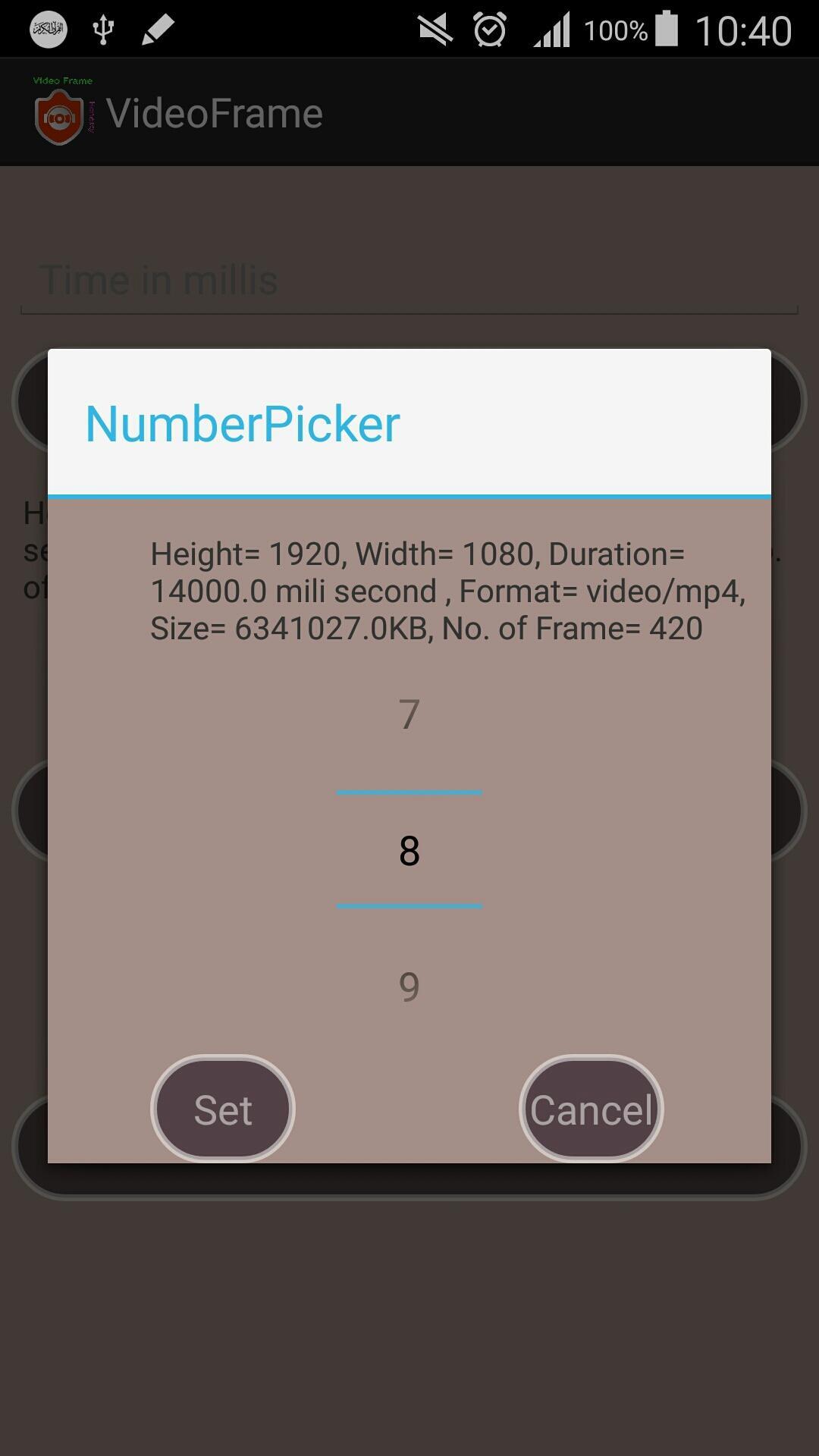
2. Select any frame number what you want to take from the video. (high quality video consists of 30 frames per second).
3. Give time in mili second with in the limit of the video. (1 second = 1000 mili second).
4. Generate the frame with your own choice by selecting time or number of frame.
5. See the preview of the frame and save the frame of the video in your sdcard.
Aktuelle Version
4.0Von hochgeladen
Nguyen Ca Ca
Erforderliche Android-Version
Android 4.0+
Kategorie
Gratis Videoplayer & Editors APPAltersfreigabe
Everyone
Last updated on Oct 25, 2016
UI changed.




APKPure – Ein plattformübergreifender App-Store mit Fokus auf Android, der eine Vielzahl an Apps und relevanten Inhalten bietet. Entdecken Ihre gewünschte App, laden und installieren Sie schneller, sicherer und effizienter.