1. Select any video from Gallery.
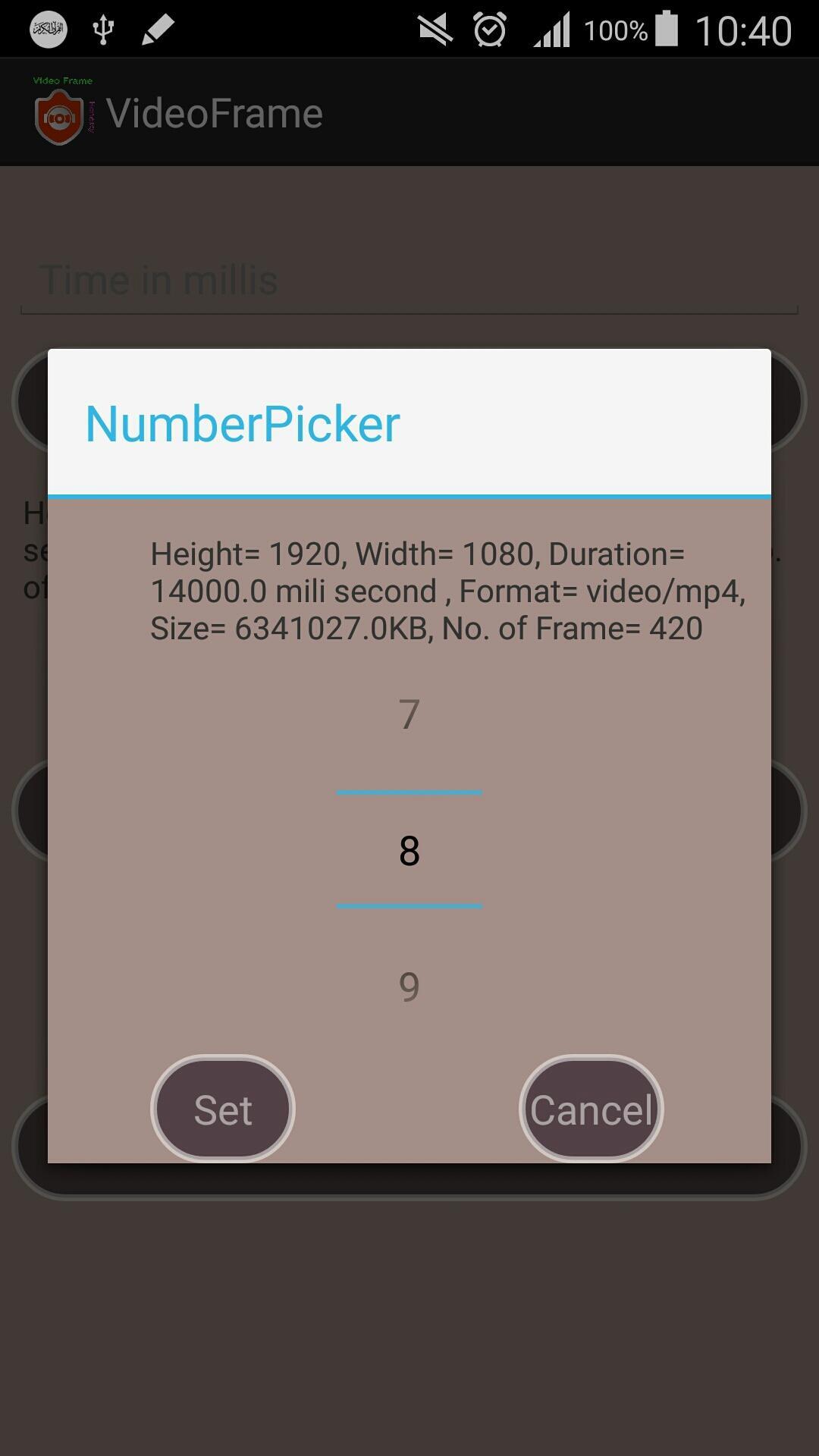
2. Select any frame number what you want to take from the video. (high quality video consists of 30 frames per second).
3. Give time in mili second with in the limit of the video. (1 second = 1000 mili second).
4. Generate the frame with your own choice by selecting time or number of frame.
5. See the preview of the frame and save the frame of the video in your sdcard.
Last updated on 2016年10月25日
UI changed.




APKPure - Androidを中心としたマルチプラットフォームのアプリストアで、豊富なアプリ関連コンテンツを提供しています。より簡単に、より速く、より安全にアプリを見つけることができ、ダウンロードとインストールも迅速かつ効率的です。