Game description
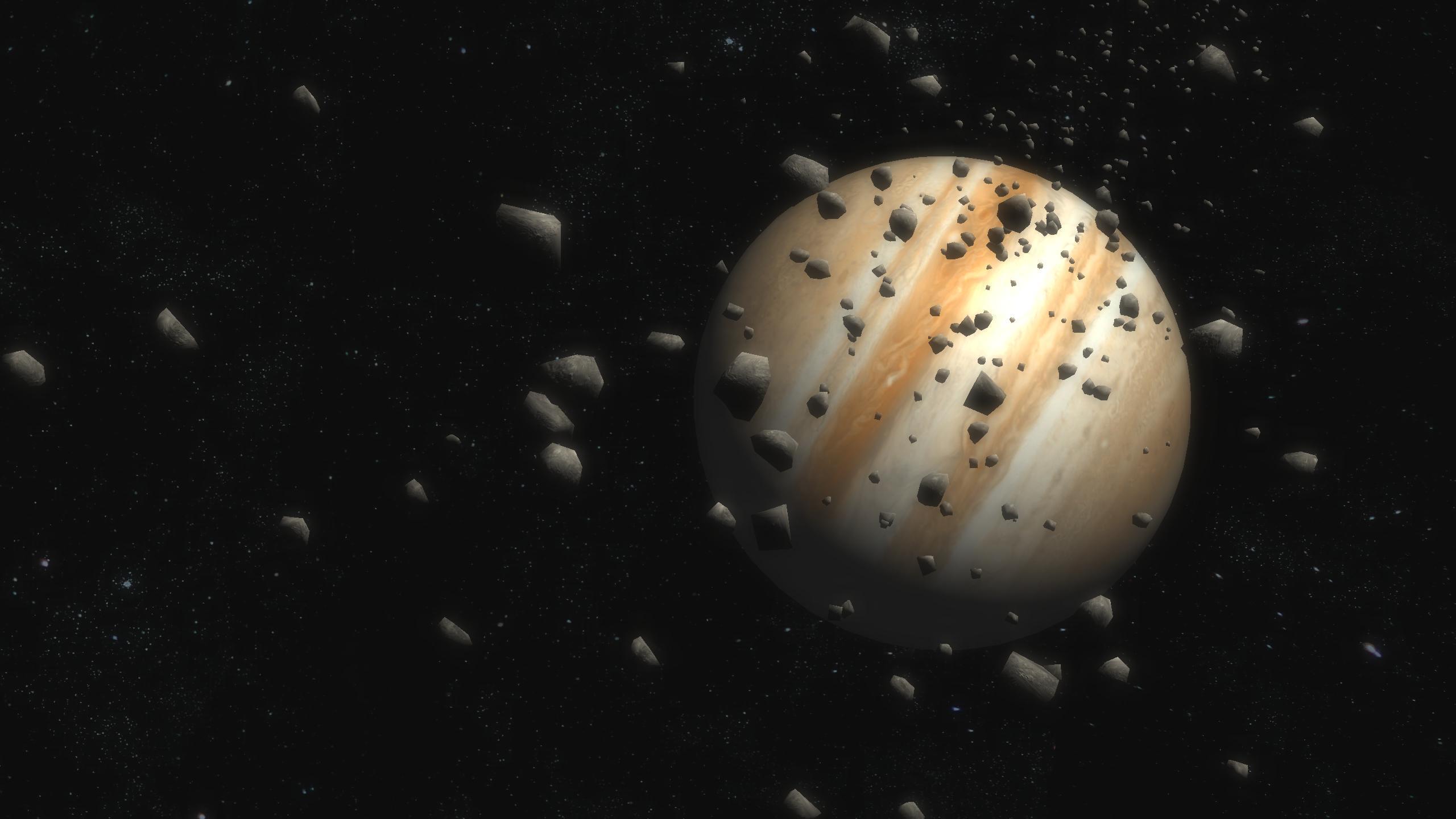
It presents an important part of the solar system, the eight planets,
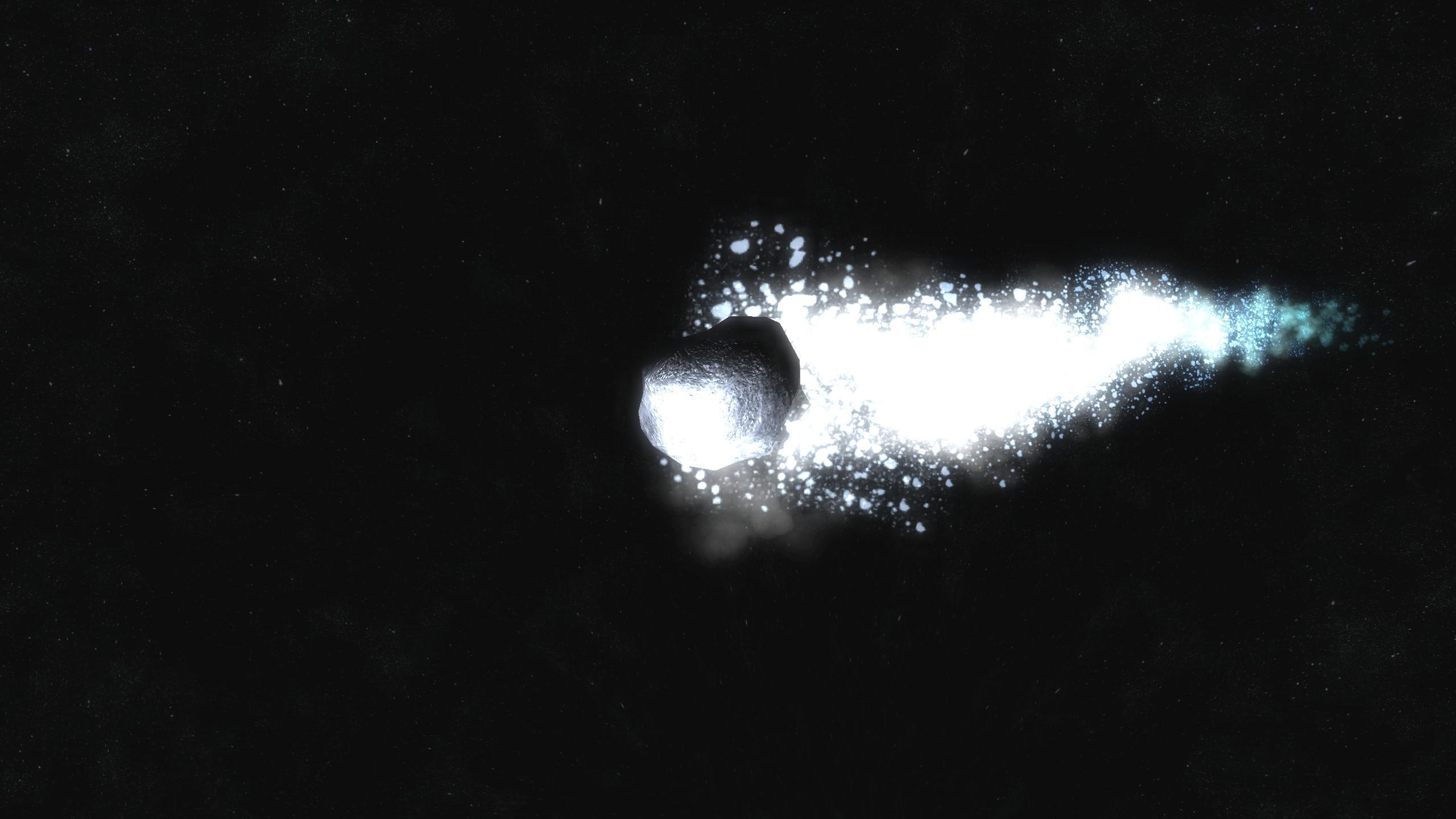
in addition, we also have the asteroid belt, Halley's Comet ...
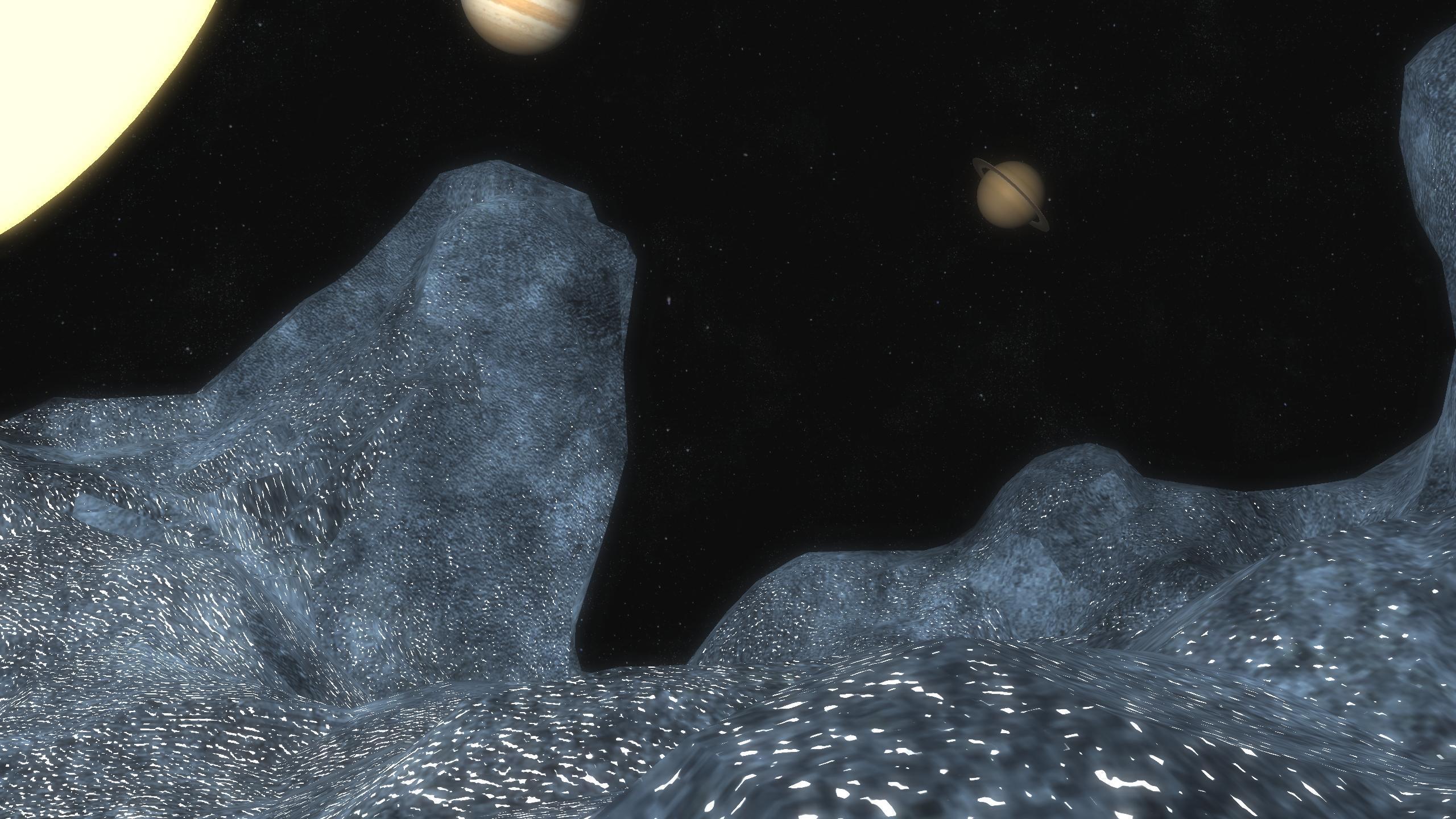
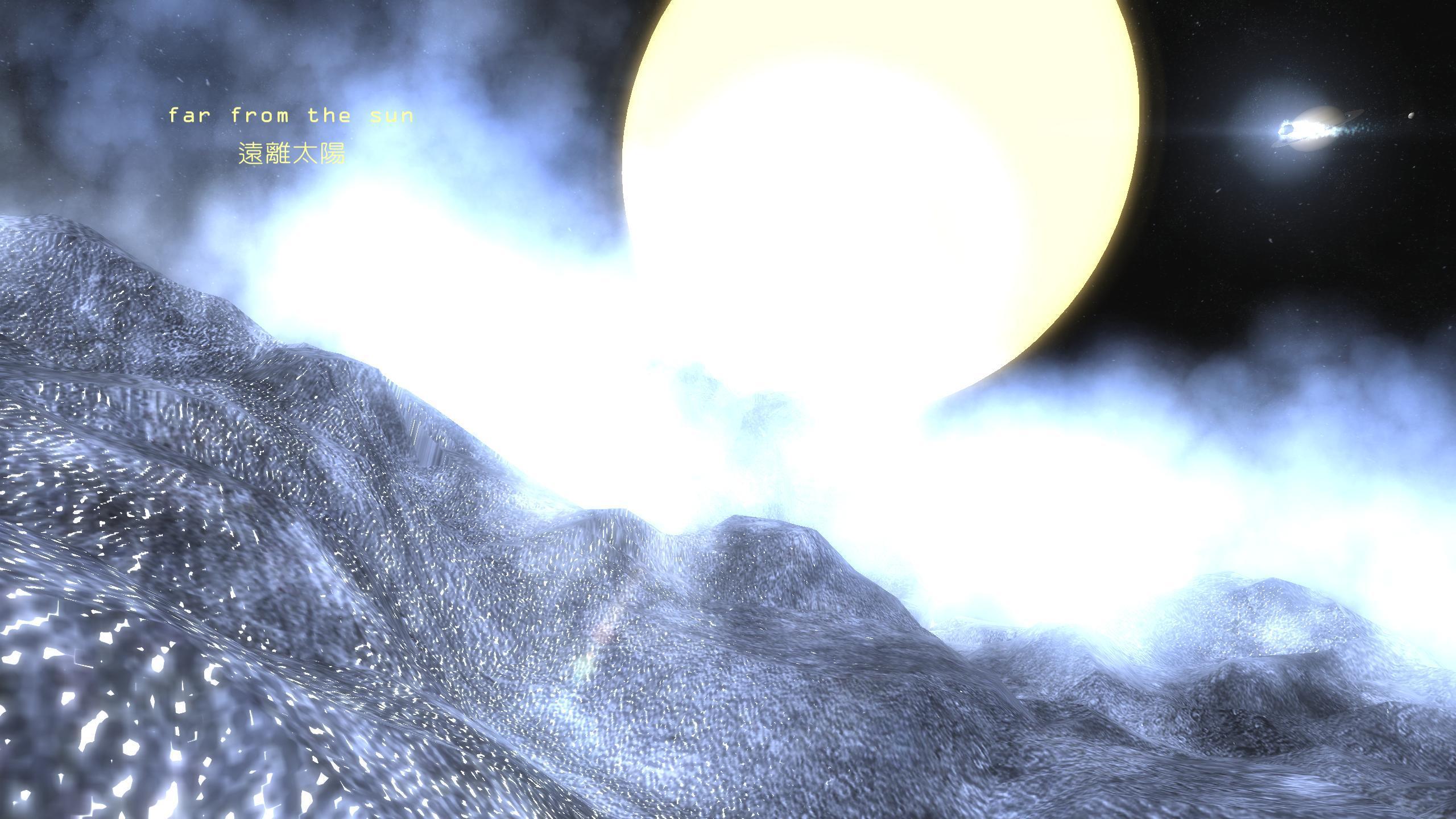
in the game you can travel the entire solar system, but there're also
three preset point, the Moon surface, the comet surface, and a place close look at Halley's Comet,
So you can directly follow their tracks to enjoy the beauty of the solar system.
================================================== ===
Greatest feature !!
you can use the mobile phone in the game to take pictures,and see these pictures in the album of your real phone !!
And these pictures are very Quality, just use a little Photos combination, marked with the text , and it's good to use
in many works (website; Magazine ; Wallpapers..............ex)
you can take 200 pictures in demo edition.
================================================== ===
Equipment requirements
VR headset
Good 3D performance, at least 1920 * 1080 resolution's Android phones
Mouse (USB or Bluetooth) * (If using a USB mouse, you need a OTG cable)
================================================== ======
Instructions
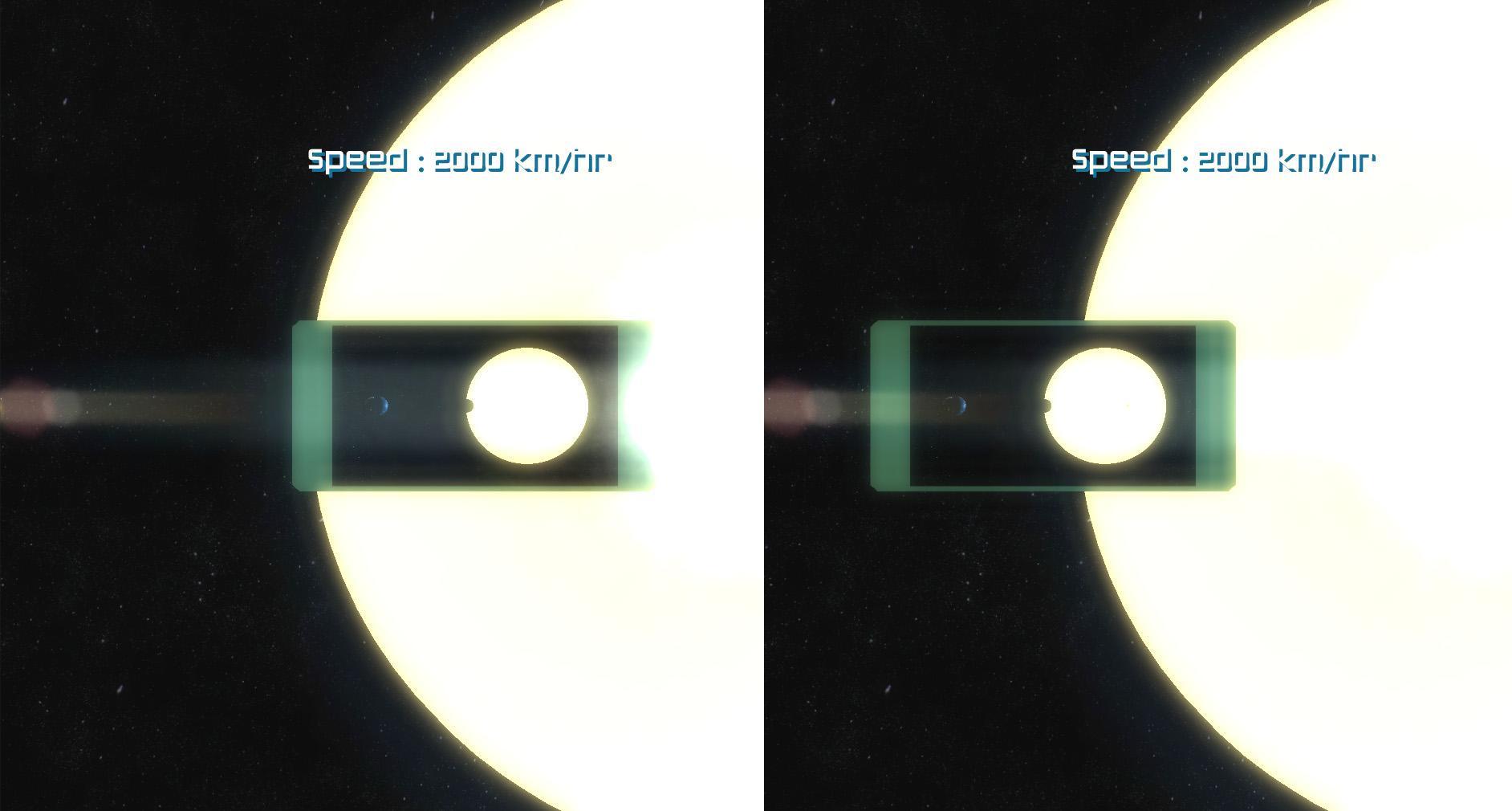
1. In the game, turning your head to change the field of vision.
2. change the speed by mouse wheel forward or backward.
3. Press the mouse left button to show your phone in the game,
if you see the phone -> press left button can take pictures.
-> Mouse wheel can make shots Room in or Room Out
-> Press right button to put down the phone
4. if put down the phone
press right button --> show the menu ;
use the mouse wheel to select items.
Press left button to enter.
press right button again --> close the menu ;
Latest Version
1.0Uploaded by
Frederico Miranda
Requires Android
Android 4.1+
Category
Free Simulation GameContent Rating
Everyone
Report
Flag as inappropriateLast updated on Dec 20, 2015
Minor bug fixes and improvements. Install or update to the newest version to check it out!




APKPure - A multi-platform app store primarily focused on Android, providing extensive app-related content. Discover the app you want easier, faster, and safer, with quick and efficient downloads and installations.