Type Using PC is world's simplest method of typing on your phone using a PC or laptop keyboard
No special connection or setup required. All you need is PC and Android device with Internet connection. This can be any network connection such as Cellular, Wi-Fi, or Ethernet/Cable/DSL.
Step 1. Download and run Type Using PC app on your PC from following link:
https://drive.google.com/file/d/0B2d2pqLLUB27OEZLTmFQckJMalk/view?usp=sharing
Step 2: Launch Type Using PC on your Android device and complete one-time setup.
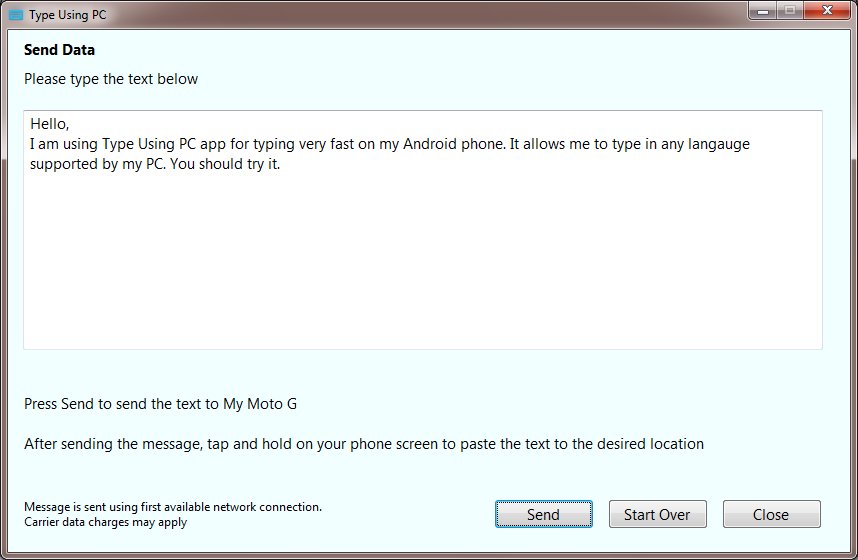
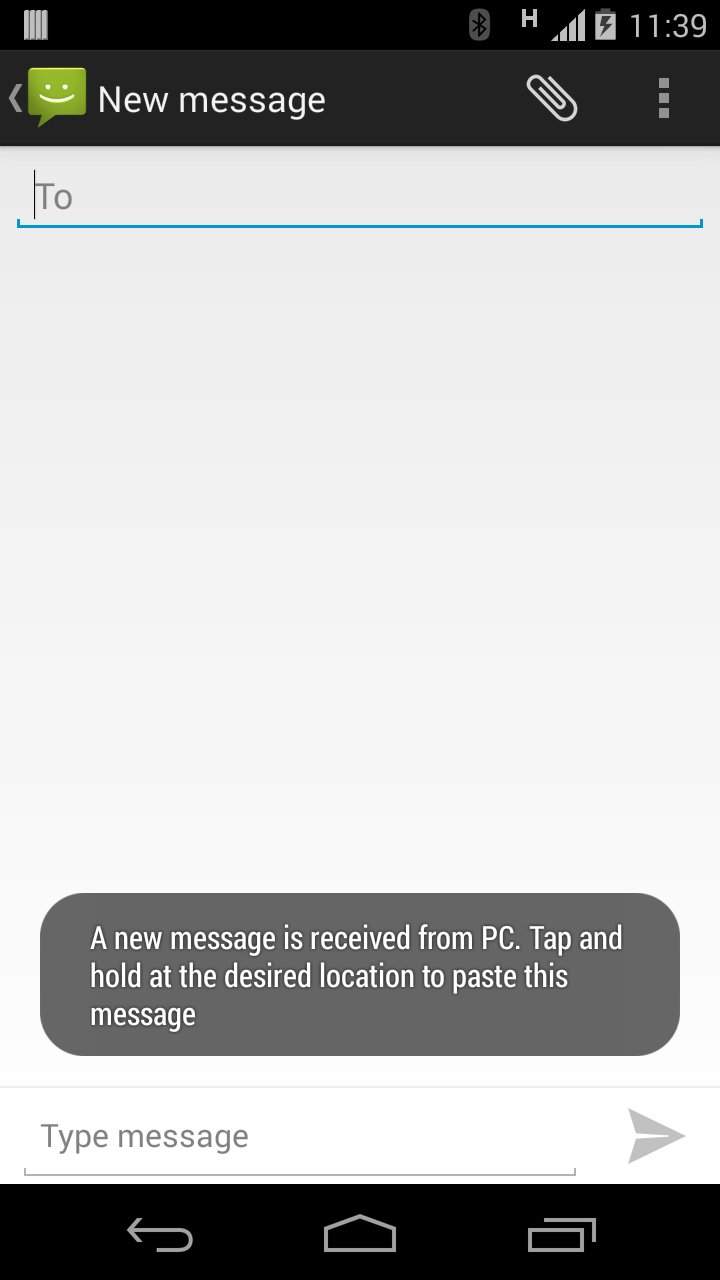
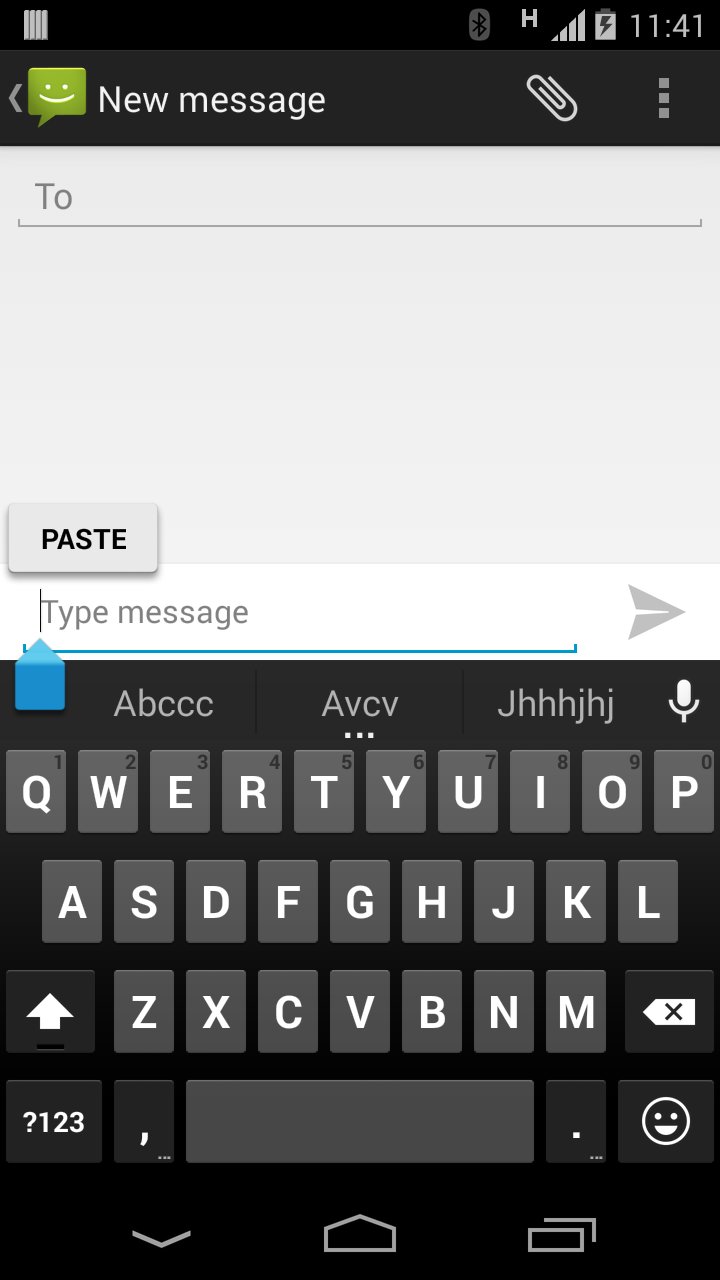
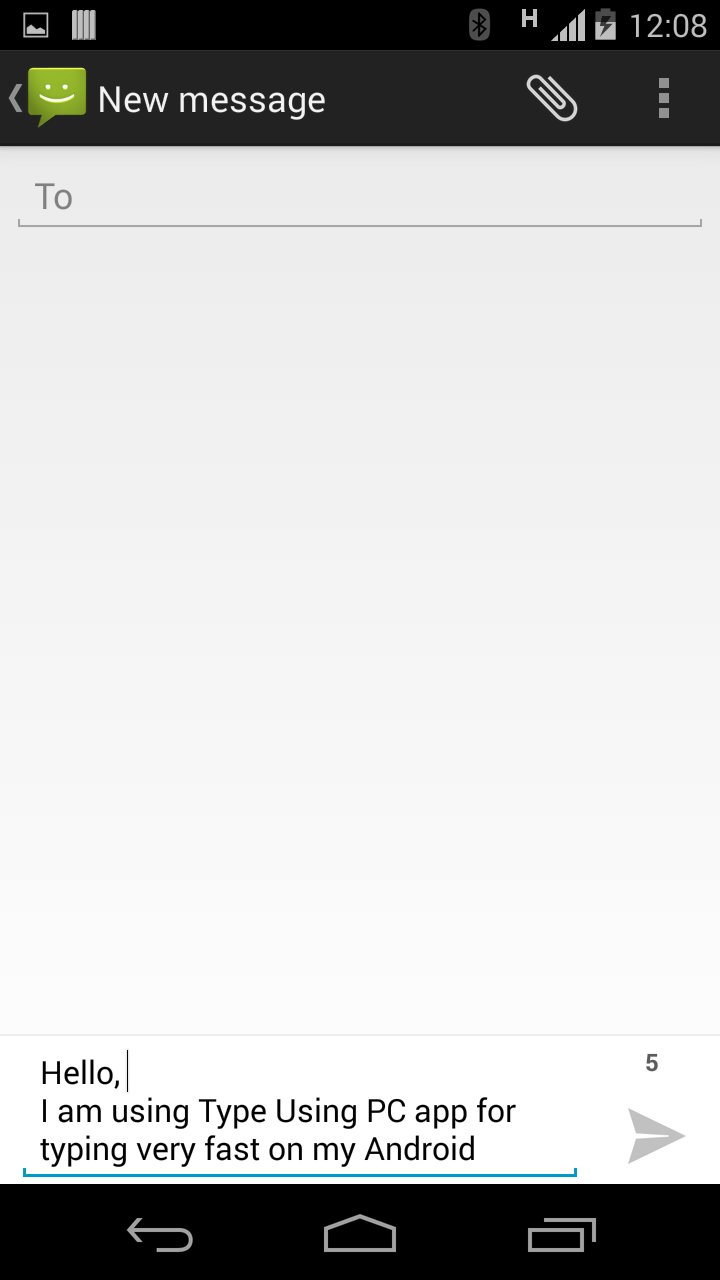
To type on your Android device, simply type any text in the Type Using PC app on your PC. Anything you type in the PC app will be sent to your phone's clipboard. This text can be pasted to any app on your device such as E-mail, messaging etc.
Type Using PC can be used for typing non-English characters on your Android device using PC. Anything that you type on PC can be transferred to the Android device.
Use Type Using PC for typing Japanese, Chinese, Russian, Korean, Arabic, Hebrew, Ukrainian, Thai, Hindi, Tamil, Gujarati or any other language supported on your PC.
Only PCs with Windows 7 are currently supported
Latest Version
1.2Uploaded by
Nurnobi Islam Rahat
Requires Android
Android 4.0+
Category
Free Productivity AppContent Rating
UnratedWarning – content has not yet been rated. Unrated apps may potentially contain content appropriate for mature audiences only.Learn More · Unrated
Report
Flag as inappropriateLast updated on Jan 4, 2016
Updated name of the app to match its functionality


APKPure - A multi-platform app store primarily focused on Android, providing extensive app-related content. Discover the app you want easier, faster, and safer, with quick and efficient downloads and installations.