Package Name:com.sidescreen.app
SHA-256:a9f531928eed1f6ad0a6515ffc2bb19af07ff2f77e1908e5e1cf6ac03ad2310f
Show More

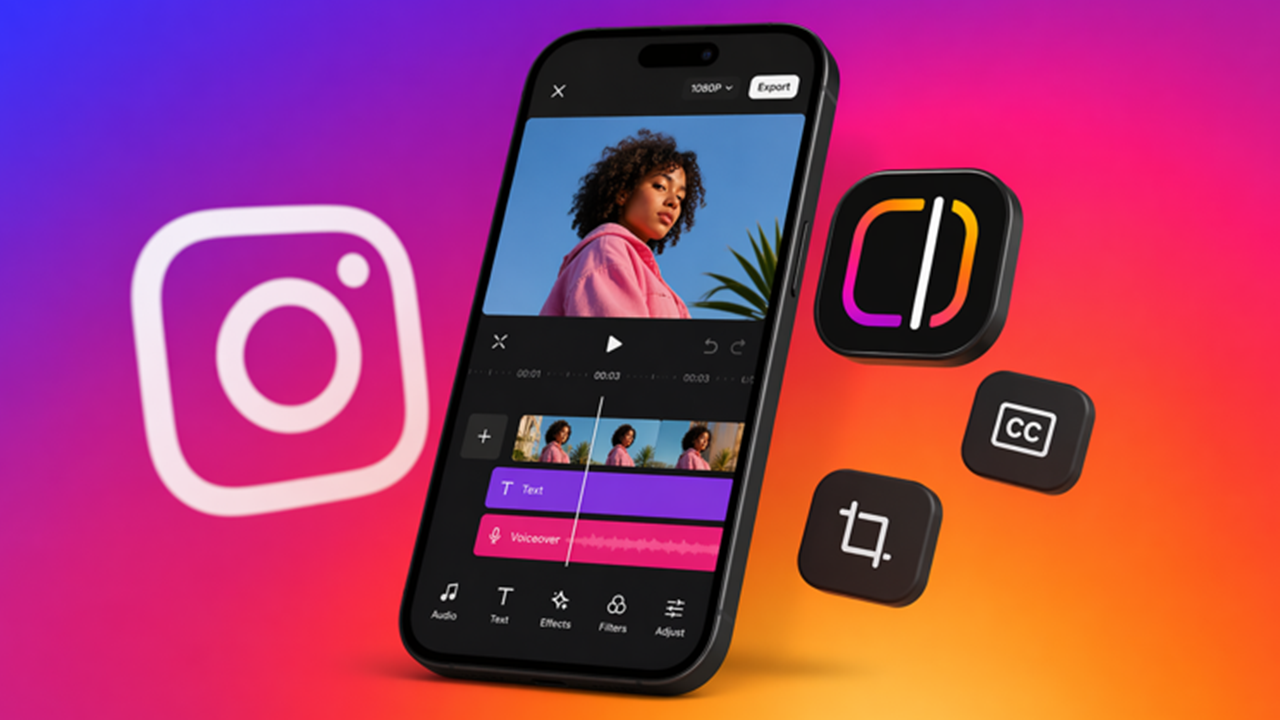
Turn your Android tablet or phone into a second screen for your Mac: a real external display with touch.
Up to 8K • 120 FPS • Under 15 ms latency.
Plug in a USB-C cable or connect over Wi-Fi, and your tablet becomes a real extra monitor: drag windows onto it, keep reference material or chat open on the side, and control the Mac directly with touch or a stylus. Free and open source.
FEATURES
• Up to 8K resolution at 120 FPS — a true high-refresh monitor, not a laggy mirror
• Under 15 ms latency over USB-C, hardware-accelerated H.264/HEVC decoding
• Native touch and stylus input back to macOS, including hover and pressure where supported
• Portrait or landscape, any tablet size
• Resolution, frame-rate and HiDPI controls from the Mac app
• Automatic reconnection in wireless mode
• No account, no ads, no analytics, no internet required — everything stays on your local network
HOW IT WORKS
• Install the free, open-source Side Screen host on your Mac (macOS 13 or later, Apple Silicon and Intel) from github.com/tranvuongquocdat/SideScreen
• Open this app on your tablet
• USB-C: connect the cable and the display appears automatically
• Wi-Fi: scan the QR code shown on the Mac once; the tablet reconnects by itself afterwards
REQUIREMENTS
• A Mac running macOS 13 Ventura or newer with the Side Screen host app installed
• Android 8.0 or newer
• For USB mode: a USB-C data cable. For wireless mode: both devices on the same Wi-Fi network
Side Screen is open source under the MIT license. Report issues or contribute at github.com/tranvuongquocdat/SideScreen
Latest Version
1.1.0Uploaded by
Yeuris Guzman
Requires Android
Android 8.0+
Category
Free Tools AppContent Rating
Everyone
Security Report
Check Now
Report
Flag as inappropriateLast updated on Nov 6, 2026
• Fixed a crash after a failed connection (when rotating the tablet or leaving the app while it was still connecting).
• New app logo on the connect screen.
• Pairs with the new Mac app 1.1.0, now signed by Apple and updating itself.



APKPure - A multi-platform app store primarily focused on Android, providing extensive app-related content. Discover the app you want easier, faster, and safer, with quick and efficient downloads and installations.