掃描日期:2023年07月02日
套件名稱:com.jedemm.securenotes
SHA-256:e36e22ccb892c2f16f4a5a9d3d7feaa6579e4622d6134076754cd1d2c0410c13
SHA-1:df9539197dee1e9ad152d960b2a054b2f1795772
更多

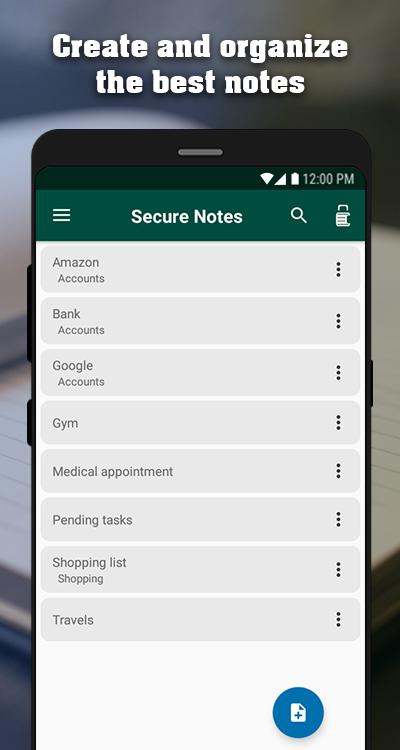
Jedemm Secure Notes是一款出色的記事本,具有友好的界面和許多功能,因此您可以保存,組織和保護您的想法。擔心創建筆記,我們會處理其餘的事情。
特徵
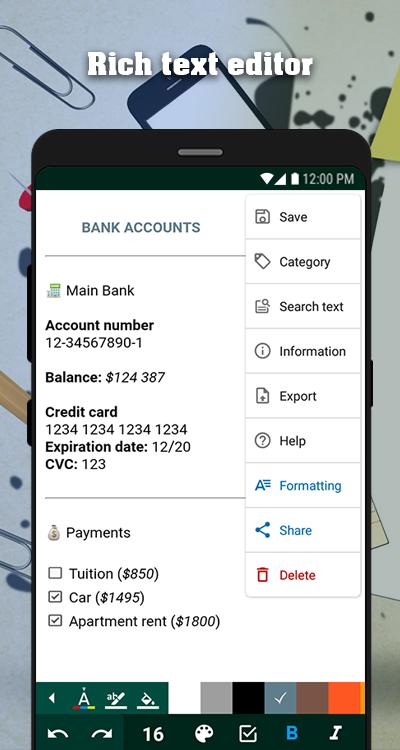
►富文本編輯器,允許您設置筆記樣式並具有以下功能:
•自定義編輯器的背景顏色,文本顏色和文本突出顯示
•撤消
• 重做
• 字體大小
•複選框
• 膽大
•斜體
•下劃線
•刪除線
•子彈列表
•數字列表
•插入表格
• 分隔器
•左對齊,右對齊,居中對齊和對齊
•縮進
•突出
•插入標題
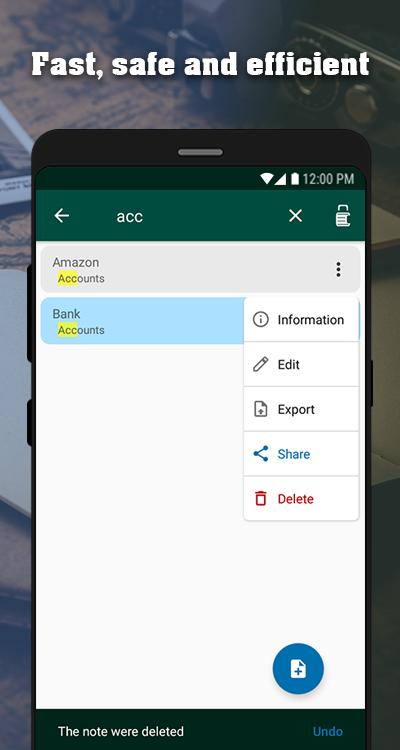
•高級文本搜索
•注意統計數據
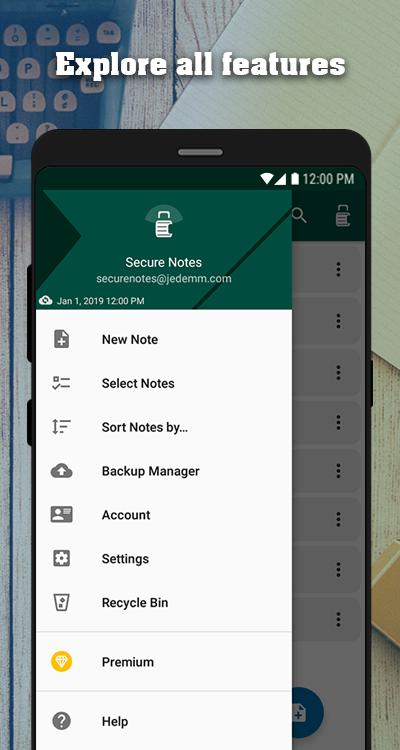
•導出註釋(在設備上或云端)
•分享備註
• 自動保存
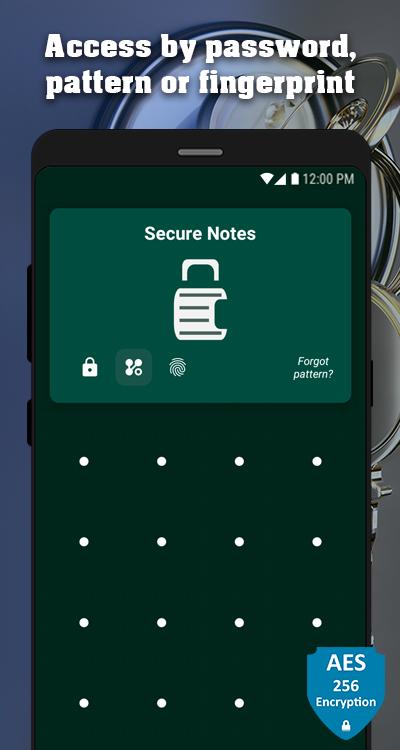
►筆記的安全性,您可以通過密碼,圖案鎖定或指紋訪問應用程序,並且為了您的安心,所有筆記都使用當今最安全,最有效的加密算法進行加密存儲。
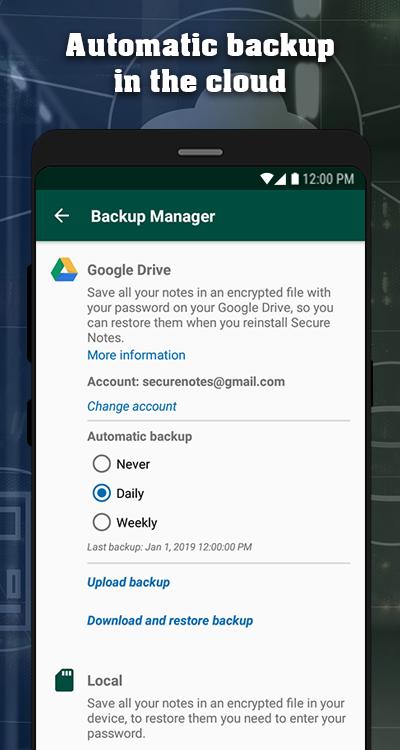
►備份設備內存或云中的所有備註,我們還在雲中包含自動備份模式,讓您高枕無憂,不會丟失您的信息,並且在您需要時可以訪問。
►在備註列表中,您可以搜索,刪除,撤消,如果您誤刪,並根據不同的標準更改備註的顯示順序。
►回收站。
►重置密碼和圖案鎖定。
Last updated on 2019年01月08日
Now you can generate and restore backups in the cloud, it also includes an automatic mode to backup your information.
The interaction with the controls in the notes editor is improved, and the functions of checkbox, table, separator and headings are added.
Now you can also export the notes directly in the cloud.