Scan Date:Jul 2, 2023
Show More
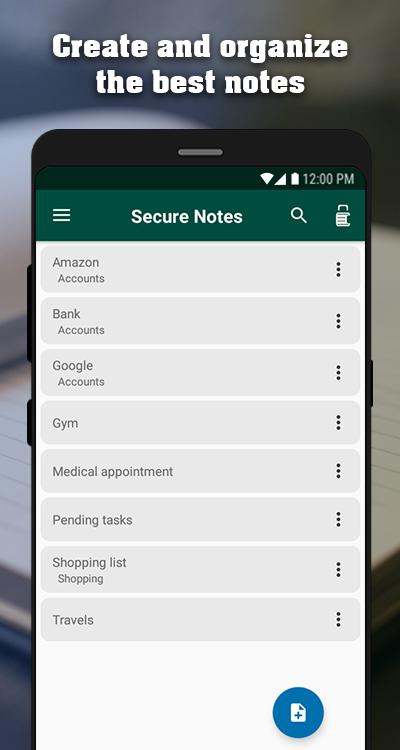
Jedemm Secure Notes is a great notepad, with a friendly interface and many features so you can save, organize and protect your ideas. Worry about creating your notes, we'll take care of the rest.
FEATURES
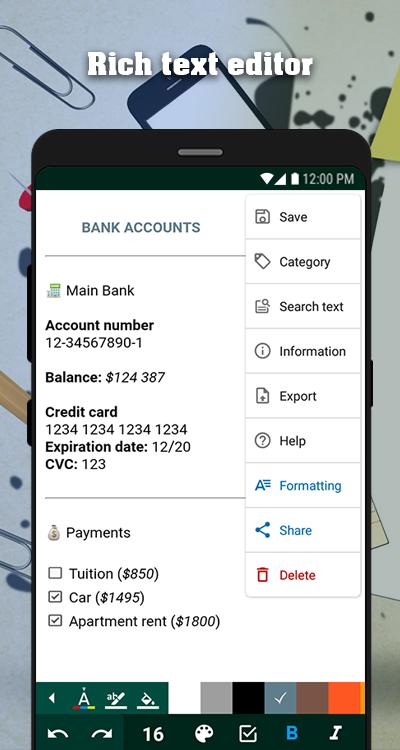
► Rich text editor that allows you to style your notes and has the following functions:
• Customizing the background color of the editor, text color and text highlighting
• Undo
• Redo
• Font size
• Checkbox
• Bold
• Italic
• Underline
• Strikethrough
• Bullets list
• Numbers list
• Insert table
• Separator
• Align left, right, center and justify
• Indent
• Outdent
• Insert headings
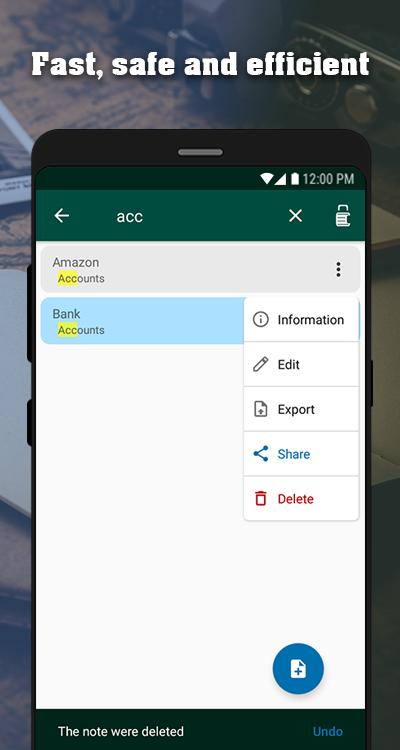
• Advanced text search
• Note statistics
• Export note (on the device or in the cloud)
• Share note
• Auto save
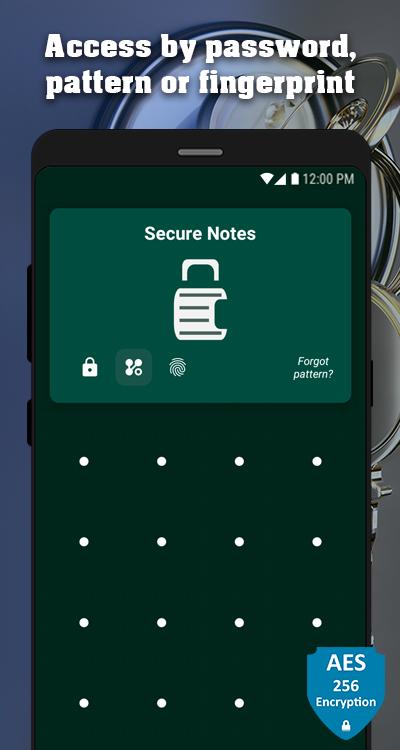
► Security of the notes, you can access to the app by password, pattern lock or fingerprint, and for your peace of mind all the notes are stored encrypted using the safest and most efficient encryption algorithm of today.
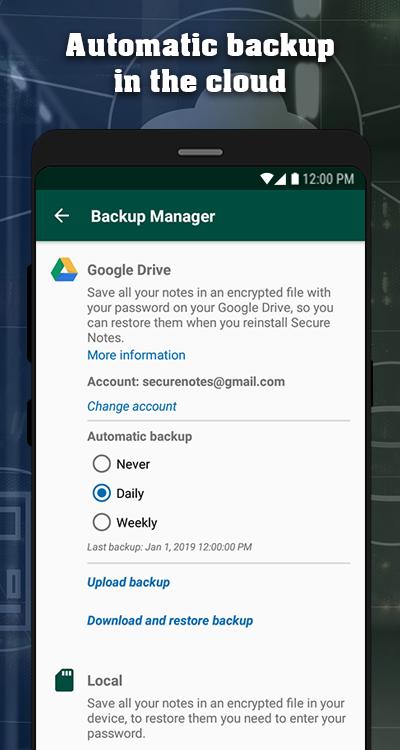
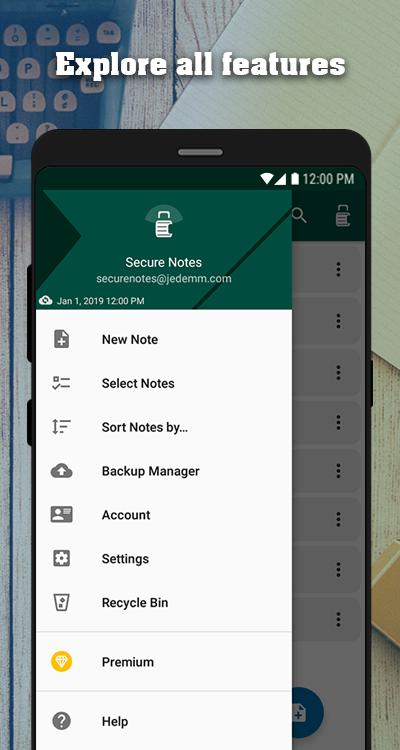
► Backup all your notes in the device memory or in the cloud, we also include an automatic mode of backup in the cloud so you have the peace of mind that you will not lose your information and that it will be accessible when you need it.
► In the notes list you can search, delete, undo if you deleted by mistake, and change the order in which the notes are displayed based on different criteria.
► Recycle Bin.
► Resetting password and pattern lock.
Latest Version
1.0.0Uploaded by
Chand Madaar
Requires Android
Android 4.1+
Category
Free Productivity AppContent Rating
Everyone
Security Report
Report
Flag as inappropriateLast updated on Jan 7, 2019
Now you can generate and restore backups in the cloud, it also includes an automatic mode to backup your information.
The interaction with the controls in the notes editor is improved, and the functions of checkbox, table, separator and headings are added.
Now you can also export the notes directly in the cloud.


APKPure - A multi-platform app store primarily focused on Android, providing extensive app-related content. Discover the app you want easier, faster, and safer, with quick and efficient downloads and installations.