Our website uses necessary cookies to enable basic functions and optional cookies to help us to enhance your user experience. Learn more about our cookie policy by clicking "Learn More".
Accept All Only Necessary Cookies
My Remote Presentation 圖標

My Remote Presentation


taaac
1.0
  • 2016年08月16日
    Update date
  • Android 2.3.2+
    Android OS

關於My Remote Presentation

這將有助於你得到最佳的呈現有史以來

<==== Please check first how to use this application ====>

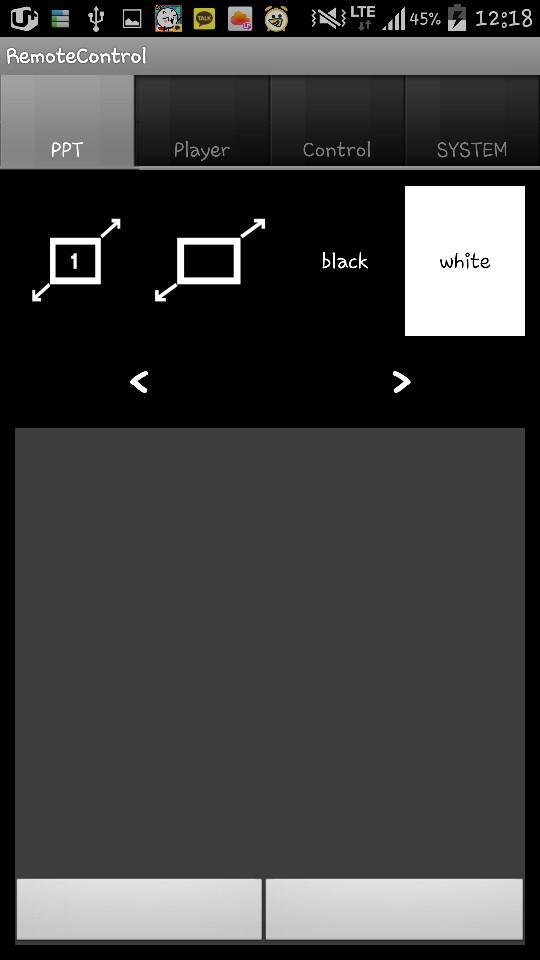
You can control your presentation slide and additional video without pointer.

Major feature:

1. Turn your slide black or white while preparing your presentation.

2. Move your mouse pointer with mouse or pointer

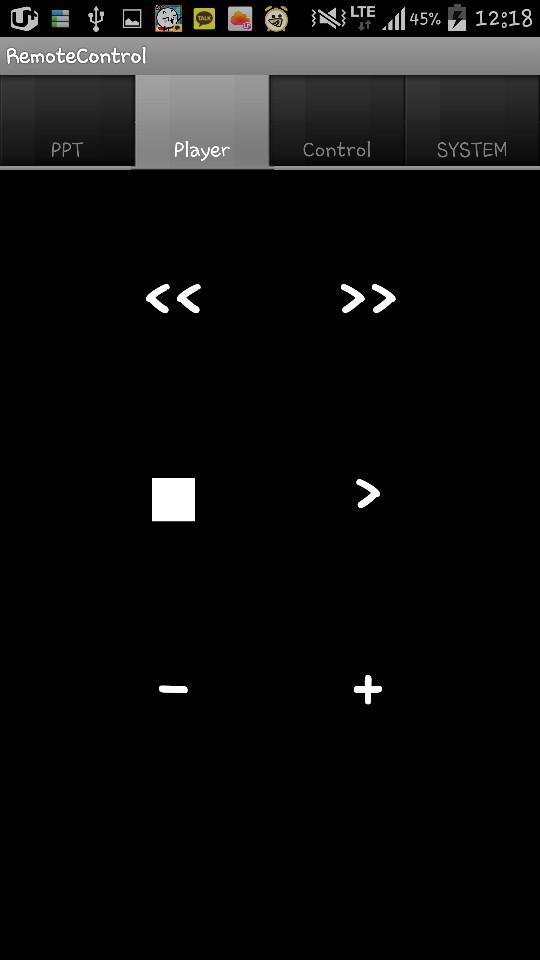
3. Control video remotely

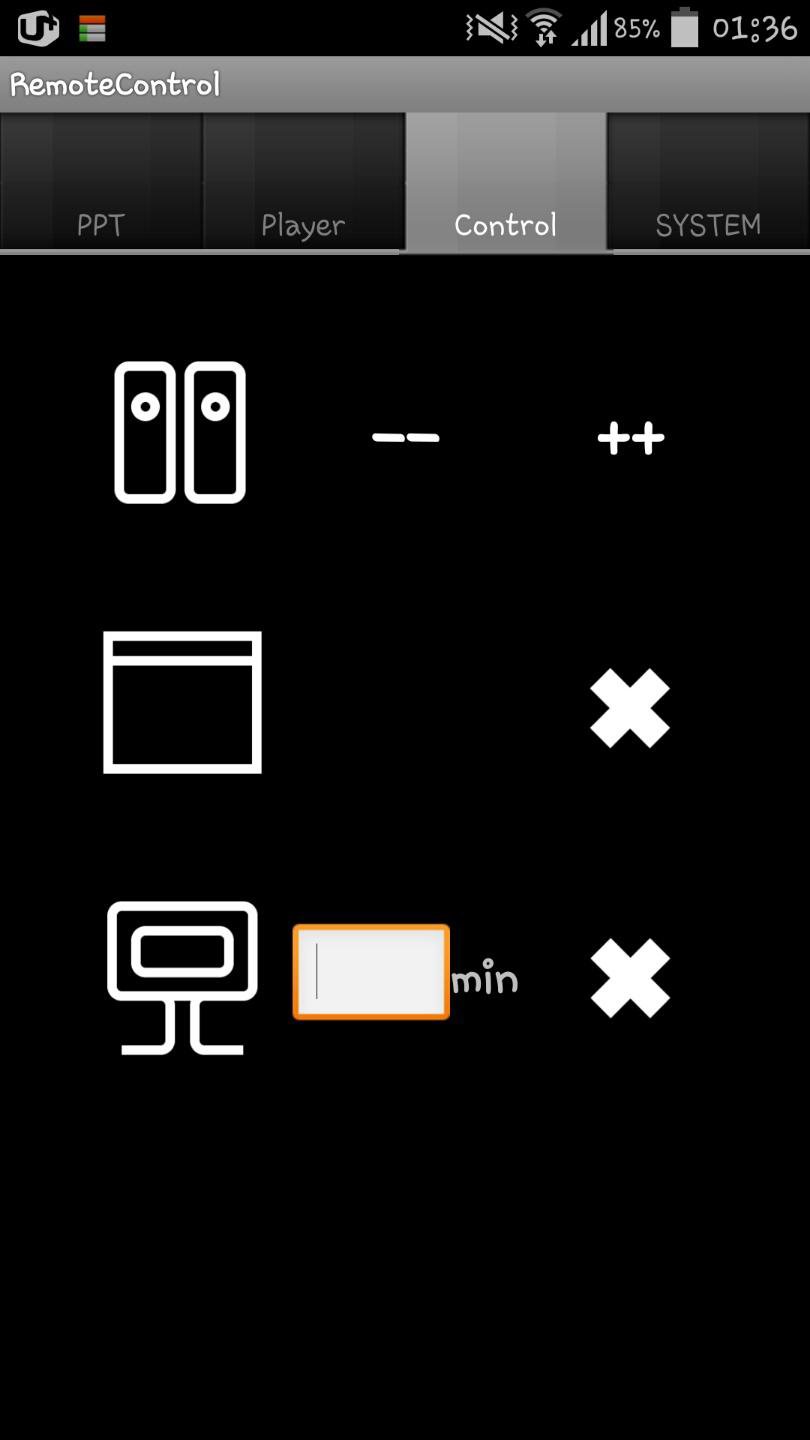
4. Shutdown your computer or close window

5. Volume up or down

How to use:

* Your desktop and cell phone should use same wifi!

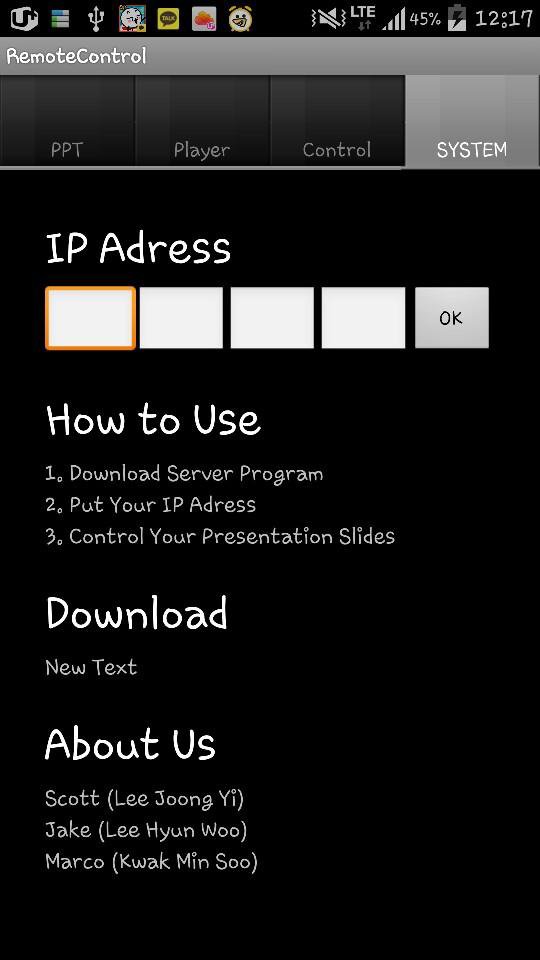
1. Download Server Program at ( http://blog.naver.com/taaac/220073573800 )

2. Running the server program on your desktop, put your ip adress into the application with the number at the server program

3. Click 'OK' Button on your application

4. Enjoy

更多

更多應用信息

最新版本

1.0

上傳者

Pratik Rathi

系統要求

Android 2.3.2+

內容分級

Unrated · Warning – content has not yet been rated. Unrated apps may potentially contain content appropriate for mature audiences only.

最新版本1.0更新日誌

Last updated on 2016年08月16日

Minor bug fixes and improvements. Install or update to the newest version to check it out!
更多

My Remote Presentation 螢幕截圖

My Remote Presentation 海報My Remote Presentation 截圖 1My Remote Presentation 截圖 2My Remote Presentation 截圖 3

相關標籤

24 小時熱門文章

訂閱APKPure
第一時間獲取熱門安卓遊戲應用的首發體驗,最新資訊和玩法教程。
不,謝謝
訂閱
訂閱成功!
您已訂閱APKPure。