
<==== Please check first how to use this application ====>
You can control your presentation slide and additional video without pointer.
Major feature:
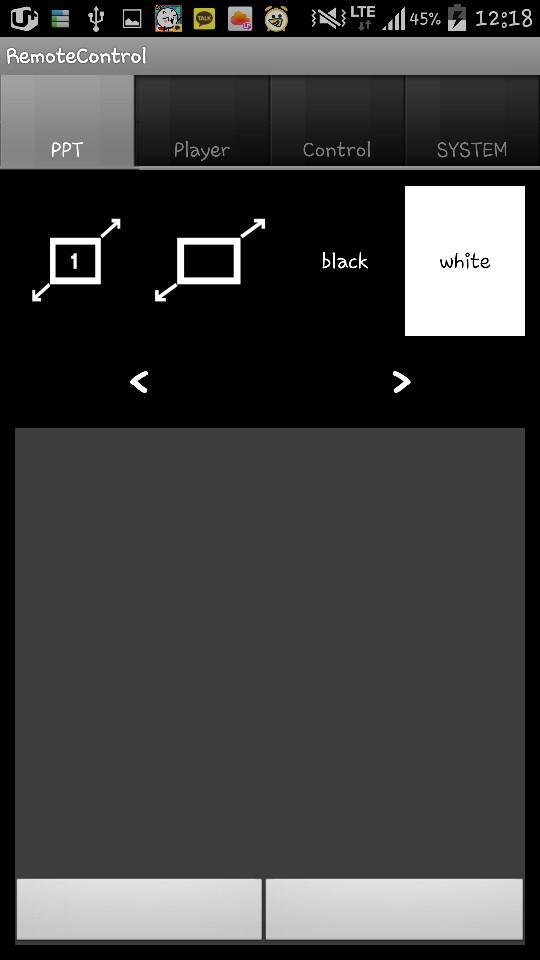
1. Turn your slide black or white while preparing your presentation.
2. Move your mouse pointer with mouse or pointer
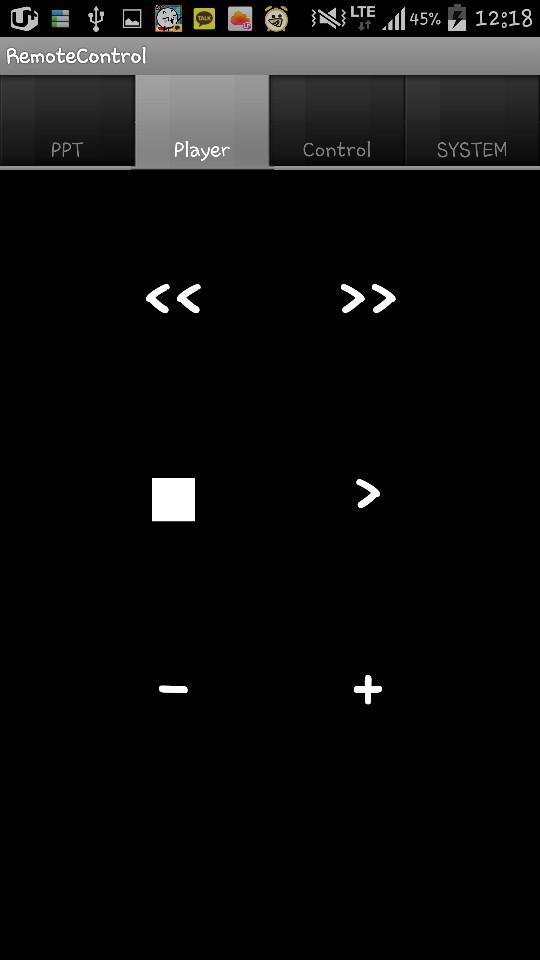
3. Control video remotely
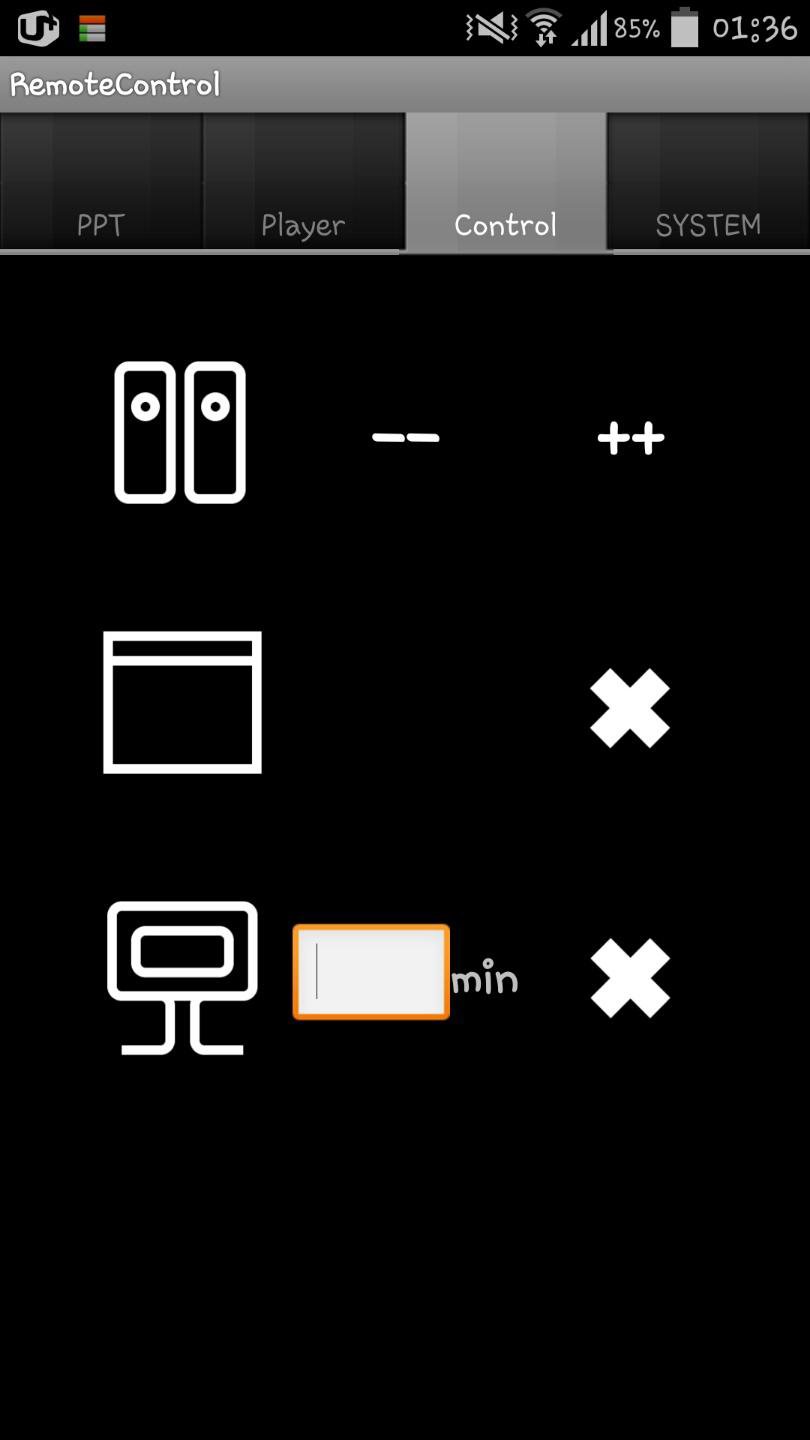
4. Shutdown your computer or close window
5. Volume up or down
How to use:
* Your desktop and cell phone should use same wifi!
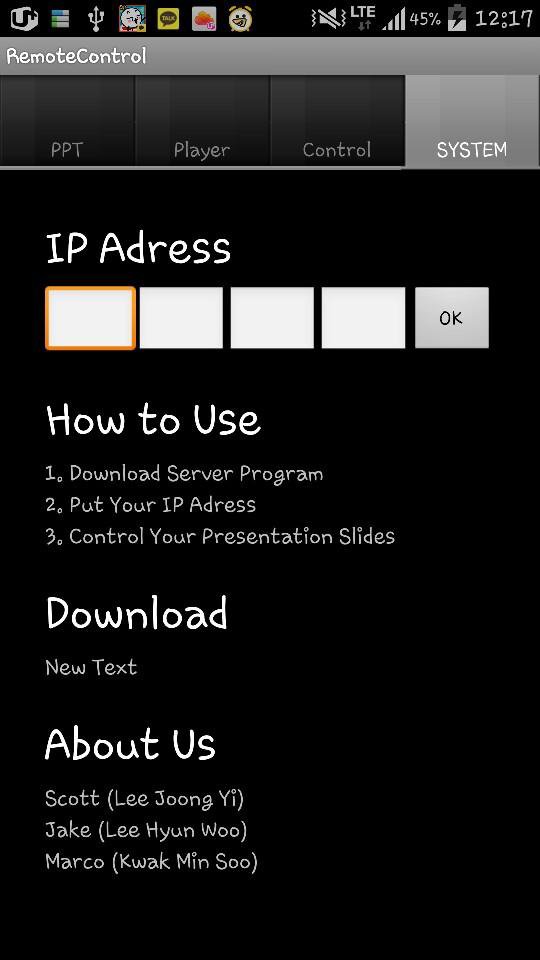
1. Download Server Program at ( http://blog.naver.com/taaac/220073573800 )
2. Running the server program on your desktop, put your ip adress into the application with the number at the server program
3. Click 'OK' Button on your application
4. Enjoy
最終のバージョン
1.0投稿者
Pratik Rathi
Android 要件
Android 2.3.2+
カテゴリー
フリー 仕事効率化 アプリコンテンツのレーティング
Unrated · Warning – content has not yet been rated. Unrated apps may potentially contain content appropriate for mature audiences only.
Last updated on 2016年08月16日
Minor bug fixes and improvements. Install or update to the newest version to check it out!

APKPure - Androidを中心としたマルチプラットフォームのアプリストアで、豊富なアプリ関連コンテンツを提供しています。より簡単に、より速く、より安全にアプリを見つけることができ、ダウンロードとインストールも迅速かつ効率的です。