
<==== Please check first how to use this application ====>
You can control your presentation slide and additional video without pointer.
Major feature:
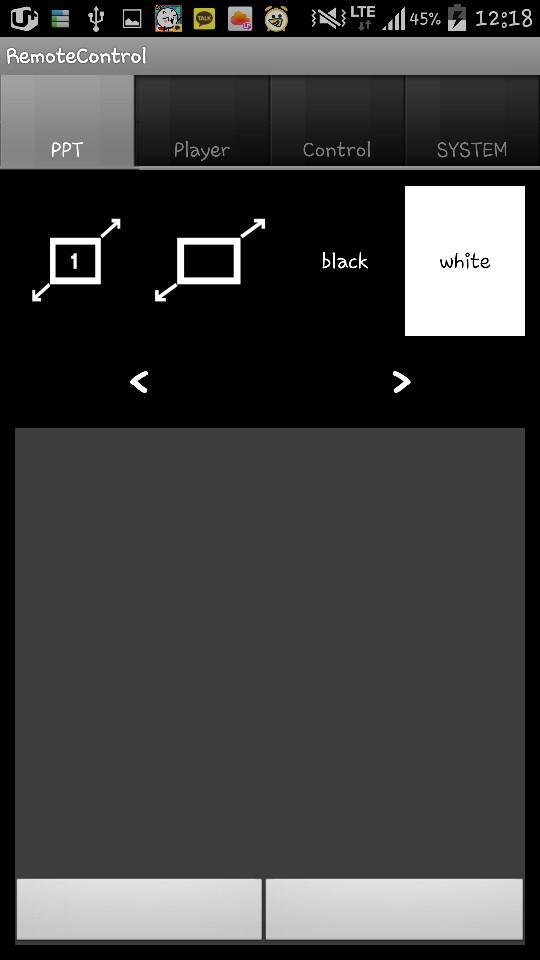
1. Turn your slide black or white while preparing your presentation.
2. Move your mouse pointer with mouse or pointer
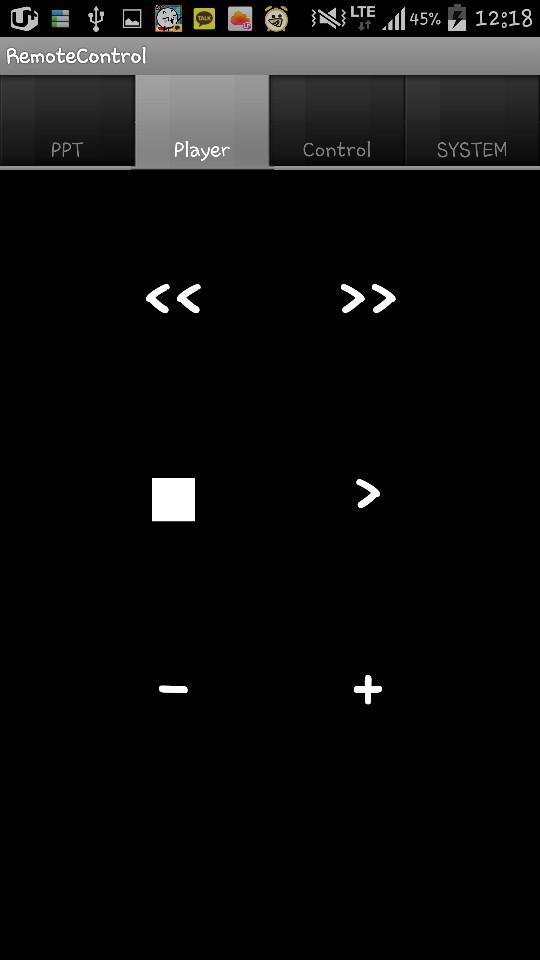
3. Control video remotely
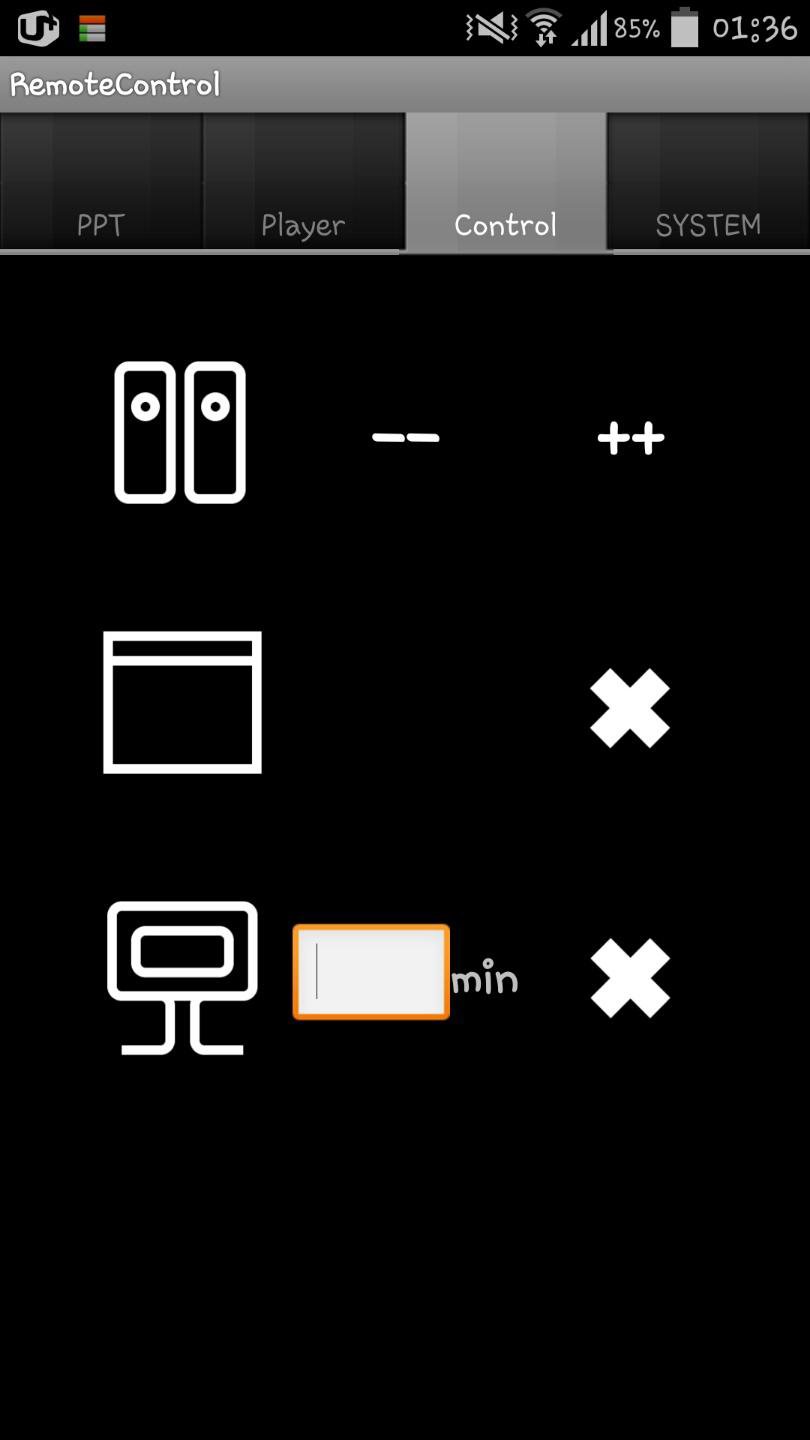
4. Shutdown your computer or close window
5. Volume up or down
How to use:
* Your desktop and cell phone should use same wifi!
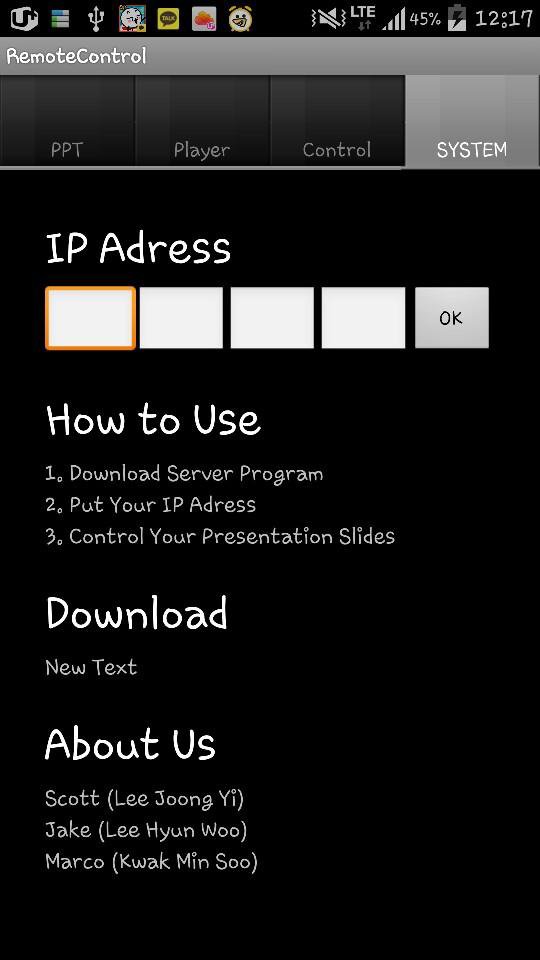
1. Download Server Program at ( http://blog.naver.com/taaac/220073573800 )
2. Running the server program on your desktop, put your ip adress into the application with the number at the server program
3. Click 'OK' Button on your application
4. Enjoy
En Son Sürüm
1.0Yükleyen
Pratik Rathi
Gereken Android sürümü
Android 2.3.2+
Kategori
Ücretsiz Verimlilik UYGULAMAİçerik derecelendirmesi
Unrated · Warning – content has not yet been rated. Unrated apps may potentially contain content appropriate for mature audiences only.
Bildir
Uygunsuz olarak işaretleLast updated on Aug 16, 2016
Minor bug fixes and improvements. Install or update to the newest version to check it out!

APKPure - Android ağırlıklı, çok platformlu bir uygulama mağazası olup, geniş uygulama içeriği sunmaktadır. İstediğiniz uygulamayı daha kolay, hızlı ve güvenli bir şekilde keşfedin, hızlı ve verimli indirme ve kurulum imkanlarıyla.