<==== Please check first how to use this application ====>
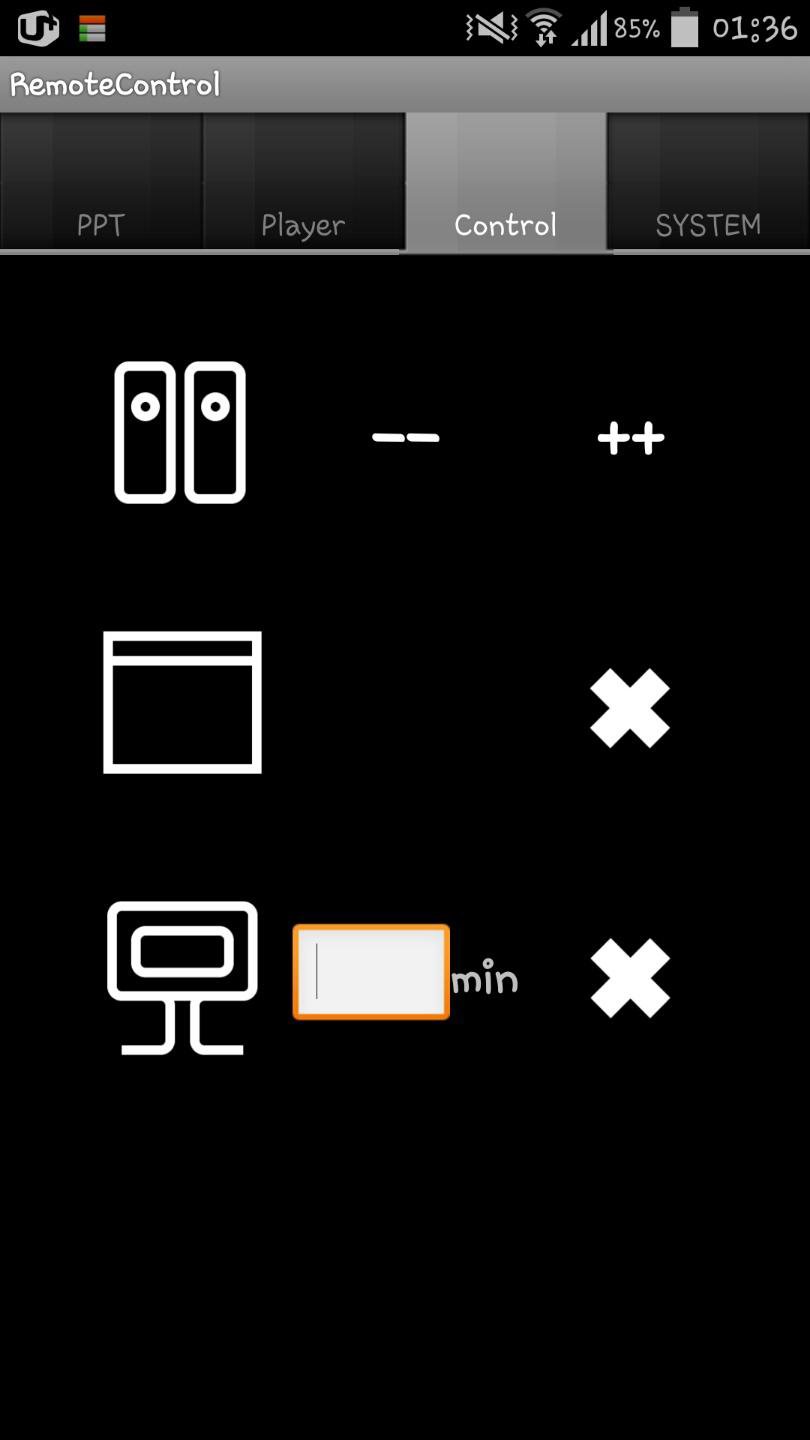
You can control your presentation slide and additional video without pointer.
Major feature:
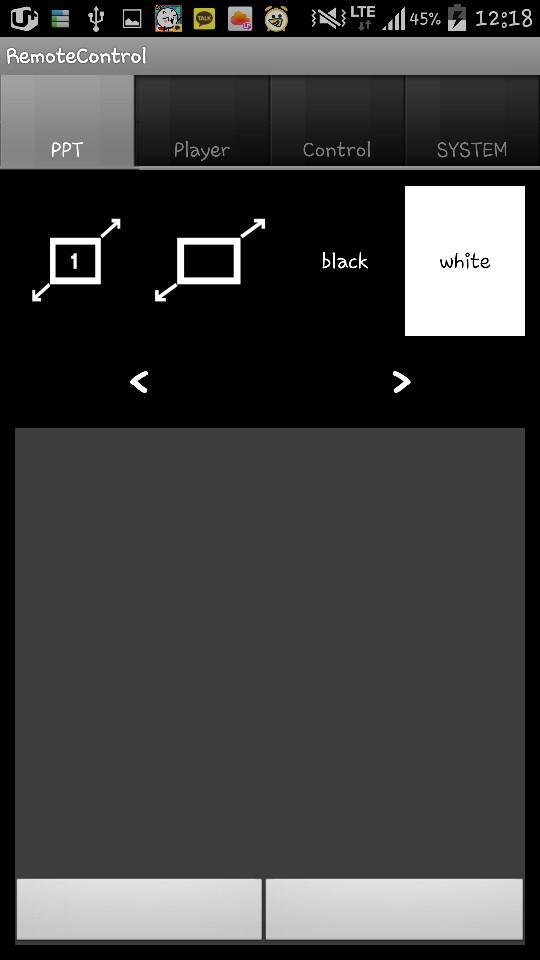
1. Turn your slide black or white while preparing your presentation.
2. Move your mouse pointer with mouse or pointer
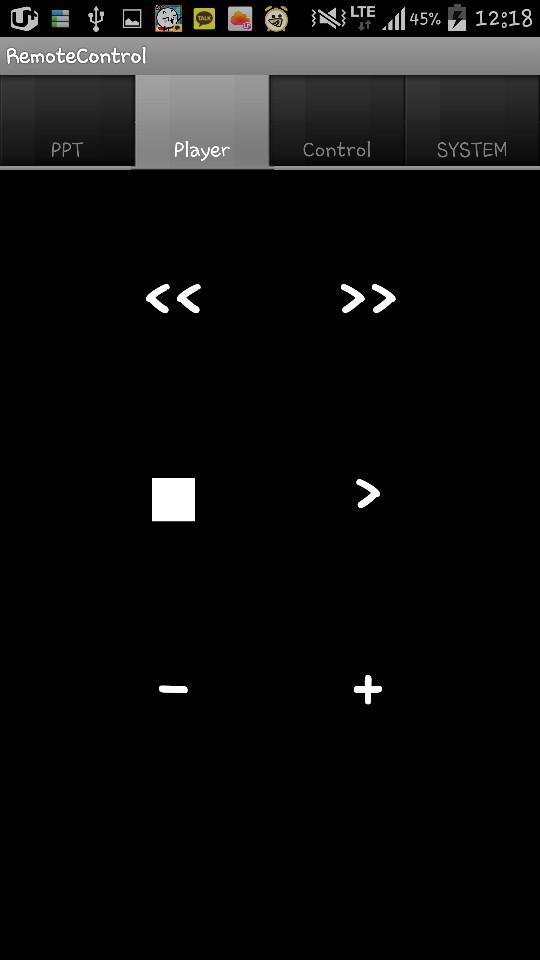
3. Control video remotely
4. Shutdown your computer or close window
5. Volume up or down
How to use:
* Your desktop and cell phone should use same wifi!
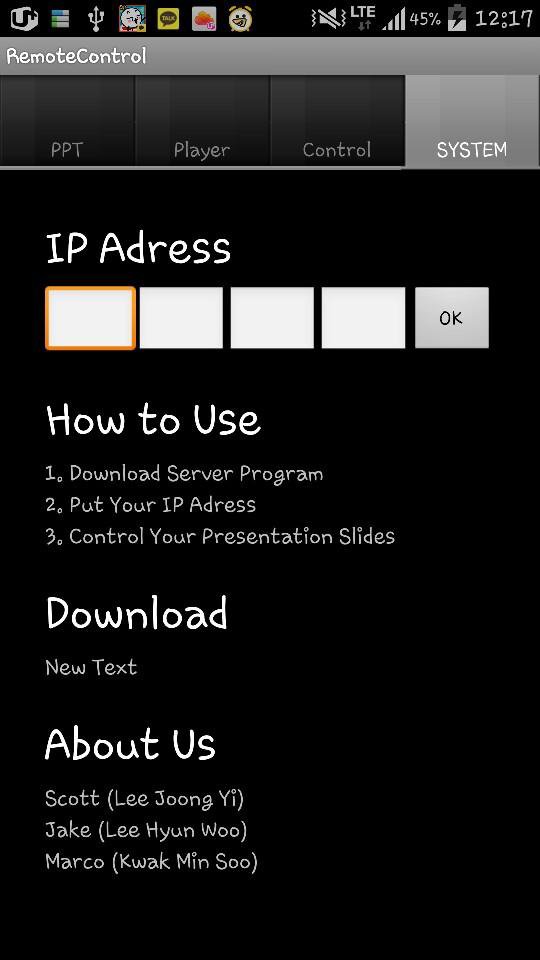
1. Download Server Program at ( http://blog.naver.com/taaac/220073573800 )
2. Running the server program on your desktop, put your ip adress into the application with the number at the server program
3. Click 'OK' Button on your application
4. Enjoy
সাম্প্রতিক সংস্করণ
1.0আপলোড
Pratik Rathi
Android প্রয়োজন
Android 2.3.2+
সামগ্রীর রেটিং
Unrated · Warning – content has not yet been rated. Unrated apps may potentially contain content appropriate for mature audiences only.
রিপোর্ট করুন
অনুপযুক্ত হিসাবে ফ্ল্যাগ করুনLast updated on Aug 16, 2016
Minor bug fixes and improvements. Install or update to the newest version to check it out!

APKPure - একটি মাল্টি-প্ল্যাটফর্ম অ্যাপ স্টোর যা মূলত অ্যান্ড্রয়েডের উপর ফোকাস করে, বিস্তৃত অ্যাপ-সংক্রান্ত কন্টেন্ট প্রদান করে। দ্রুত এবং দক্ষ ডাউনলোড ও ইনস্টলেশনের মাধ্যমে আপনার কাঙ্ক্ষিত অ্যাপটি আরও সহজে, দ্রুত এবং নিরাপদে আবিষ্কার করুন।