TV Mouse is intended for users running Fire TV, Android TV / Flipphone (Android version 7+, limited functionality on Android 6 flipphone) and have a big remote with atleast the following:
DPAD (for up, down, left, right and center buttons)
A spare key to toggle mouse mode (we call it the BossKey)
Color buttons (Red, Green, Yellow, Blue)
Info button
After installing this app, you'll get a mouse cursor that can move around, perform clicks and left / right / up / down swipes from your remote itself without any extra hardware (no need to pair with an android phone / laptop etc)
-The color buttons are for swiping. RED and GREEN for up/down swipe, YELLOW and BLUE for left/right swipe
-Info button will instantly toggle mouse visibility (so you can switch between mouse and no mouse instantly)
-Pressing back button for more than 3 seconds will disable the accessibility service completely This is now removed.
-The mouse will auto-disappear after a short while and re-appear when you press another relevant button.
-Toggling mouse modes resets cursor position
-The mouse warps around your TV sides, so you can roll over from the top of your TV to the bottom instantly
-Mouse movement is momentum based, so keeping key pressed for longer will increase the movement / send multiple swipes in scroll mode
-For remotes who don't have the above buttons, a Boss Key is available which can be used to toggle between mouse mode / scroll mode / dpad mode. By default this is the mute key, but can be overridden in the configuration settings. See the Youtube video linked below by TechDoctorUK for a demo of how that works.
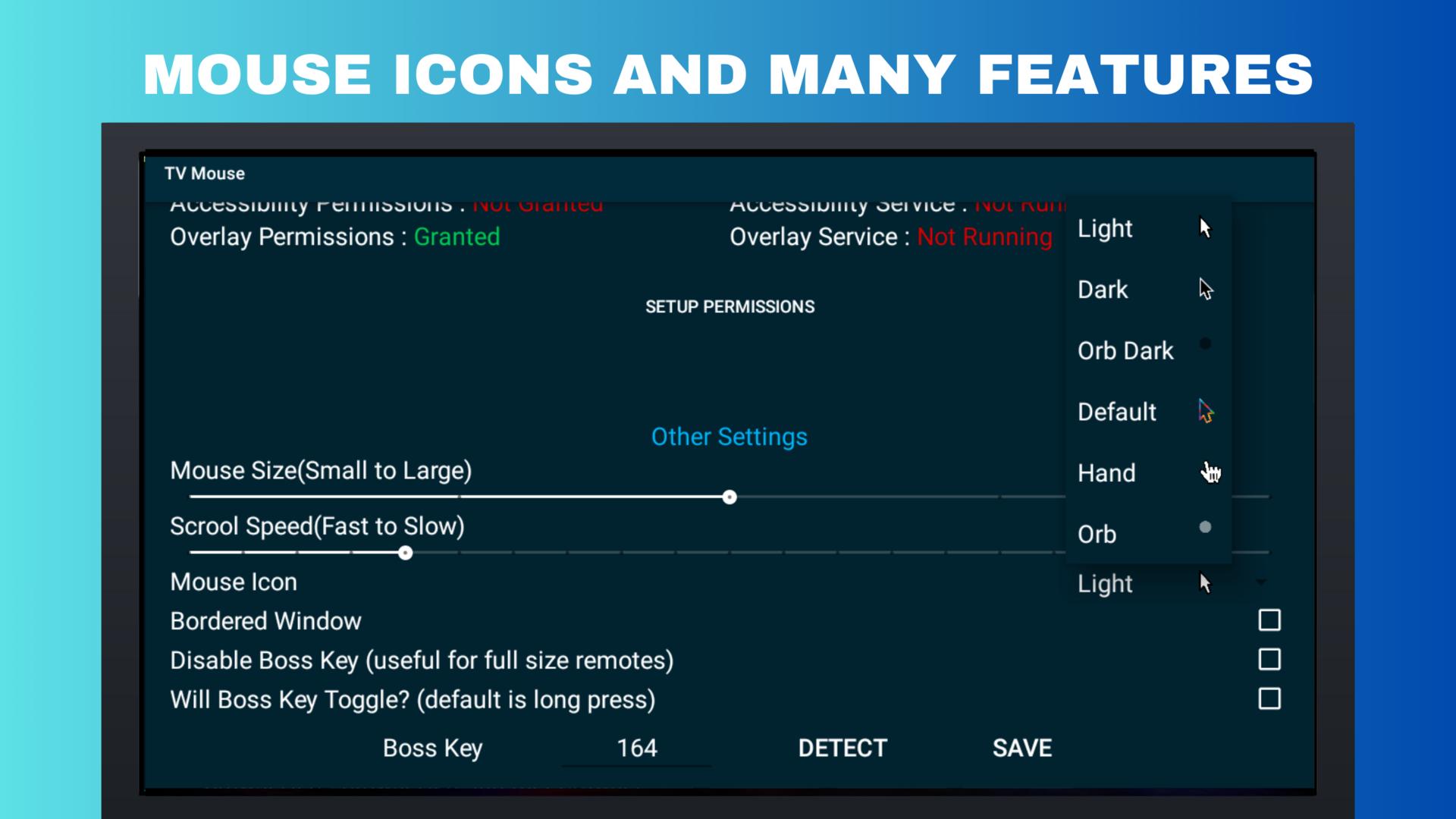
-You can change the cursor icon used from the companion GUI app. It also supports several useful mouse configurations, detailed in a separate section below
-DPAD is for movement and single clicks.
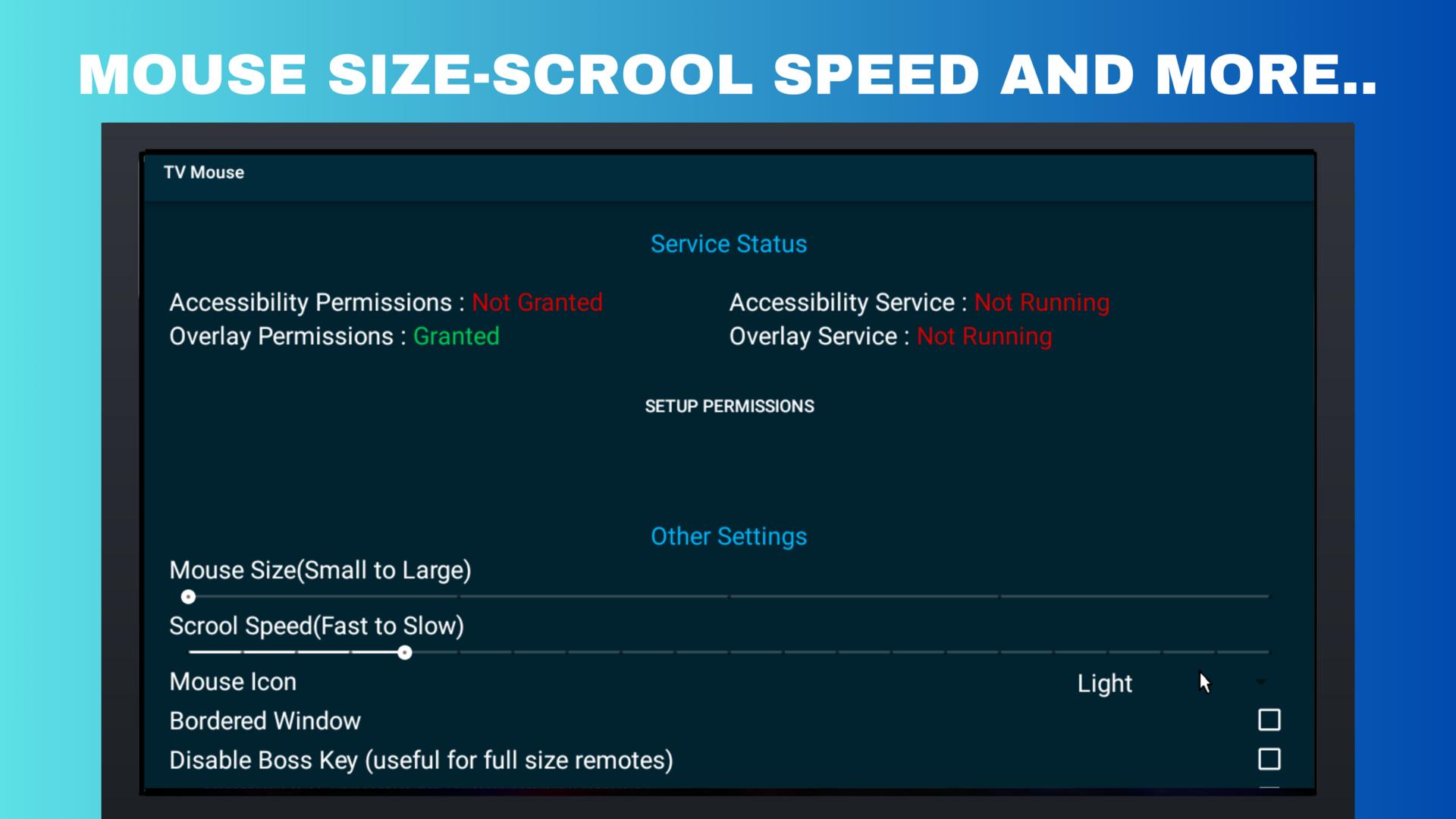
-Mouse Size
-Mouse Scroll Speed **
-Mouse Icon (two icons, light and transparent available)
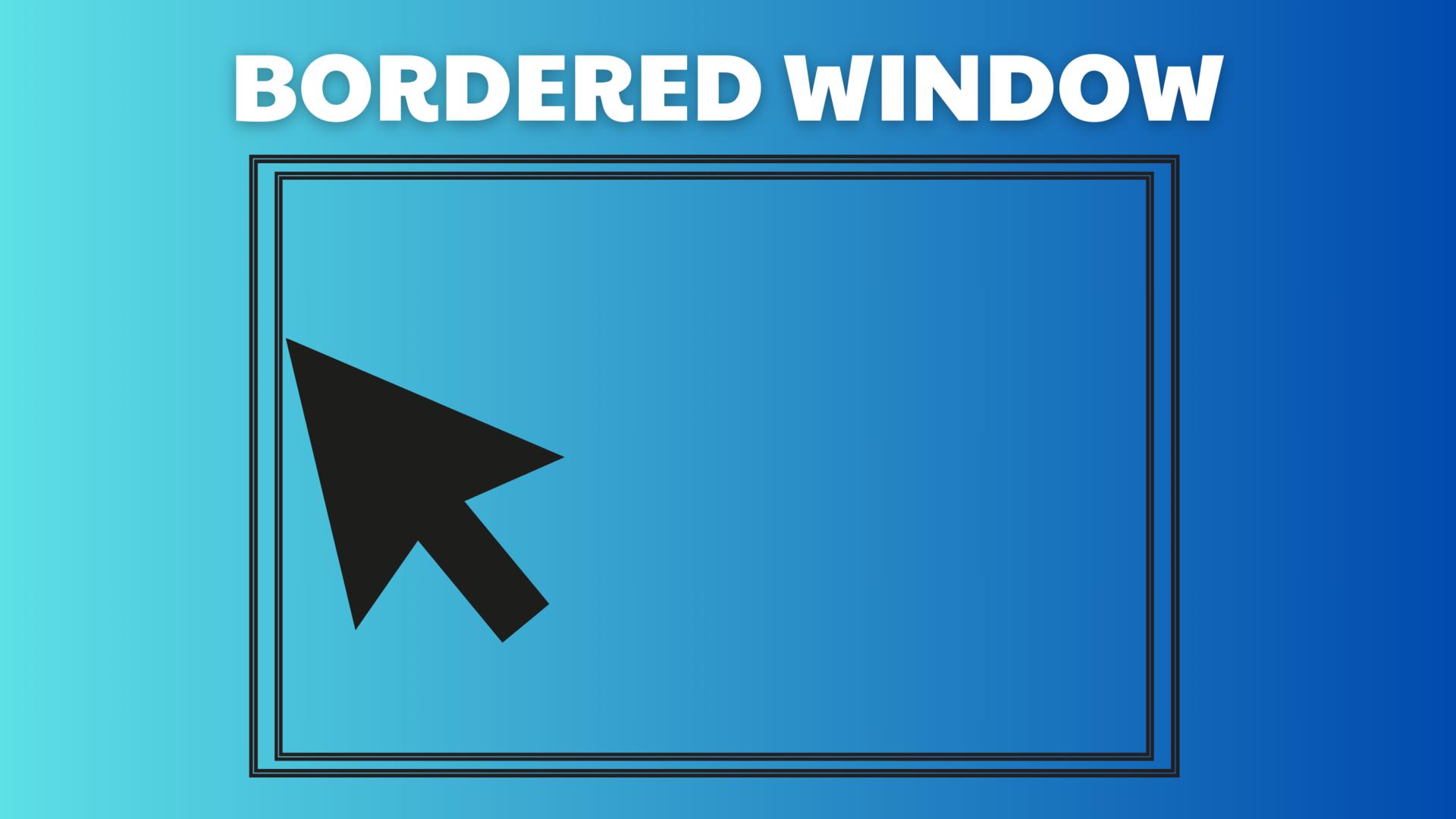
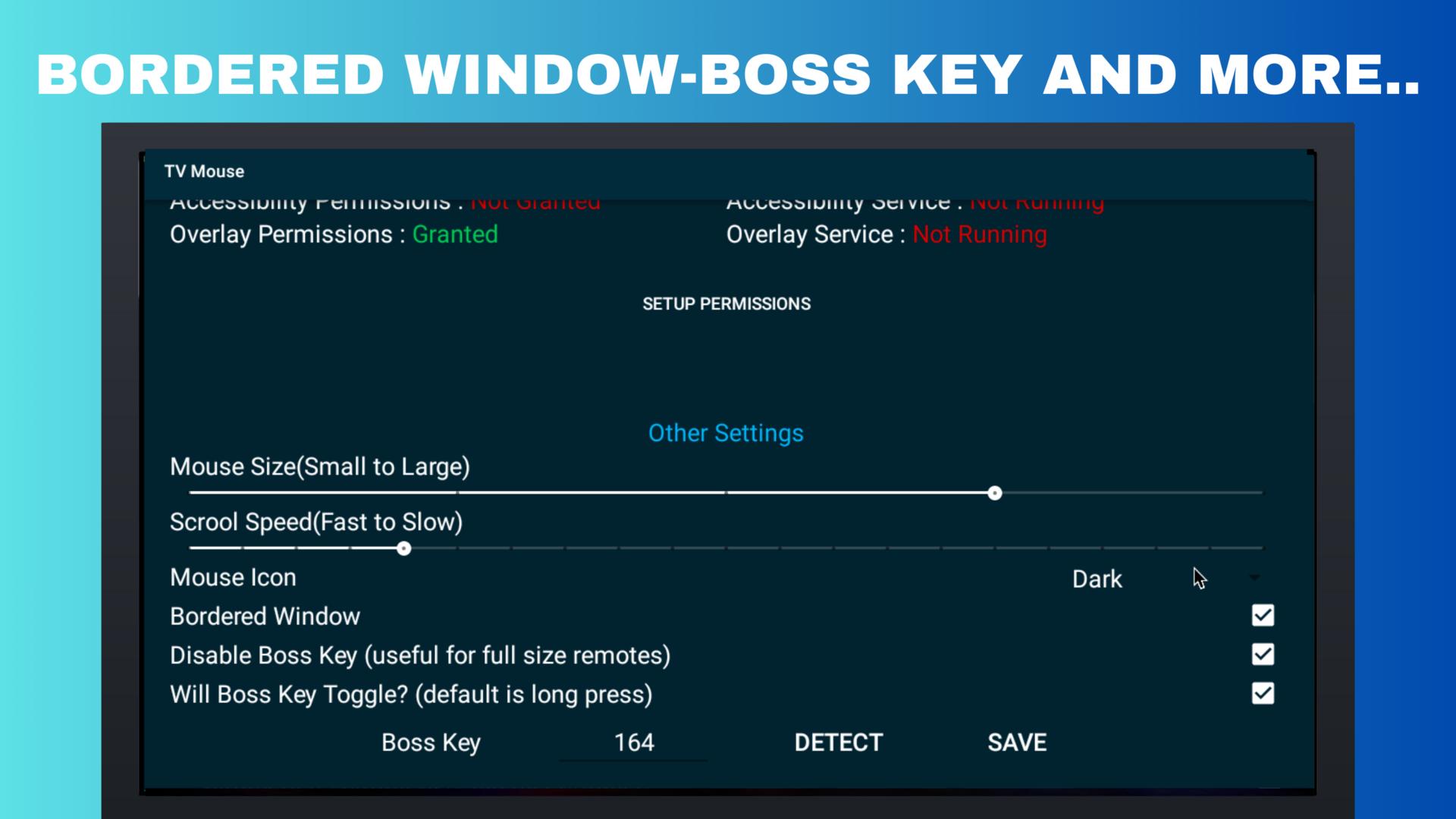
-Bordered Window (Enabling this will prevent the cursor from warping over the screen edges)
-Disable Boss Key (If you have a full size remote, you don't need to keep a boss key. Info key and color buttons are sufficient, read how to use section for more info)
-Will Boss Key Toggle (When remotes don't allow long pressing, this will allow people to cycle through various modes on key press in the order: Dpad -> --Mouse -> Scroll -> Dpad) *
-Override Activation Key (Select this to set a custom keyCode for bossKey)
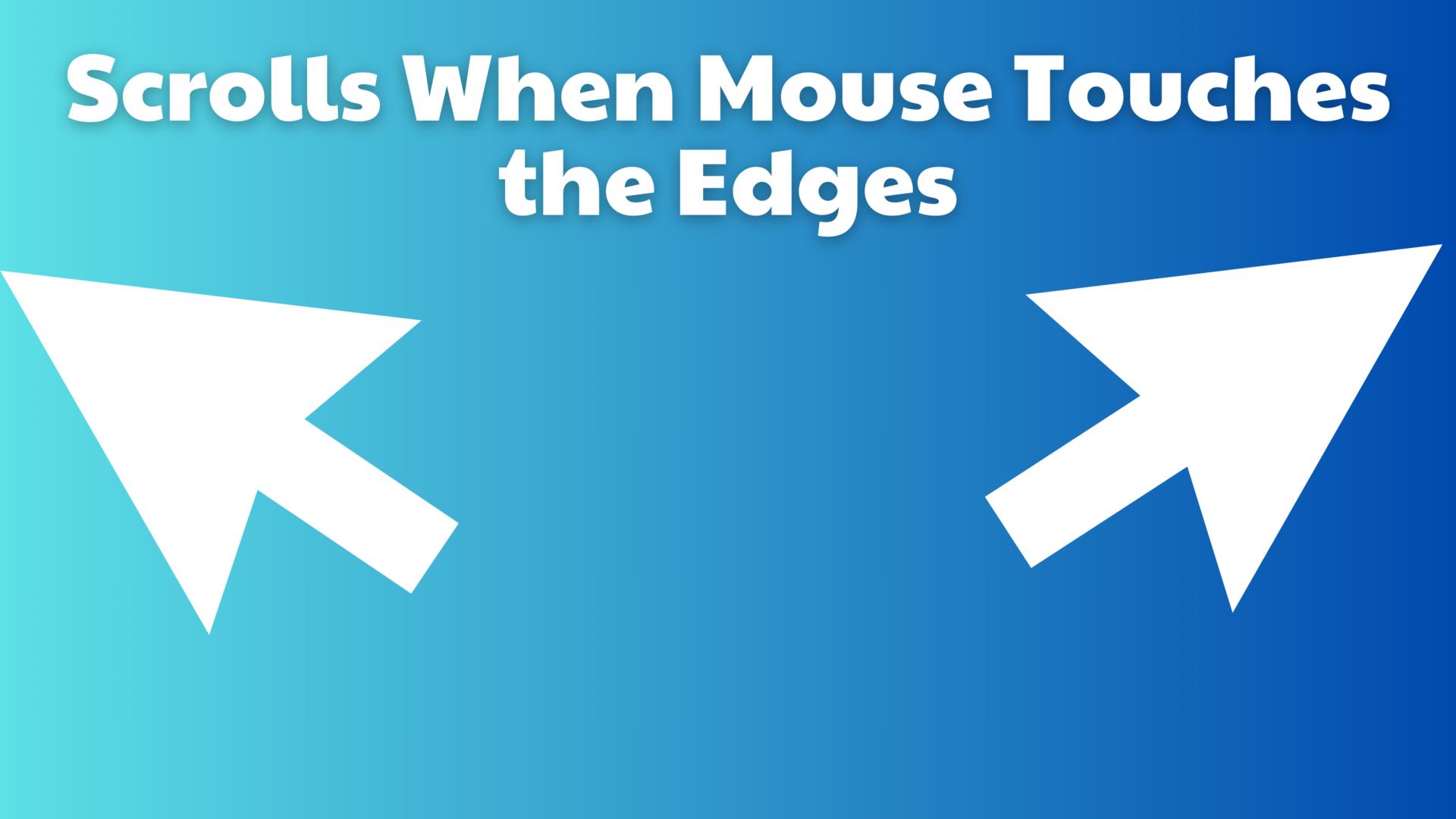
-Scrolls when mouse touches the edges (thanks to @sweenwolf)
-Automatically detect boss key code (again thanks to @sweenwolf !)
Be sure to go to Special App Permissions in your settings and give permission to TV Mouse to draw over other system apps. If you don't do this step and enable the accessibility service beforehand, the app won't have necessary permissions to do anything and it'll keep consuming your input, so your remote will no longer work. If you have gotten yourself in this situation, see FAQ.
AFTER doing the above, you can go to accessibility settings and enable TV Mouse service.
Now you can press the info button and there you have your mouse
Accessibility Service usage:
It must be installed on the TV device. When running on TV devices, the app uses the accessibility service to find the UI element on the screen to perform the mouse click action, trigger home, back, recent actions, and perform DPAD navigation actions.
The app does not collect or share user datad.
Latest Version
1.6.9-preRequires Android
7.0
Category
Tools AppContent Rating
Everyone
Report
Flag as inappropriateLast updated on Jan 5, 2024
Minor bug fixes and improvements. Install or update to the newest version to check it out!





APKPure - A multi-platform app store primarily focused on Android, providing extensive app-related content. Discover the app you want easier, faster, and safer, with quick and efficient downloads and installations.