Touch Lock Screen
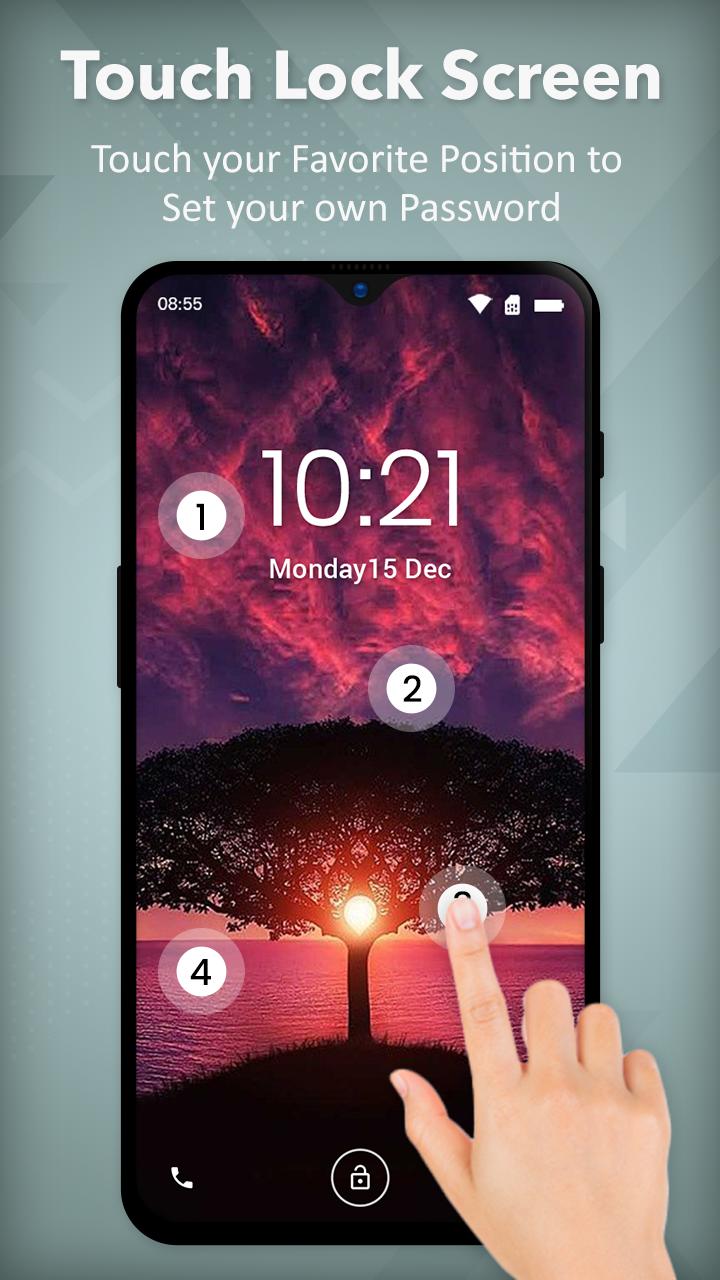
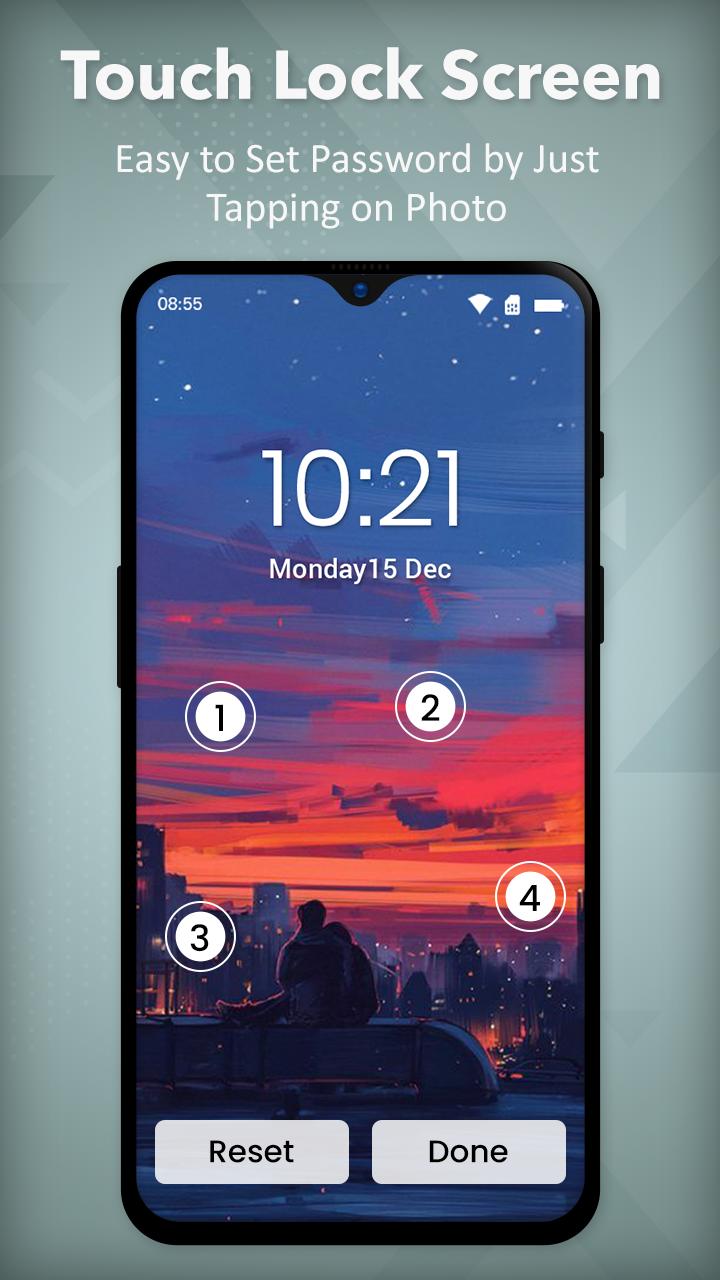
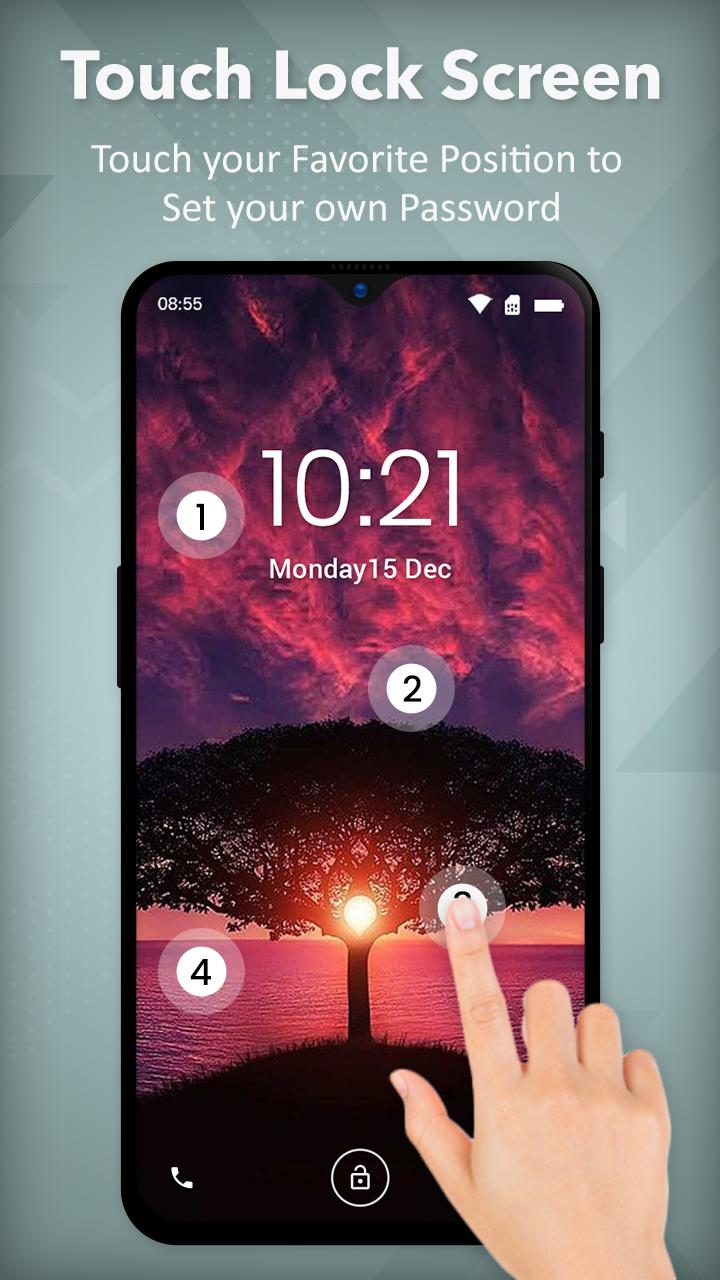
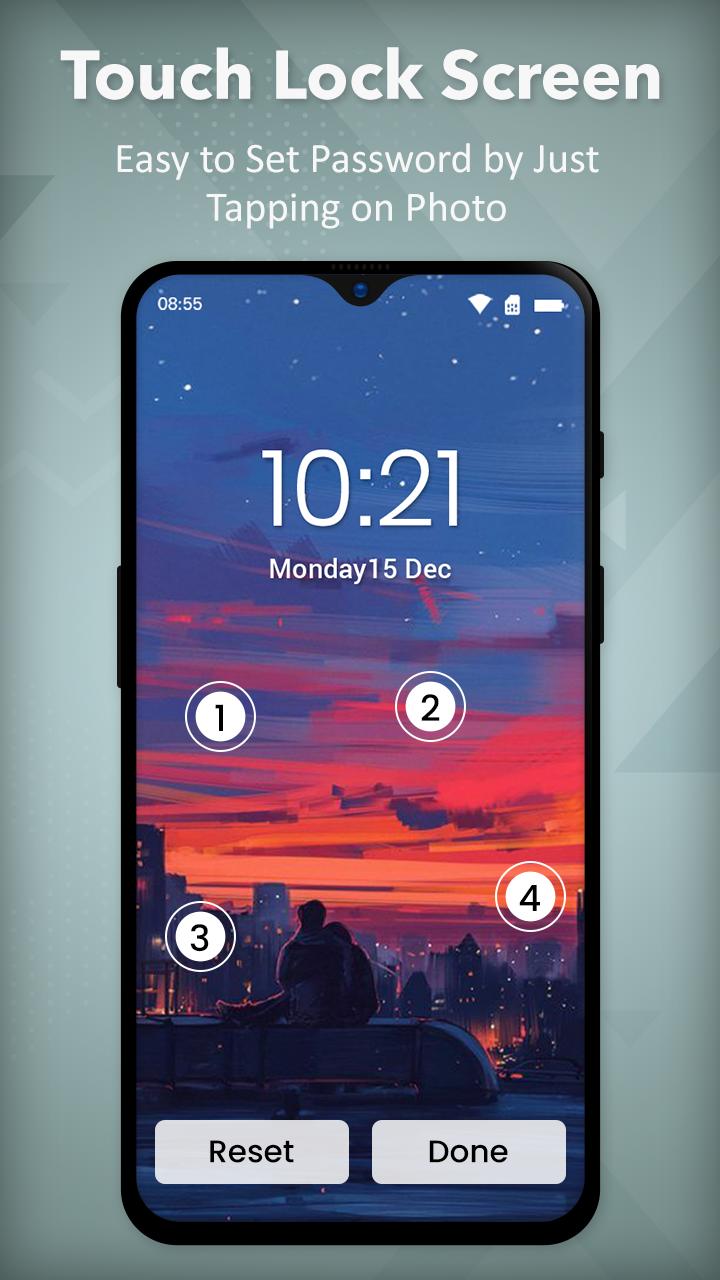
Photo Touch Position Password : Touch Lock Screen app is a modern screen lock specially made for mobile security purposes. You can secure your mobile by setting touch passwords. You can set a touch password by touching 2-4 positions.
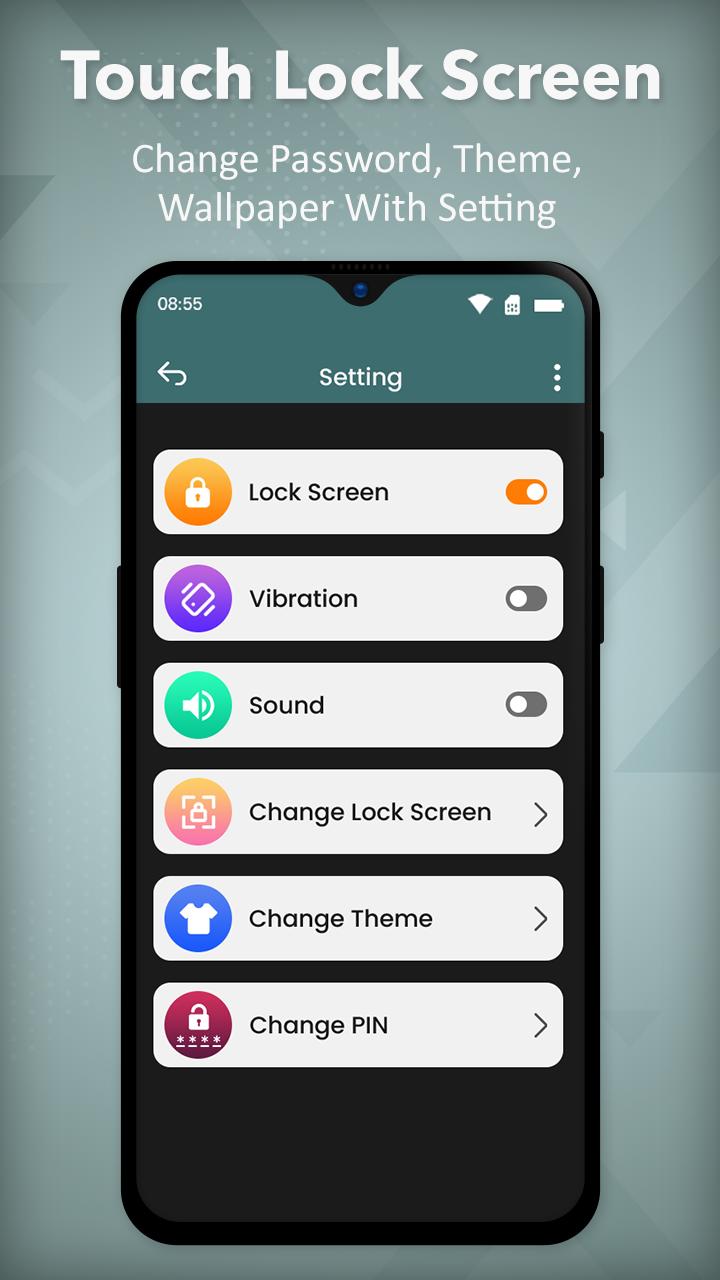
Don’t worry if you forget the password, you can set a recovery password (Pin Password) for in case you don’t remember the touch lock screen password. If you entered an incorrect password six times then you must have to initialize the setting by using pin-code. You can change the existing pin which has set on your mobile phone.
You can enable or disable sound and vibration for the lock screen. In this Photo Touch Lock Screen : Touch Lock app for android, there is a 25+ theme available for the lock screen. Users can see and set the touch lock screen preview.
The assistive touch lock screen : Touch ID Lock Screen can simply set a "touch password" with the touch of specific positions on my photo such as eyes, nose, mouth, face, or hand.
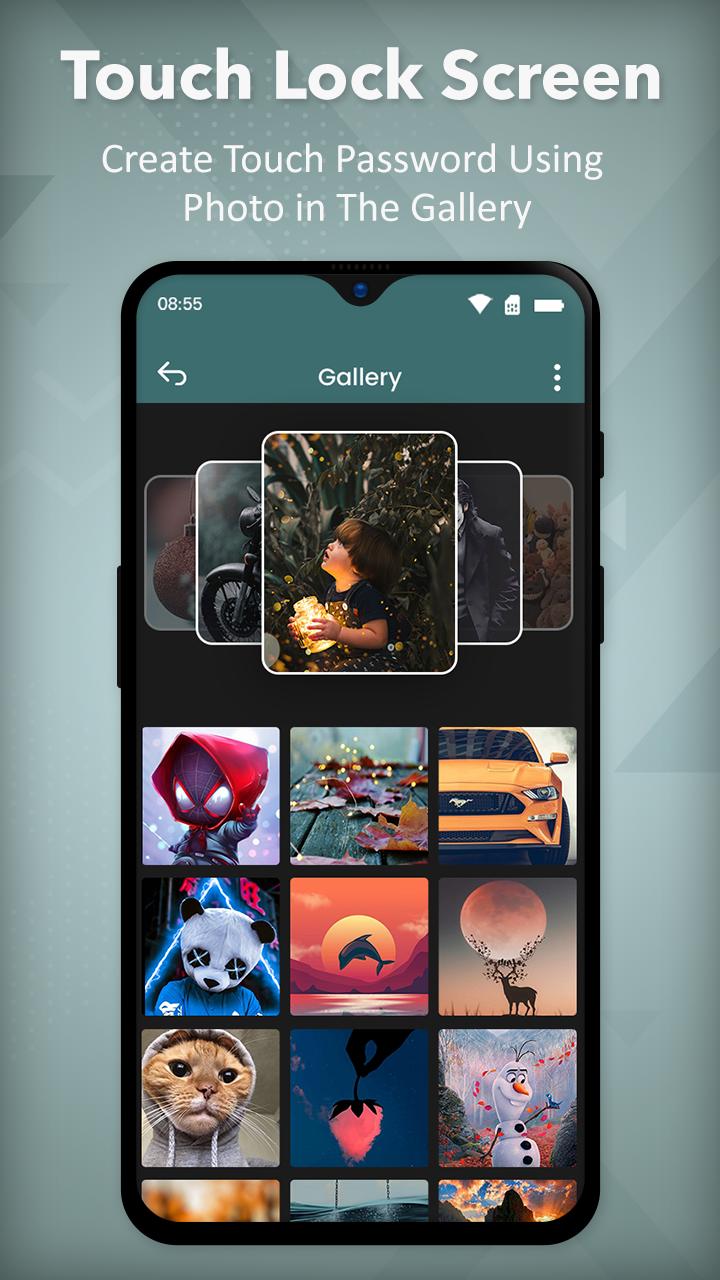
Touch Lock Screen Easy - Photo Touch Lock Password will allow you to choose your Photo Background from gallery.
One Touch Lock Screen is lightweight and a popular app beloved by commuters, students and elderly users or any person who has finger trembling disability would find it useful because it allows them to enjoy their device's display without interruption by preventing unintended operations on the finger touch lock screen and buttons.
Key Features of Touch Bar Lock Screen - Finger Touch Lock Screen :
- Secure Your phone using Touch Lock Screen app.
- You can set a recovery password (Pin Password) for in case you don’t remember the touch lock screen password.
- You can Enable/ disable Lock.
- You can select an image from the wallpaper or gallery or the camera.
- You can set a touch lock password in two or four selected positions.
- Set a backup pin password to unlock your screen.
- Set your password by touching a 1-5 touch location on the photo.
- You have the option to alter the existing pin.
- You can enable or disable sound and vibration for the lock screen.
- You can change the existing pin.
- You can see the set touch lock screen preview.
- Protect yourself from other users.
- Very easy and smooth to use these touch lock screens.
- Best App For Lock Your Phone.
If you like our team work then also share in your friends and family so that they all can also enjoy and for any suggestion you may Contact us.
Download and give us reviews of Touch Lock Screen - Touch Photo Position Password.
Thank you.!!