

Scan Date:Apr 28, 2025
Show More
Using THETA+, you can crop and edit 360° images freely after shooting them.
Not only you can view these images easily but also present creative and new expressions conventional cameras cannot provide.
You can share edited images and videos easily on Instagram, Facebook, and other SNS.
Editing functions only available for 360° images!
・Simple view functions to change presentations dynamically
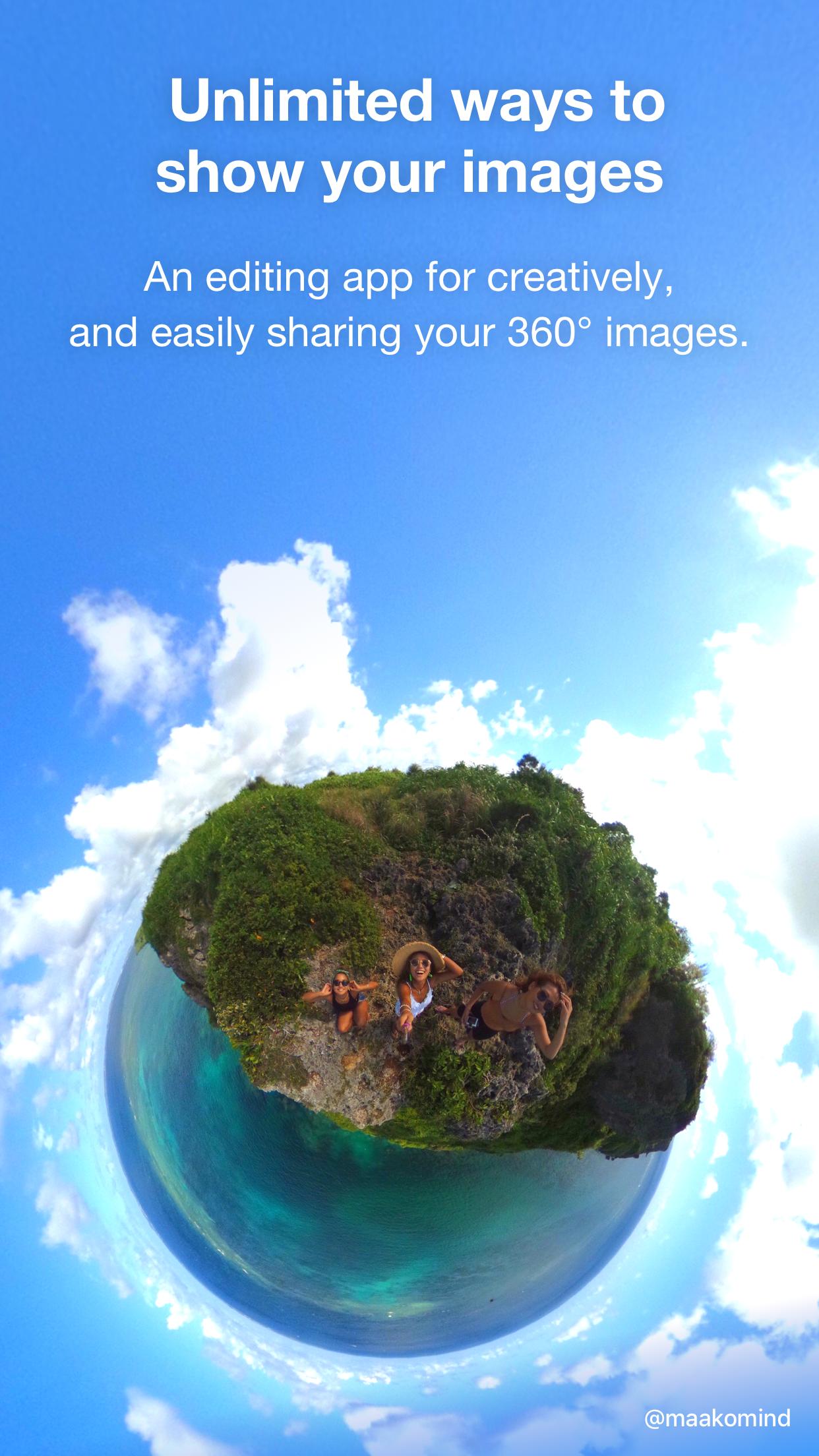
Adjusting viewpoint positions or zoom amounts, you can change presentations of a 360° image dynamically. Using a button alone, you can transform a 360° image into an earth-like shape called a Little Planet, an image on two screens, or a soratama, so that it is possible to make a 360° image attractive contents easier to present.
・Animation functions to share rotated images in a non-360° environment
You can create an animation from a still image by drawing close or pulling in a 360° image and rotating it. Also, you can freely specify a section you want to present, its motion and speed. Since the image is saved as a video after being edited, you can share a 360°-rotated image in a non-360° environment.
Basic video editing functions also provided
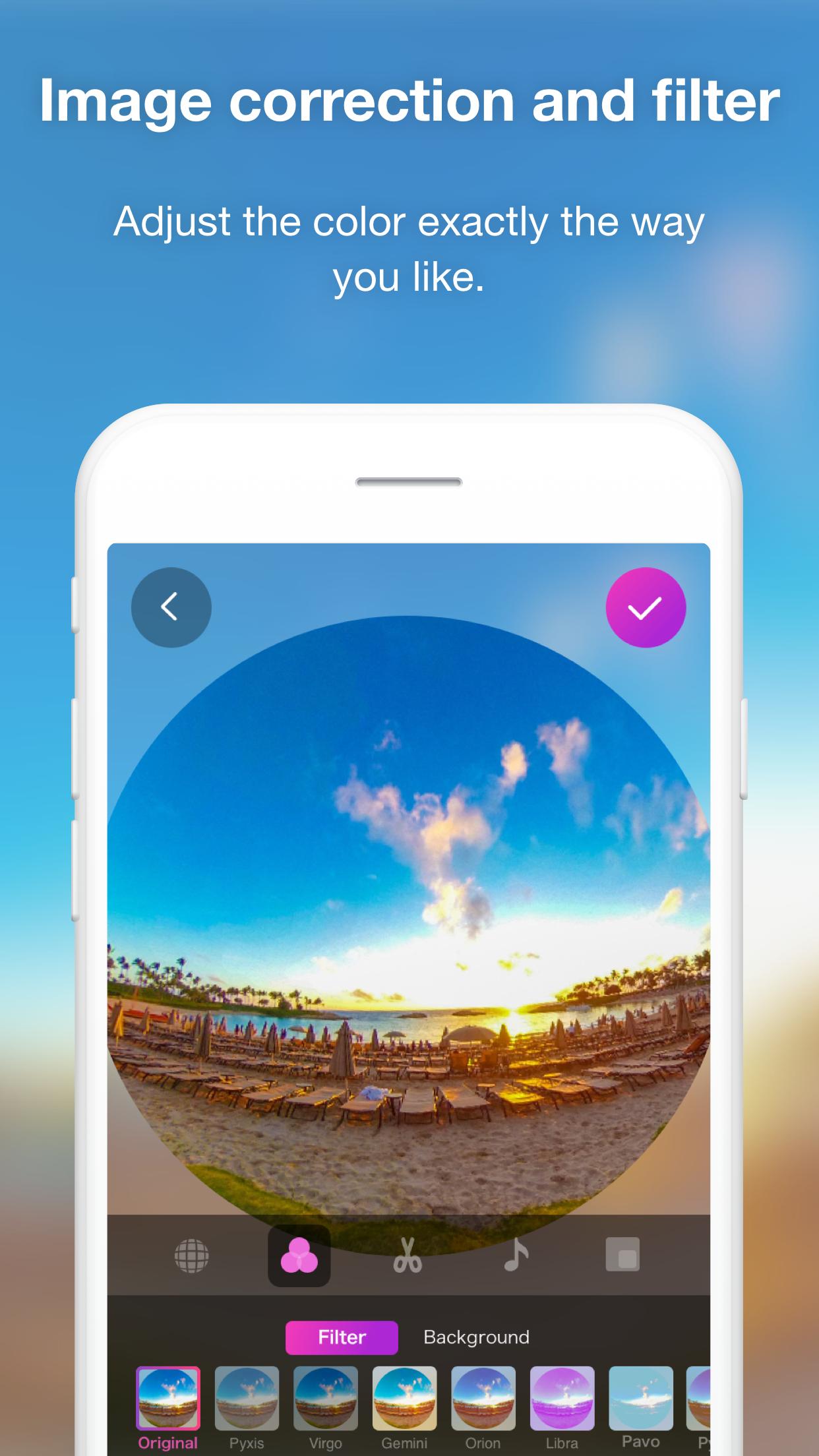
・While checking a 360° image by rotating it, you can adjust the overall colors using image correction or filter functions.
・You can present a more enjoyable 360° image by adding a stamp or text to it.
・Trimming, double speed editing, BGM, and other 360° video editing functions are also supported.
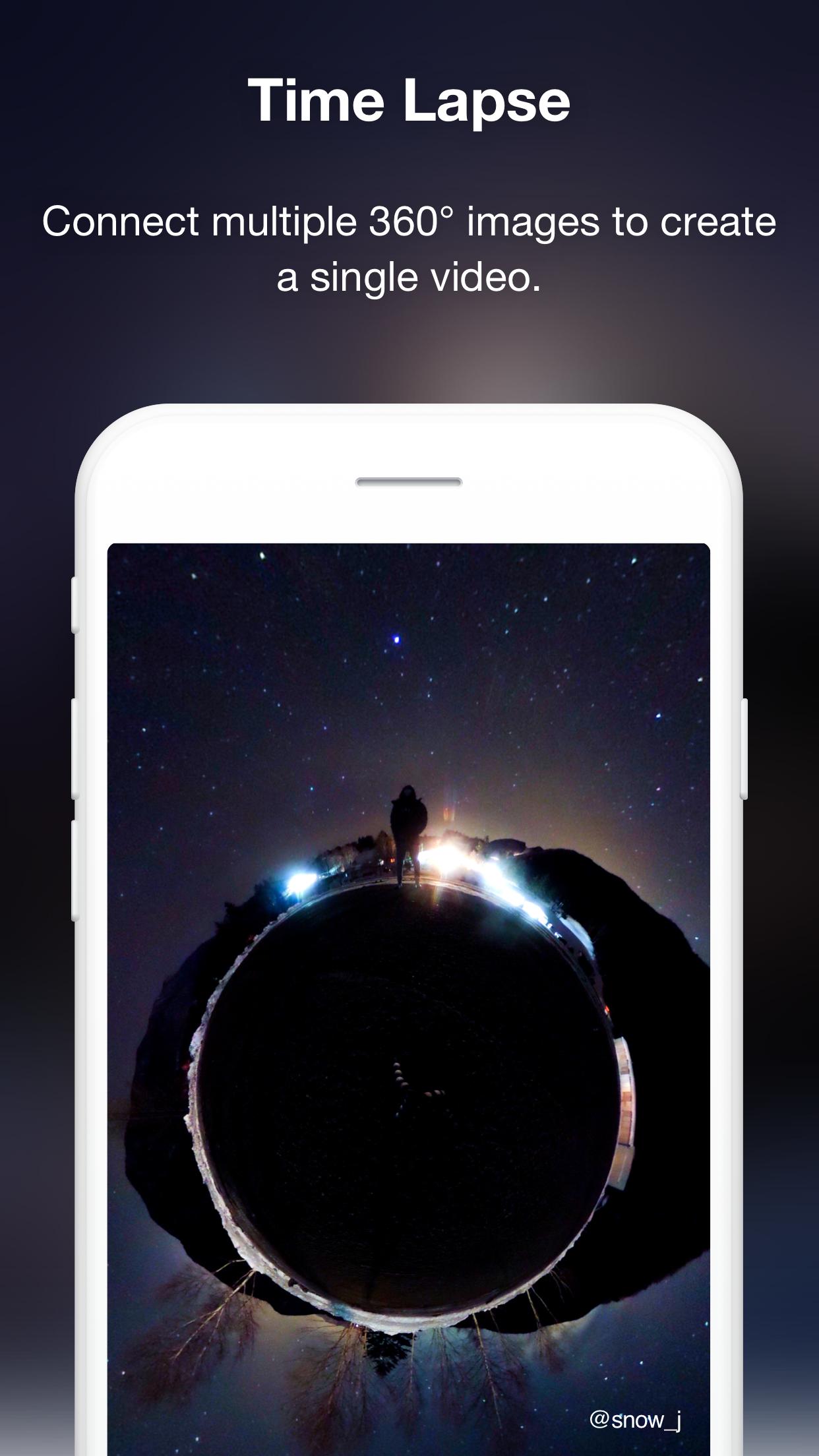
・You can create a time lapse video easily by combining multiple 360° images.
◇ Environments to support THETA+:
* Operations are not guaranteed for all terminals.
* For future updates, environments or terminals to support THETA+ may change.
Latest Version
3.11.0Uploaded by
Izk Hab
Requires Android
Android 9.0+
Category
Free Photography AppContent Rating
Everyone
Security Report
Report
Flag as inappropriateLast updated on Sep 26, 2022
・It is now possible to save your favorite scene from the video as a still image. In addition, it is now possible to correct the tilt when saving a still image.
・Bug fix





APKPure - A multi-platform app store primarily focused on Android, providing extensive app-related content. Discover the app you want easier, faster, and safer, with quick and efficient downloads and installations.