================================================
Important Notice
Support for the RICOH Smart Device Print&Scan app ended on April 30, 2018.
We recommend using the successor app, RICOH Smart Device Connector.
https://play.google.com/store/apps/details?id=com.ricoh.smartdeviceconnector
Note: The Print Settings, Scan Settings, Authentication Settings, and the devices registered in the RICOH Smart Device Print&Scan app such as MFP’s, printers, and print servers can be imported to the RICOH Smart Device Connector app.
================================================
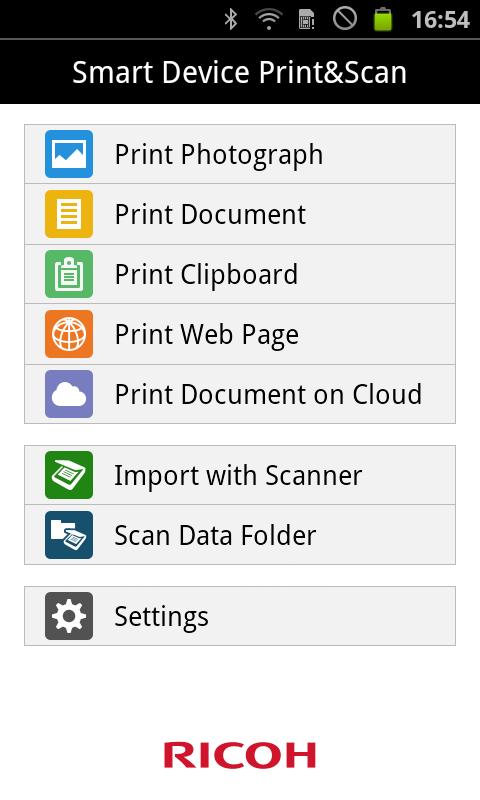
RICOH Smart Device Print&Scan has the following features:
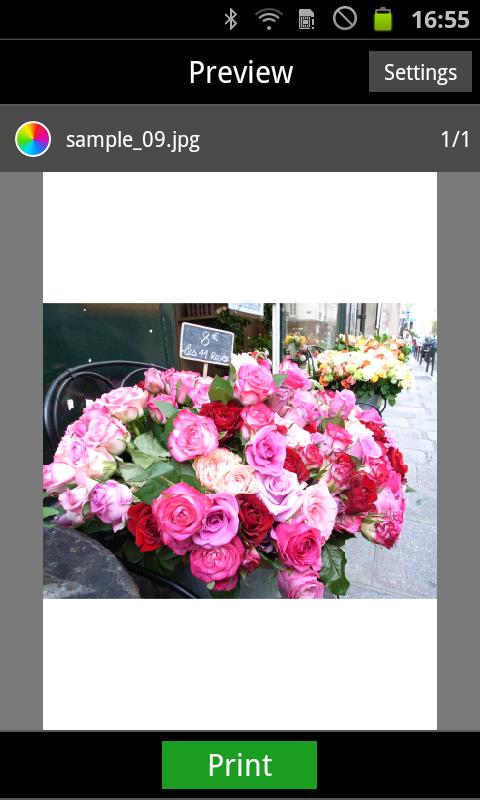
-Print photos in an Android device.
-Print PDF documents stored in an Android device.
-Print texts saved to the clipboard.
-Print web pages displayed in RICOH Smart Device Print&Scan.
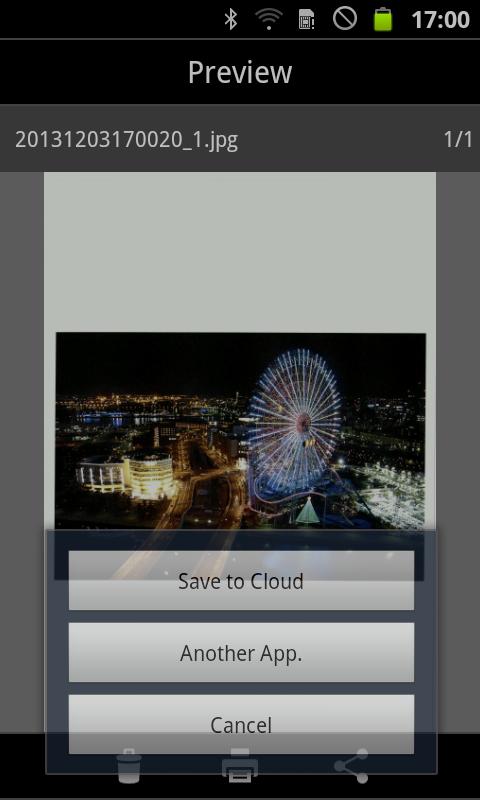
-Print images or PDF saved in cloud storage.*1
-Print photos or documents opened from another application using [Application Selection].*2
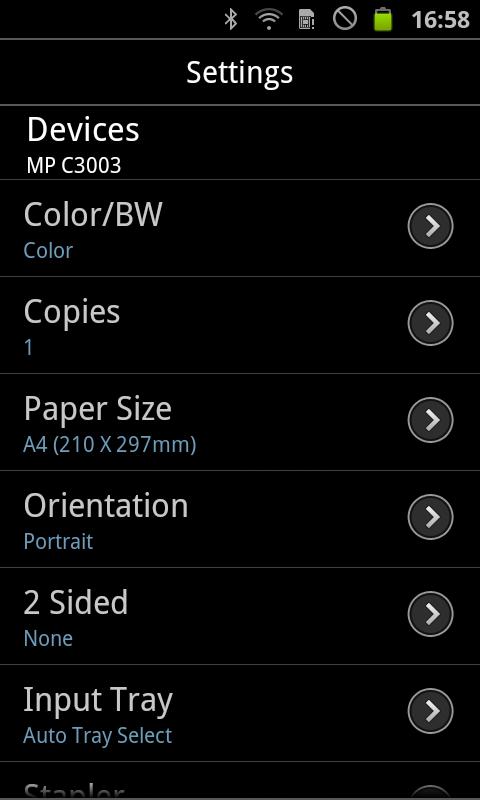
-Set Print settings such as staple.*3
-Print securely using the user code authentication or Locked Print function.
-Print using the on-demand print option.*4
-Print using the Location Free print server.*5
Scan
-Import the PDF documents and images with Scanner.
-Set Scan settings such as resolution and file type.
-Save the scanned data on Android device to the cloud storage.
-Send the scanned data on Android device to other applications using [Application Selection].
Others
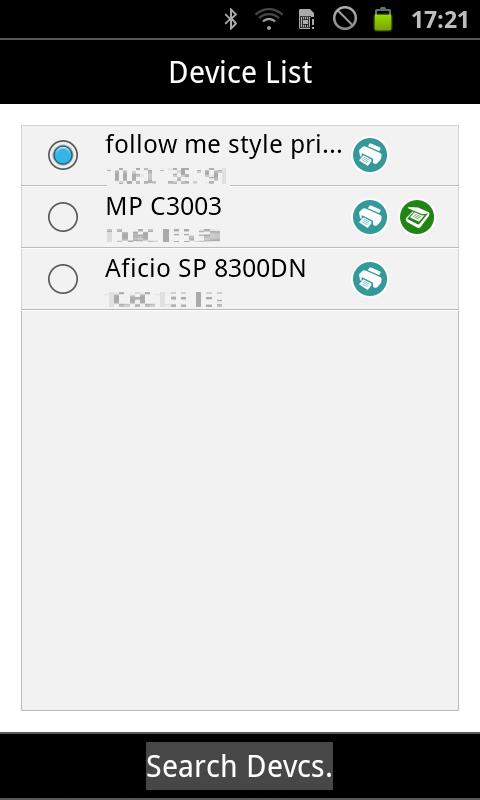
-Searching for printers or MFPs on Bonjour.
-Registering printers or MFPs with IPaddress or Hostname.
*1: Support cloud storages are Dropbox/GoogleDrive.
*2:It does not mean that you can print in the all applications and file format.
*3: You may not be able to set parameters depending on the print file format, print method, printers or MFPs.
*4: On-demand print application to print with: Enhanced Locked Print NX V2
*5: LF printer server to print with: Enhanced Locked Print NX FlexRelease Server V2
Latest Version
2.5.6Uploaded by
Ricoh Co., Ltd.
Requires Android
Android 4.4+
Category
Free Productivity AppContent Rating
Everyone
Report
Flag as inappropriateLast updated on Jul 2, 2025
Minor bug fixes and improvements. Install or update to the newest version to check it out!



APKPure - A multi-platform app store primarily focused on Android, providing extensive app-related content. Discover the app you want easier, faster, and safer, with quick and efficient downloads and installations.