Package Name:com.ricoh.smartdeviceconnector
SHA-256:189c7e16ac599757e8e6d0a461db9a5cd917d9ae6a22d9539d75cb718f3ff6e5
Show More
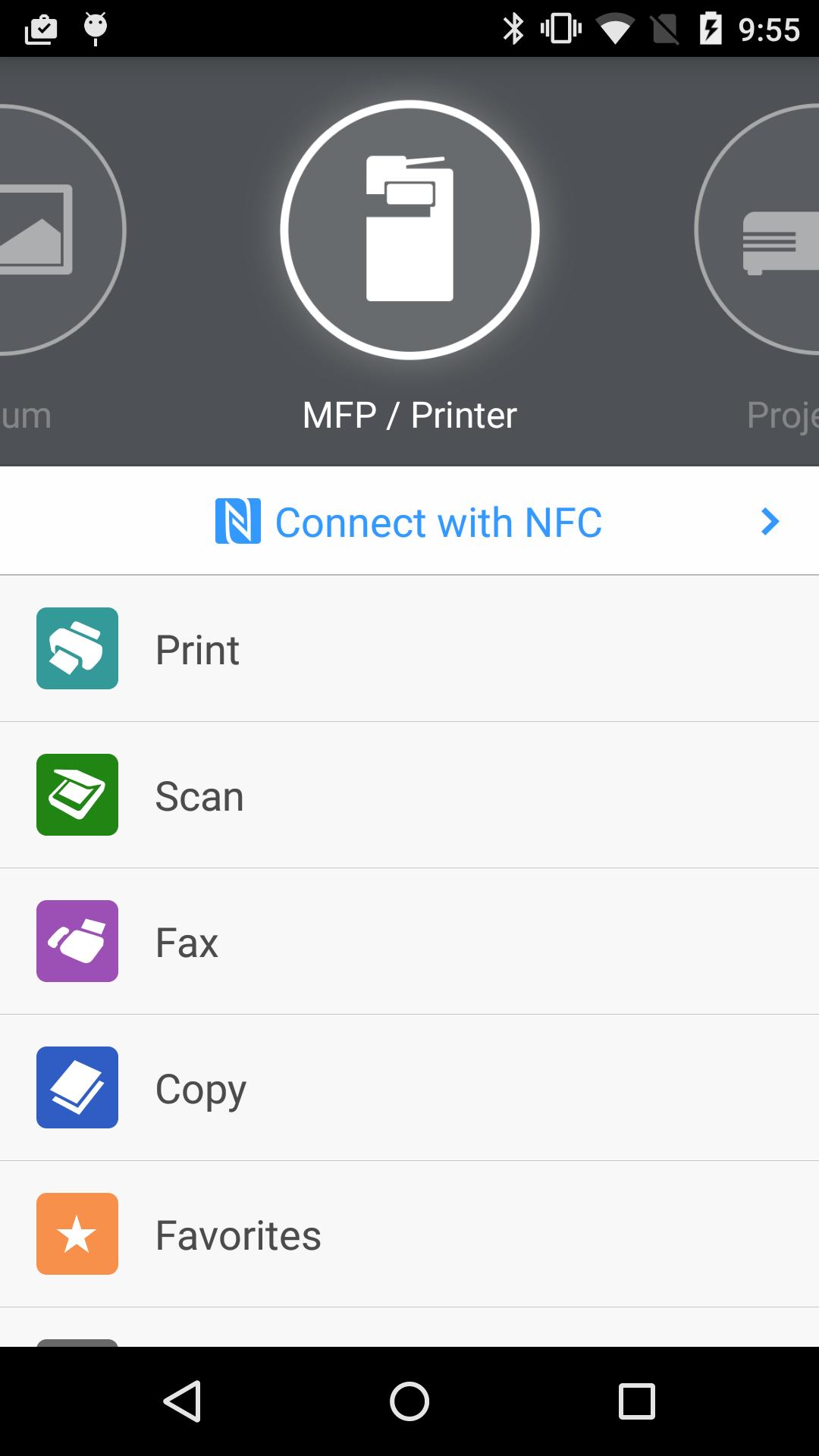
RICOH Smart Device Connector lets you quickly access a RICOH multifunction printer (MFP) or projector by registering it with a smart device via NFC, Bluetooth Low Energy, a QR code, or the IP address or hostname of an MFP.
Print-related features:
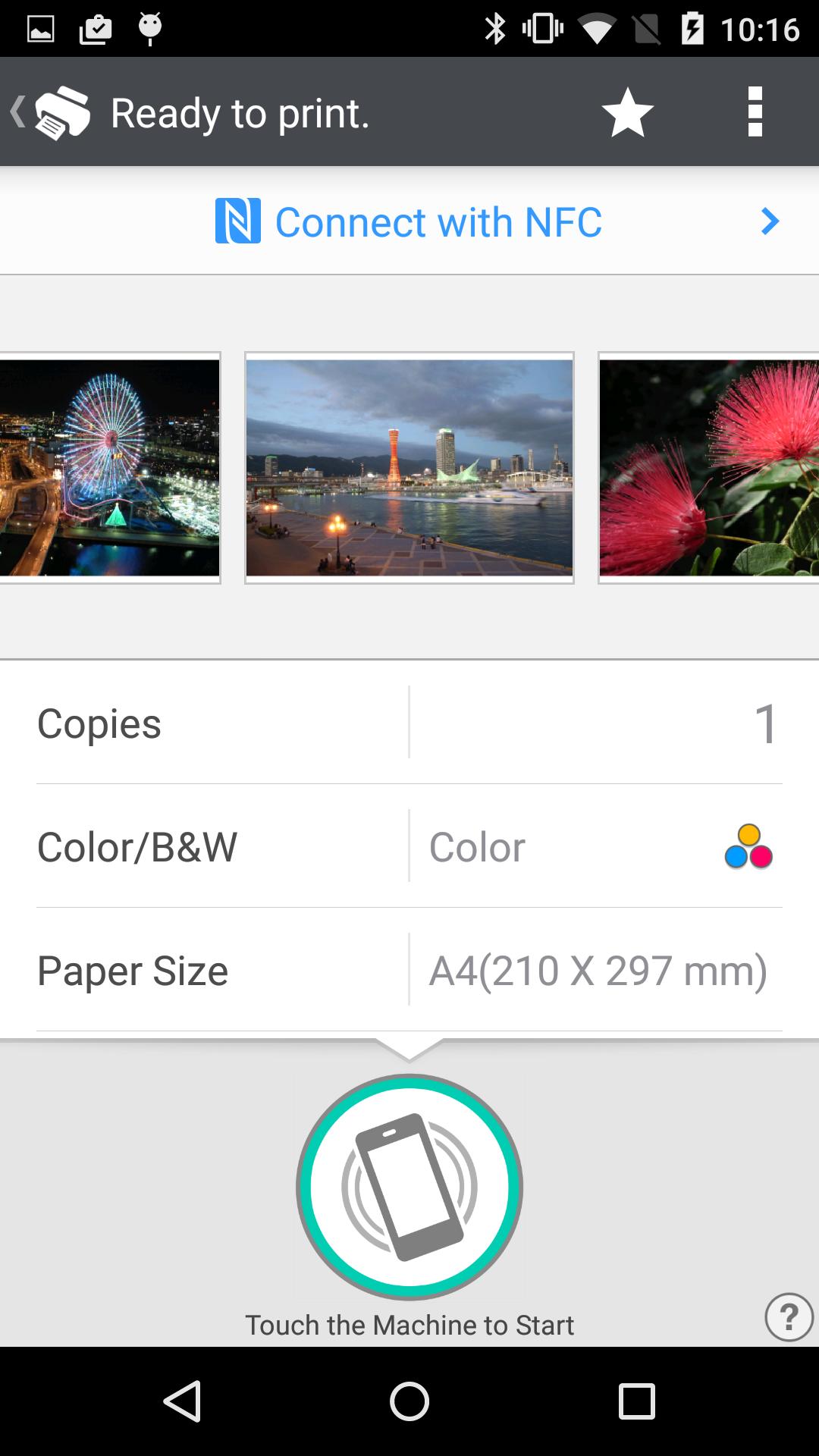
- Print or project documents and images stored on a smart device or on Box, Dropbox, Google Drive, Microsoft OneDrive.
- Print emails, file attachments, and webpages.
- Print from print server.
Scan-related features:
- Scan to a smart device or to Box, Dropbox, Google Drive, or Microsoft OneDrive.
Projection-related features:
- Project documents and images on a smart device or in Box, Dropbox, Google Drive, or Microsoft OneDrive to a RICOH projector and the RICOH Interactive Whiteboard.*
- Project emails, file attachments, and webpages.
- Save documents that have been annotated on the RICOH Interactive Whiteboard.
Other features:
- Conduct user authentication by using a smart device.
- Automatically search for available machines on the same network.**
Supported languages:
Arabic, Brazilian Portuguese, Catalan, Chinese (Traditional and Simplified), Czech, Denmark, Dutch, English, Finnish, French, German, Greek, Hebrew, Hungarian, Italian, Japanese, Korean, Norwegian, Polish, Portuguese, Russian, Spanish, Swedish, Thai, Turkish, Vietnamese
Supported models:
https://www.ricoh.com/software/connector/
*RICOH Interactive White Board D6500/D5510 requires firmware v1.7 or later.
**Except for the RICOH Interactive Whiteboard.
Latest Version
3.16.18Uploaded by
سامر درويش
Requires Android
Android 7.0+
Category
Free Productivity AppContent Rating
Everyone
Security Report
Check Now
Report
Flag as inappropriateLast updated on Mar 31, 2026
- Minor improvements have been made to usability and guidance displays.




APKPure - A multi-platform app store primarily focused on Android, providing extensive app-related content. Discover the app you want easier, faster, and safer, with quick and efficient downloads and installations.