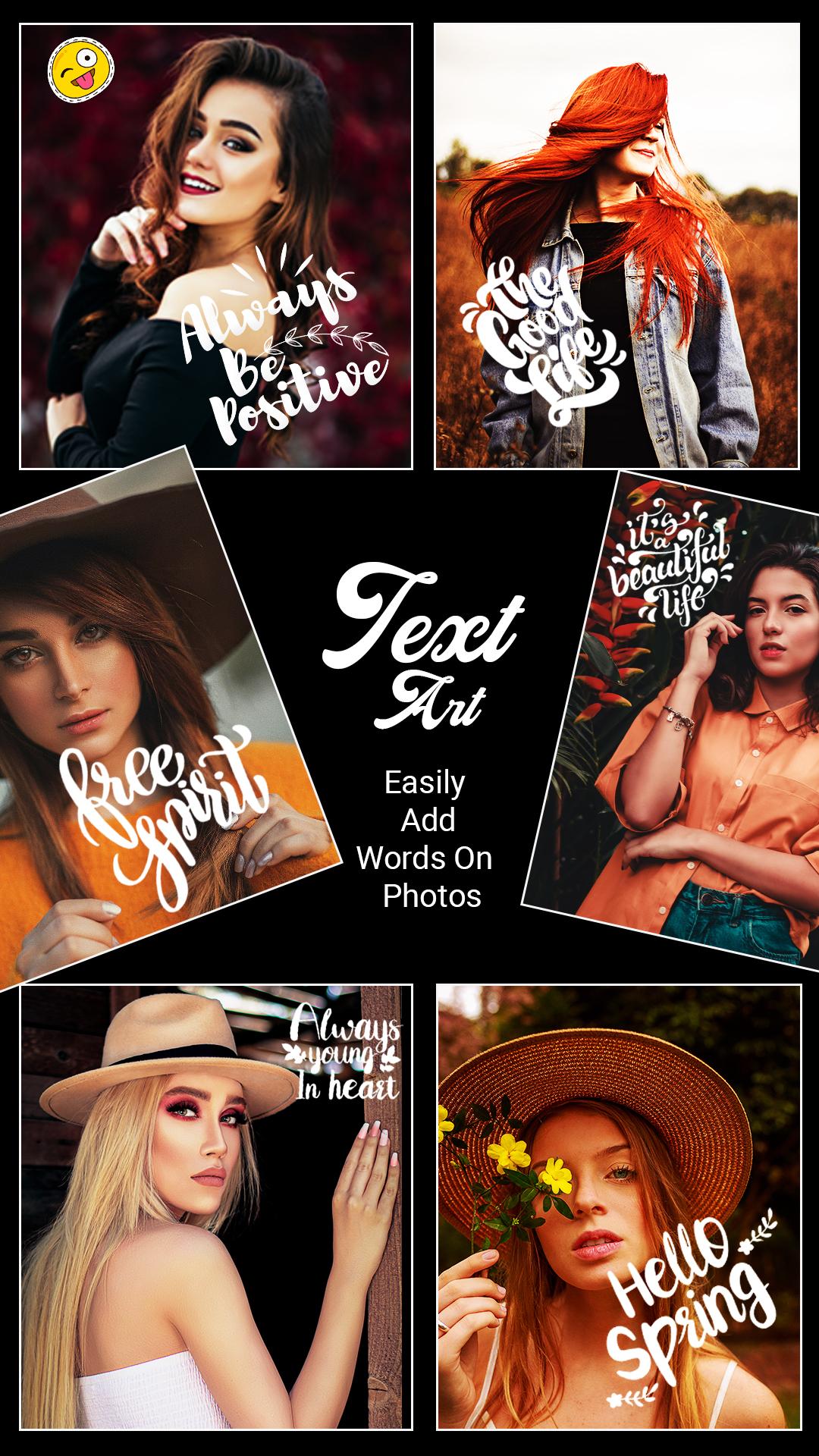
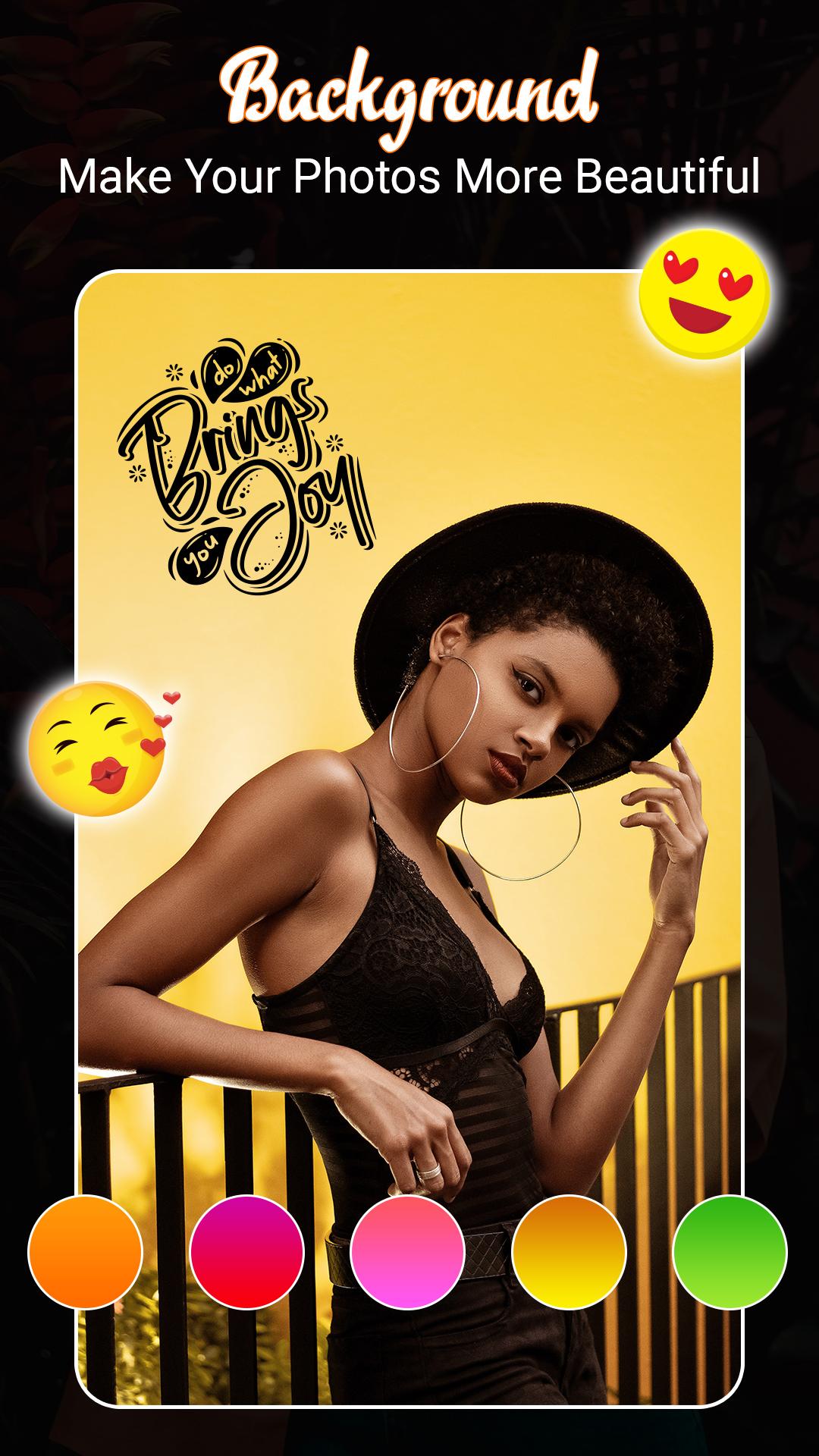
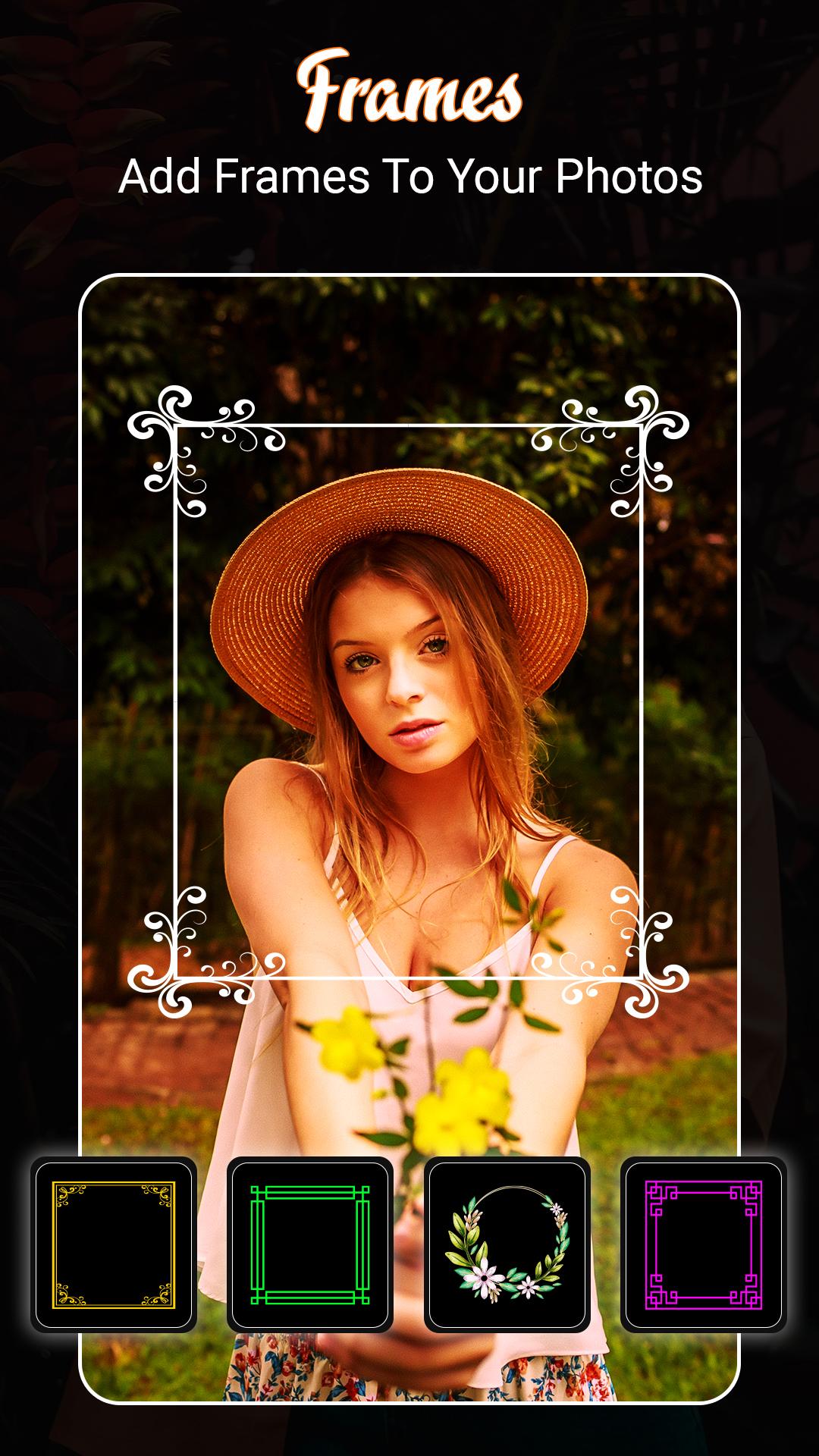
TextArt - Style Text on Photo has so many text art fonts for photos. Which helps you to create text art photos with text editor & text creators. With text font, you can create stylish font text art photos. TextArt has creative text cool name art design, background color, background image, etc. Even more, you can add text on pictures that you select from your device. Textart cool text creator and poster maker fancy text art allows you to transform simple text typed on a keyboard into elegant text using letter fonts.
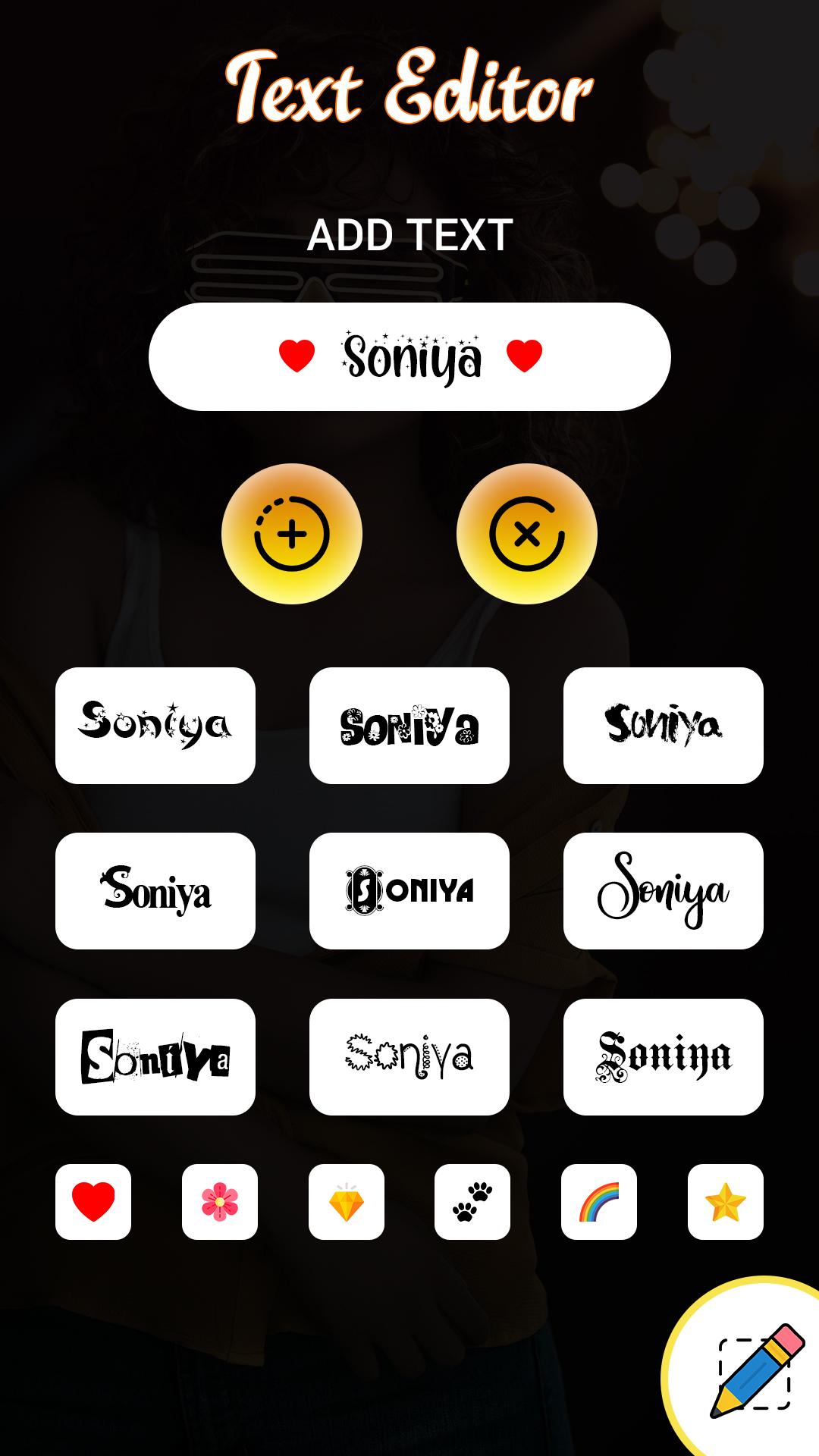
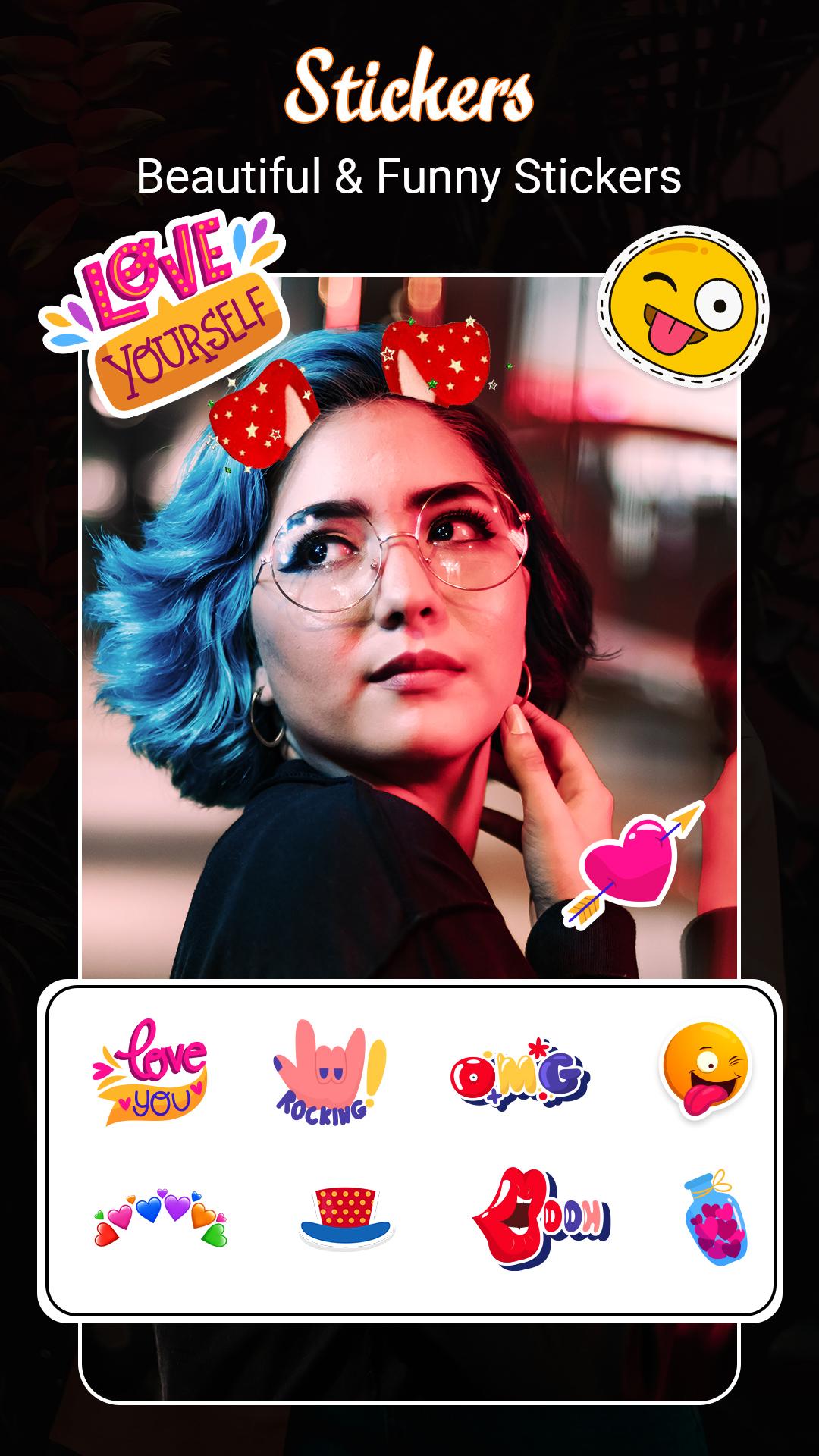
This TextArt name text editor converts normal text to stylish text with many different symbols and font styles with emoji & stickers for add-on photos.
Features of Fancy TextArt
↦ Create your fancy TextArt
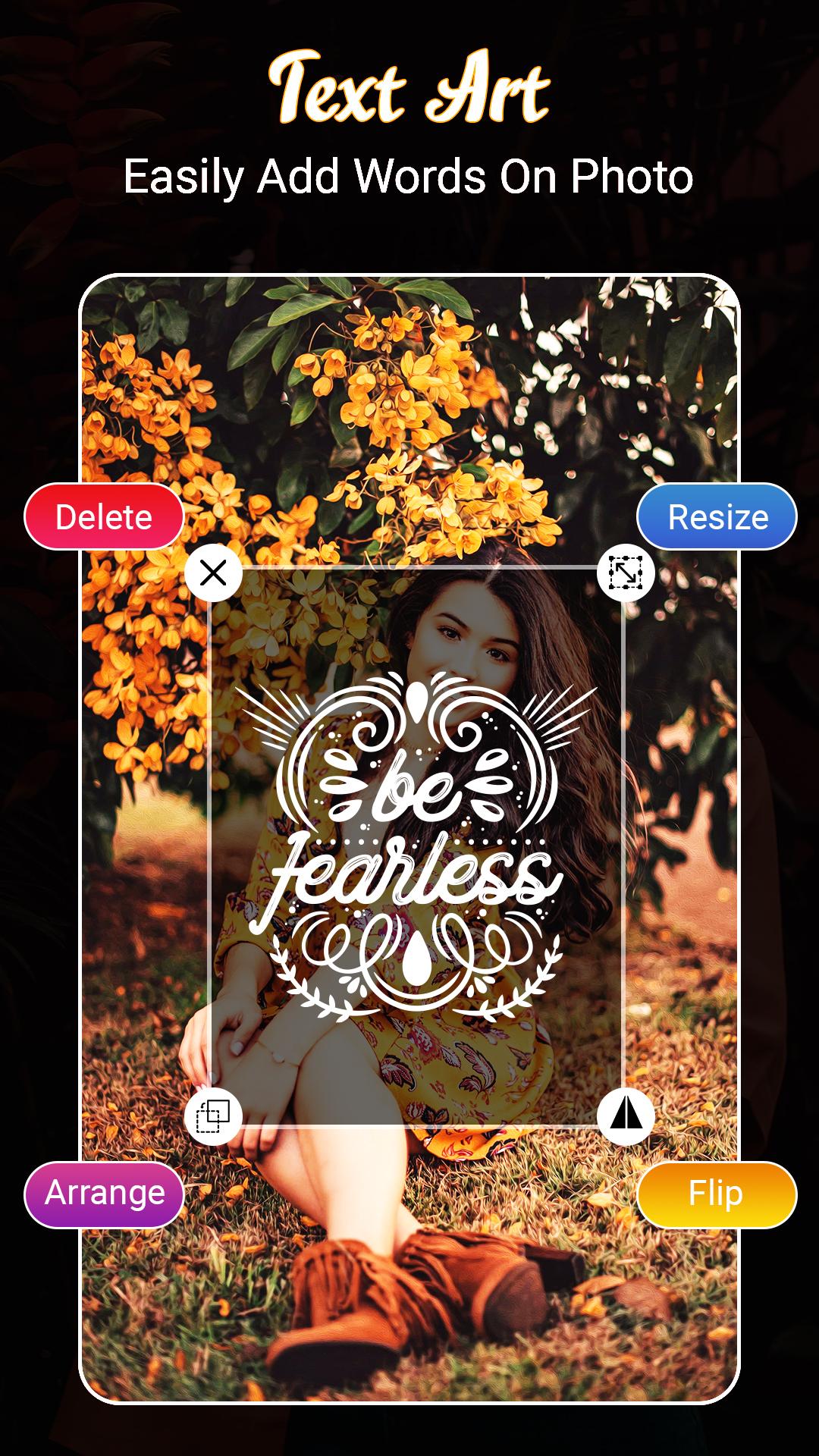
↦ Add multiple texts to a picture
↦ Collection of multiple name art font style
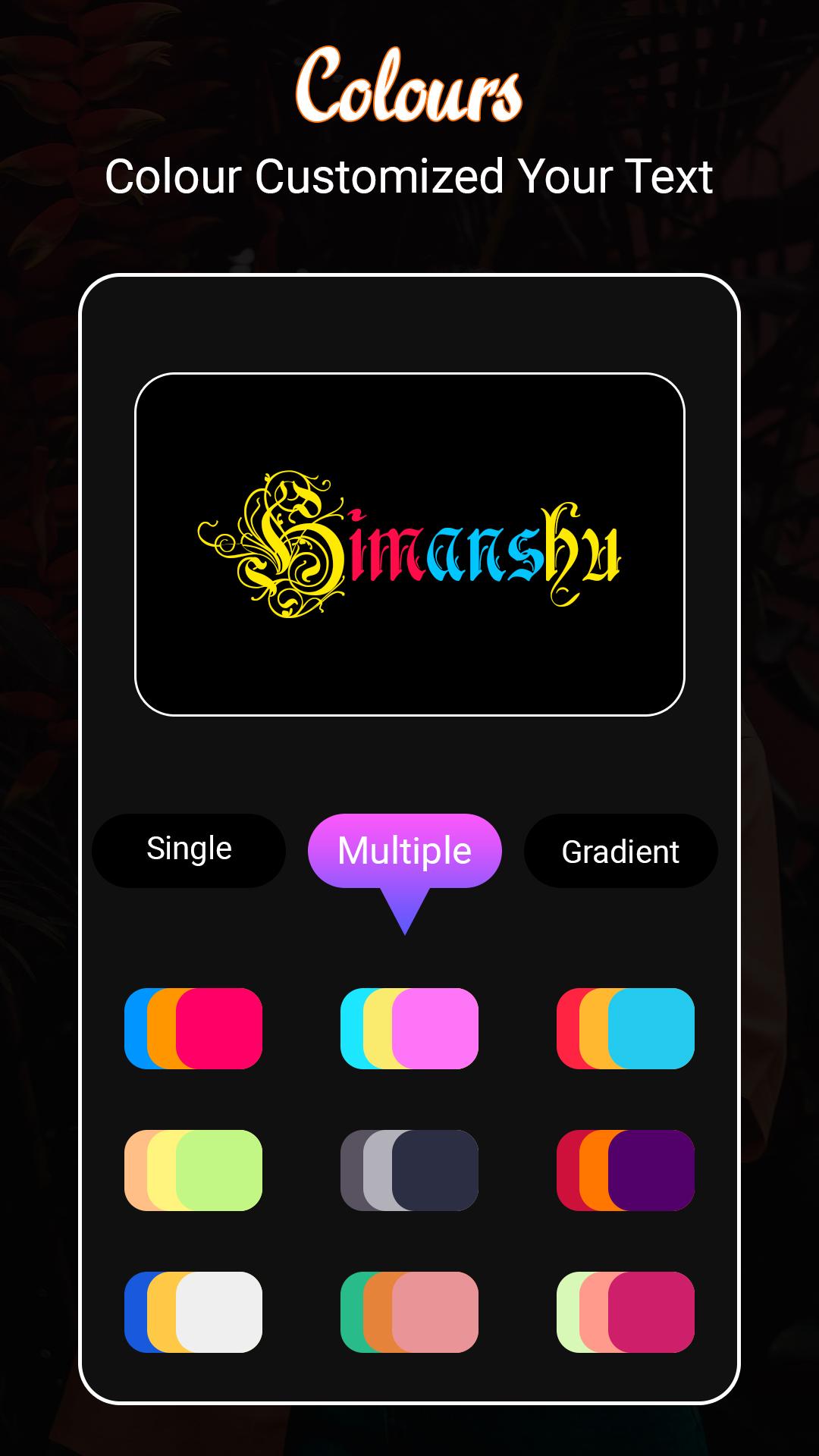
↦ Change font style and add effect on text
↦ Manage text size and control all text art tools
TextArt: Creating name shadow art wallpaper name art photo editor you can add text on photo. And change text style using calligraphy font or add stickers on the photo. Even more directly create quotes image photo with Text Art. There are inbuilt give quotes as per your mood preference.
Mirror TextArt: The creative shadow text art maker reflects your normal text and creates a mirror effect and on that stylish text, you can apply gradient color, change the background color and change normal text with to fancy text art font style.
Fancy Font: In Fancy font style, you can change normal text with different font style types and add decoration particles on both sides.
Latest Version
1.0Uploaded by
Aaron M. Cordova
Requires Android
Android 4.2+
Category
Free Art & Design AppContent Rating
Everyone
Report
Flag as inappropriateLast updated on Dec 3, 2021
1'st Version!


APKPure - A multi-platform app store primarily focused on Android, providing extensive app-related content. Discover the app you want easier, faster, and safer, with quick and efficient downloads and installations.









