Scan Date:Apr 14, 2026
Show More

Want to add Back Navigation gestures on android device? Swipe to Back Navigation Gesture: Edge Gesture app will help you out.
This swipe to back gesture app allows you to set the navigation on any app, contact, calendar, music player, calculator and on any android device. It will make your swipe to back easy and smooth navigation. You can swipe Left ➡️ right, right ⬅️ left and Bottom ⬆ top to navigate back.
How to use Swipe back Navigation gesture app?
1. Download & install Swipe to back Gesture app
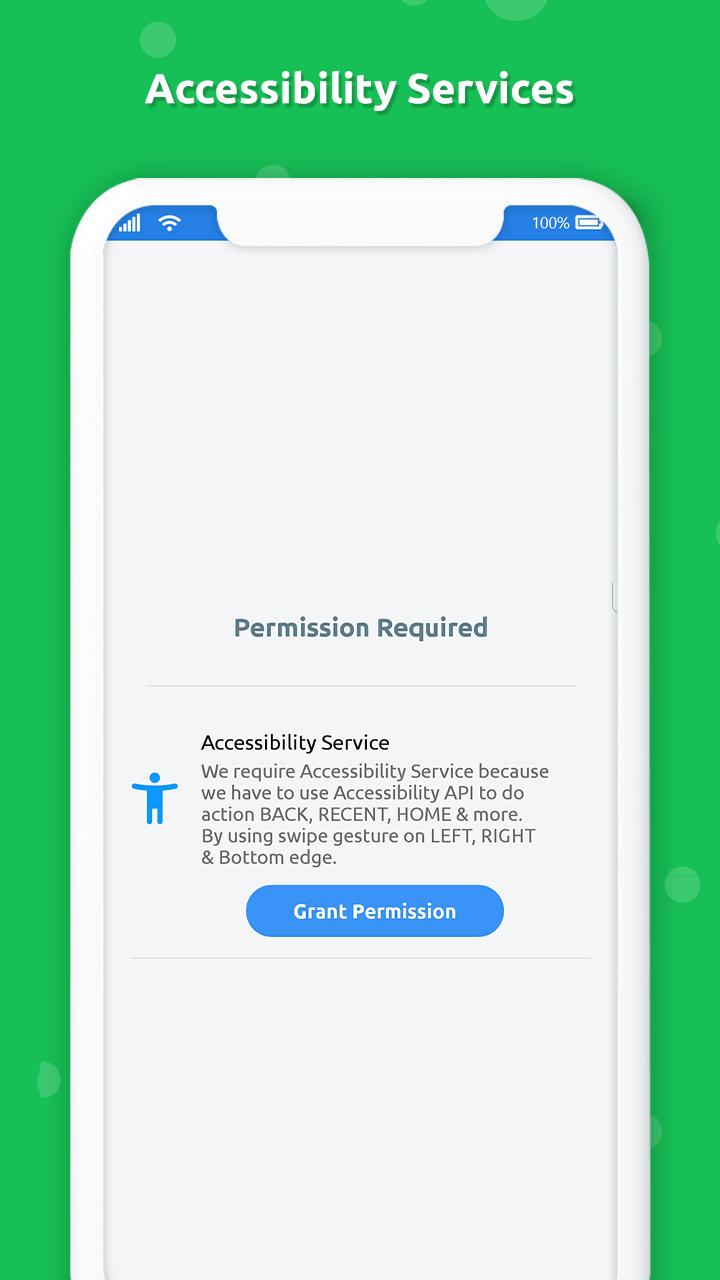
2. Enable accessibility service to use swipe edge gesture app
3. You get tutorial to understand the navigation gesture
4. In enable navigation services you get Left, Right and Bottom view Enable/Disable option
Fluid Navigation gives setting option to ENABLE/DISABLE gesture sound and vibration time in millisecond.
Features of Fluid Navigation:-
☆ Easy and simple to use.
☆ 100% offline app.
☆ Light weighted app.
☆ Supports 99.9% android device
Download app brings navigation gesture "Swipe to Back" fluid gesture to all android phones.
Prominent disclosure
This app requires accessibility service permission to perform below action on swipe gesture.
• Back
• Setting
• Browser
• Power Summary
• Toggle down notification
• Split screen
• Voice command
• Dialer
• Date and time setting
• Power Dialog
• Home
• Recent Apps
:: ACCESSIBLITY PERMISSION ::
* We require activate accessibility service because we have to use Accessibility API to do action BACK, RECENT, HOME, Spilt Screen & more.
* We ensure that we only use Accessibility API for above functions we don't collect any any users information.
Latest Version
4.2Uploaded by
Lo Ve
Requires Android
Android 6.0+
Category
Free Tools AppContent Rating
Everyone
Security Report
Report
Flag as inappropriateLast updated on Apr 14, 2026
Minor bug fixes and improvements. Install or update to the newest version to check it out!




APKPure - A multi-platform app store primarily focused on Android, providing extensive app-related content. Discover the app you want easier, faster, and safer, with quick and efficient downloads and installations.