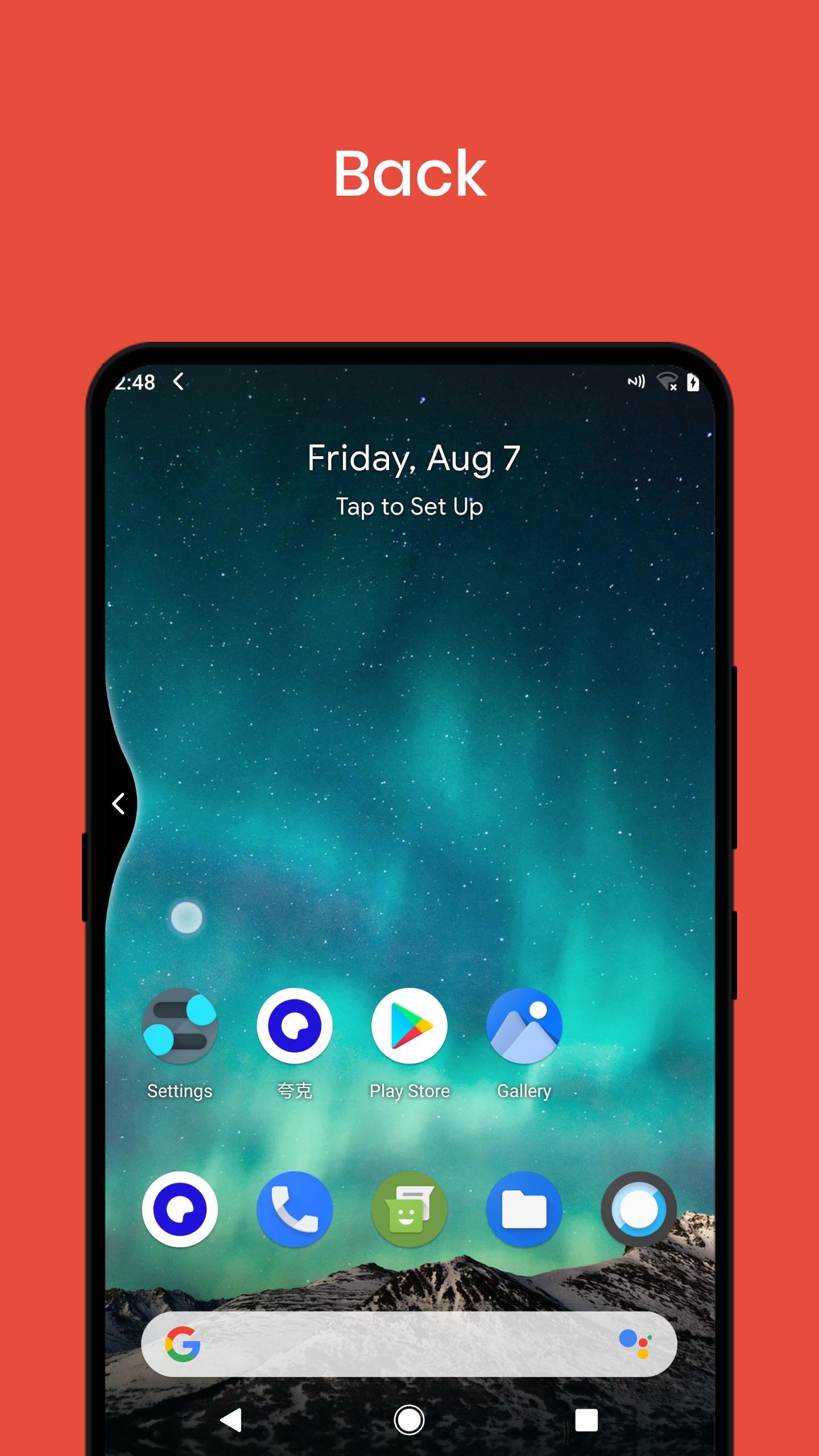
Elegant navigation gestures: swipe from edge, not need to add a back button to screen.
Convenient large-screen operation, protect your fingers.
Save hardware buttons and protect your equipment.
Shortcuts
☆ Back button
☆ Home button
☆ Recent button
☆ Last app
☆ Lock screen
☆ Volume menu
☆ Power menu
☆ Take screenshot
☆ Split screen
☆ Quick settings
☆ Open notification
☆ Auto rotation
☆ Flashlight
Left edge gestures(Right side is opposite)
☆ →
☆ ↗
☆ ↘
☆ ↗↑
☆ ↘↓
☆ →→
☆ →↗
☆ →↘
★ Quick start third-party apps
★ Custom theme colors
FAQ
1. App stopped automatically sometimes?
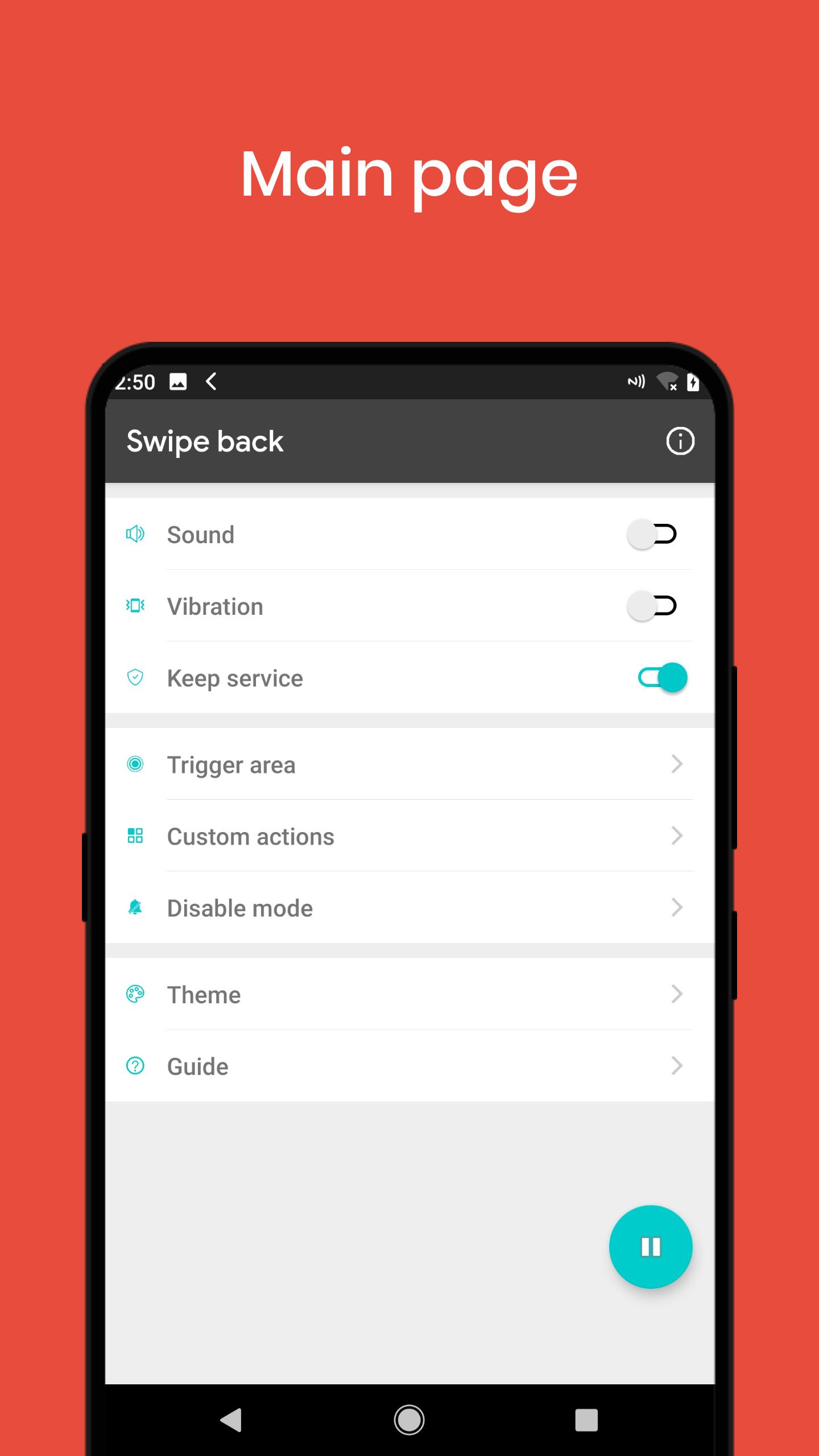
- Open [keep service], show a permanent notification in notification bar, to prevent killing by system.
2. Can not uninstall after adding [Lock screen]?
- Go to [About] page, click uninstall.
Latest Version
v6.2.4Uploaded by
Aung Myint Myat
Requires Android
Android 4.2+
Category
Free Tools AppContent Rating
Everyone
Report
Flag as inappropriateLast updated on May 1, 2021
Fix disable apps not woking.





APKPure - A multi-platform app store primarily focused on Android, providing extensive app-related content. Discover the app you want easier, faster, and safer, with quick and efficient downloads and installations.