Package Name:com.hitrolab.ai.snapshot.photoeditor
SHA-256:417f354554c8f5dd84ee23005570d1a97f783a4061b0a9b16579ffc4635b68a6
Show More

Unleash your creativity with SnapShot: Photo Editor Collage🎨, the ultimate AI-powered photo editor that transforms your images into stunning visual masterpieces ✨. Whether you’re a professional photographer 📸, a social media enthusiast📱, or someone who loves capturing moments, Snapshot AI Photo Editor Collage maker caters to all your photo editing needs with precision and ease.
Create Stunning Collages with Ease 💫
• Photo Collage Generator: Effortlessly combine your favorite pictures into beautiful collages using our vast collection of layouts, templates, and grids. You can Design custom collages, choosing from various shapes, sizes, and borders to suit your style. Build captivating collages by adding text, stickers, and filters to enhance your photos.
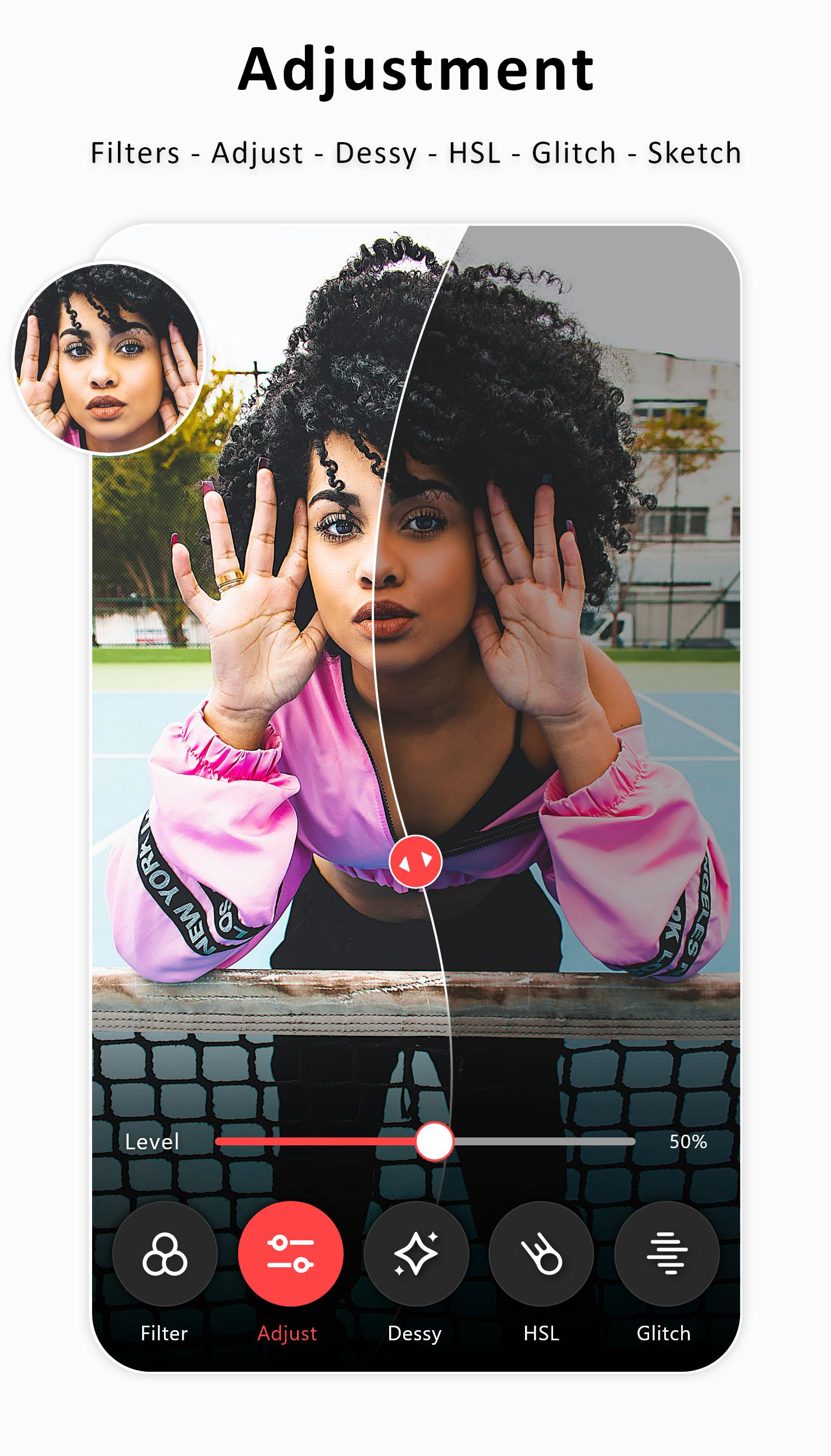
• Batch Editing: Save time with the batch editing feature, which allows you to edit multiple photos simultaneously. Apply filters, effects, or adjustments to a group of images with just one tap. Batch editing is ideal for photographers and content creators who need to edit large quantities of photos quickly and efficiently.
• Text & Sticker Editor: Add a personal touch to your photos with the text and sticker editor. Choose from fonts, colors, and styles to create eye-catching captions, quotes, or messages.
• Collage Photo Making: Master the art of collage creation with our easy-to-use features and endless possibilities.
Our Photo Editor Collage maker includes AI professional retouching tools that help you achieve flawless results. Smooth skin, remove scratches, whiten teeth, and improve facial features with precision. The AI-powered retouching ensures that edits look natural and seamless, making your portraits stand out.
Powerful Photo Editing Tools at Your Fingertips 🛠️
• Photo Editor: Edit your photos like a pro with tools including crop, resize, rotate, and flip.
• Image Crop: Precisely crop your photos to perfection for social media or printing. Easily crop out unwanted elements to focus on the essential parts of your image.
• Text on Photo Editor: Add personalized messages and captions to your photos with our stylish text options.
• Photo Grid: Create captivating collages and photo grids. Choose from various templates, customize layouts, and add borders or text to personalize your creations. The collage maker is perfect for showcasing multiple photos in a single frame, whether for a social media post, a story, or a special occasion.
Capture and Share Your Moments📸
• Photo Collage: Combine multiple photos into a single frame stunning collage to tell your story. Create beautiful collages for any occasion, from birthdays to weddings. Find inspiration and ideas for creating unique and eye-catching collages for everyone.
• Photo Layouts: Experiment with different photo layouts to find the perfect arrangement for your images.
• Make a Photo Album: Organize and preserve your precious memories in beautiful photo albums.
• Side-by-Side Picture: Compare or showcase two side-by-side pictures with our comparison feature.
• Photo Group: Bring your photos together in visually appealing groups and arrangements. Effortlessly integrate multiple photos into a single image. Create layered effects by adding one picture to another.
• Fun Pic: Add a touch of fun to your photos with our creative editing tools and effects.
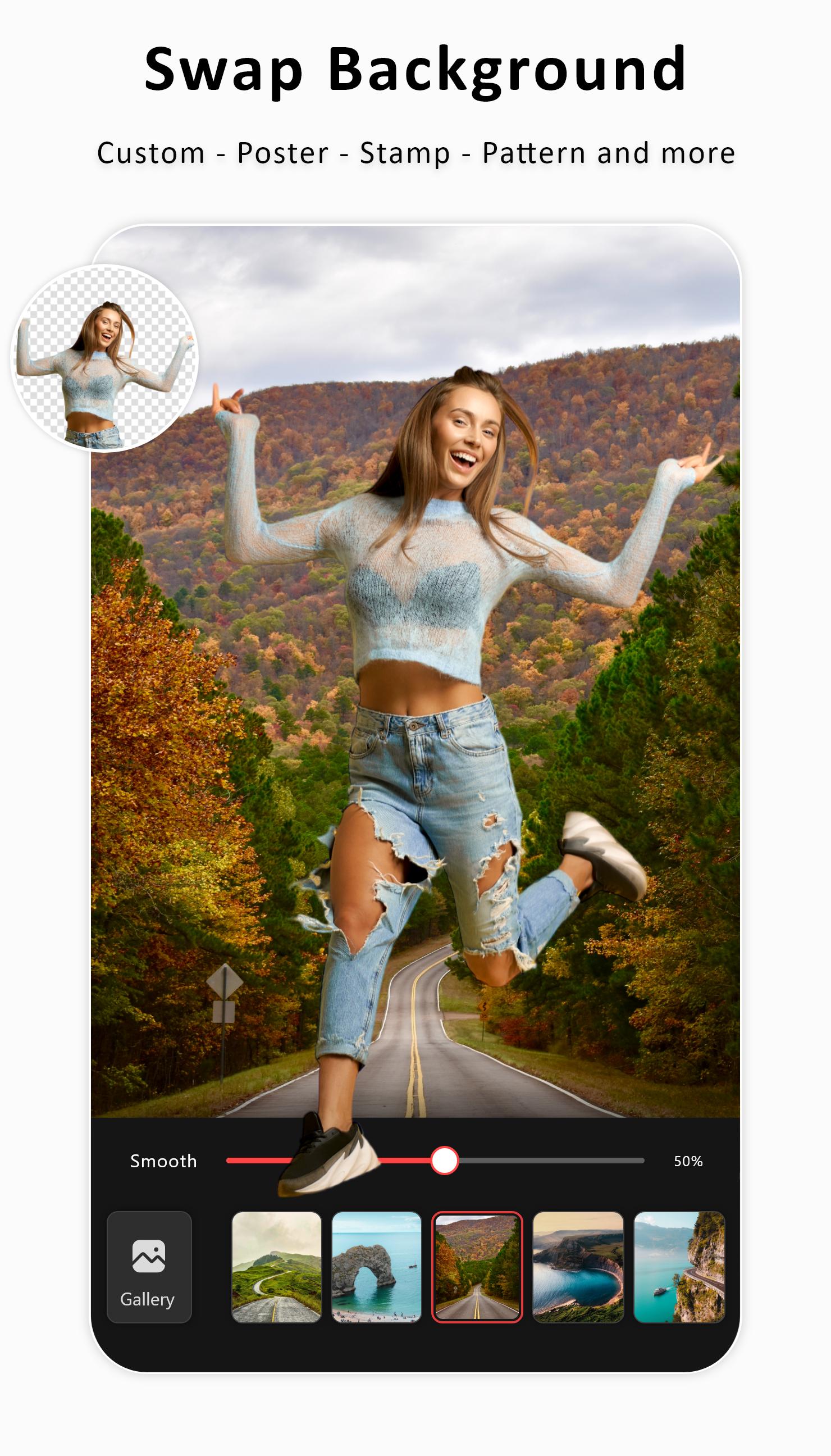
• Edit Background of Pictures: Change the background of your photos to create a new look.
• Gifts Photo: Create thoughtful and Personalized photo gifts for your loved ones. Export your edited photos in high resolution, ensuring that your images retain their quality and detail. 🎁
Join millions of users who trust SnapShot: Photo Editor Collage for their photo editing needs. Download today and start creating stunning photos that capture the essence of every moment. Whether you’re looking to enhance everyday photos or create professional-quality edits, Snapshot AI has everything you need to achieve the perfect result.
Latest Version
1.0.11Uploaded by
魏俊杰
Requires Android
Android 10.0+
Category
Free Photography AppContent Rating
Everyone
Security Report
Check Now
Report
Flag as inappropriateLast updated on Feb 24, 2026
SnapShot now targets Android 15 (API 35)
New Features added:-
- Speed significant improvements (up to 30%)
- Blur Improved
- Image crop improved
- Glitch effect improved
- Collage Improved
- AI-powered background detection and removal improved.
Improvement:-
- UI is optimised
- Lots of bug fixes and performance improvements






APKPure - A multi-platform app store primarily focused on Android, providing extensive app-related content. Discover the app you want easier, faster, and safer, with quick and efficient downloads and installations.