Smart Transfer: Copy My Data
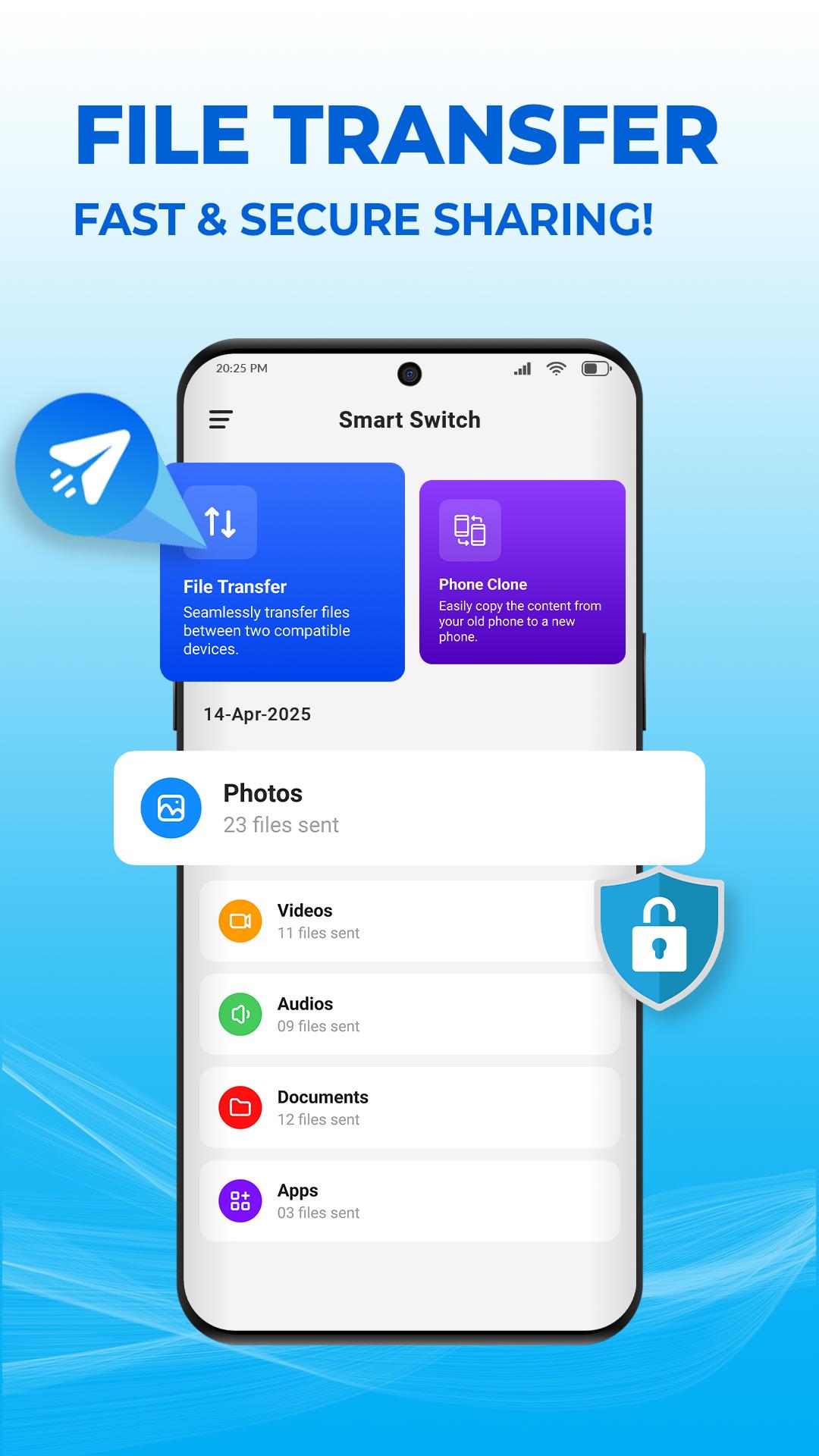
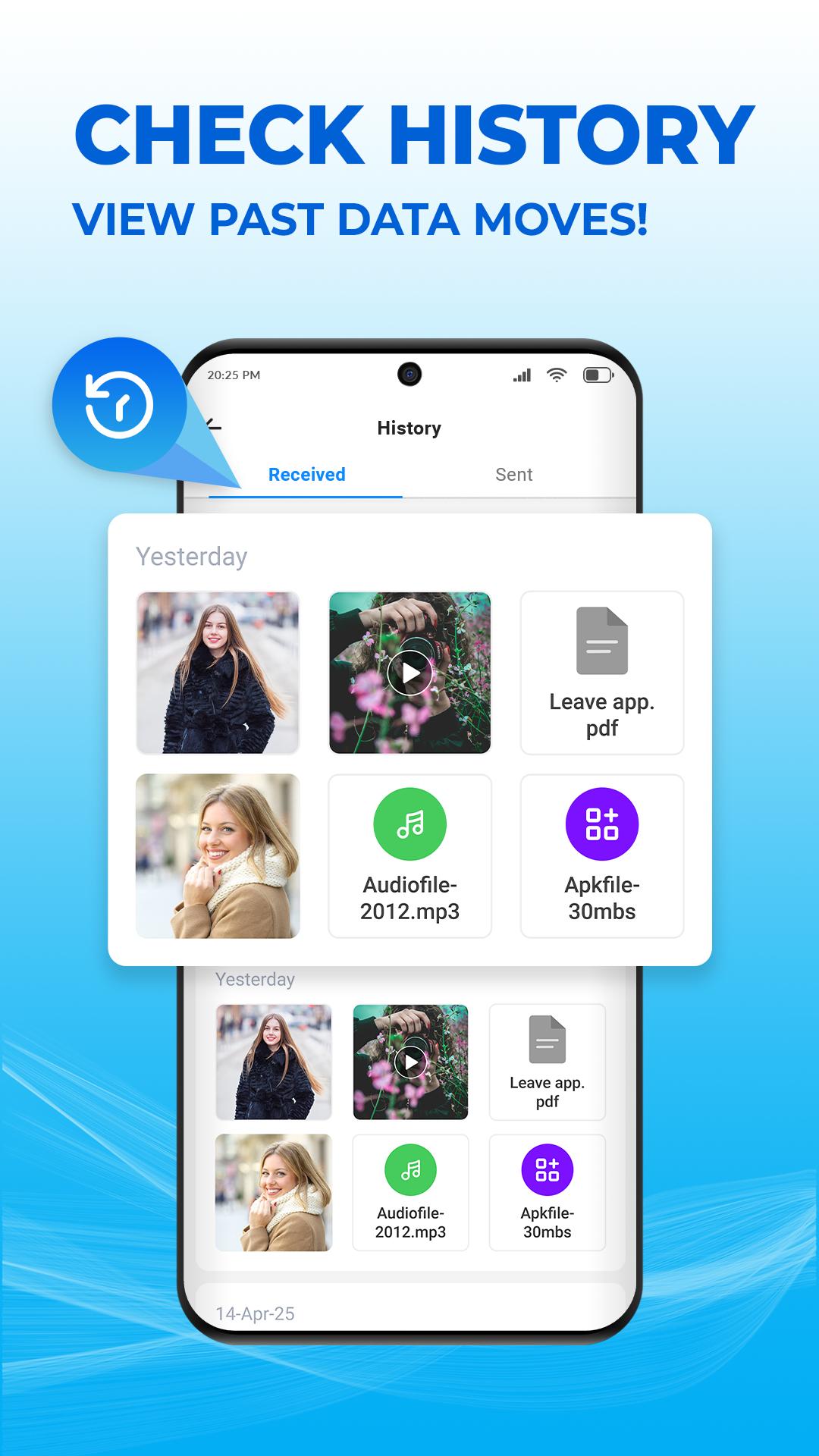
Easy Switch: Copy My Data is an efficient and reliable way to transfer data between your old and new devices. With its intuitive interface and high-speed transfer capabilities, you can effortlessly move your contacts, photos, videos, music, documents, and more without any hassle.
Our easy switch mobile transfer app is designed for quick data transfer with different ways to transfer my data, allowing you to quickly switch mobile transfer between devices. With Smart Transfer, you can use copy my data to transfer all your important data without worrying about compatibility issues. It is designed for a straightforward content transfer and data transfer process., and we ensure your data is securely moved.
Why Choose Smart Transfer : Copy My Data:
How Smart Transfer: Copy My Data Works:
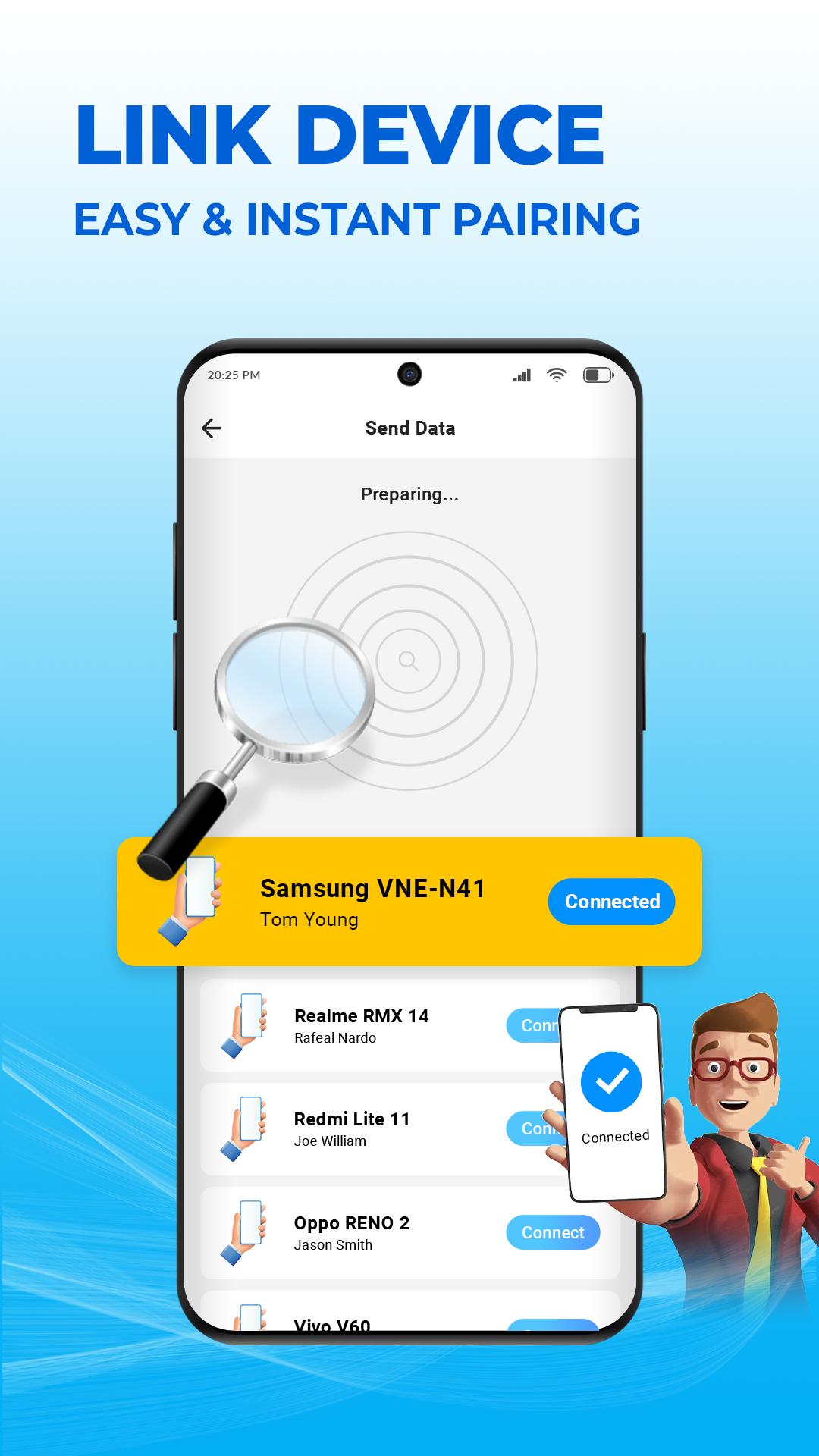
Connect your old and new devices using Wi-Fi, hotspot, or Bluetooth.
Scan the QR code displayed on your new device using your old device's camera.
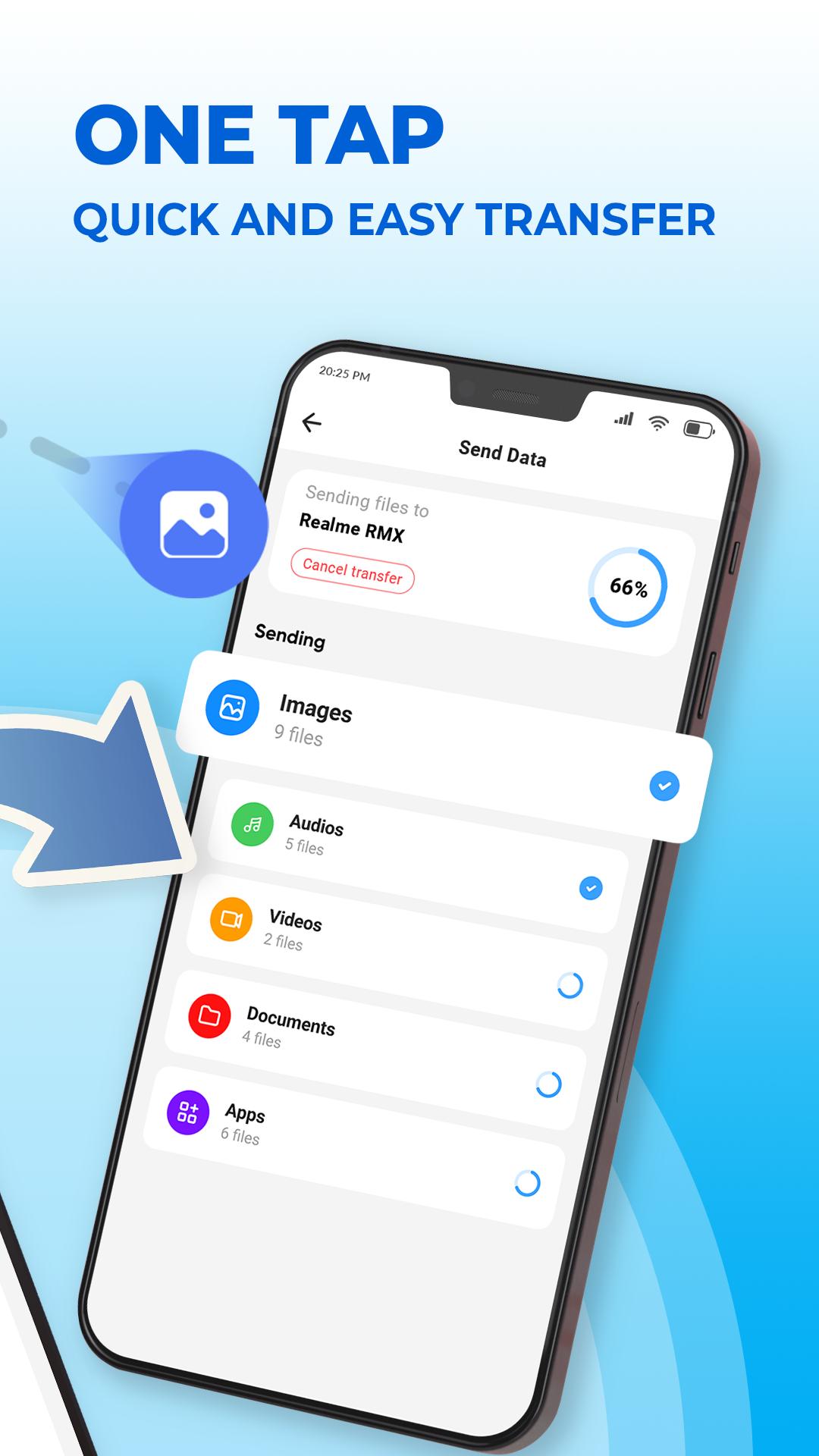
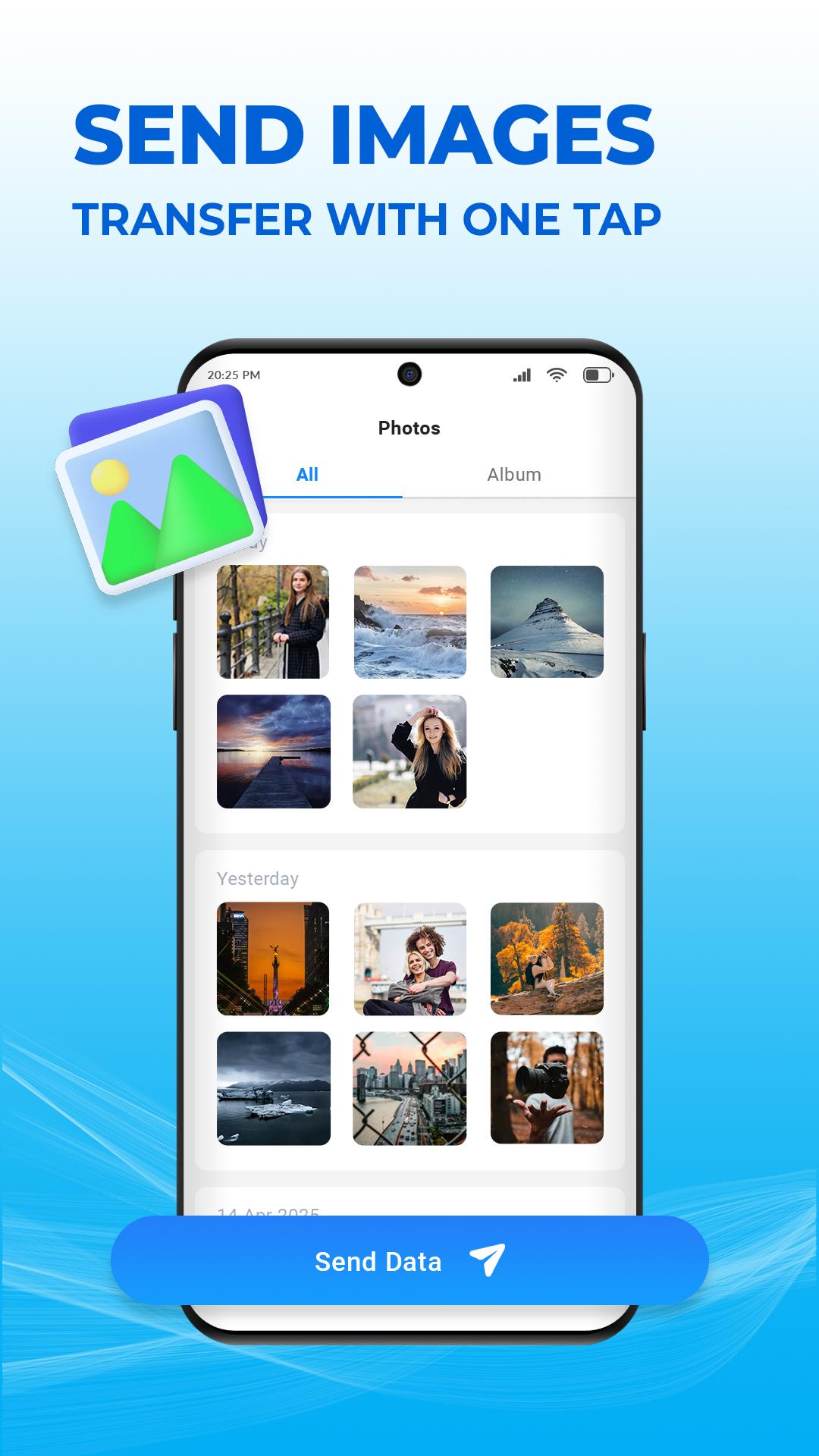
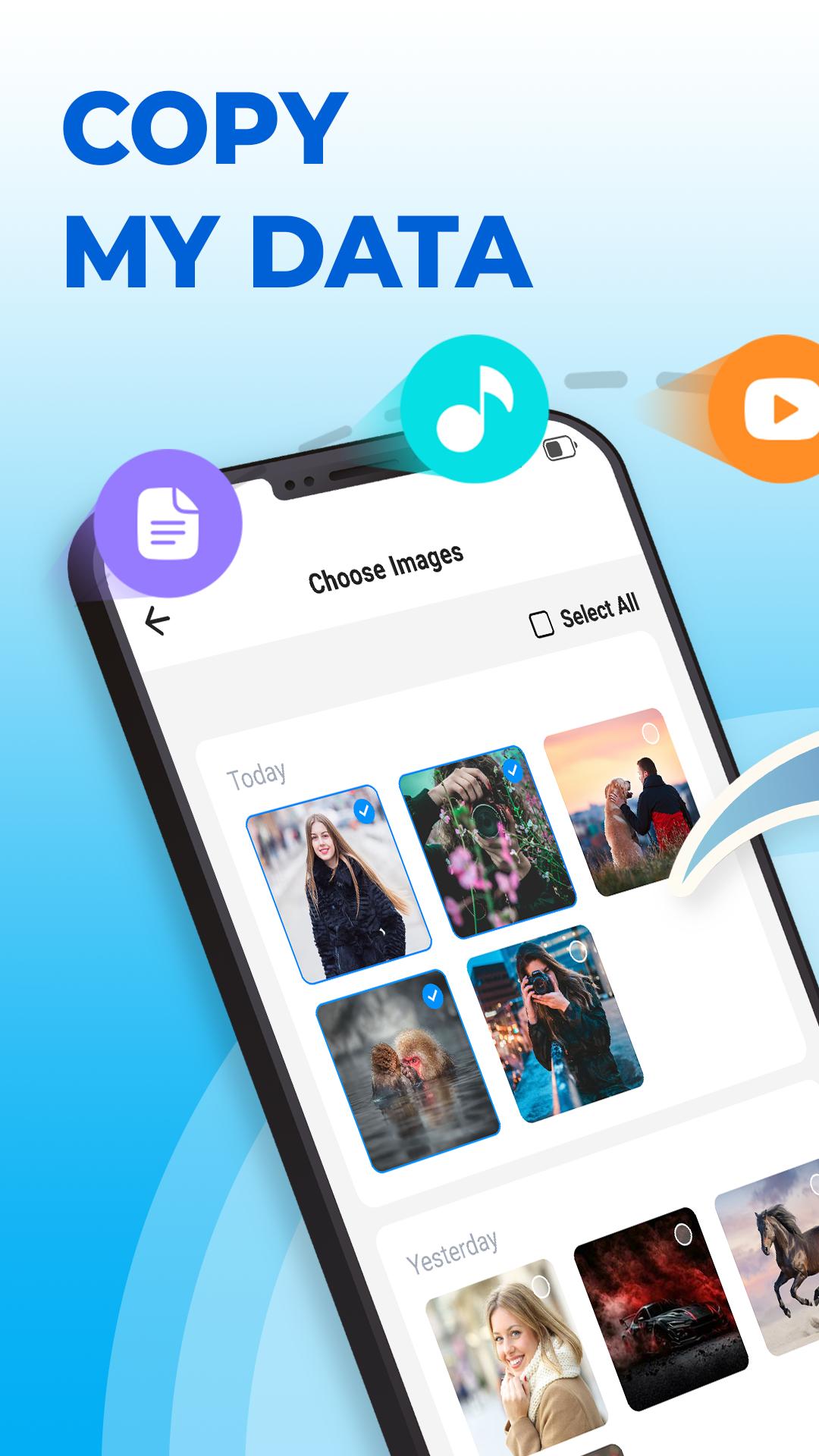
Choose the data you want to transfer.
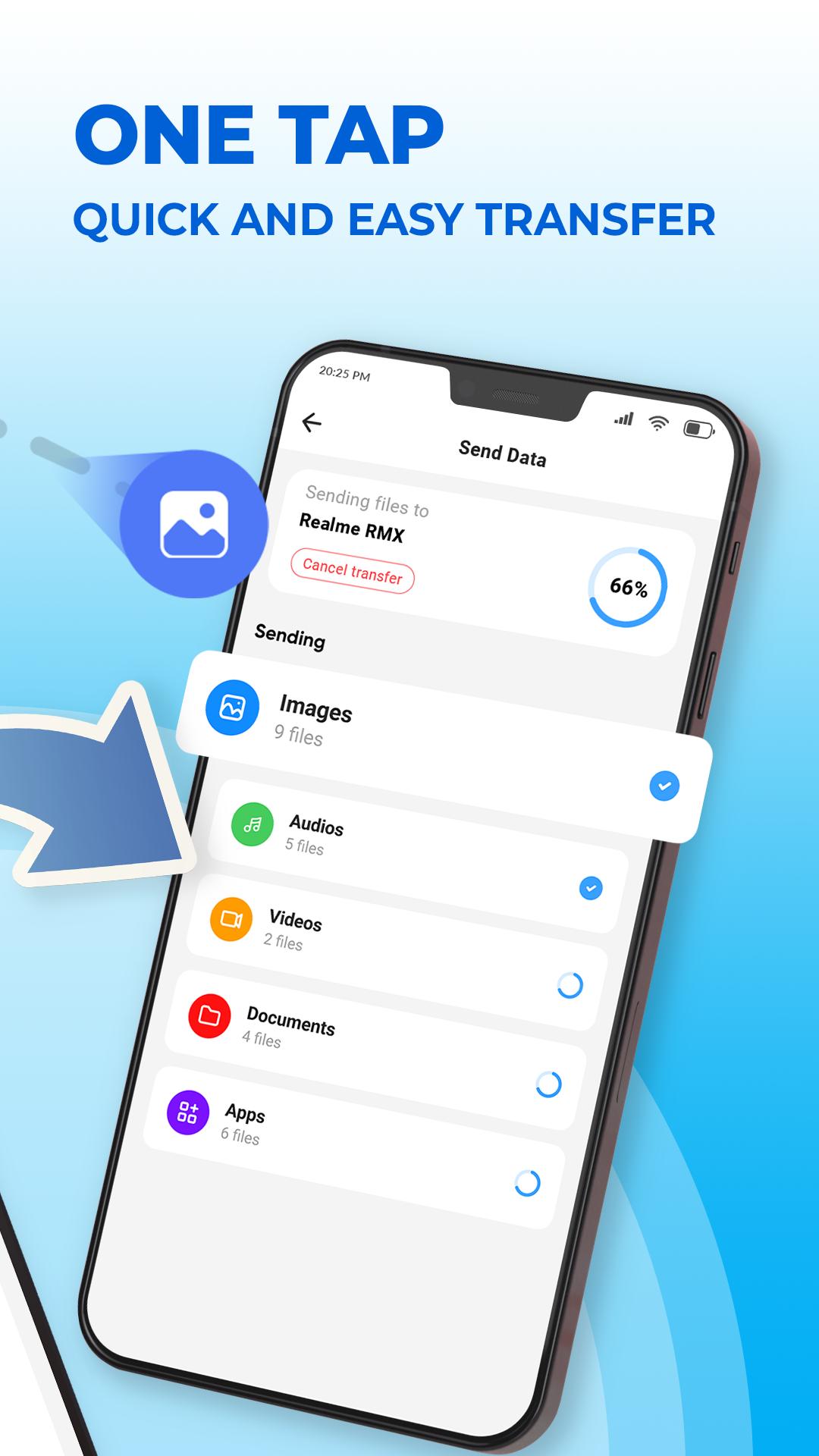
Start the transfer process and sit back while your data is moved.
With our easy switch mobile transfer tool, data transfer is made simple. You can switch mobile transfer data and apps, copy my data, and transfer content with a smart and efficient solution.
Download Smart Transfer: Copy My Data today and experience an easy and efficient data transfer solution available.
Latest Version
1.6Uploaded by
อา เฮีย สุขจิง
Requires Android
Android 8.0+
Category
Free Productivity AppContent Rating
Everyone
Report
Flag as inappropriateLast updated on Jun 4, 2025
Effortlessly copy my data and switch to your new phone with complete content transfer.



APKPure - A multi-platform app store primarily focused on Android, providing extensive app-related content. Discover the app you want easier, faster, and safer, with quick and efficient downloads and installations.










