Package Name:com.luutinhit.sensorsforconver
SHA-256:3a82765ca8ccf14228dd83f5253a0b0a3a4eafdc3921cd48991e824f423bb4a2
Show More


Smart Screen On/Off helps when the power key is hard to reach or you want to reduce wear. It offers simple ways to wake or lock the device using sensors and easy gestures, so routine checks feel faster. The setup is straightforward and fits daily use at home, at work, or on the move. Installing the Smart Screen On/Off APK keeps actions close at hand without relying on the physical button.
Double tap and sensor controls
Smart Screen On/Off lets you double tap on the Home Screen to turn the screen off. The proximity sensor can detect nearby objects and switch the display on or off automatically.
Pocket mode and cover use
Beyond taps, the app can turn the screen off when the phone goes into a pocket. It also supports use with a cover by using the sensor for screen control.
Accidental trigger protection
Quick power head and required permissions
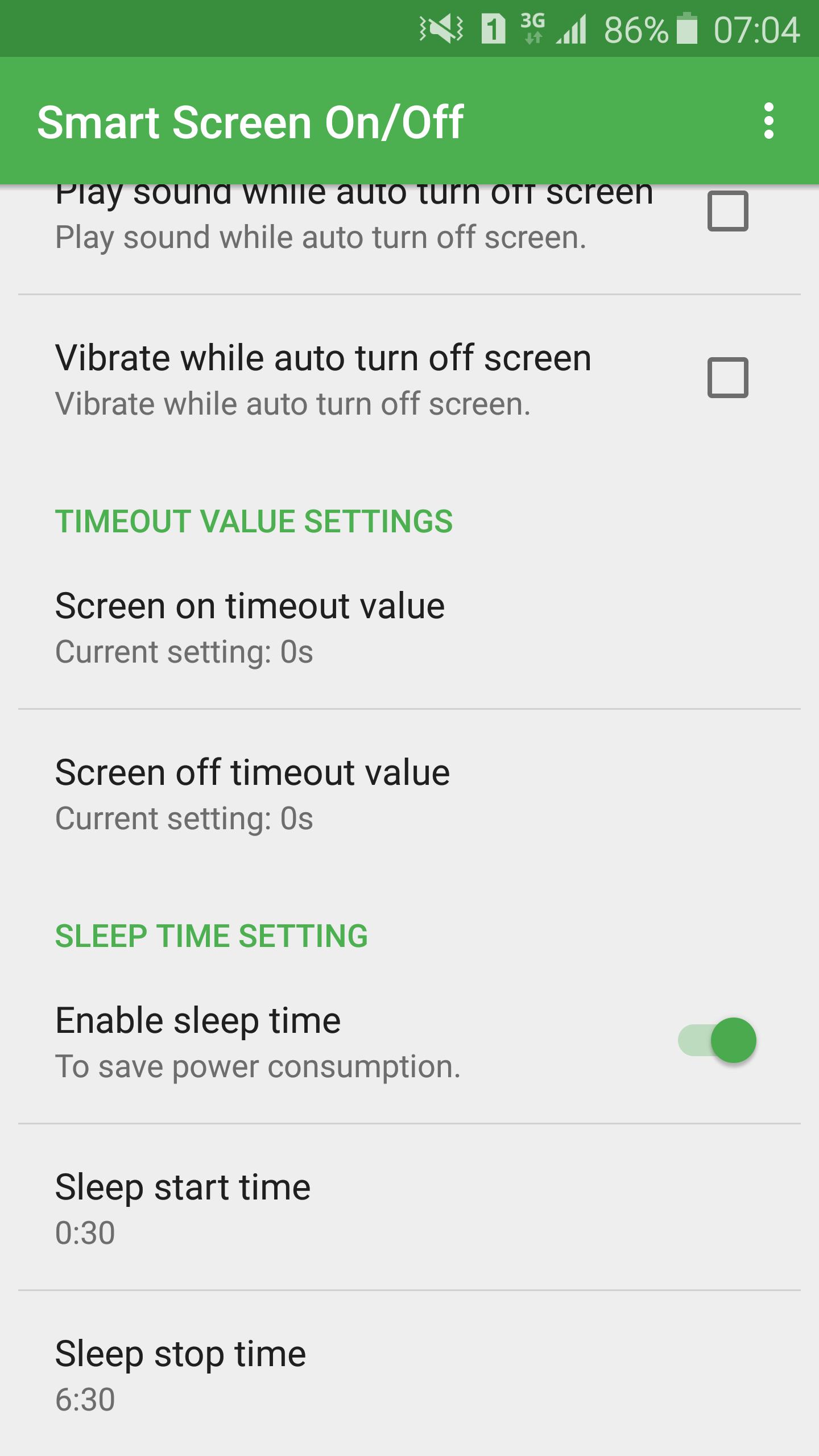
Use simple taps and sensor detection to manage the screen without touching the power key. Review permissions during setup and adjust delays to match your habits. When ready, download Smart Screen On/Off and start with the default configuration.
Latest Version
3.6.6Uploaded by
Ye Lay
Requires Android
Android 4.1+
Category
Free Tools AppContent Rating
Everyone
Security Report
Check Now
Report
Flag as inappropriateLast updated on Aug 31, 2017
- Improve performance.
- Fix all issue report by user.
- Add feature to fix issue with smart lock and fingerprint.
- Add feature to create shortcut button turn off on home screen.
- If you have any problem, please contact to me. Thanks,





APKPure - A multi-platform app store primarily focused on Android, providing extensive app-related content. Discover the app you want easier, faster, and safer, with quick and efficient downloads and installations.