Scan Date:Jul 22, 2025
Show More


Lock Screen iOS 26 helps when you need to glance at updates without unlocking your phone and keep alerts organized. It focuses on a familiar lock screen layout with clear notification stacks, so you can stay on top of recent activity. Setup is quick, and basic actions feel intuitive for new users. If you prefer a simple approach over complex tools, the Lock Screen iOS 26 APK offers a straightforward option for everyday use.
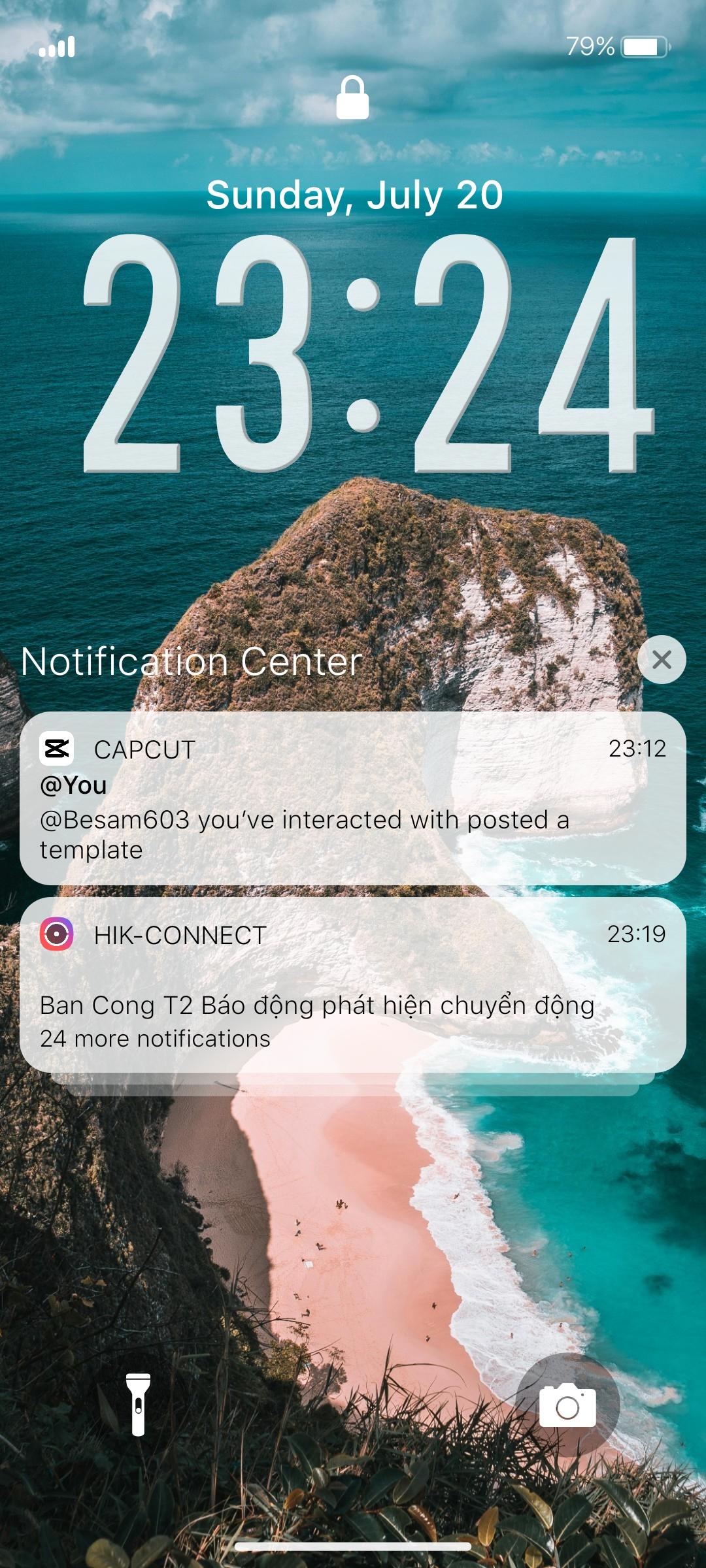
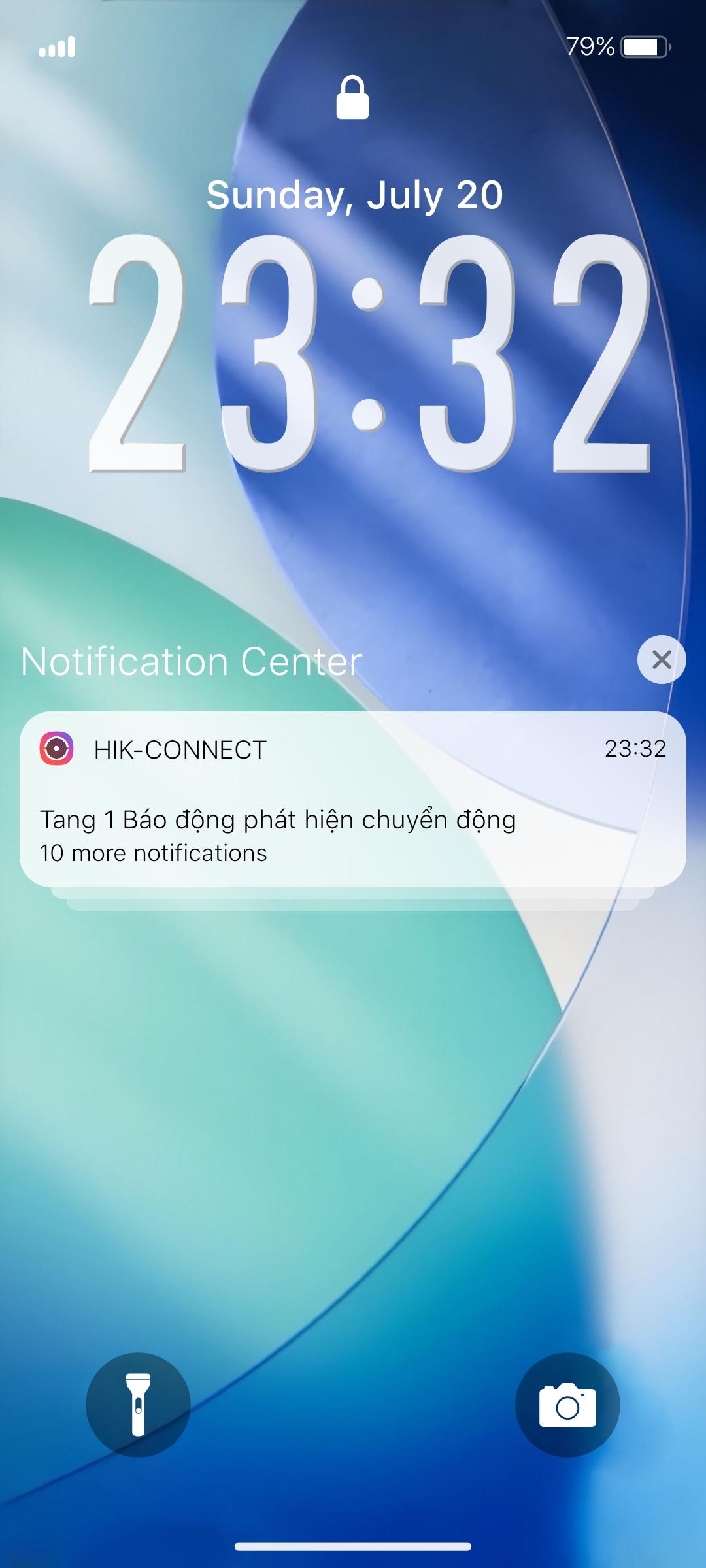
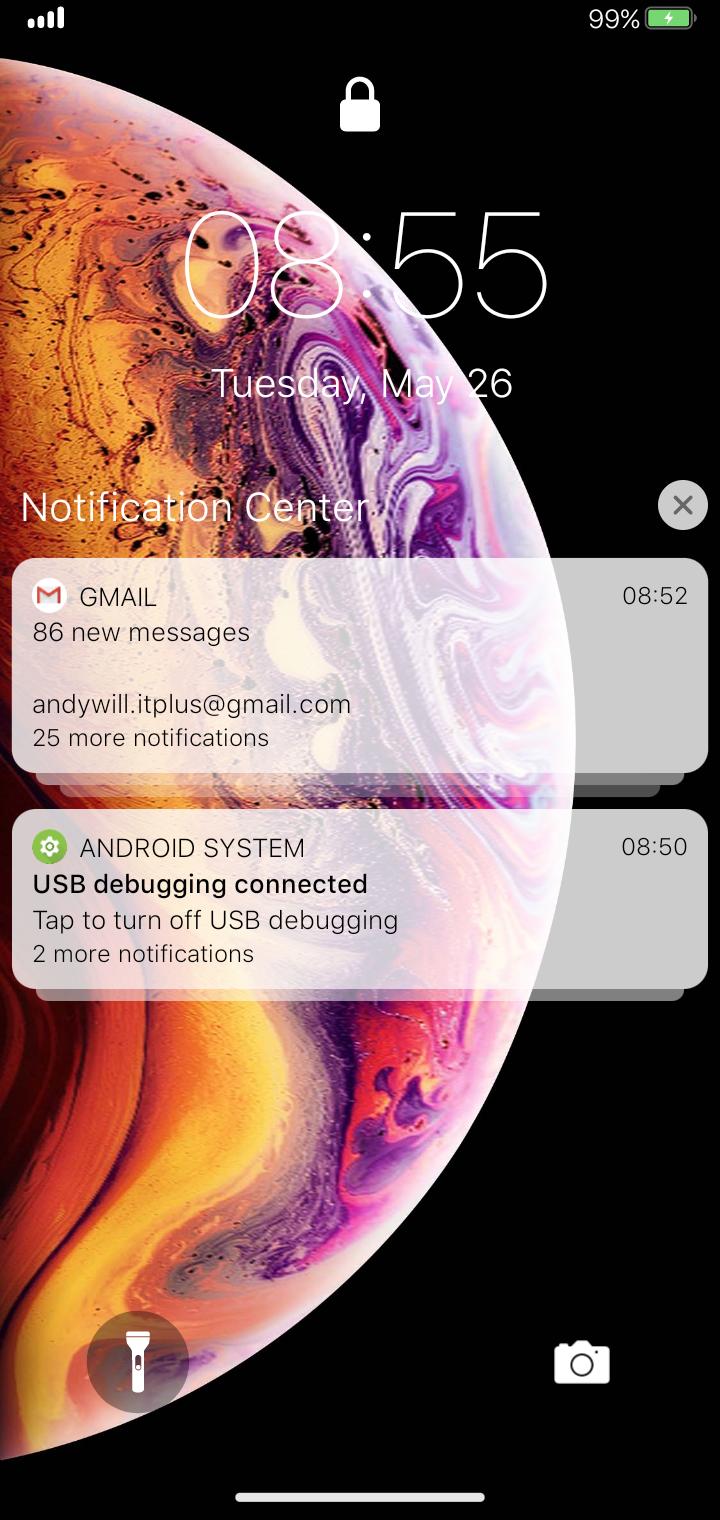
Notification control on the lock screen
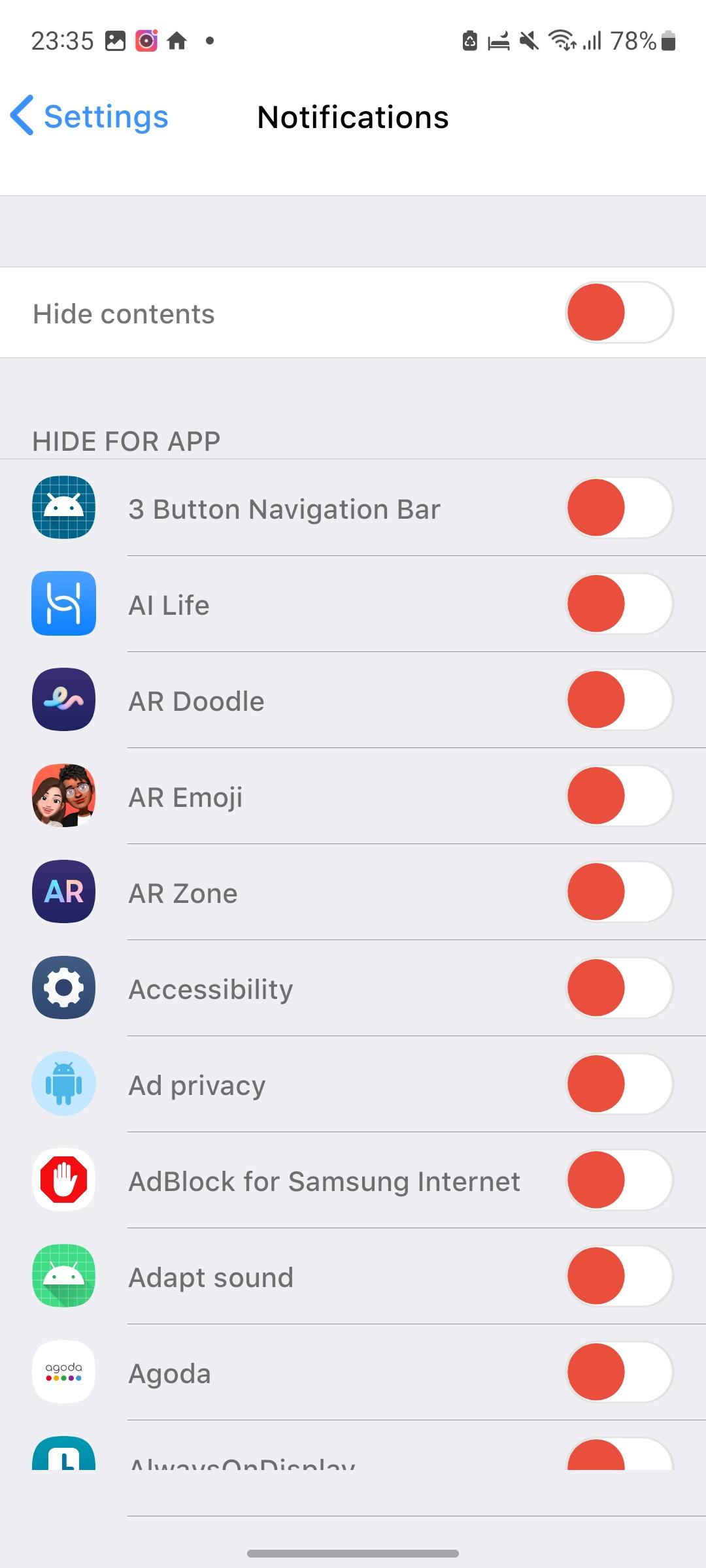
You can open recent alerts directly on the lock screen. Tap a single notification or a grouped stack to see details for that app. Swipe left on an item to manage, view, or clear it. If certain apps are too noisy, adjust their alert settings inside the app.
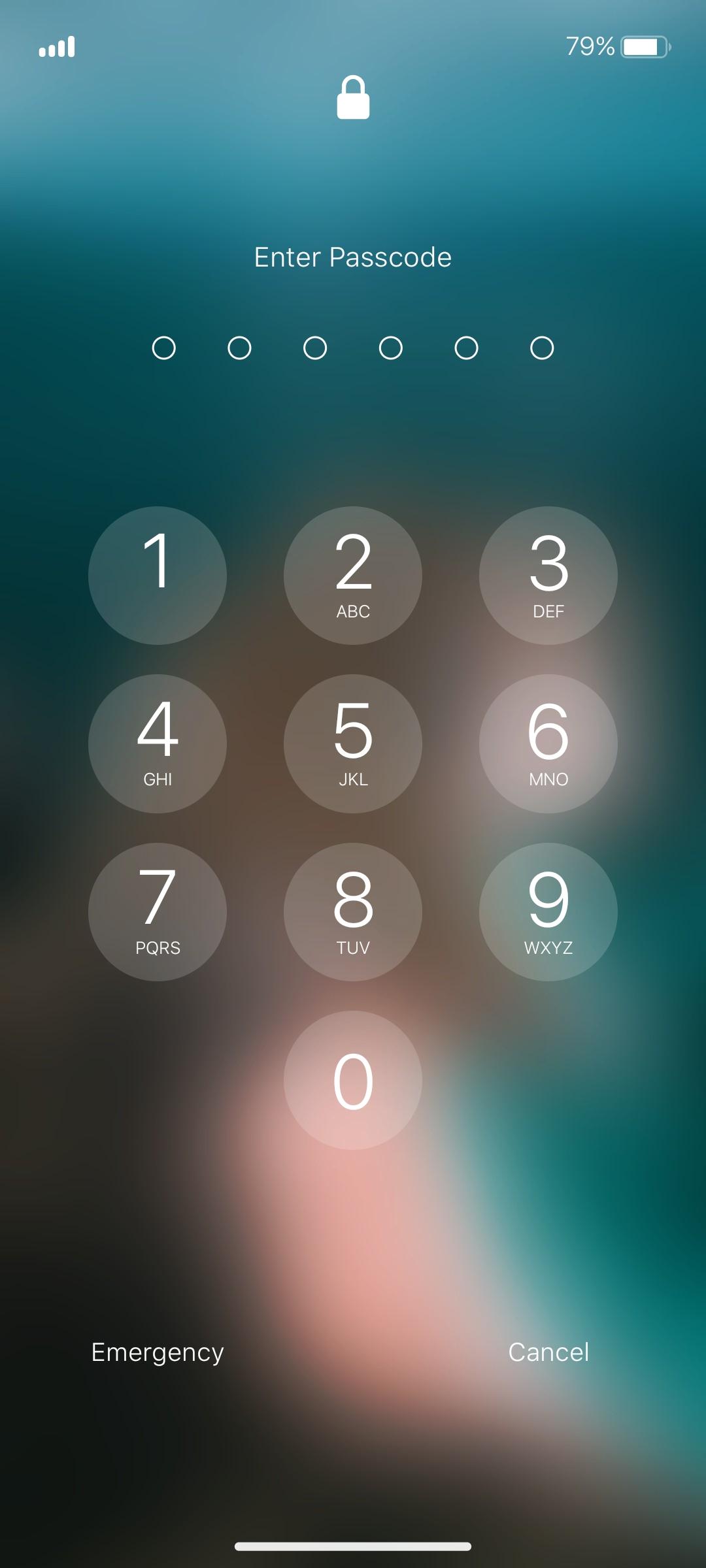
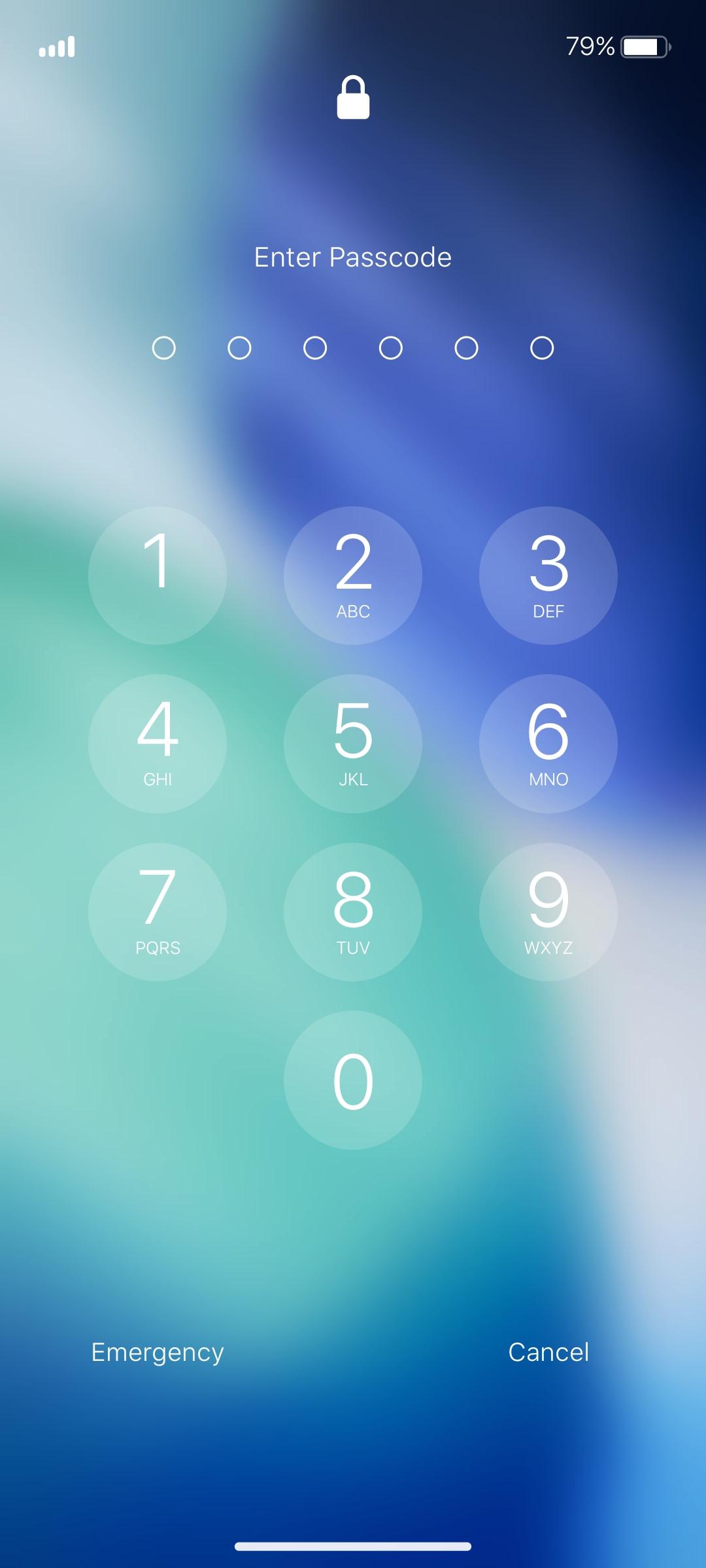
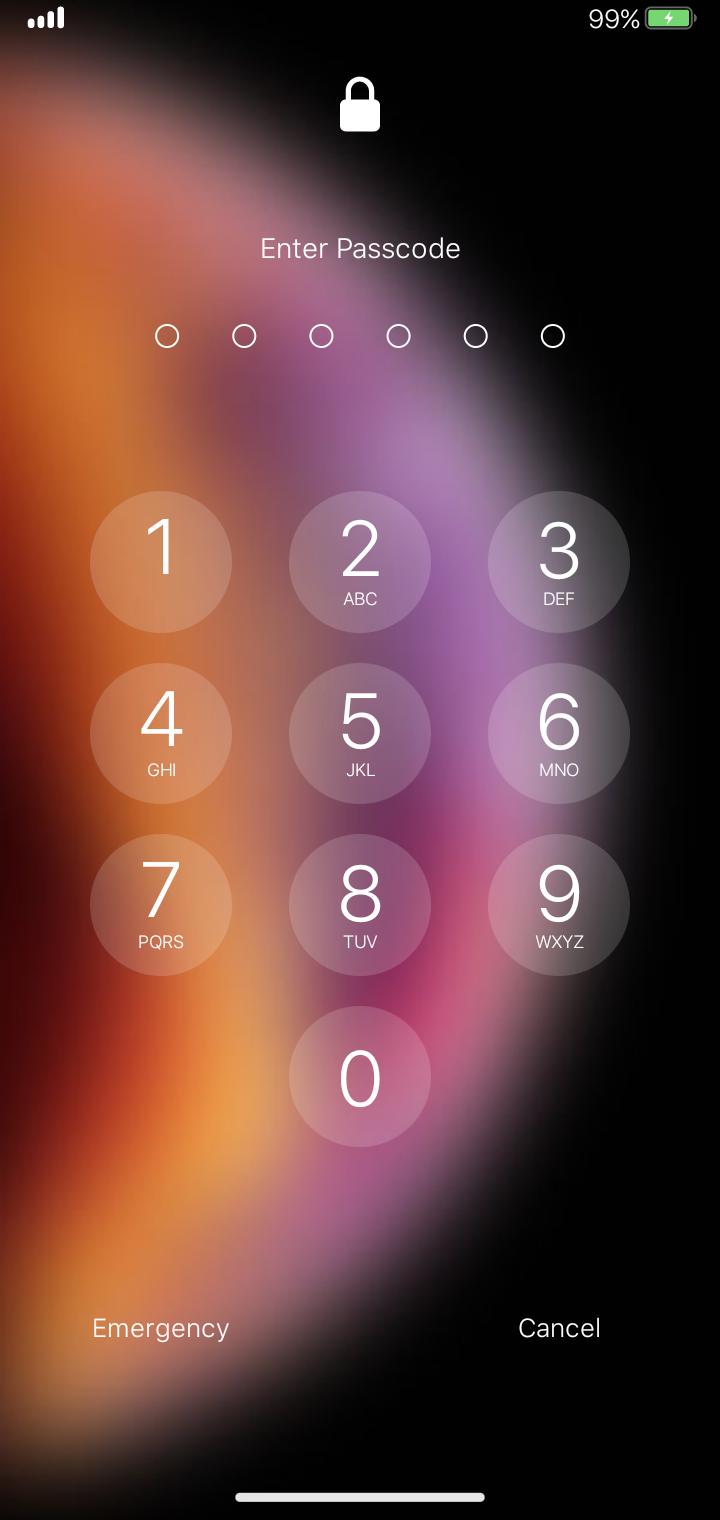
Simple passcode setup
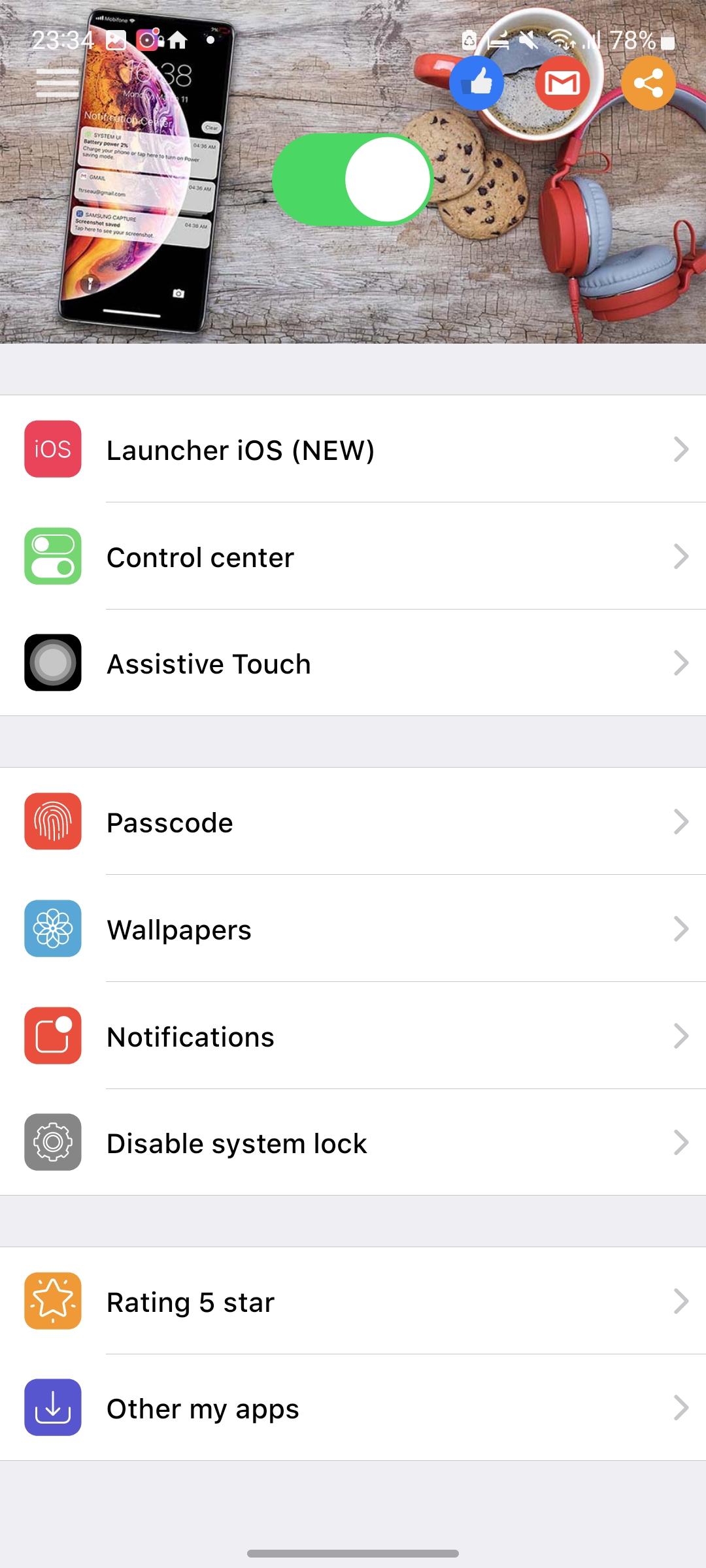
Lock Screen iOS 26 lets you set a six digit passcode to help protect data. Open the app, choose the Passcode option, enable it, enter a code, then confirm. Use a code you will remember and keep it private to avoid accidental lockouts.
Required permissions and purpose
Before you download Lock Screen iOS 26, review the permissions it requests since they enable core functions.
Lock Screen iOS 26 focuses on quick access to notifications and basic protection on the lock screen. Users can install the Lock Screen iOS 26 latest version to get the current interface and permission prompts. Check settings after installation to fine tune alerts and passcode behavior.
Latest Version
1.6.9Uploaded by
Nathan Sousa
Requires Android
Android 5.0+
Category
Free Personalization AppContent Rating
Everyone
Security Report
Report
Flag as inappropriateLast updated on Jul 22, 2025
THIS RELEASE:
- Update new Launcher iOS 26.
- Update new Lockscreen iOS 26.
- Fix all issue reported by user.
THANK YOU SO MUCH FOR USING MY APPS :)

APKPure - A multi-platform app store primarily focused on Android, providing extensive app-related content. Discover the app you want easier, faster, and safer, with quick and efficient downloads and installations.