Scan Date:Aug 1, 2025
Show More
App information
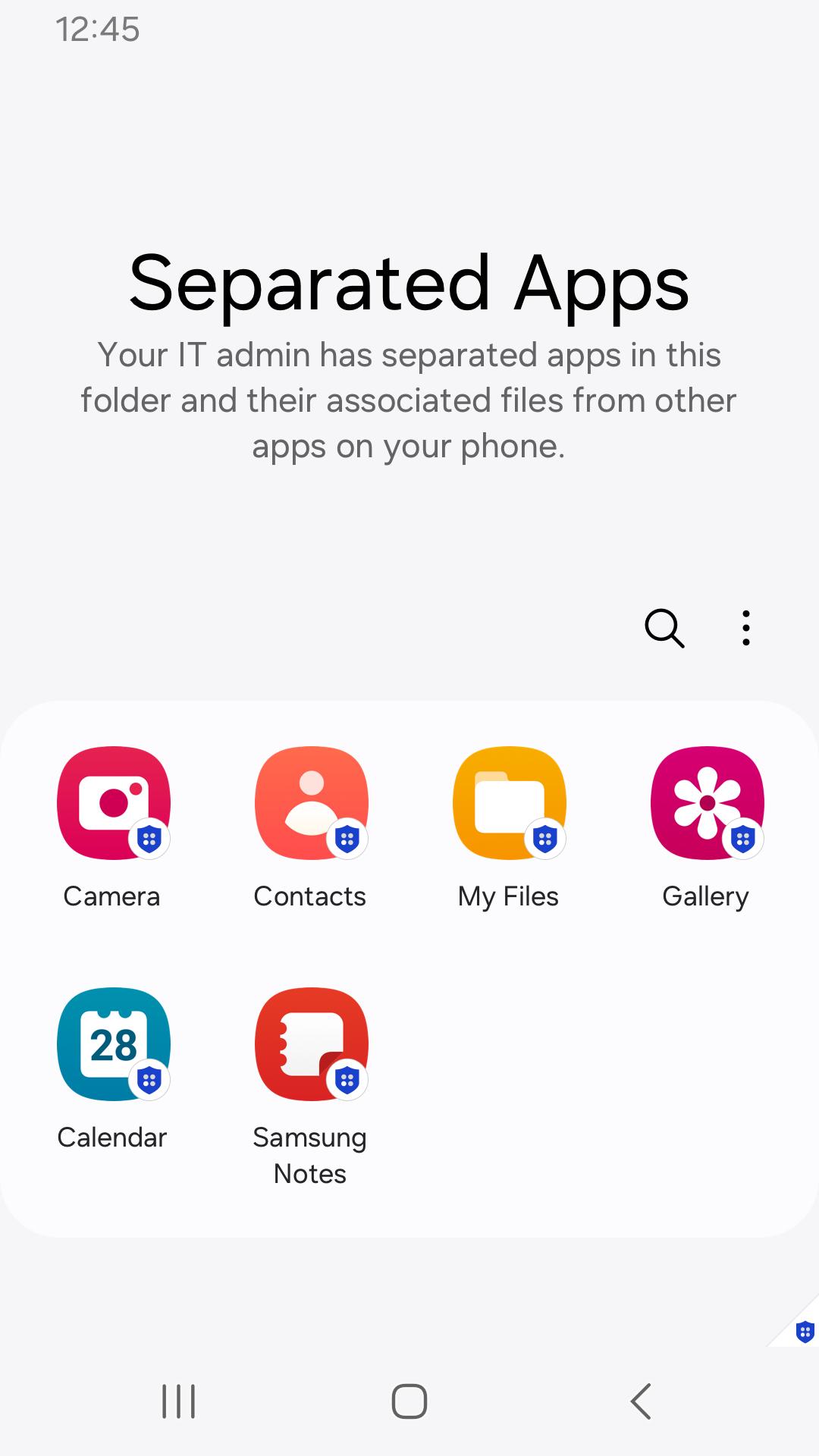
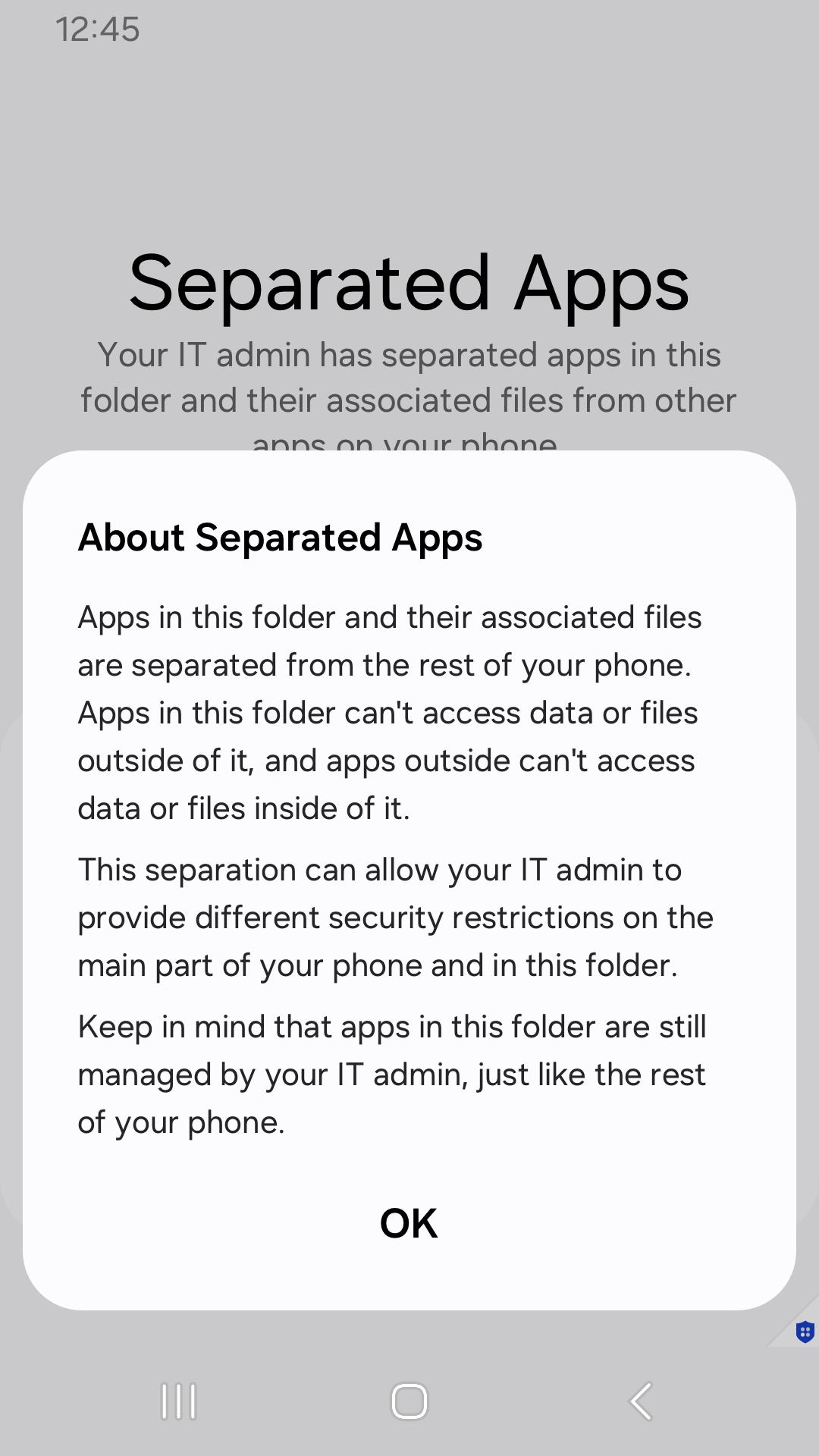
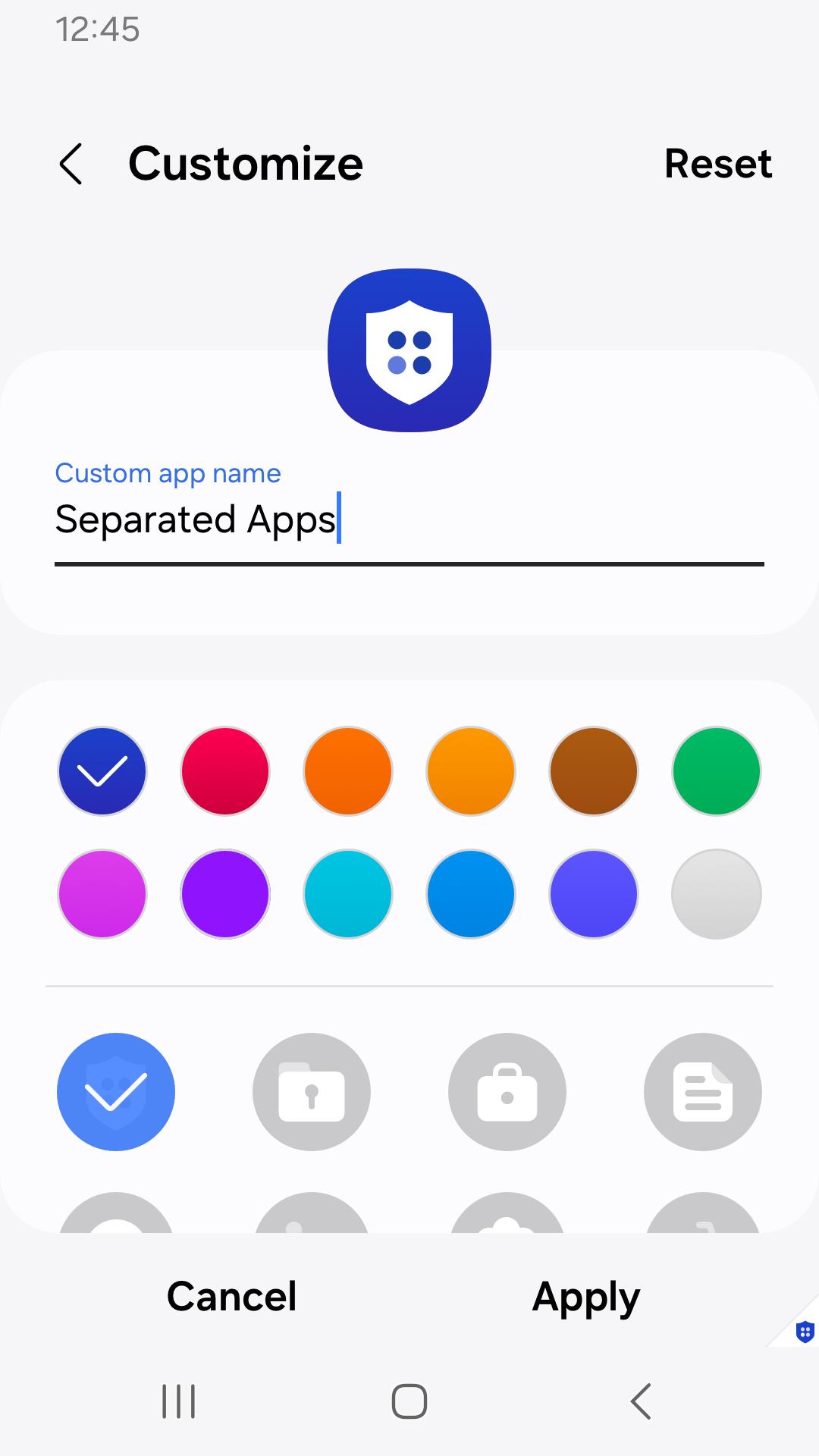
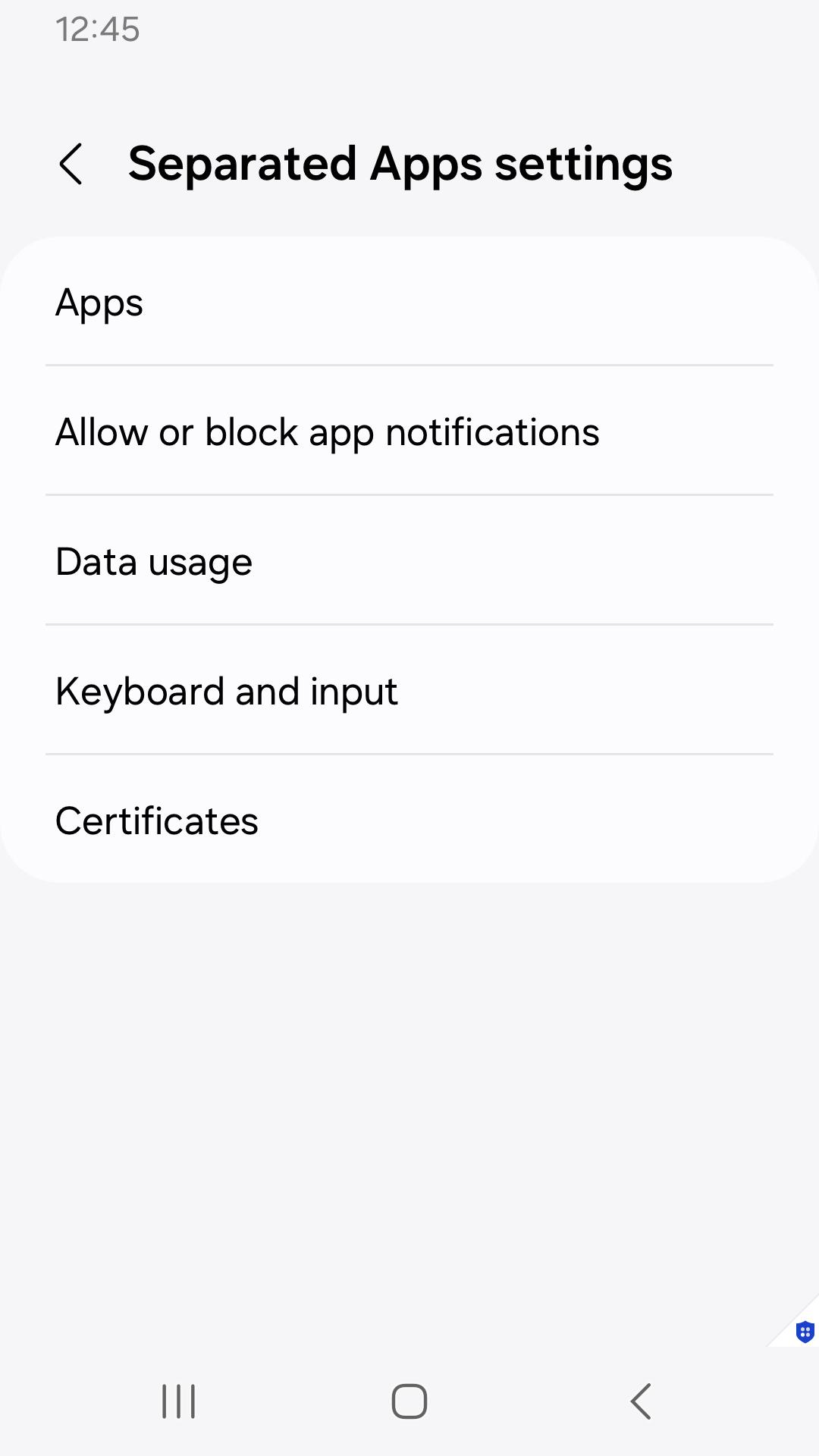
Designed for enterprises that need to protect sensitive work data, Knox Separated Apps allows IT admins to separate third-party apps from corporate apps on fully managed devices.
“"IT admins use Separated Apps to isolate apps on managed devices. This app isn’t intended for personal use."
How it works
- After an enterprise IT admin installs work apps on fully managed devices through a UEM, they can enable Separated Apps and select certain apps to install in the secure, separate area.
- By default, the following apps are available in the Separated Apps area.
.Google Chrome
.Microsoft Office (depending on the device model)
.Samsung Calendar
.Samsung Camera
.Samsung Gallery
.Samsung MyFiles
.Samsung Video
For more details, see the Knox SDK documentation.
The following permissions are required for the app service. For optional
permissions, the default functionality of the service is turned on, but not allowed.
[Optional permissions]
- Notifications : Used to provide you
Latest Version
1.0.04.0Uploaded by
Samsung Electronics Co., Ltd.
Requires Android
Android 11.0+
Category
Free Productivity AppContent Rating
Everyone
Security Report
Report
Flag as inappropriateLast updated on Nov 28, 2025
This release includes minor bug fixes and general improvements. Update to the latest version for the best experience.


APKPure - A multi-platform app store primarily focused on Android, providing extensive app-related content. Discover the app you want easier, faster, and safer, with quick and efficient downloads and installations.