Scan Date:Mar 15, 2026
Show More

This app is designed specifically to read Sentinel smartcards as part of Network Rail’s Sentinel system.
For more information visit www.railsentinel.co.uk
The app allows anyone to check their own smartcard and also allows authorised card checkers to authenticate their team as well as undertake spot checks and check TVPs (Track Visitor Permits).
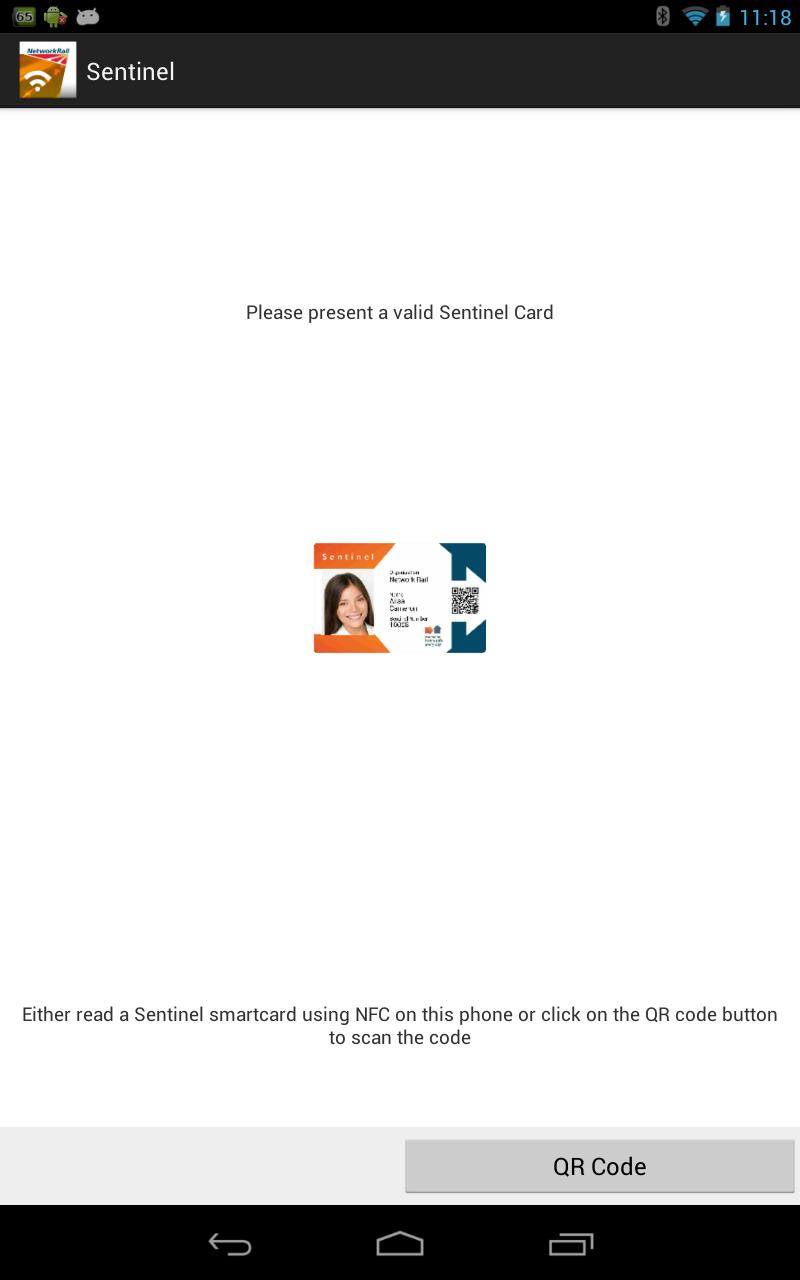
Sentinel cards can be checked by scanning the QR code on the front of the card or TVP, or via NFC where this is enabled on your device. To read a Sentinel card via NFC, when prompted hold it in contact with the rear of your device until the card has been read successfully.
This app can be used with any Android smartphone or tablet (Android 4 and above) with a rear-facing autofocus camera and NFC. Sentinel smartcards can be read securely using NFC, as these devices read information from the smartcard’s microchip electronically. Internet access is not required to read smartcards using NFC. The smartcard’s microchip can be checked using NFC with no internet availability whatsoever. However if internet access is available when reading a card using NFC, any updates for that card from the new Sentinel database are transferred automatically to the smartcard.
All smartcard checking activities are uploaded automatically to the database when an internet connection is present or will be uploaded later when connectivity is restored by re-launching the app.
To use NFC, make sure it’s enabled in the settings of your smartphone before you attempt to read any cards.
The application is easy to use:
1. Open the app.
2. If using NFC, hold the new Sentinel smartcard to the back of your device OR click the QR code button and focus the camera on the card’s QR code.
3. Confirm the sponsor for today.
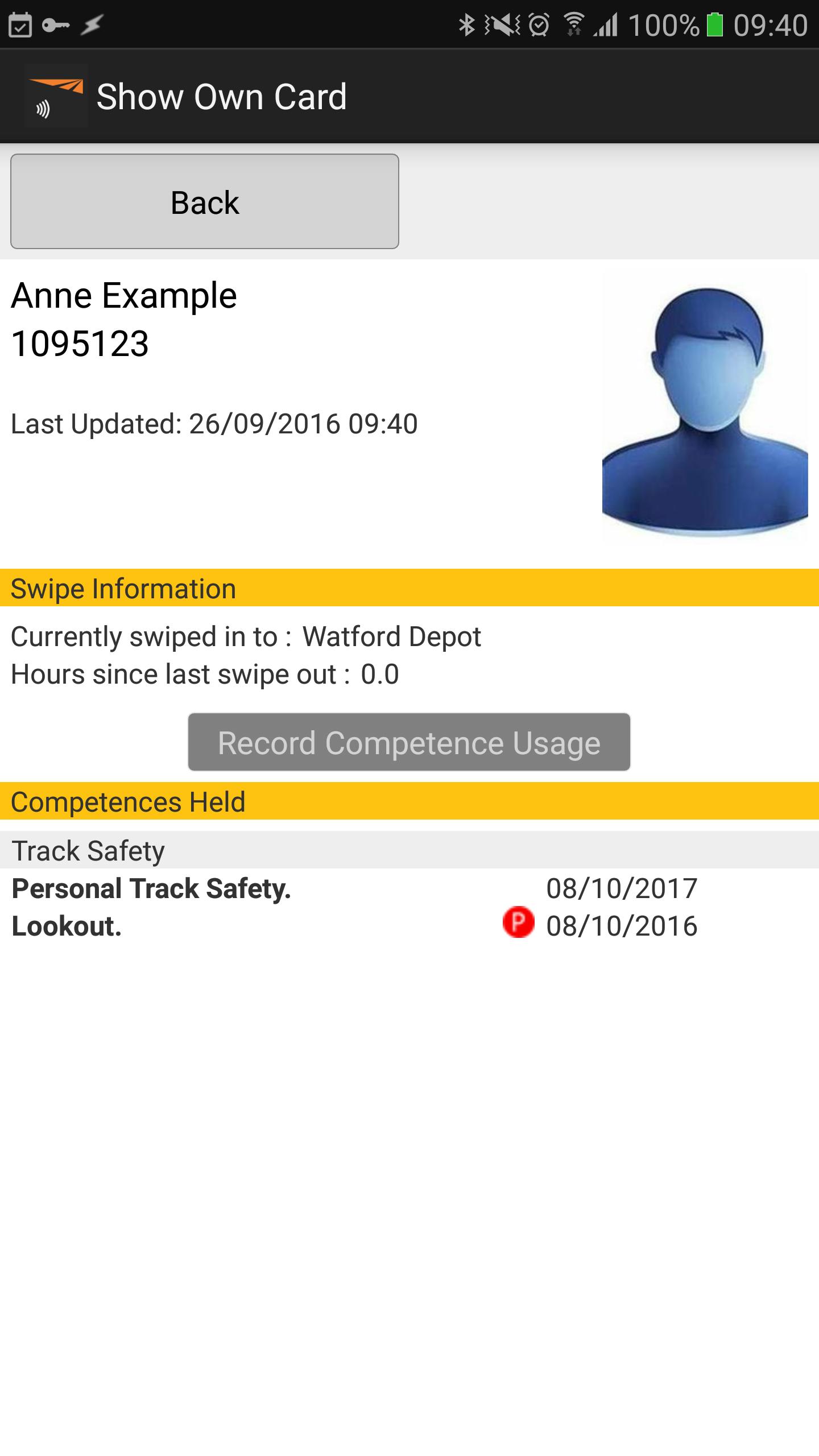
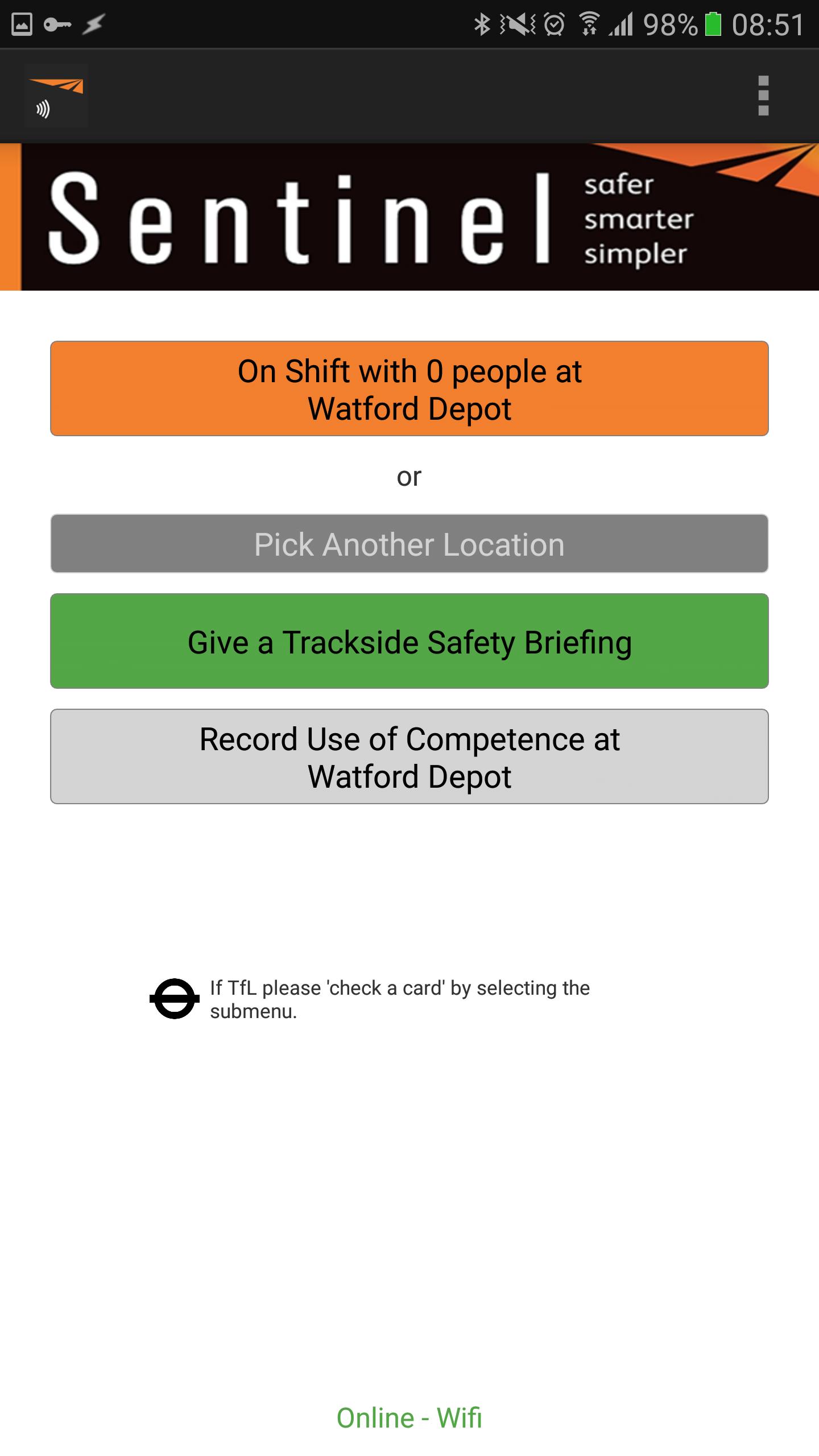
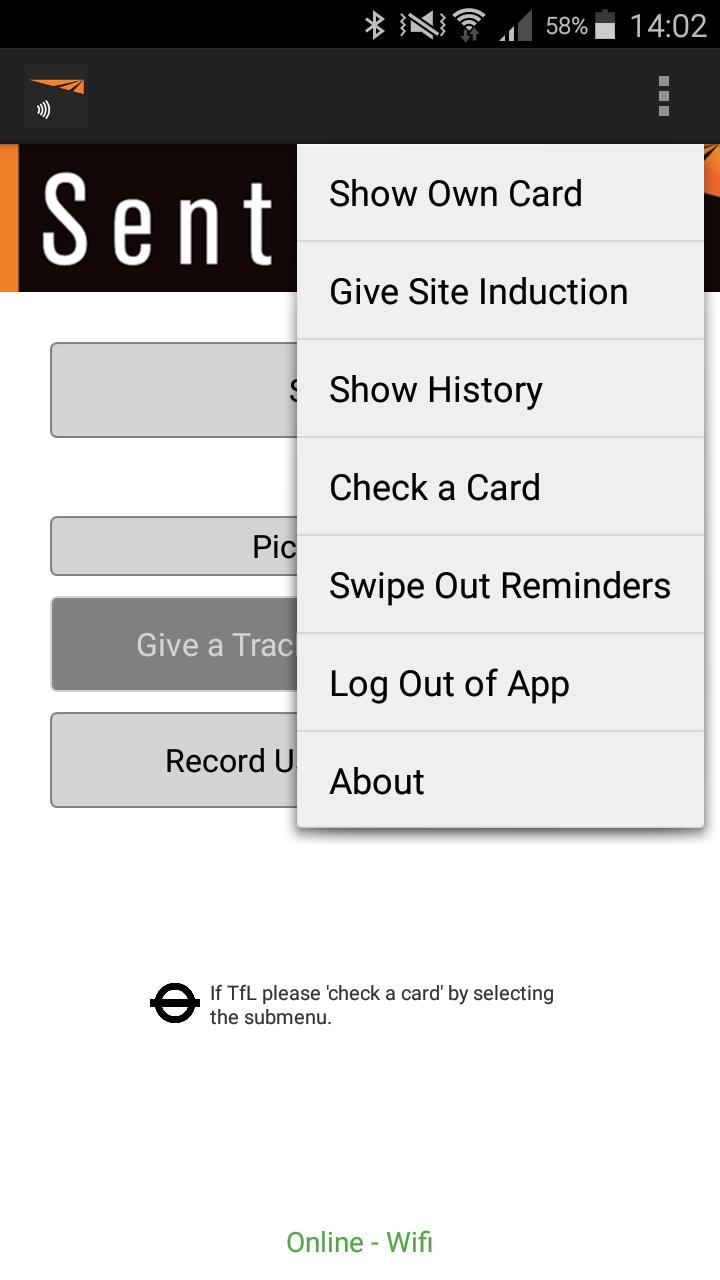
4. Depending on the card presented, either the card itself will be shown or a menu of options will be displayed for authorised card checkers.
5. Follow the on screen options (more detailed instructions on using the app are available at www.railsentinel.co.uk)
Latest Version
NFC 2.1Uploaded by
Bije Segat
Requires Android
Android 8.0+
Category
Free Business AppContent Rating
Everyone
Security Report
Report
Flag as inappropriateLast updated on Oct 23, 2024
Security, compatibility and stability updates





APKPure - A multi-platform app store primarily focused on Android, providing extensive app-related content. Discover the app you want easier, faster, and safer, with quick and efficient downloads and installations.