Minecraft 1.26.21 Hotfix: Key changes, bug fixes, and improvements in Bedrock Edition

2026-05-18
Minecraft 1.26.21 is a hotfix update for Bedrock Edition that improves game stability and fixes critical bugs to deliver a smoother experience.
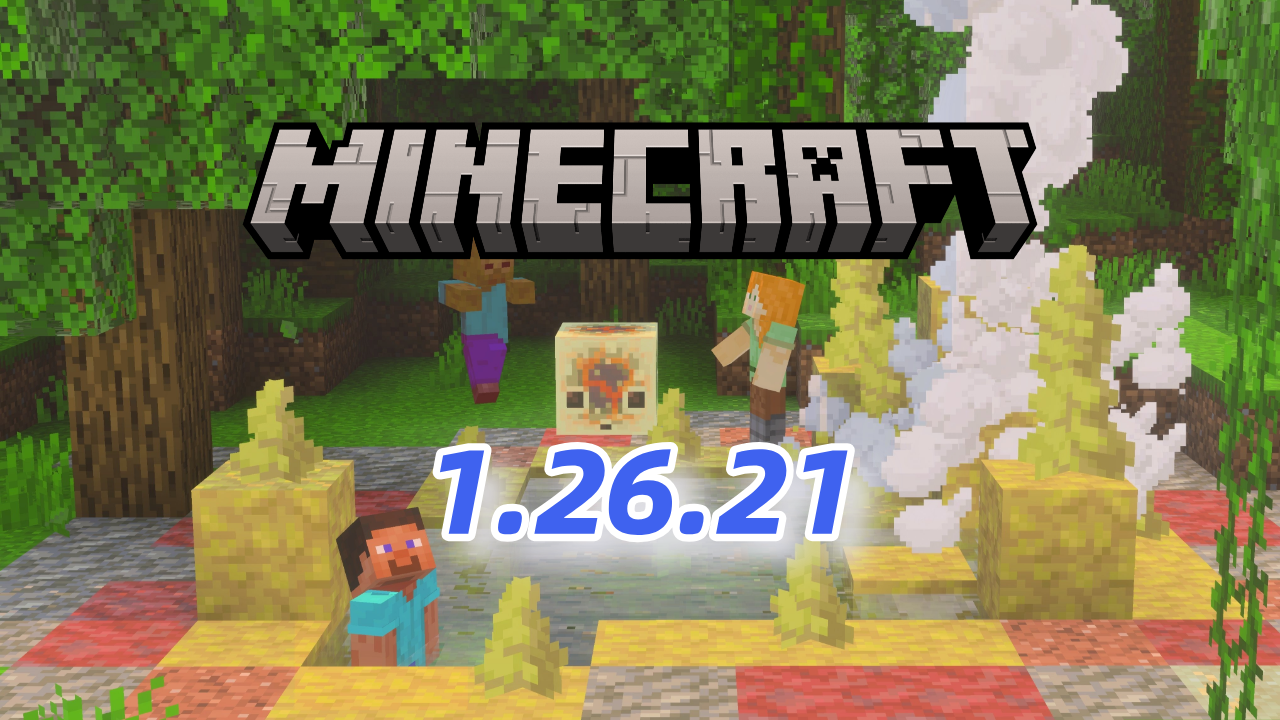
The Minecraft Bedrock 1.26.21 update arrives as a hotfix intended to correct bugs discovered in the previous version. Mojang has focused this patch on improving the game's overall stability, fixing critical errors, and optimizing the user experience across multiple platforms.

This type of update does not introduce new content, but it is key to ensuring smooth and error-free performance.
Minecraft 26.21: Main bugs fixed in Minecraft Bedrock
One of the main goals of this hotfix was to eliminate bugs that directly affected the player experience. Among the most important fixes are:
- Fixes multiple general in-game errors
- Correction of unexpected crashes during games
- Elimination of faults that prevented the correct functioning of certain mechanisms
These changes make the version more stable and reliable for regular players.
Minecraft 26.21: Gameplay Improvements
Although no new features have been added, gameplay has indirectly benefited from bug fixes. This translates to:
- Smoother gameplay experience
- Fewer interruptions due to unexpected errors
- Greater consistency in internal mechanics
Minecraft 26.21: User Interface Changes
One of the most annoying bugs was related to the interface, especially when using certain blocks. A freeze that occurred when opening a furnace without available recipes was fixed. This bug primarily affected players in modes where no recipes were loaded, causing temporary freezes.

Minecraft Trial is a sandbox survival game that lets you test the core Minecraft experience for a limited time.

Minecraft 26.21: Performance and stability optimization
This is one of the areas most strengthened in version 1.26.21. Mojang has fixed several critical issues:
- Fixed several crashes during gameplay
- Solution to a bug that occurred when starting the game
- Fixing an error when pressing "Search for people" without being logged in (MCPE-235488)
Minecraft 26.21: Technical updates for developers
Significant technical adjustments have also been implemented, especially for content creators and developers:
- Correction of block traits that did not respect experimental requirements in format_version ≥ 1.26.20
How to update Minecraft to version 1.26.21
To enjoy the latest version, you only need an internet connection and to follow these steps:
🕹 Xbox One and Series X|S consoles: Go to "My games & apps", select Minecraft, then "Manage game & add-ons" and finally "Updates" to download version 1.26.21.1.
🎮 Nintendo Switch: Open Minecraft and accept the update notification or update manually from the software menu.
📱 Mobile devices
- Google Play Store: Access the app store on your Android device and check for Minecraft updates.
- APKPure: If you prefer to download the APK directly, you can use APKPure as a safe alternative.
How To
How to download Minecraft 1.26.21.1 APK latest version free for Android 2026Read this guide to learn how to download and install Minecraft mod 1.26.21.1 apk on your mobile device in 2026. Follow the step-by-step tutorial to download the latest version of Minecraft mod apk for Android.
Learn More🖥 Windows 10/11: Download or update from the official Minecraft Bedrock Edition launcher, making sure you have a stable connection and enough space.
In conclusion, the Minecraft 1.26.21 update demonstrates Mojang's commitment to continuous game improvement, fixing key bugs and optimizing performance to ensure a more stable and enjoyable experience for all players.
* Check out the full patch on the Minecraft website: Minecraft: Bedrock Edition 26.21 Hotflix Changelog .
 NEWS
NEWS REVIEWS
 HOWTO
HOWTO