
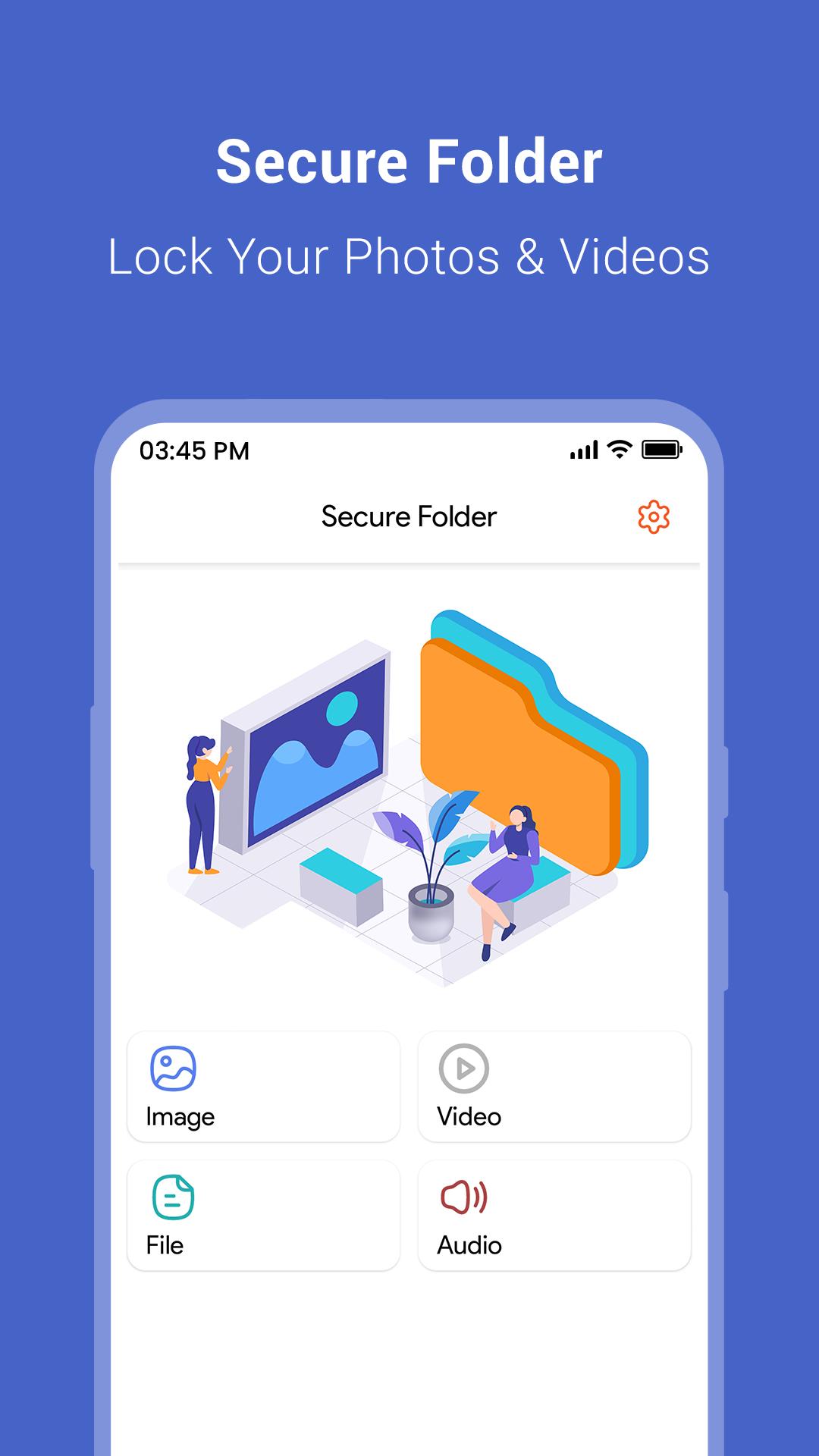
Secure Folder is a free and easy-to-use mobile app that allows you to keep your personal and sensitive files safe and secure. With its advanced encryption technology, Secure Folder ensures that your files are protected from unauthorized access, even if your device is lost or stolen.
The app features a simple and intuitive interface, making it easy to use for people of all ages. You can create multiple folders and subfolders to organize your files, and set up a password or fingerprint lock to keep them secure. You can also hide your files from view to ensure that they are not accessible by anyone else.
Secret Folder in which you can add the video from your library or record directly thru the app & the app is password protected, so no one will be able to access your videos/photos. View the videos/photos in easy-to-view albums and you can even group your video and later view them in a grid view or list view.
Additionally, Secure Folder also allows you to import and export files, as well as share them with others securely. You can also take pictures and videos directly from the app and they will automatically be saved in the secure folder.
Vault also allows you to hide the app icon so no one knows the app exist and you can only access it with a secret gesture or via a dialer code.
Secure Folder is creates a private folder and secure confidential data in separate and private folder. To access and manage Secure Folder, users must use an authenticated method such as PIN, pattern, passcode or biometric verification such as fingerprint authentication.
Features :
* Advanced encryption technology to protect your files from unauthorized access
* Simple and intuitive interface for easy use
* Ability to create multiple folders and subfolders to organize your files
* Password or fingerprint lock to secure your files
* Option to hide files from view to ensure they are not accessible by others
* Import and export files, as well as share them with others securely
* Directly take pictures and videos from the app and save them in secure folder
* Support for multiple languages
* Easy to use and customizable settings
* Regular updates and bug fixes to ensure optimal security and performance.
Protect your sensitive data with Secure Folder, the ultimate solution for safeguarding your personal information and files.
Secure Folder leverages the defense-grade Knox mode security platform to create a private, encrypted space on your Galaxy phone. Apps and data moved to the secret folder are sandboxed separately on the device, gaining an additional layer of security and privacy.
Overall, Secure Folder is the perfect solution for anyone who wants to keep their personal files safe and secure on their mobile device. Download it now to start protecting your privacy!
Note: Make sure to remember your passcode or biometric credentials to ensure uninterrupted access to your encrypted files. Regularly back up your data to the cloud to prevent any data loss.
Latest Version
1.6Uploaded by
Kelvin Yoé Sánchez Pérez
Requires Android
Android 4.4+
Category
Free Tools AppContent Rating
Everyone
Report
Flag as inappropriateLast updated on Mar 15, 2024
Minor bug fixes and improvements. Install or update to the newest version to check it out!




APKPure - A multi-platform app store primarily focused on Android, providing extensive app-related content. Discover the app you want easier, faster, and safer, with quick and efficient downloads and installations.











