Dark Mode protects your eyes and conserves battery power, enabling device usage for more extended periods without charging.
Dark Mode will not work on all devices since some smartphone manufacturers disabled or blocked this option for their devices!
Blue Light Filter is useful to activate dark theme on that devices witch not support dark mode in their system settings.
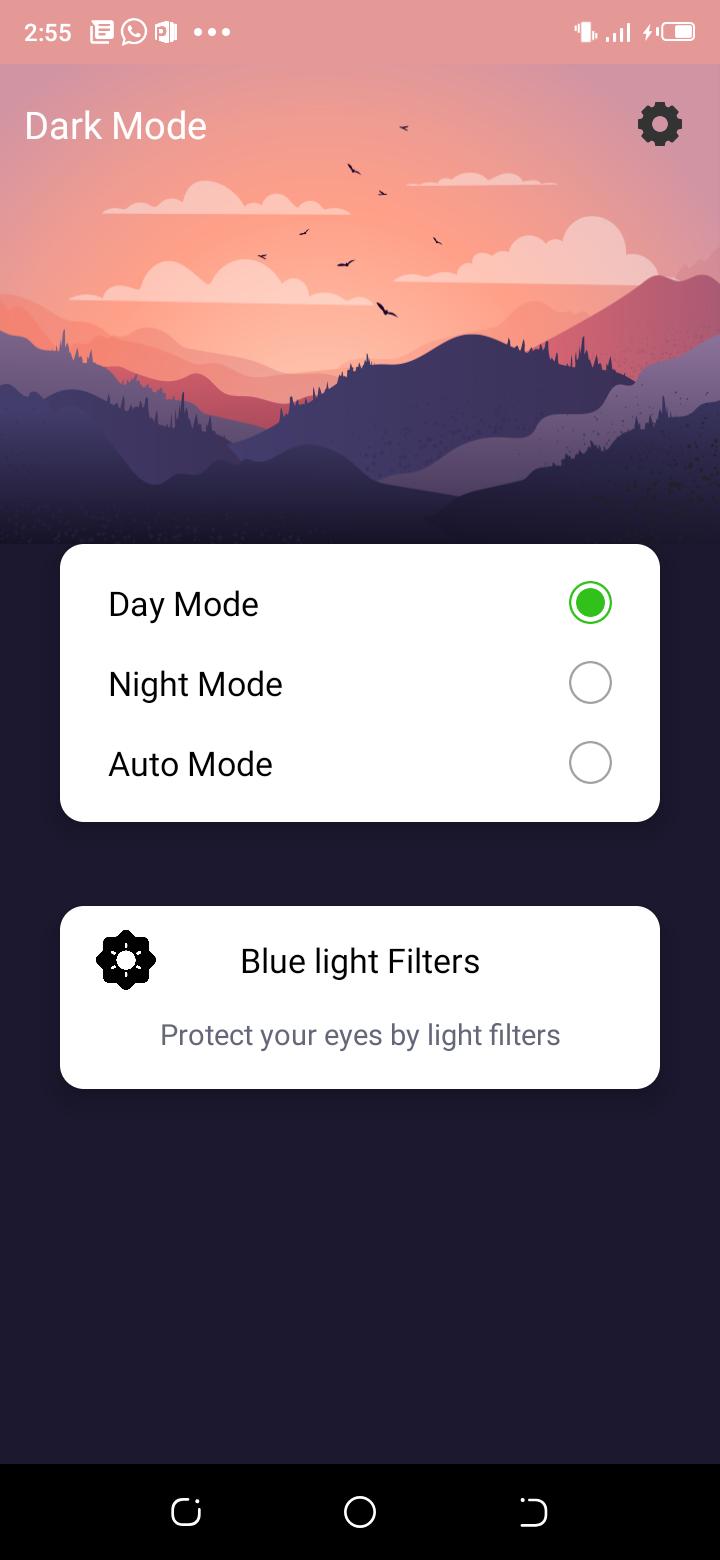
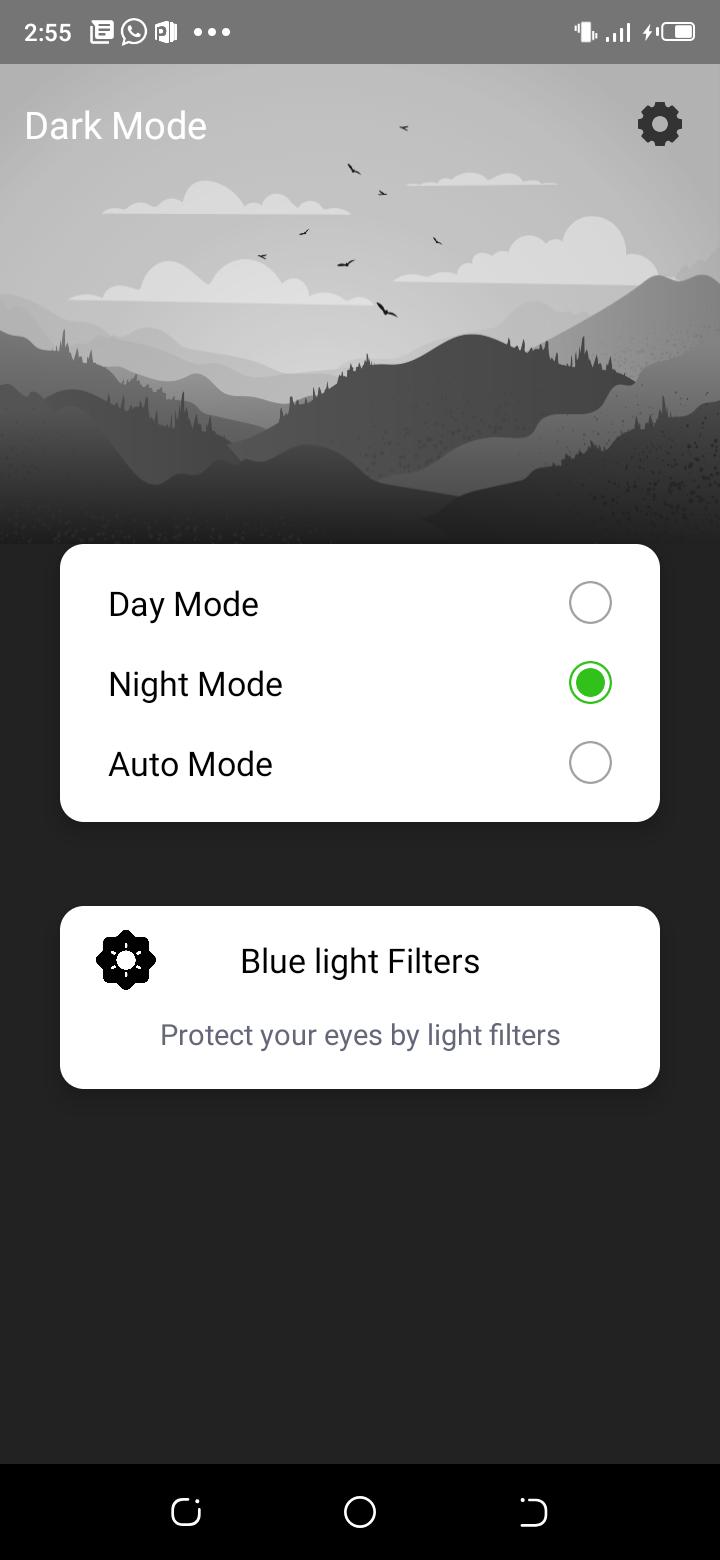
In the Dark Mode For all Apps - Night Mode, Blue Light app you can change theme to night theme, auto theme and day theme.
Using night theme you can activate dark theme for apps.
By enabling dark mode you can activate dark mode for apps.
Auto mode feature is used for automatically change the theme of all apps.
At night it automatically active night mode and at day it auto activate day mode so this is very helpful app for dark mode.
How is it used?
🌙 Start the application
🌙 Click the "dark mode" button on the right side of the screen
🌙 All supported apps including Instagram, Google Chrome, Google Play Store have now been converted to dark mode
I don't like the dark mode, I want to go back to the original colors of the application
🌙️ Start the application
🌙 Click the "Day Mode" button on the right side of the screen
🌙 All supported apps including Instagram, Google Chrome, Google Play Store have now been converted back to original colors.
Features :
🌙 Dark mode is easy to use and gives beautiful user interface to you.
🌙 This app is totally free to use.
🌙 There is three mode to use : Dark mode, auto mode, day mode
🌙 Dark mode not use white lights so phone not need to supply more power, so it saves mobile battery.
🌙 You can use dark mode for instagram and other apps with support dark mode.
Latest Version
1.0Uploaded by
Mohamed Fathy
Requires Android
Android 6.0+
Category
Free Personalization AppContent Rating
Everyone
Report
Flag as inappropriateLast updated on Jul 16, 2022
This release includes minor bug fixes and general improvements. Update to the latest version for the best experience.


APKPure - A multi-platform app store primarily focused on Android, providing extensive app-related content. Discover the app you want easier, faster, and safer, with quick and efficient downloads and installations.













