
Thumbnails are usually stored in .THUMBDATA files.
THUMBDATA file format is used for indexing and caching processed images.
THUMBDATA files are generated so image previews (thumbnails) are quickly loaded and users do not experience any sluggish behavior when they browse through their images.
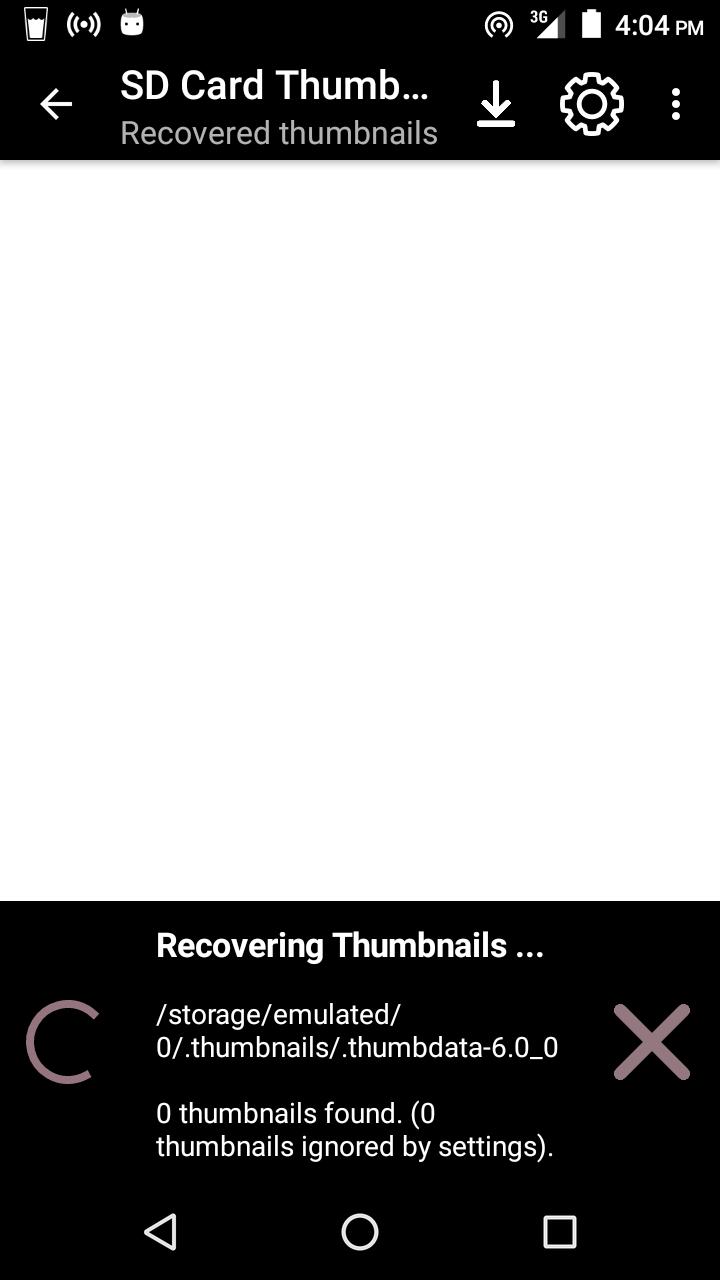
SD Card Thumbnail Finder will help you recover thumbnails stored in THUMBDATA files.
1.) You can scan your SD Card for thumbnails.
2.) You can pick a THUMBDATA file for processing
After Recovery, you can share or save thumbnail to a choice folder.
Latest Version
4.0Uploaded by
Pichitchai Tanachaisukit
Requires Android
Android 4.0+
Category
Free Tools AppContent Rating
Everyone
Report
Flag as inappropriateLast updated on May 24, 2020
Minor bug fixes and improvements. Install or update to the newest version to check it out!





APKPure - A multi-platform app store primarily focused on Android, providing extensive app-related content. Discover the app you want easier, faster, and safer, with quick and efficient downloads and installations.