SCREEN RECORDING IS NOW SUPPORTED WITH THE OPTION TO ADD CAMERA WITH COOL FRAMES SO YOU CAN MAKE AWESOME VIDEOS! WE ALSO SUPPORT LONG SCREENSHOTS ALLOWING YOU TO CAPTURE ENTIRE CONVERSATIONS IN JUST ONE IMAGE;
Screenple is the best screenshot app available taking screenshots to a whole new level providing powerful tools to take, manage and use your screenshots as always accessible practical notes.
The free cloud backup gives you the tranquility you need so that you can count on recovering your screenshots even when you replace your phone.
Main features:
✔ Screenshots organizer: super easy way to take, collect and organize screenshots;
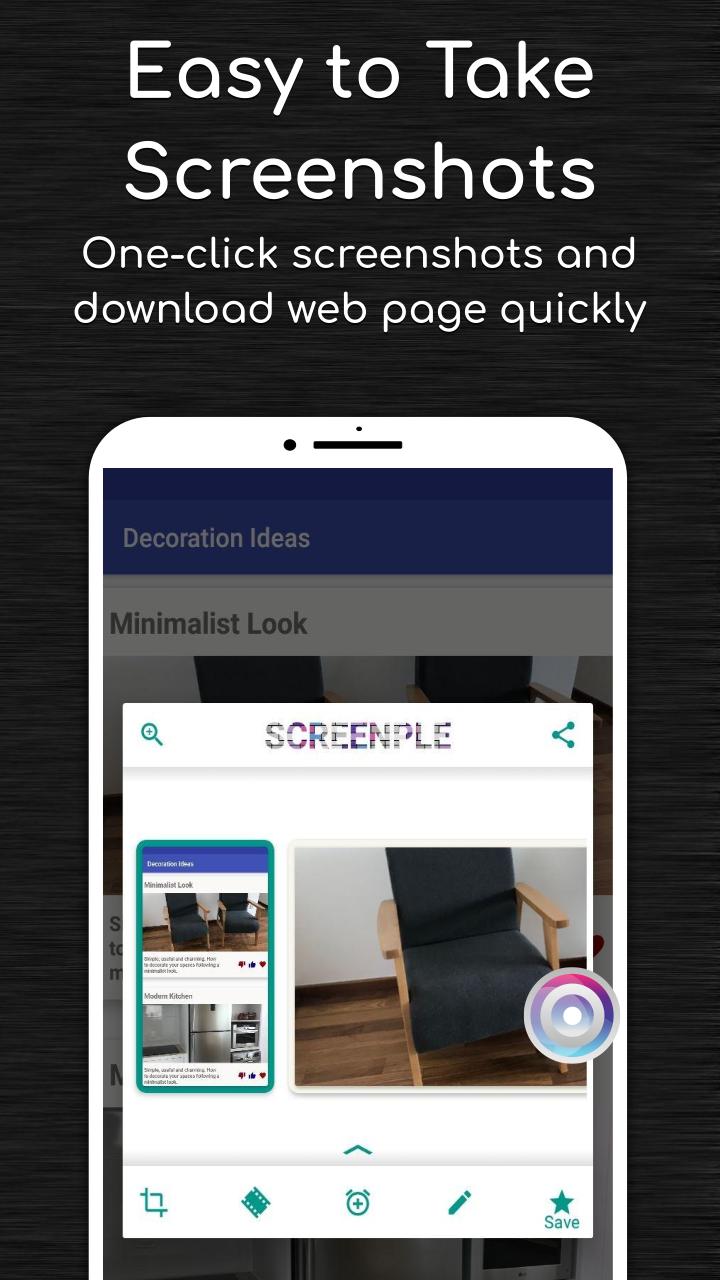
✔ Editor to add text, lines and shapes to your screenshots;
✔ Download entire web pages and handle them as big screenshots easily;
✔ Copy and paste text to save them as notes;
✔ Choose the way you want to take the screenshots: traditional combination of power and home button, long press on home button , floating button , notification message ;
✔ Save screenshots capturing whole chats, articles, recipes etc. that you can share with your friends;
✔ Automatic crops suggestions and easy manual cropping also available;
✔ Select any text from your screenshot - You can copy, mark it and hide it;
✔ Share your screenshots individually or as a photo collection where you can add title and notes;
✔ Combine multiple screenshots in one single image;
✔ Optionally add labels to categorize your captured screenshots;
✔ Use notes to add information to be stored with the captured screenshots (tip: double tapping on the cards is a shortcut to add notes);
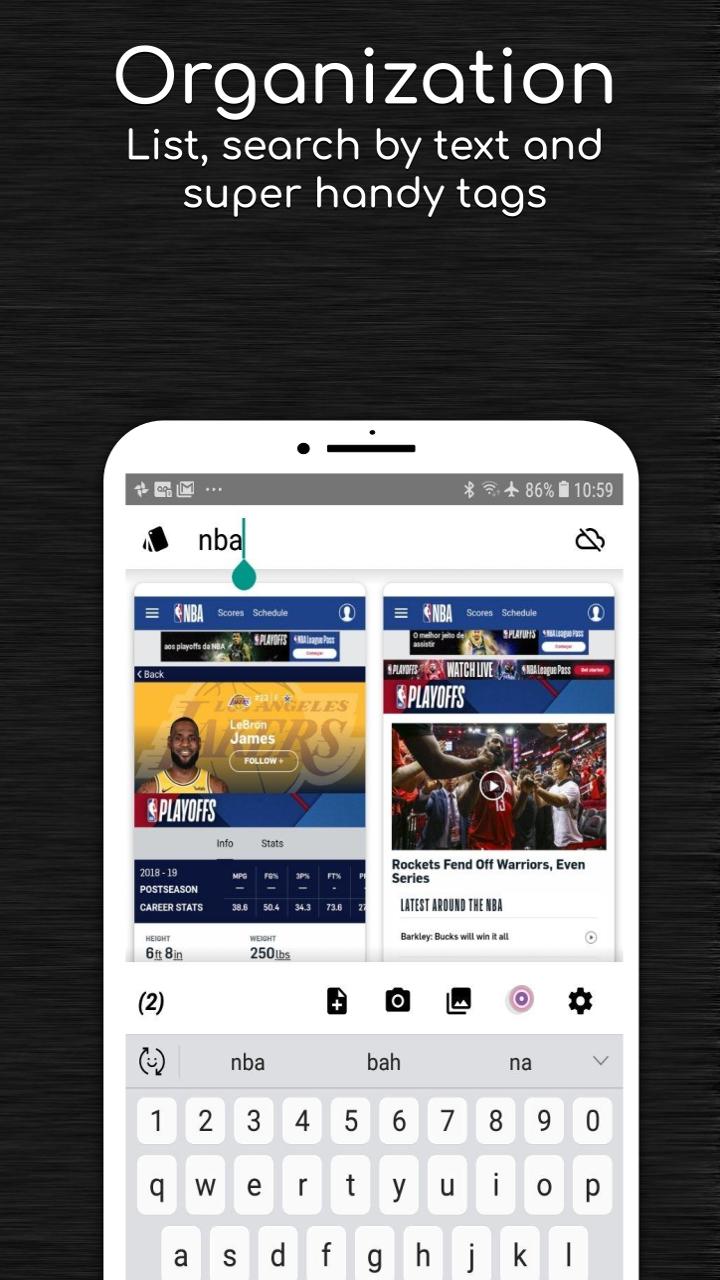
✔ Easily navigate through all your screenshots, filter them by label or use text search to find words in the screenshots or within the notes;
✔ Use the full screen view mode (activated with double tap on the image) for a better view of the screenshot (optimized for barcode scanners);
✔ Never lose any of your screenshots and notes, click on the cloud button and start using the free automatic backup to your Google Drive.
Latest Version
1.5.014Uploaded by
Lisandra Morejon Cabrera
Requires Android
Android 5.0+
Category
Free Tools AppContent Rating
Everyone
Report
Flag as inappropriateLast updated on Jul 16, 2021
In this new release a new redesigned interface is being introduced simplifying the flow and giving more space for what matter more: your screenshots; to make things simpler and improve the battery consumption the support for the combo buttons was removed (you can still benefit from the one-button mode, edge bar and the notification mode); a new screen recording icon is available so that you can launch the screen recording function directly.





APKPure - A multi-platform app store primarily focused on Android, providing extensive app-related content. Discover the app you want easier, faster, and safer, with quick and efficient downloads and installations.