Scan Date:Jun 10, 2026
Show More


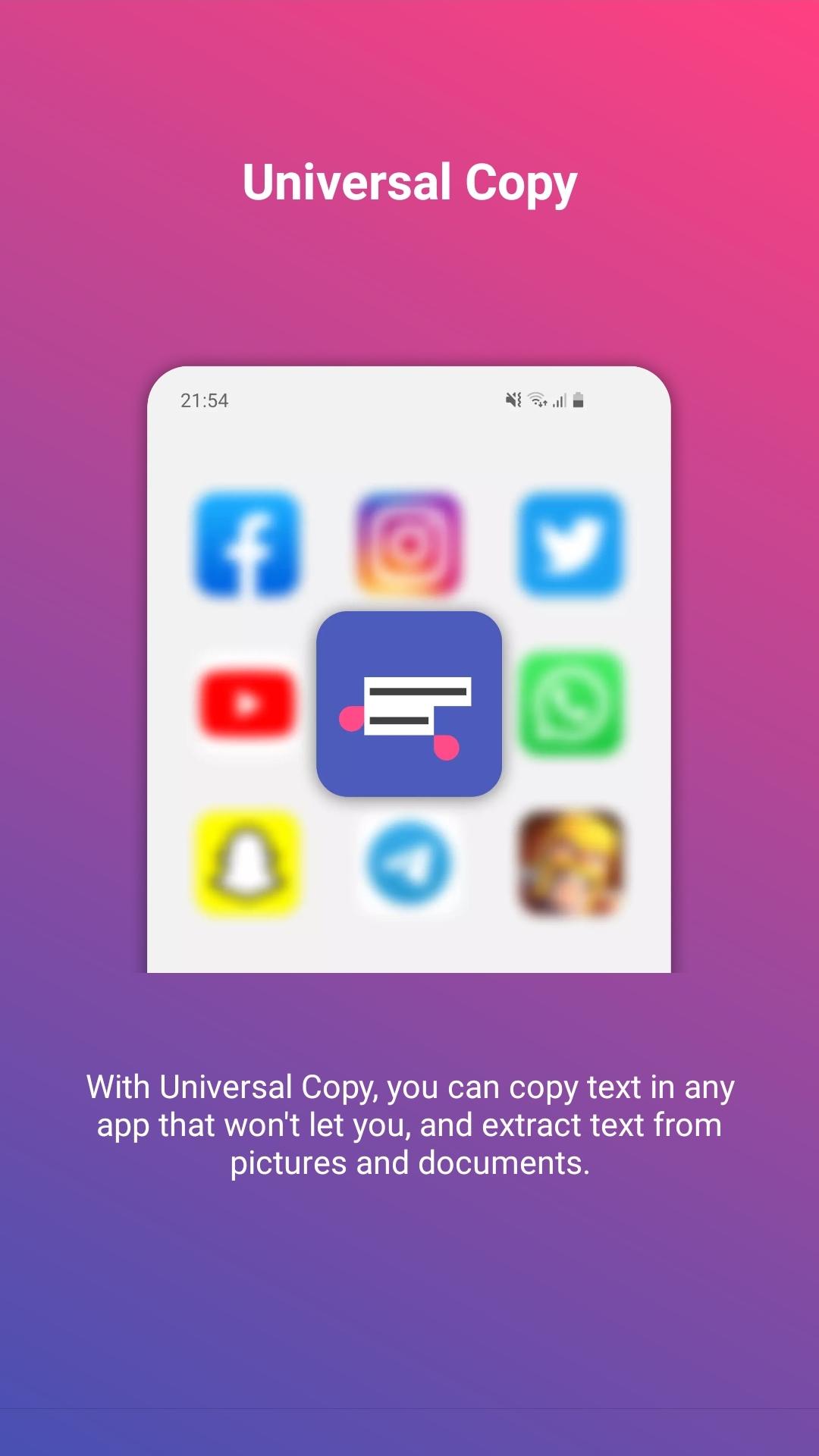
Universal Copy helps when you need to grab text that cannot be selected, such as comments, captions, or text shown in pictures. It works inside many everyday apps so you can reuse content without retyping. You open a small overlay, then pick the text you need with a few taps. Also, it focuses on quick selection to reduce app switching. If needed, Universal Copy APK provides a direct installation option for Android devices.
Copy from many apps
Universal Copy lets you select and copy text from applications that do not normally allow selection. In Normal mode, you trigger the overlay and tap the lines you want to capture. This gives you clean text ready to paste into notes, messages, or documents. It relies on the Android Accessibility service, which you need to enable in settings for it to work.
Extract text from images
Use Scanner mode to read text inside photos and screenshots with OCR. It supports common character sets including Latin, Chinese, Devanagari, Japanese, and Korean. Results depend on image quality and clarity, so sharper images give better recognition. This is useful for copying text from posters, receipts, or diagrams.
Detect entities and act faster
Universal Copy can identify addresses, emails, phone numbers, hashtags, and mentions in selected text. After detection, you can run quick actions in one tap such as translate, locate, or share. This reduces back and forth between apps and keeps your workflow simple.
Collect across screens
When content spans multiple pages, Scroll mode helps you select text from several screens or apps and copy it all at once. For ongoing browsing, Harvest mode captures detected entities as you navigate, so you can review and copy them together later. These options are helpful for research, lists, or bulk collection.
Enable the Accessibility permission, open the overlay from your quick access, and select what you want to copy. The app is free to use with ads, and an optional Plus upgrade removes ads. To begin, download Universal Copy and follow the on-screen setup steps for reliable operation.
Latest Version
7.1.0Uploaded by
Deepak K Gowda
Requires Android
Android 10.0+
Category
Free Social AppContent Rating
Everyone
Security Report
Report
Flag as inappropriateLast updated on Jun 10, 2026
v7.1.0
NEW: Scanner Mode now detects QR Codes.
Update to latest Android SDK (37)
v7.0.0
Update to latest Android SDK (36)
Implement Edge to Edge display
Bug fixes



APKPure - A multi-platform app store primarily focused on Android, providing extensive app-related content. Discover the app you want easier, faster, and safer, with quick and efficient downloads and installations.