Scan Date:Aug 27, 2024
Show More
Print, Scan or send Fax wirelessly from your Android phone, tablet, or any other supported Android device to almost any* Samsung Laser Printer.
Samsung Mobile Print empowers to print or send fax, most of the digital contents like Office documents, PDF, images, emails, web pages or even the contents on your social network sites.
Let your content be on your phone or on Google drive it’s just easy.
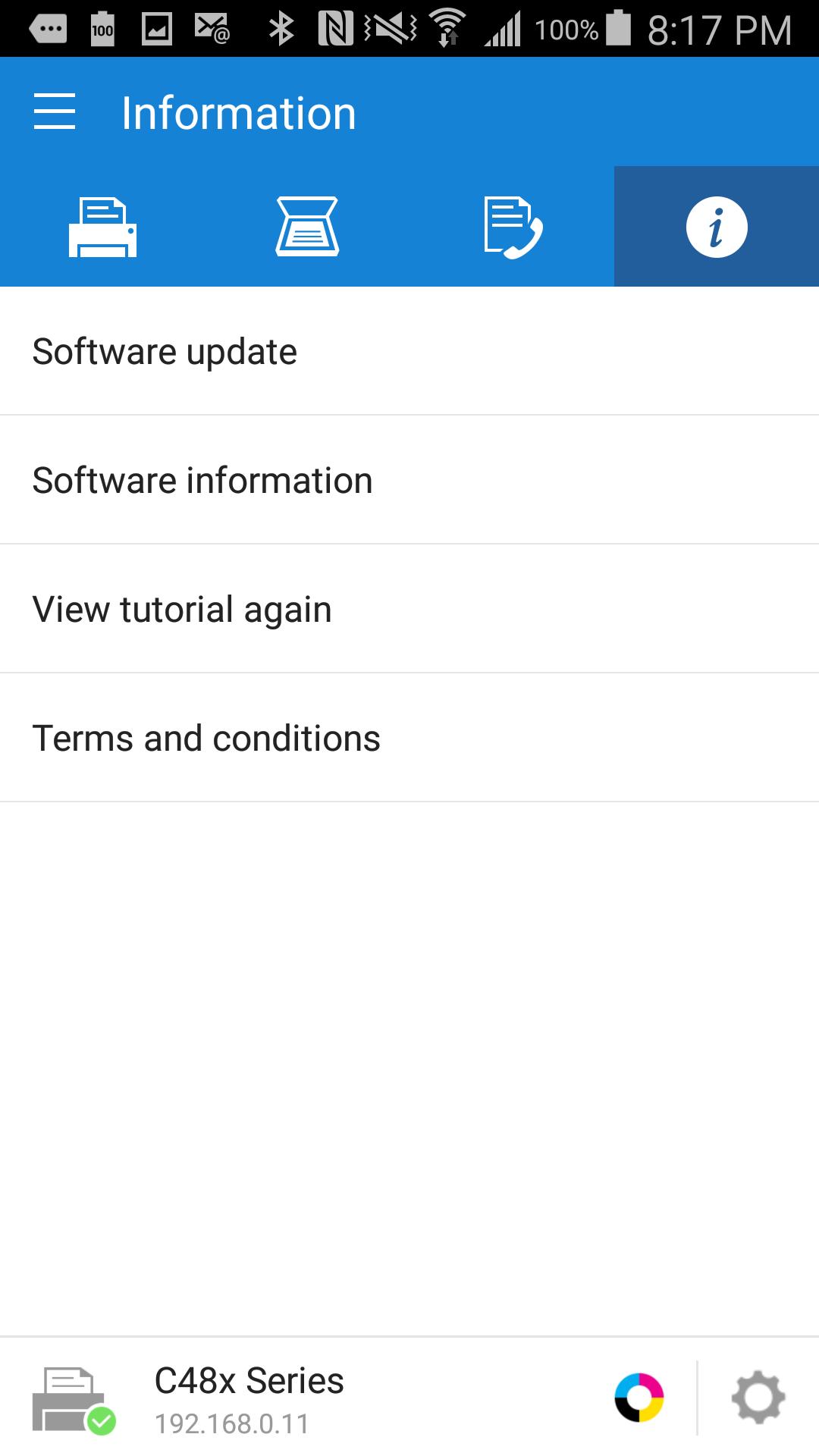
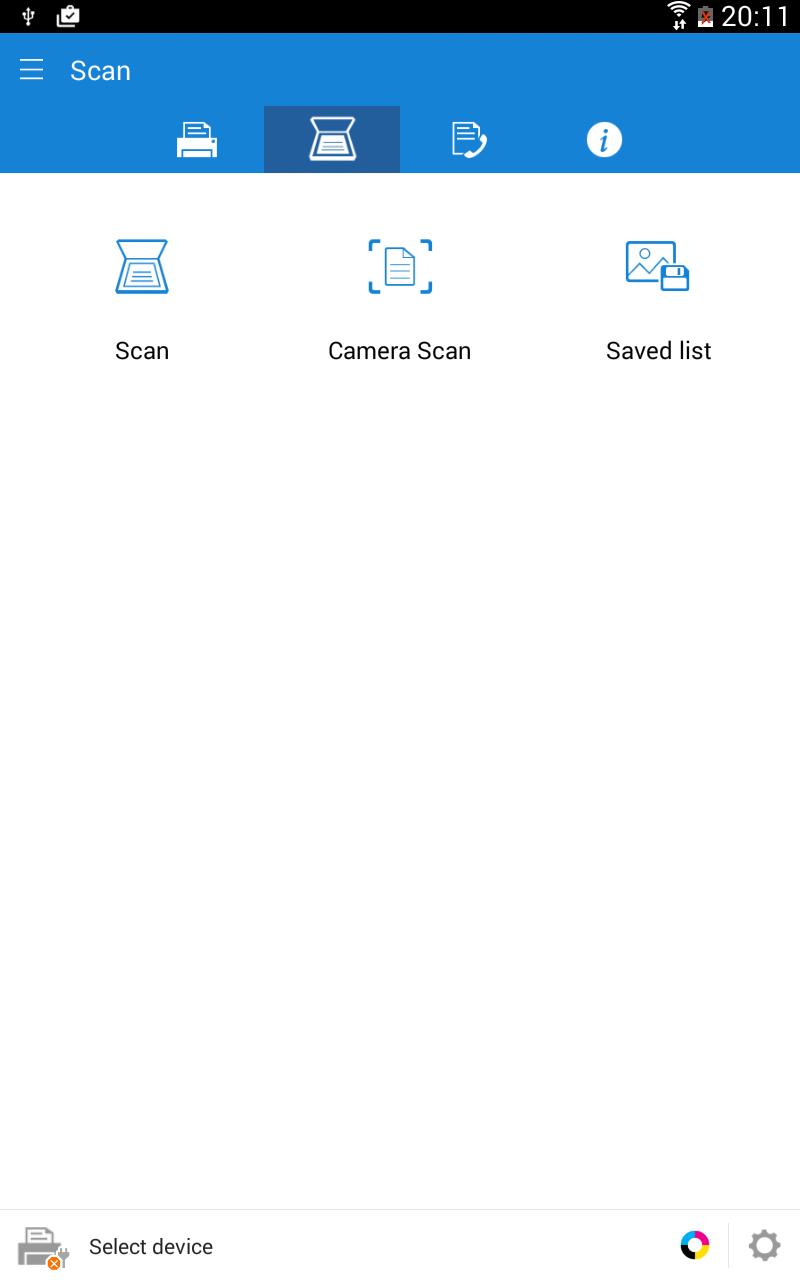
It also supports scanning from your network multi-functional device and saving in various formats like pdf, jpg or png. Sharing your scanned documents is just a click away.
Key Features
> Intuitive action bar style user interface.
> Automatic discovery of supported network devices.
> Select multiple images, tap to crop or rotate.
> Supports multiple image sizes and multiple images on a page.
> Print or send fax documents/emails/email attachments/web pages/images.
> Supports contents at Google Drive, Dropbox, Evernote, OneDrive, Box and Facebook.
> Scan from flatbed or ADF and save as PDF, PNG, JPG.
> Print or Scan pages as big as A3*.
> Share to open any of the supported content from any other App.
> For corporate environment, supports security features like Job Accounting, Confidential Print and Secure Release.
> Integration support for Auto Toner Ordering Service (US and UK)
> Integration support for following printer's Wi-Fi setup (M2020/2070/283x/288x/262x/282x/267x/287x/301x/306x Series, CLP-360 Series, CLX-330x Series, C410/460/430/480 Series)
**Supports Only Samsung Printers**
* Scanning and sending fax is supported only on supported N/W printers.
* Printing can be done on printers connected via Print server or Shared.
* Maximum print and scan size would depend on the media size supported by the device.
* If you use the CJX-1050W/CJX-2000FW printer, please install "" Samsung Mobile Print Photo"" instead this app.
Supported Model List
* M2020/2070/283x/288x/262x/282x/267x/287x/4370/5370/4580 Series
* C410/460/1810/1860/2620/2670/140x/145x/4820 Series
* CLP-300/31x/32x/350/360/610/620/660/670/680/770/775 Series
* CLX-216x/316x/317x/318x/838x/854x/9252/9352/92x1/93x1 Series
* ML-1865W/2150/2160/2165/2250/2525/257x/2580/285x/2950/305x/3300/347x/331x/371x/405x/455x/551x/651x Series
* SCX-1490/2000/320x/340x/4623/4x21/4x24/4x26/4x28/470x/472x/4x33/5x35/5x37/6545/6555/8030/8040/8123/8128 Series
* SF-650, SF-760 Series
Permission Details:
Below are the details about the permissions Samsung Mobile Print app is using.
. STORAGE : To print photos and files.
. LOCATION : Location permission is required to search for nearby Wi-Fi Direct printers.
. NFC : For direct connection between mobile device and Printer.
. CAMERA : To use Camera.
. INTERNET: For any network communication.
. READ_CONTACTS: For selecting Fax number from Address book.
. GET_ACCOUNTS: For showing registered accounts in email printing and printing contents from Google drive.
. USE_CREDENTIALS: For printing from Google Drive.
. VIBRATION : To notify when NFC tag was read properly
Latest Version
4.08.041Uploaded by
HP Inc.
Requires Android
Android 4.3+
Category
Free Productivity AppContent Rating
Everyone
Security Report
Report
Flag as inappropriateLast updated on Aug 27, 2024
1. Target API level updated to 34.
2. Bug fix.







APKPure - A multi-platform app store primarily focused on Android, providing extensive app-related content. Discover the app you want easier, faster, and safer, with quick and efficient downloads and installations.