
Please note, to organize your computer and use the widget, you must purchase the Pro version of the app <\b>
Redirect File Organizer finally offers a way to automatically organize your phone and computer files.
The concept is simple:
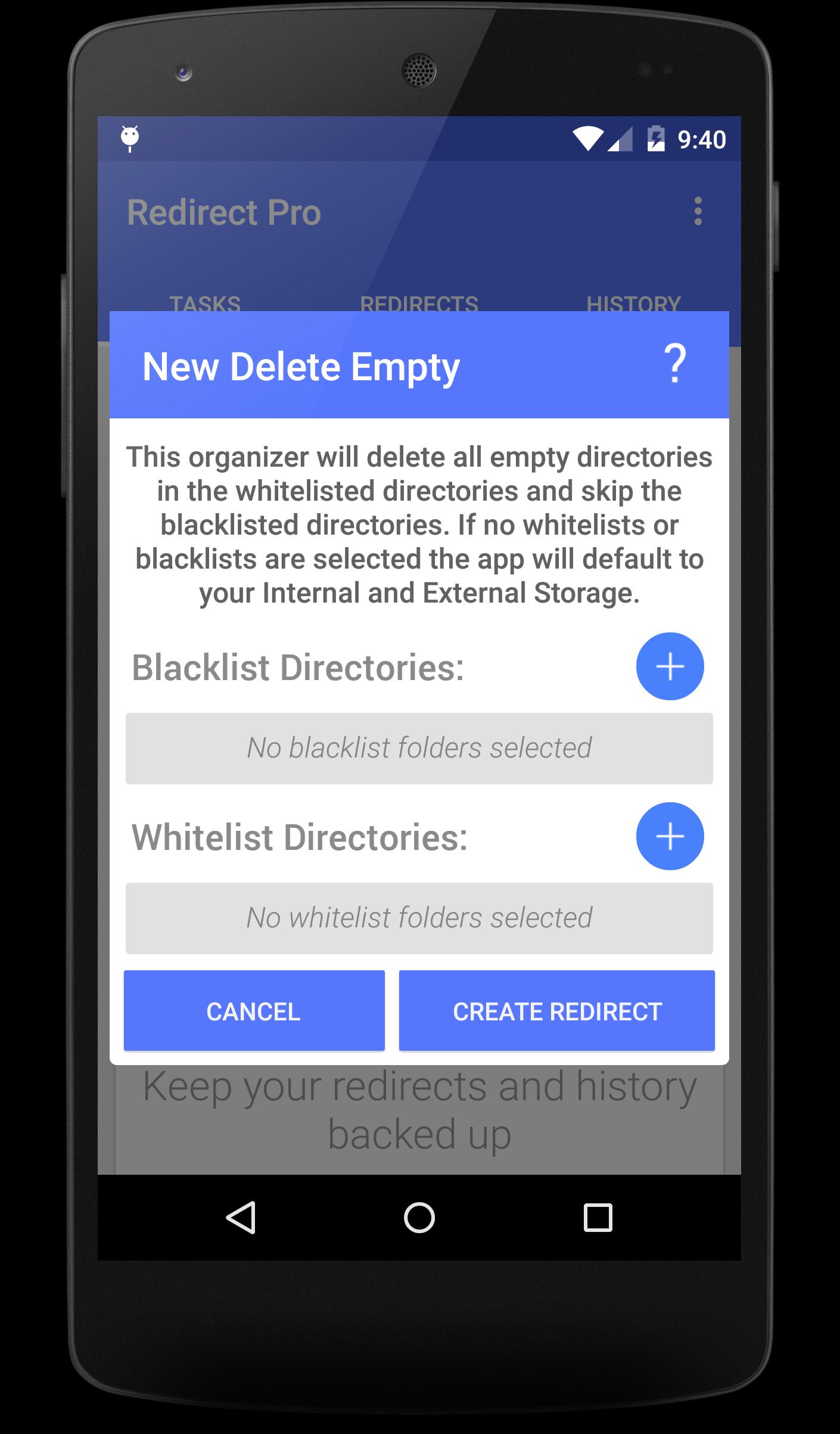
A redirect is a task saved to your device that tells the app how your phone and PC should be organised, by 'running' a redirect the app will organize your devices however you have decided.
Only the paid version of the app supports redirecting to your computer.
*You can:*
➜ Sync folders and files between your phone and computer.
➜ Organize your computer.
➜ Move your Video files to one folder.
➜ Move your gifs to one place.
➜ Consolidate your music.
➜ Automatically manage files from your Internal Storage.
➜ Easily backup files.
➜ Keep your work documents organised.
Features
- Support for Android 4.0+
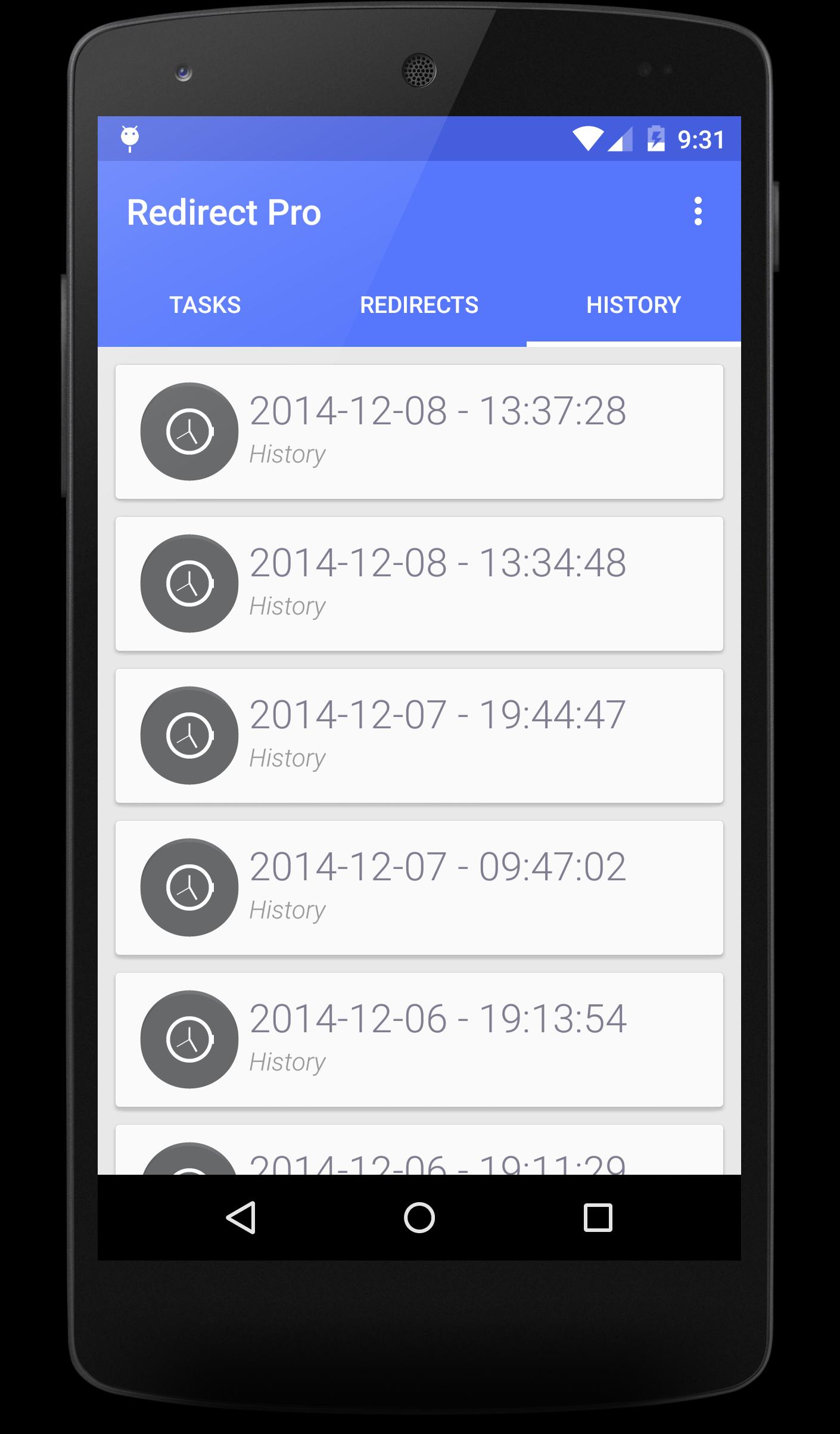
- Undo your organisation.
- Extremely low footprint.
- Ability to edit Redirects.
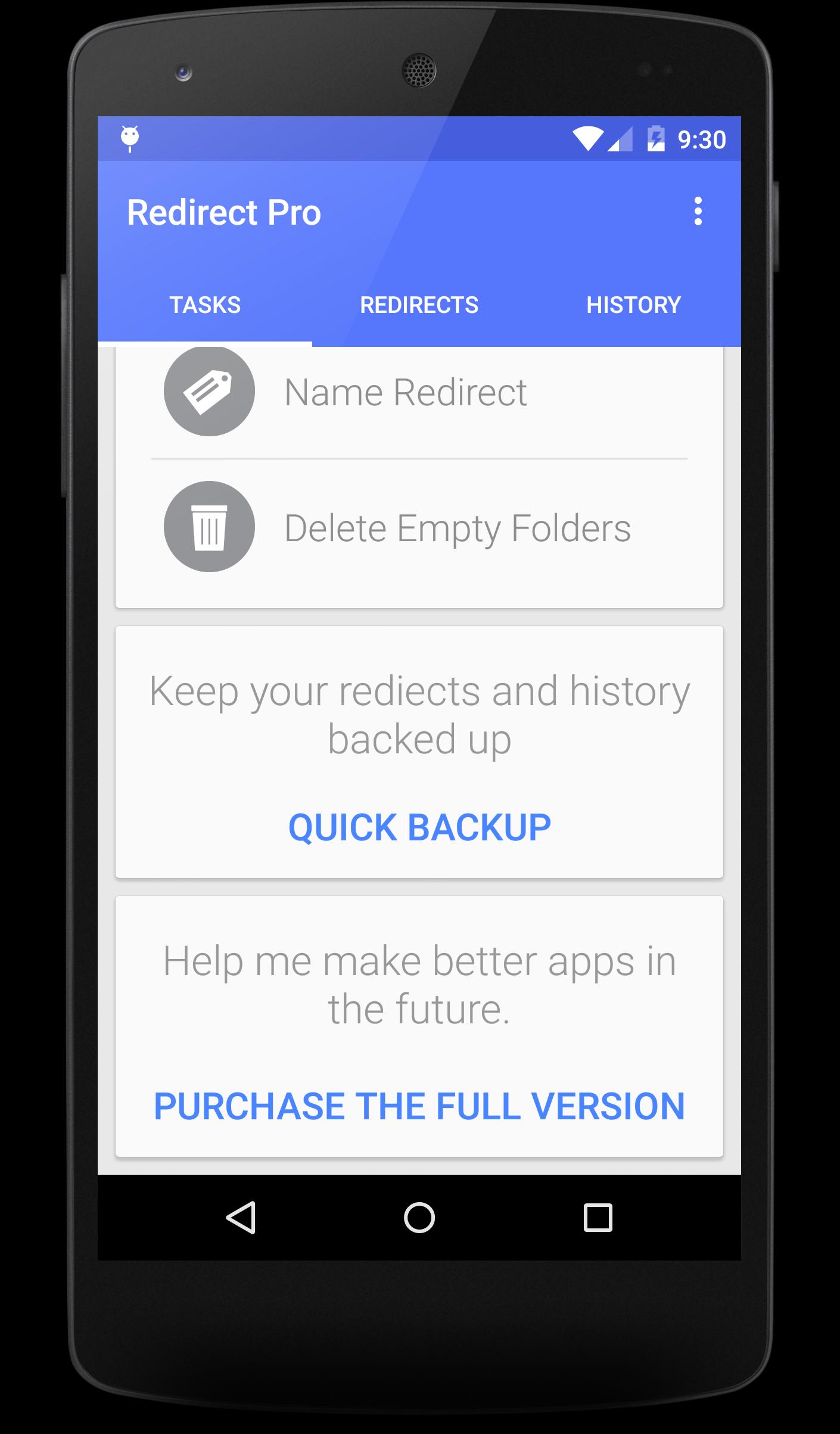
- Backup and restore your redirects.
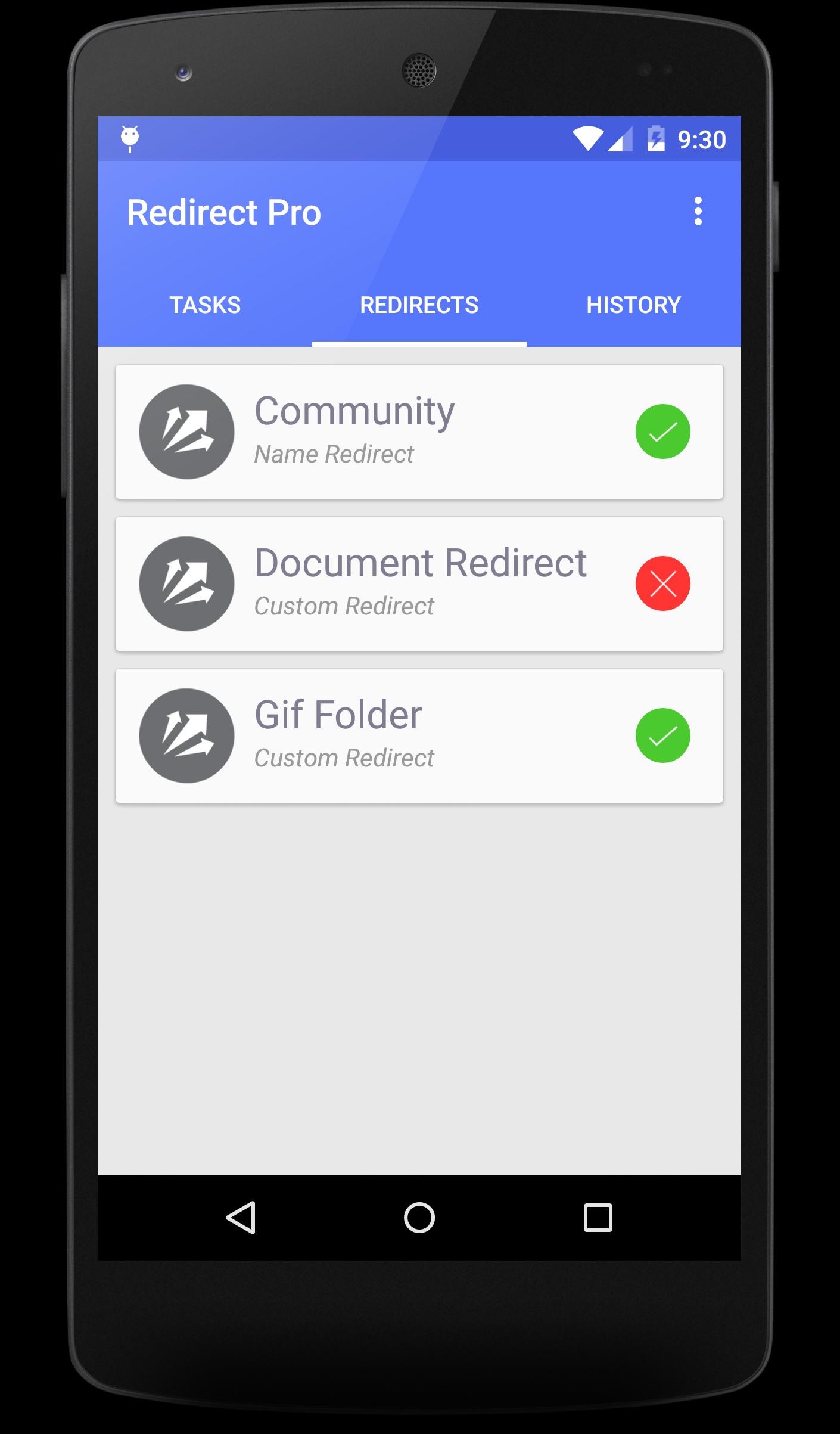
- Temporarily disable your redirects.
- Create custom Redirects!
- Tasker Support
Want news and updates about the app? Click here - https://plus.google.com/u/0/b/108498585498691129853/108498585498691129853/posts
Latest Version
3.0.1Uploaded by
Claudio Gomes Leite
Requires Android
Android 4.0+
Category
Free Tools AppContent Rating
Everyone
Report
Flag as inappropriateLast updated on Aug 2, 2015
Redirect 3.0
BUG FIXES +
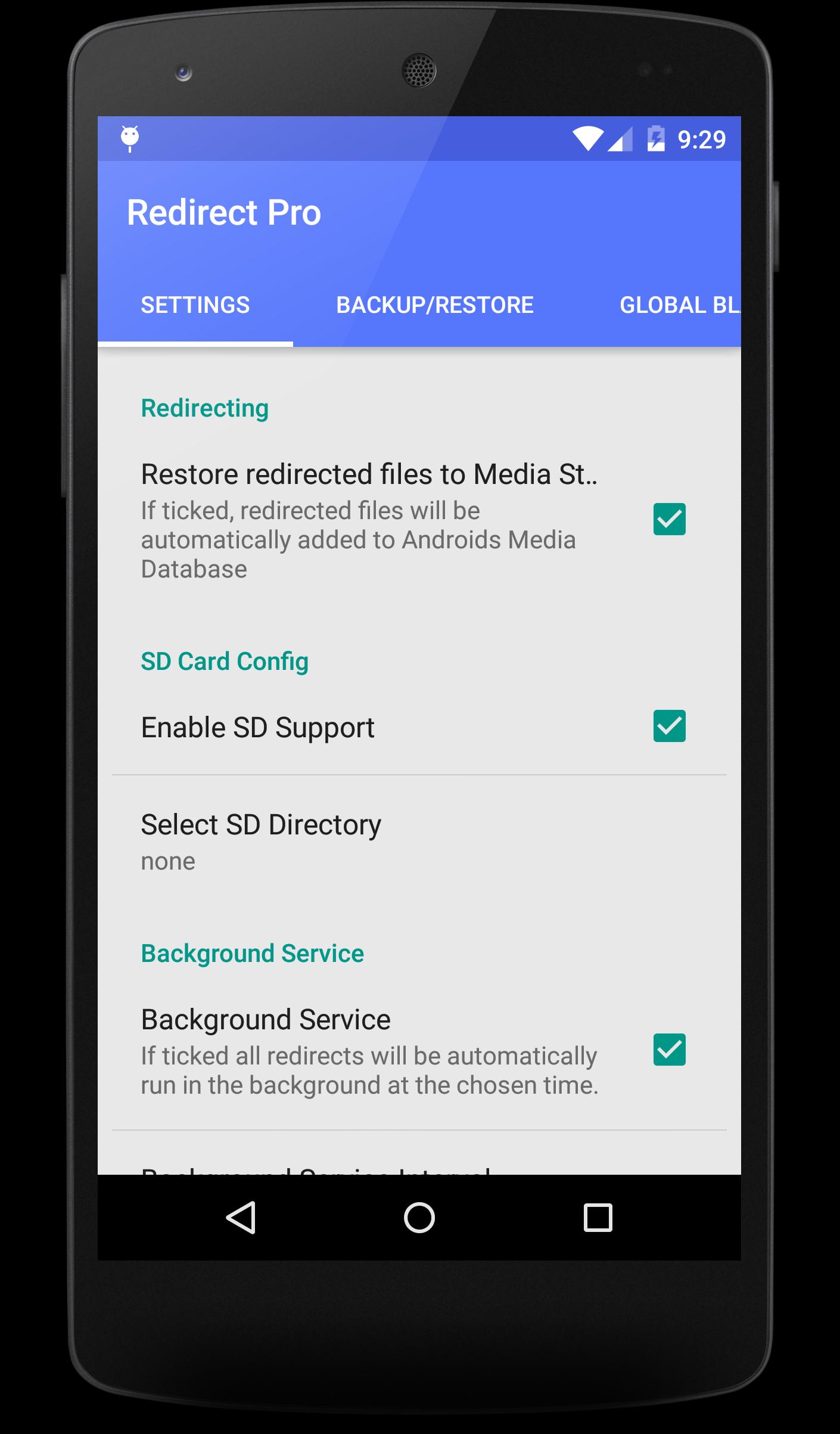
- PAID ONLY: Redirecting to and from your computer via SMB
- Scan for computers to add.
- Backup and restore app redirects + devices.
- Disable Redirects without deleting them.
- Improved folder picker.
- Advanced options for folder Redirects.
- Intricate advanced options (control whether a file is renamed, ignored, or overwritten when organizing).
- Hundreds of tweaks to improve the experience.




APKPure - A multi-platform app store primarily focused on Android, providing extensive app-related content. Discover the app you want easier, faster, and safer, with quick and efficient downloads and installations.














