Scan Date:Aug 18, 2024
Show More

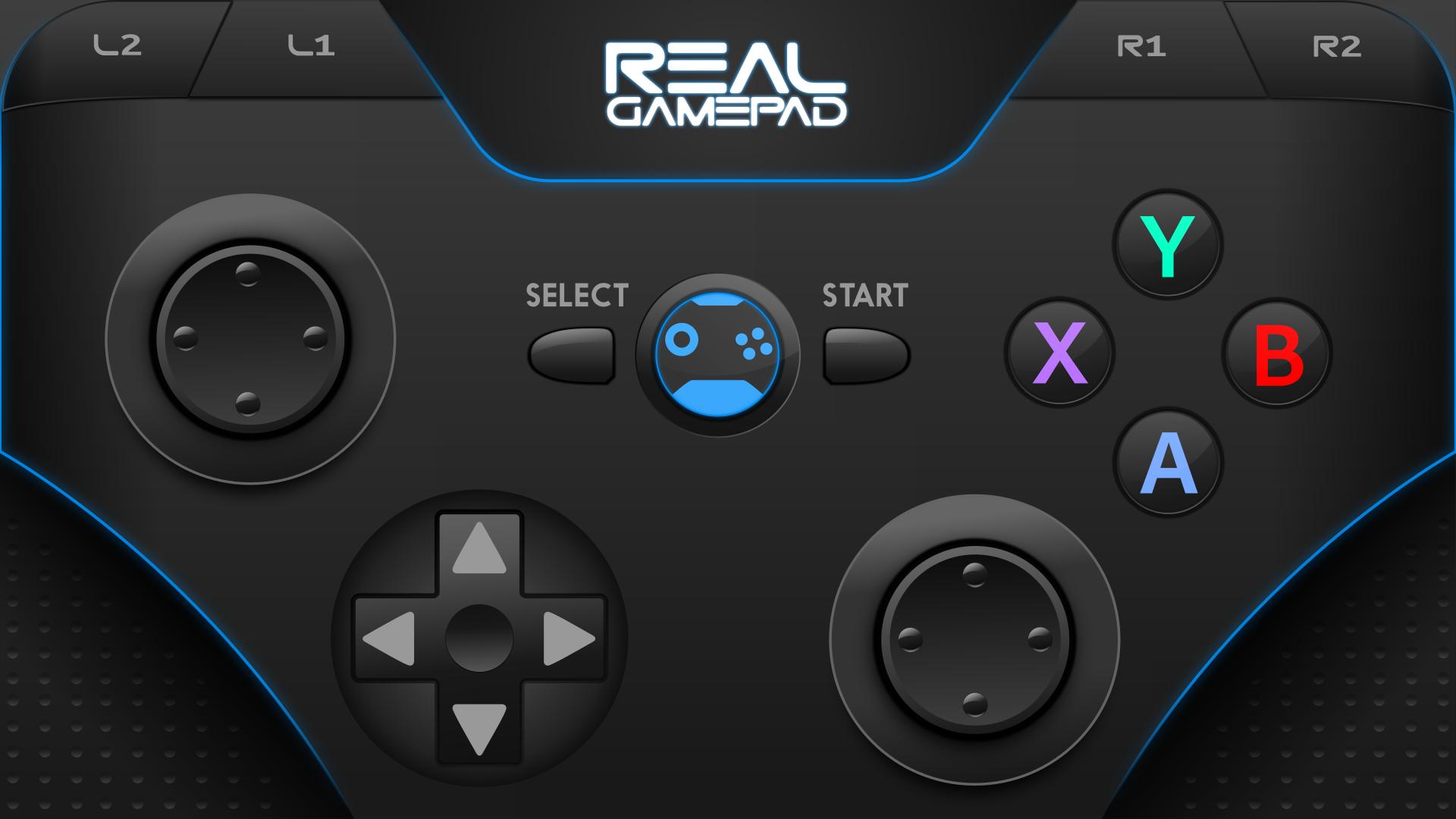
Turn your smartphone into a gamepad with the best interface ever made!
Play your favorite games with your phone.
To start using RealGamepad make sure you have installed the desktop client on your computer.
To download the desktop client go to the following Public Link:
https://drive.google.com/file/d/1T_o_F8nlgyt18Us1JKFd6VUuxMJmD0g-/view?usp=sharing
Once it is installed, all you have to do is run the client as Administrator and make sure that your PC (Windows and Linux) and your cell phone are connected to the same wifi network.
RealGamepad is designed for gamers by gamers!
Latest Version
1.1.0Uploaded by
Alex Montiel
Requires Android
Android 5.0+
Category
Free Entertainment AppContent Rating
Everyone
Security Report
Report
Flag as inappropriateLast updated on May 26, 2024
We have released all gamepad designs for free!
New app icon.
Security updates and bug fixes.





APKPure - A multi-platform app store primarily focused on Android, providing extensive app-related content. Discover the app you want easier, faster, and safer, with quick and efficient downloads and installations.