Scan Date:Apr 27, 2026
Show More


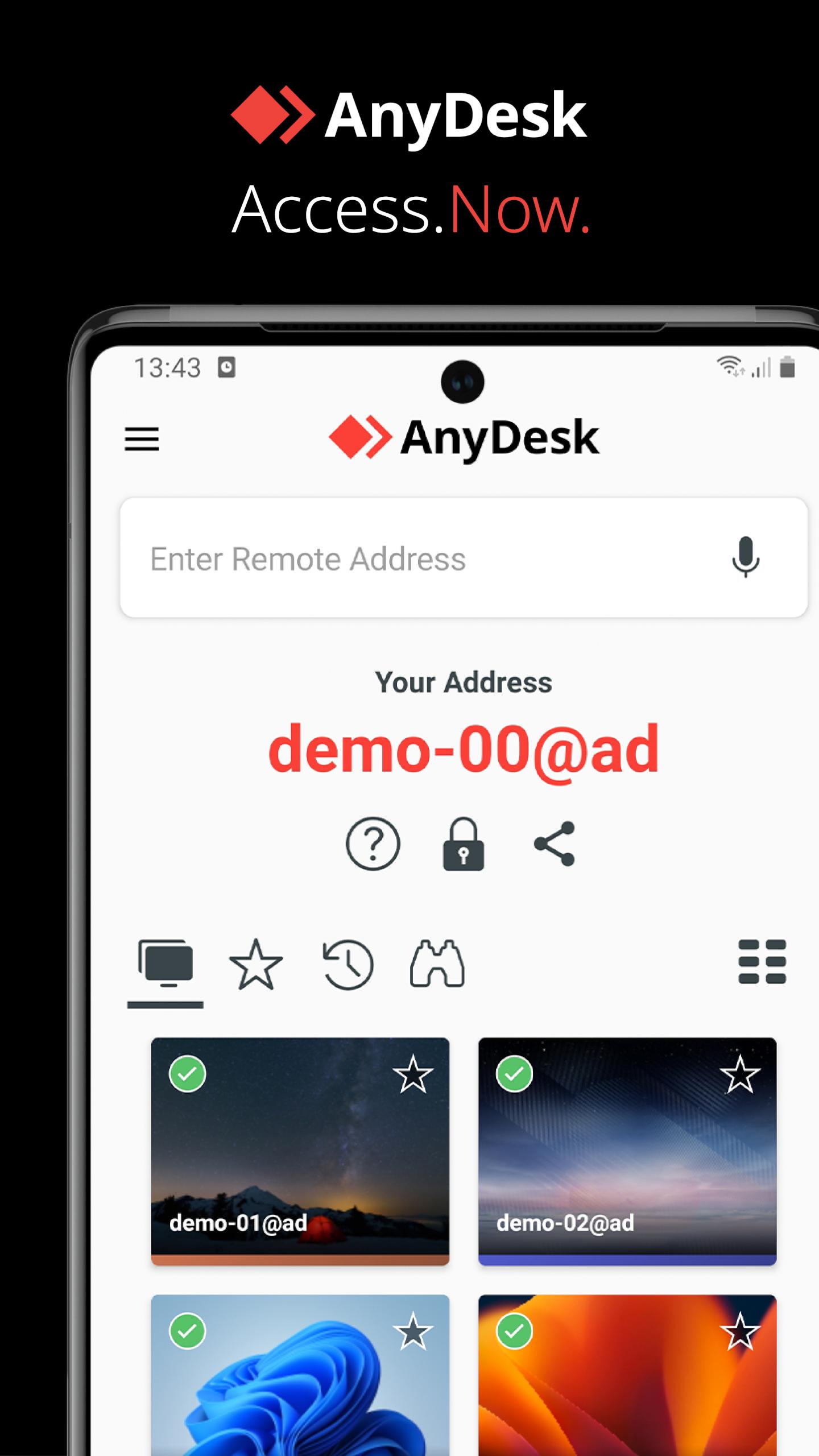
AnyDesk helps users handle remote work, IT support, classes, and personal assistance without being tied to a single location. It connects phones and computers across platforms, and the setup is straightforward, so you can start quickly. It is free for personal use and does not show ads, while teams can choose commercial plans for professional needs. Meanwhile, connections are protected with strong security so everyday tasks feel reliable. If you plan to download AnyDesk, prepare both devices to connect.
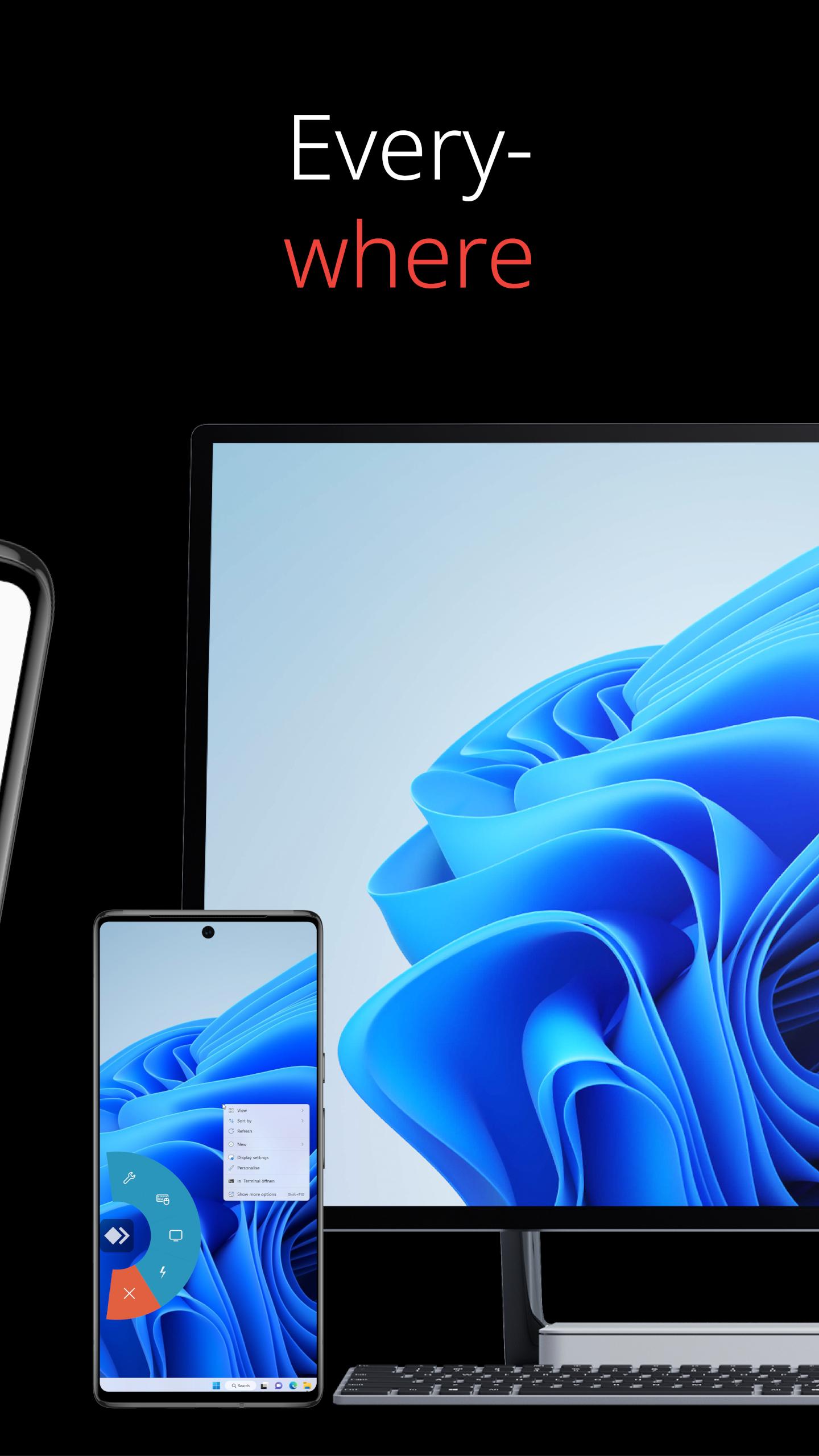
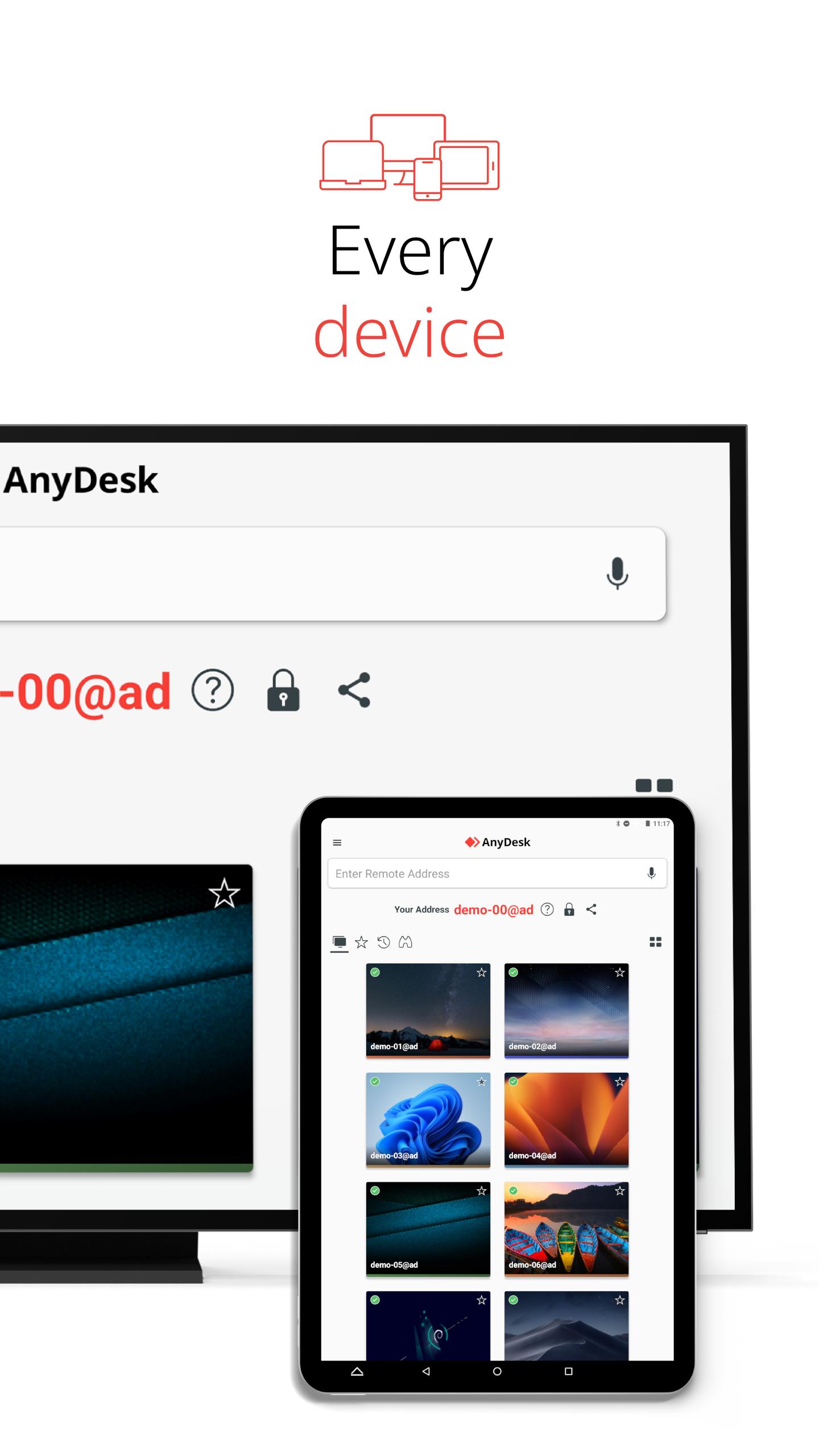
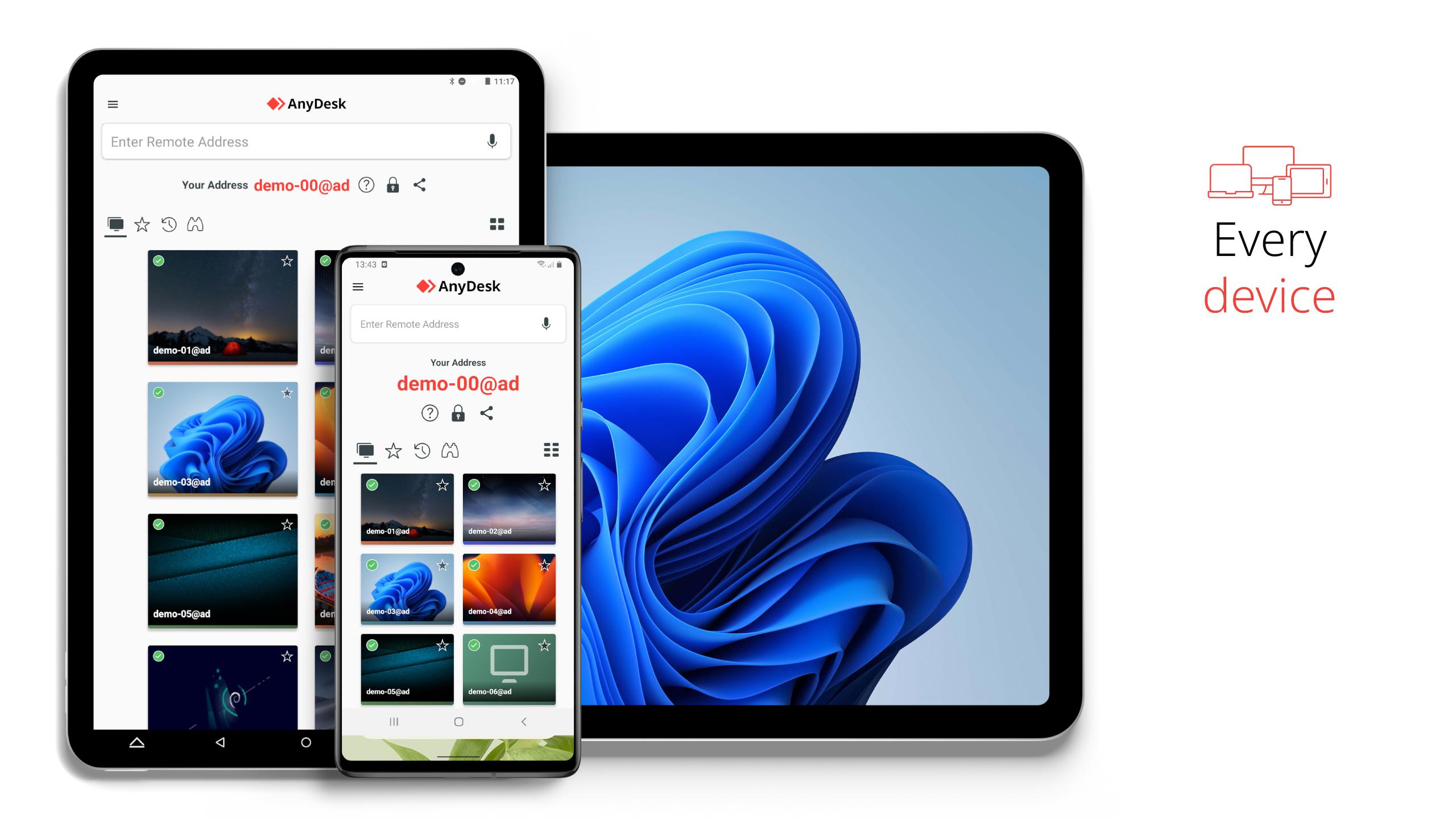
AnyDesk Remote Desktop lets you reach Windows, macOS, Linux, Android, and iOS from your phone or computer. You can view your desktop on mobile during travel or help someone fix a device from home. This flexibility fits mixed environments and keeps support moving even when people use different systems.
Strong securityAnyDesk uses banking level encryption to protect sessions and files. You can set up optional VPN connections for private tunnels when policy requires extra isolation. Teams can deploy in the Cloud or On Premises to meet compliance and control needs.
Responsive sessionsAnyDesk focuses on high frame rates and low latency, so the pointer feels natural and windows respond promptly. This helps during troubleshooting, screen sharing, and routine tasks where timing matters. You can switch between windows, type, and transfer data without long delays.
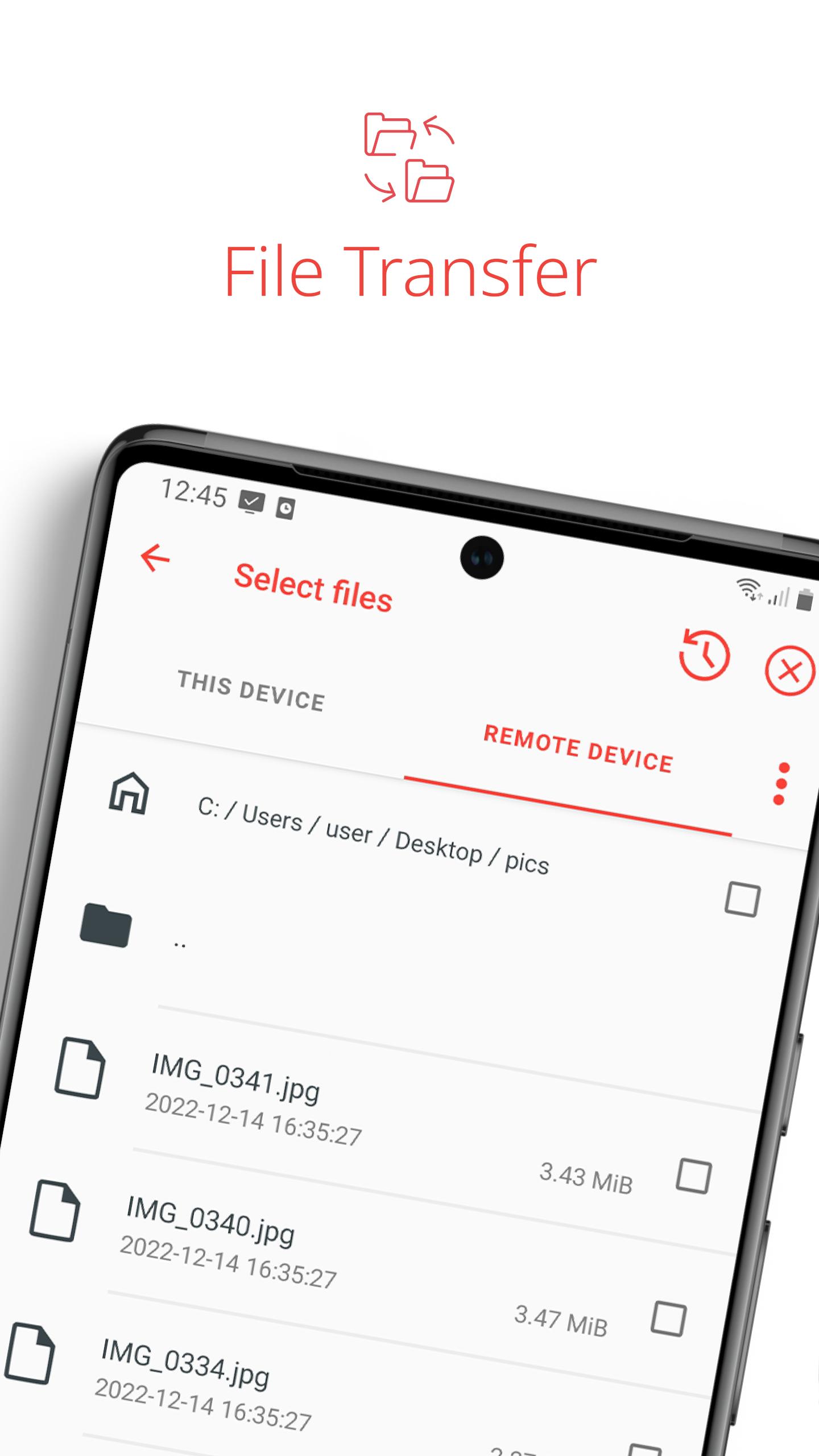
Built in tools that save timeAnyDesk includes File Transfer for moving documents, Remote Printing for sending pages to a local printer, and Wake On LAN for reaching sleeping devices. You can also connect through a VPN when your workflow needs a private route. These tools keep support and collaboration practical without extra software.
Unattended and interactive accessYou can set a password to reach a device without someone on the other end, which is useful for managed PCs and always on systems. Interactive access is also available, so a person can accept and control permissions during a help session. On Android, full remote input may need a control plugin and permission approval depending on the device.
AnyDesk is free for personal use and ad free. For commercial needs, plan options include Solo, Standard, Advanced, and Ultimate. Each plan is designed for different team sizes and management requirements, such as broader deployment and customization. Users considering AnyDesk APK for business should compare plan features before purchasing a license.
Teams can run AnyDesk in the Cloud for quick rollout and simplified updates. Alternatively, On Premises deployment keeps data and control within company infrastructure, which may help meet strict compliance rules. Choose the model that matches your security policies and operational workflows.
Remote access tools can be misused by scammers. Only accept connection requests from people you know and verify identities before granting control. Use strong passwords, enable two factor authentication, and set permissions carefully for Unattended Access. For guidance on safe usage and abuse prevention, visit the Help Center.
This quick guide shows how to start a mobile session and enable control where supported. For stable results, keep both devices prepared and confirm permissions during setup. If needed, search for help articles after you install AnyDesk for Android.
AnyDesk helps you reach computers and phones across platforms with strong security and practical tools. For consistent performance and support features, use the AnyDesk latest version on your Android device.
For official resources and support:
Latest Version
8.3.4Uploaded by
حسين جاسم
Requires Android
Android 10.0+
Category
Free Business AppContent Rating
Everyone
Security Report
Report
Flag as inappropriateLast updated on Apr 27, 2026
Fixed Bugs
* Fixed minor UI issues.
* Improved stability.
* Fixed issues with login in AnyDesk One.




APKPure - A multi-platform app store primarily focused on Android, providing extensive app-related content. Discover the app you want easier, faster, and safer, with quick and efficient downloads and installations.