Scan Date:Mar 18, 2026
Show More
A raw image is a digital image file, obtained from a digital camera, a motion picture film scanner, or other image scanner. The digital image file is stored on your camera or external storage. A raw image file is minimally processed and is usually uncompressed.
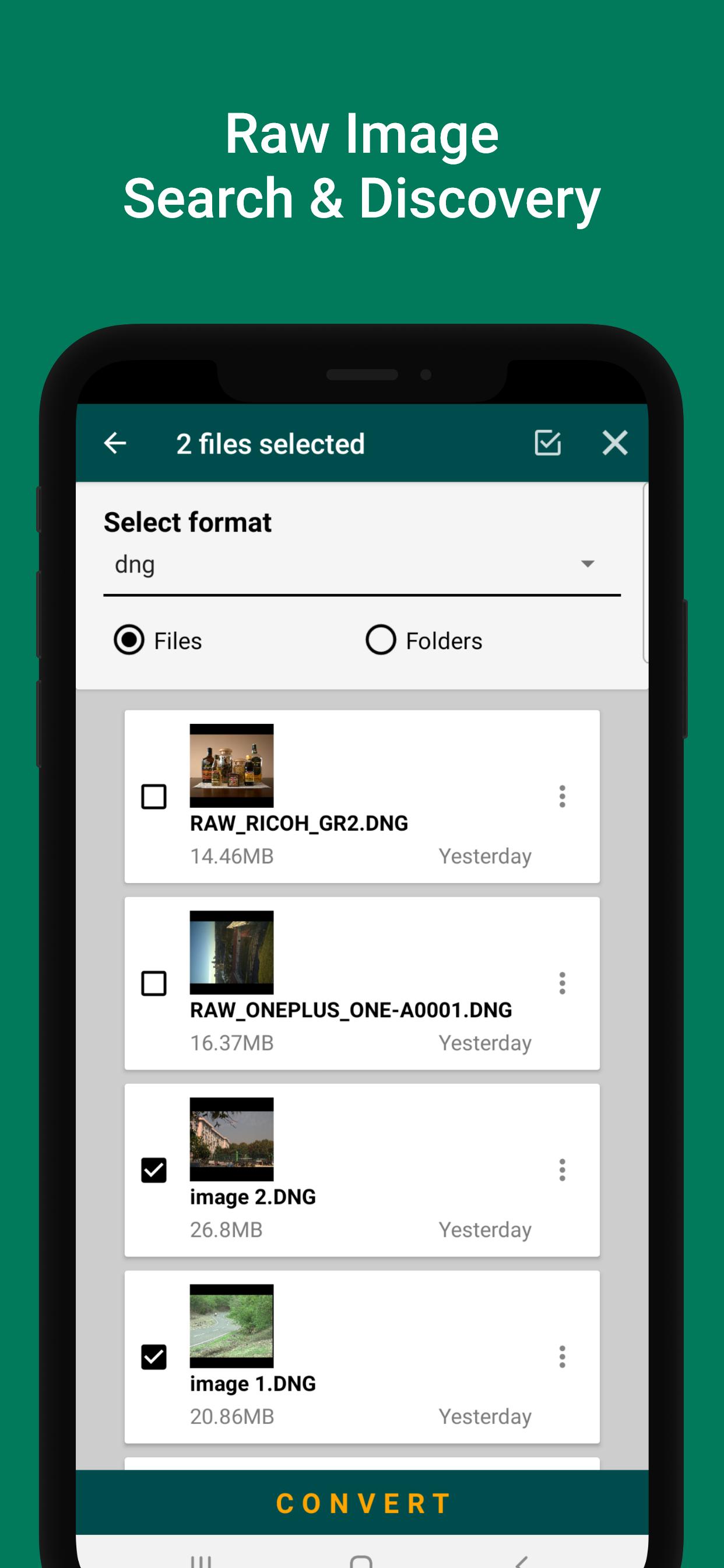
Raw image converter converts many RAW formats to JPG, BMP and WEBP.
SUPPORTED RAW IMAGE FORMATS;
3FR, ARI, ARW, BAY, BRAW, CRW, CR2, CR3, CAP, DATA, DCS, DCR, DNG, DRF, EIP, ERF, FFF, GPR, IIQ, K25, KDC, MDC, MEF, MOS, MRW, NEF, NRW, OBM, ORF, PEF, PTX, PXN, R3D, RAF, RAW, RWL, RW2, RWZ, SR2, SRF, SRW, TIF and X3F.
How to use
1. Select raw images.
2. Click convert
3. Select output directory.
4. Select output image format (BMP, JPEG, WEBP)
5. Click convert.
Feel free to contact us, if you have any questions or suggestions. Thank you.
Feel free to contact us, if you have any questions or suggestions. Thank you.
Latest Version
3.9Uploaded by
Yareli Ortega
Requires Android
Android 7.0+
Category
Free Photography AppContent Rating
Everyone
Security Report
Report
Flag as inappropriateLast updated on Dec 5, 2025
Fixed Bugs.
General app improvement.
Android 15 update.





APKPure - A multi-platform app store primarily focused on Android, providing extensive app-related content. Discover the app you want easier, faster, and safer, with quick and efficient downloads and installations.