
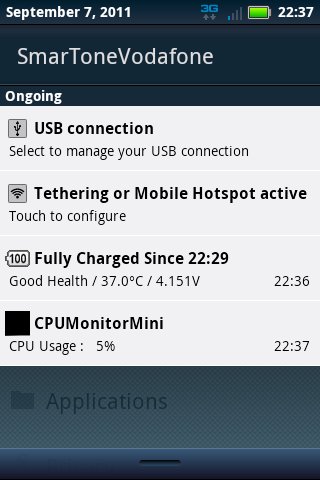
An app which helps you to enable to disable Wifi HotSpot quickly using hardware key. It is designed to use for Motorola Droid Pro (Motorola XPRT) but it should work on other devices with optional hardware key.
In Droid Pro, go to "Settings" -> "Application" -> "Quick launch" and set the side key or other shortcut to "HotSpotSwitch".
You can then enable or disable the Wifi HotSpot function by pressing the side button or other shortcut.
It is a trial version and user will be prompted to buy the full version after the trial is expired.
Latest Version
1.3Uploaded by
Настя Луференко- Арамян
Requires Android
Android 2.2+
Category
Free Tools AppContent Rating
Unrated · Warning – content has not yet been rated. Unrated apps may potentially contain content appropriate for mature audiences only.
Report
Flag as inappropriateLast updated on Oct 10, 2015
V1.0



APKPure - A multi-platform app store primarily focused on Android, providing extensive app-related content. Discover the app you want easier, faster, and safer, with quick and efficient downloads and installations.