
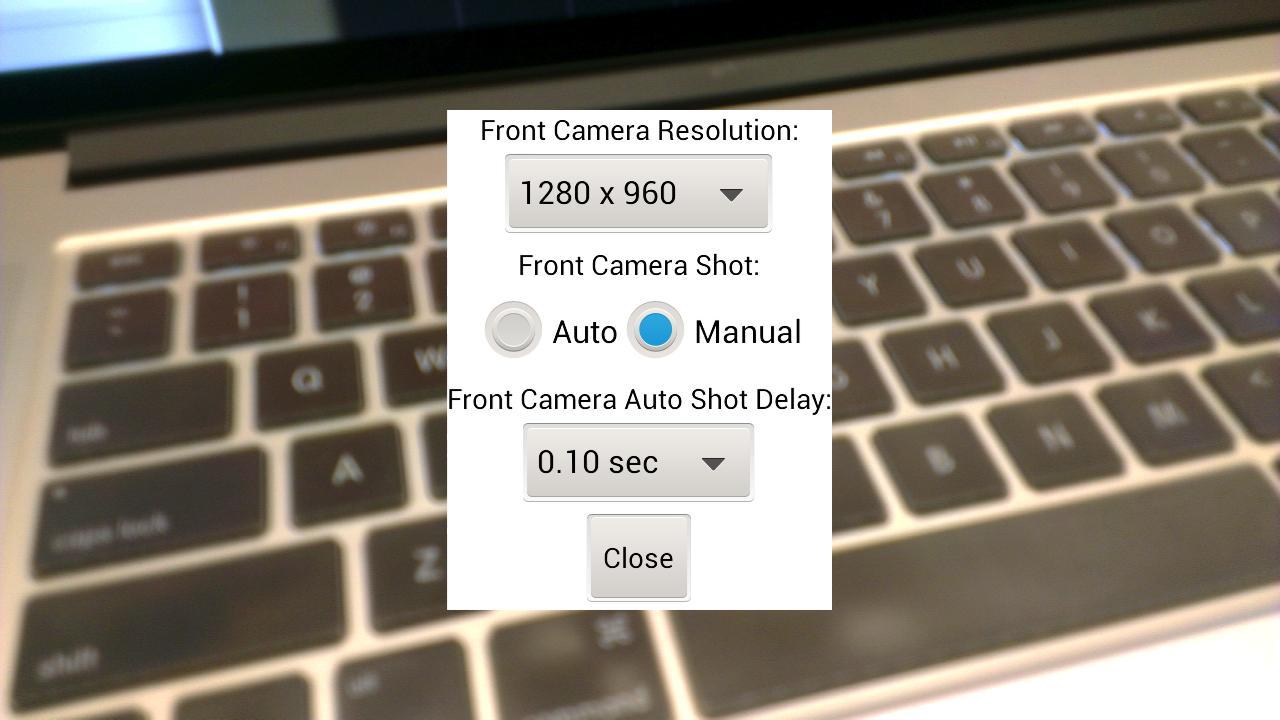
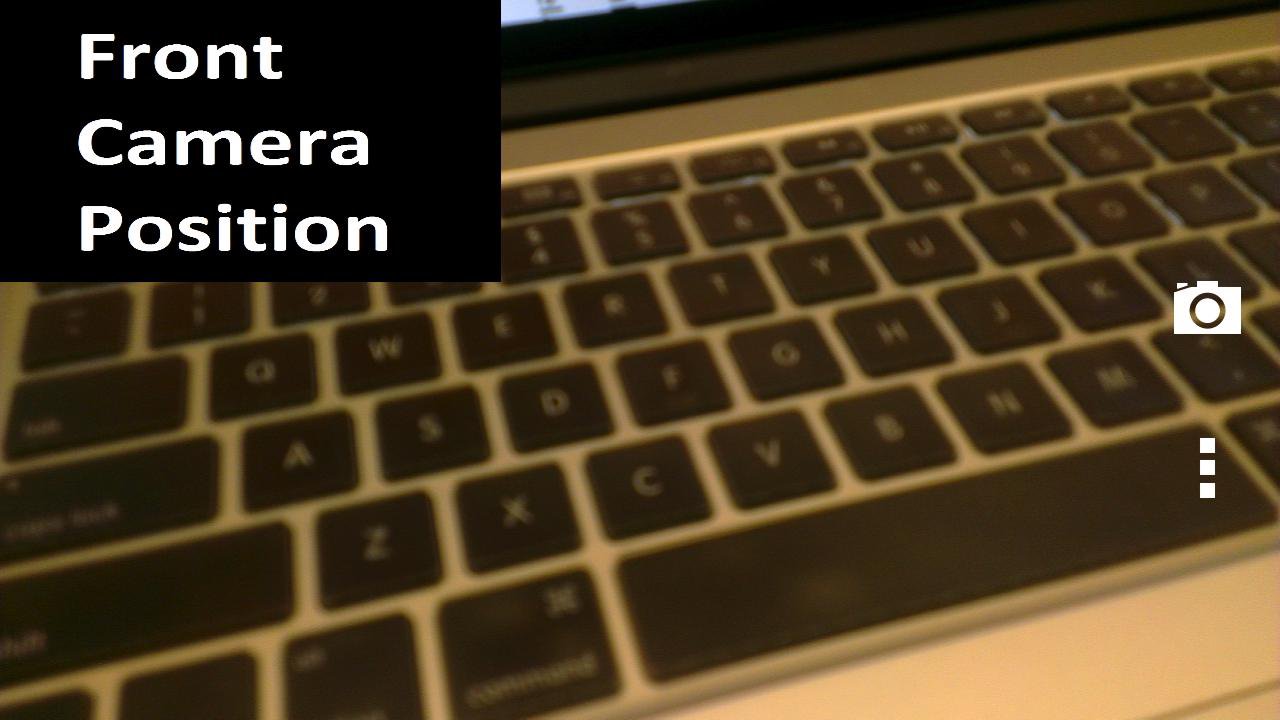
When you take pictures for your love ones, do you want to be part of it? Dual Camera app will help you to do that. It will take picture using the back camera on your phone for your love ones first, then it will use the front camera on your phone to take a picture of you. In the option menu, you can select the front camera image size, auto or manual to take the front camera picture. The time delay is for the auto front camera picture taking. If you find the front camera picture is too dark in auto mode, try to select a large time delay.
This app is tested on Samsung Galaxy Note 2, Galaxy Nexus, HTC One X, HTC EVO 4G.
If the app forces quit itself, please try to lower the front camera image resolution. It is probably a out of memory issue.
In the Android system, it is not allowed to open 2 cameras at the same time except for Samsung Galaxy S4 and LG Optimus G Pro which are not available yet as the hardware is not supported. The only solution is take photo for the front and back camera one by one.
It is a trial version and user will be prompted to buy the full version after the trial is expired.
Latest Version
1.6Uploaded by
Jïbæñ Đåį M Ããĺ
Requires Android
Android 4.0+
Category
Free Photography AppContent Rating
Unrated · Warning – content has not yet been rated. Unrated apps may potentially contain content appropriate for mature audiences only.
Report
Flag as inappropriateLast updated on Sep 6, 2015
Version 1.5 - Add in-app purchase
Version 1.4 - Add flash mode as requested by user
- Photo is saved at the phone camera directory
- Photo will appear in gallery immediately
Version 1.2 - Fix out of memory bug for Note 2.
Version 1.0 - First release
If the app forces quit itself, please try to lower the front camera image resolution. It is probably a out of memory issue.



APKPure - A multi-platform app store primarily focused on Android, providing extensive app-related content. Discover the app you want easier, faster, and safer, with quick and efficient downloads and installations.