Scan Date:Feb 11, 2024
Show More
Version for smartwatch.
Connect your Android smartwatch to the phone to receive notifications from your applications, manage music playback, send files and more.
How does it work:
Install "Watch Droid Phone" on your phone.
https://play.google.com/store/apps/details?id=com.lumaticsoft.watchdroidphone
Install "Watch Droid Assistent" on the smartwatch.
https://play.google.com/store/apps/details?id=com.lumaticsoft.watchdroidassistant
Verify that both devices have bluetooth enabled.
Open "Watch Droid Phone" and follow the steps of the assistant in configuration
Latest versions for smartwatch without Play Store:
http://www.lumaticsoft.com/watch-droid/versions/
Notifications:
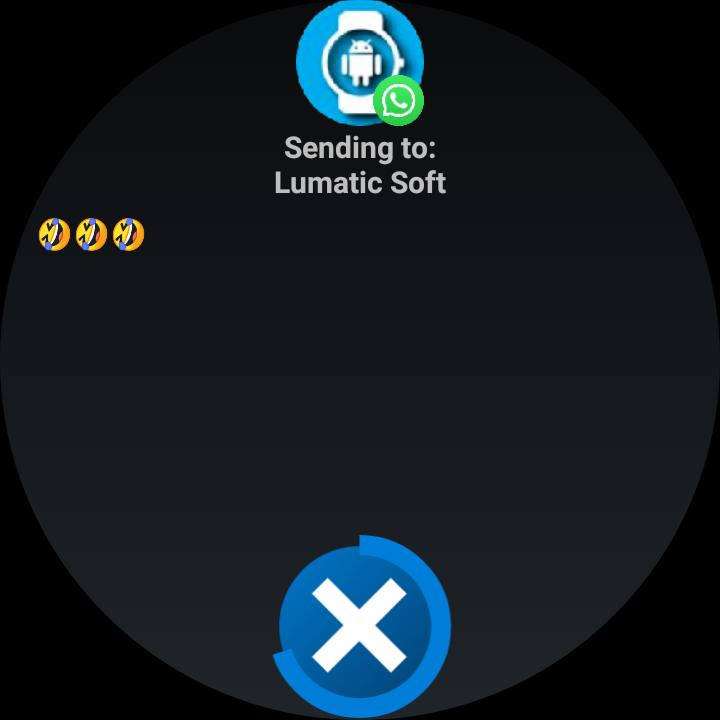
After giving permission for the management of phone notifications and selecting the applications that you want to control, you can answer them from the smartwatch.
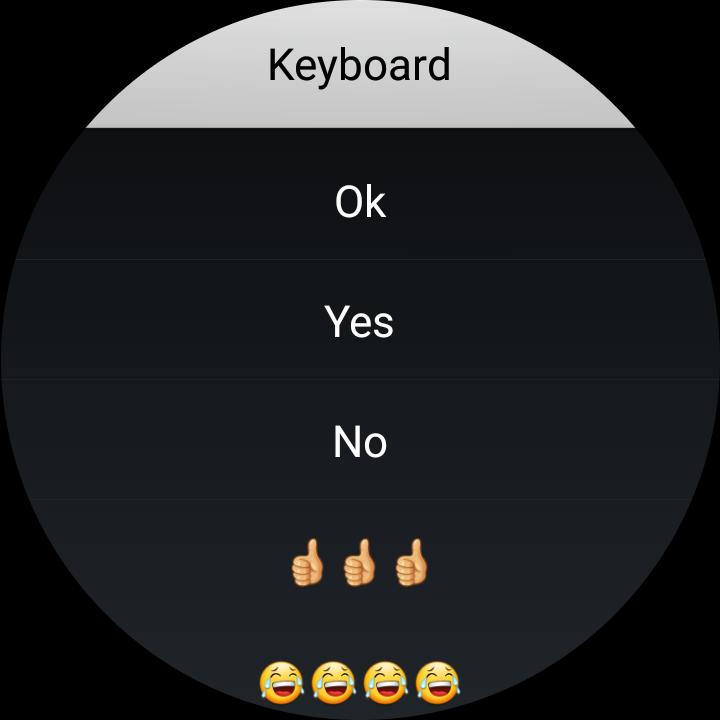
In the options of the phone application you will have the possibility to modify your predefined answers, delete or add.
If the notification has the possibility of being answered, the button will appear to be able to select one of your predetermined answers, keyboard or voice dictation (if the smartwatch has the possibility).
Music:
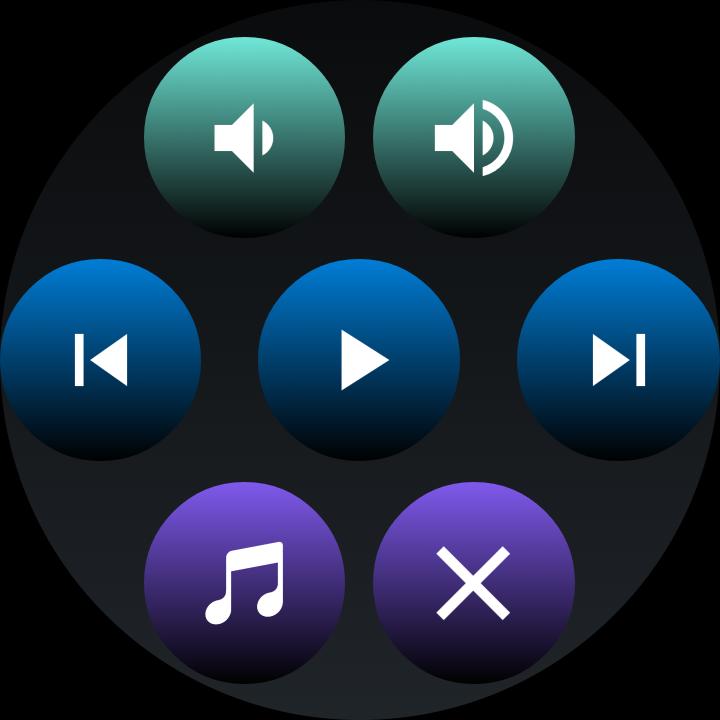
In the music option you can:
* Open the default player of your phone.
* Skip the topic, pause or play it.
* Raise or lower the multimedia volume of the phone.
Share files:
* Select the file to send.
* Select the location on your smartwatch.
* Send your file.
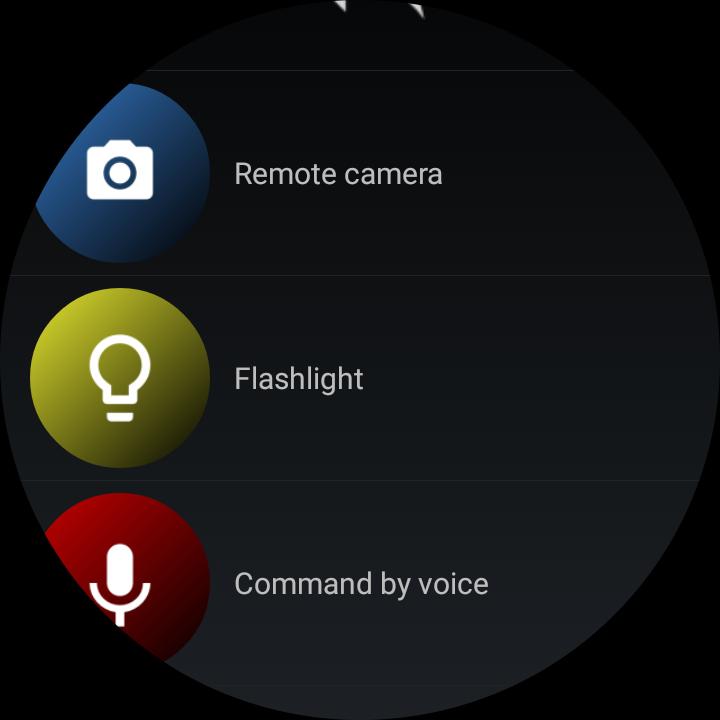
Camera control:
*Take a picture
* Change camera from back to front
Notice:
Watch Droid is an independent development of Lumatic Software and is not associated with, or in any way related to, any company.
All visual material shown corresponds to their respective companies and brands, Watch Droid does not contain iconography, designs or logos of any brand in its compilation, everything exhibited was extracted from the information that the different applications publish in the notification bar.
Latest Version
15.16Uploaded by
Yousif Agha
Requires Android
Android 4.1+
Category
Free Communication AppContent Rating
Everyone
Security Report
Report
Flag as inappropriateLast updated on Jul 16, 2021
New option for WhatsApp multimedia notifications
Date and time stamp in notifications
Fixed bugs in physical activity log and last battery charge
Battery:
Graphics and consumption statistics
Control of percentage of charge, status, type, temperature, battery voltage.
Heart Rate:
Automatic measurement of the heart rate according to configuration
Continuous heart rate measurement for 5 min, 15 min, 30 min, 1 hour
Step Tracking:
Track daily activity log counting steps taken
Bugs fixed



APKPure - A multi-platform app store primarily focused on Android, providing extensive app-related content. Discover the app you want easier, faster, and safer, with quick and efficient downloads and installations.