
Start any Action with a sequence of Volume Buttons clicks!
***ROOT IS NOT REQUIRED!***
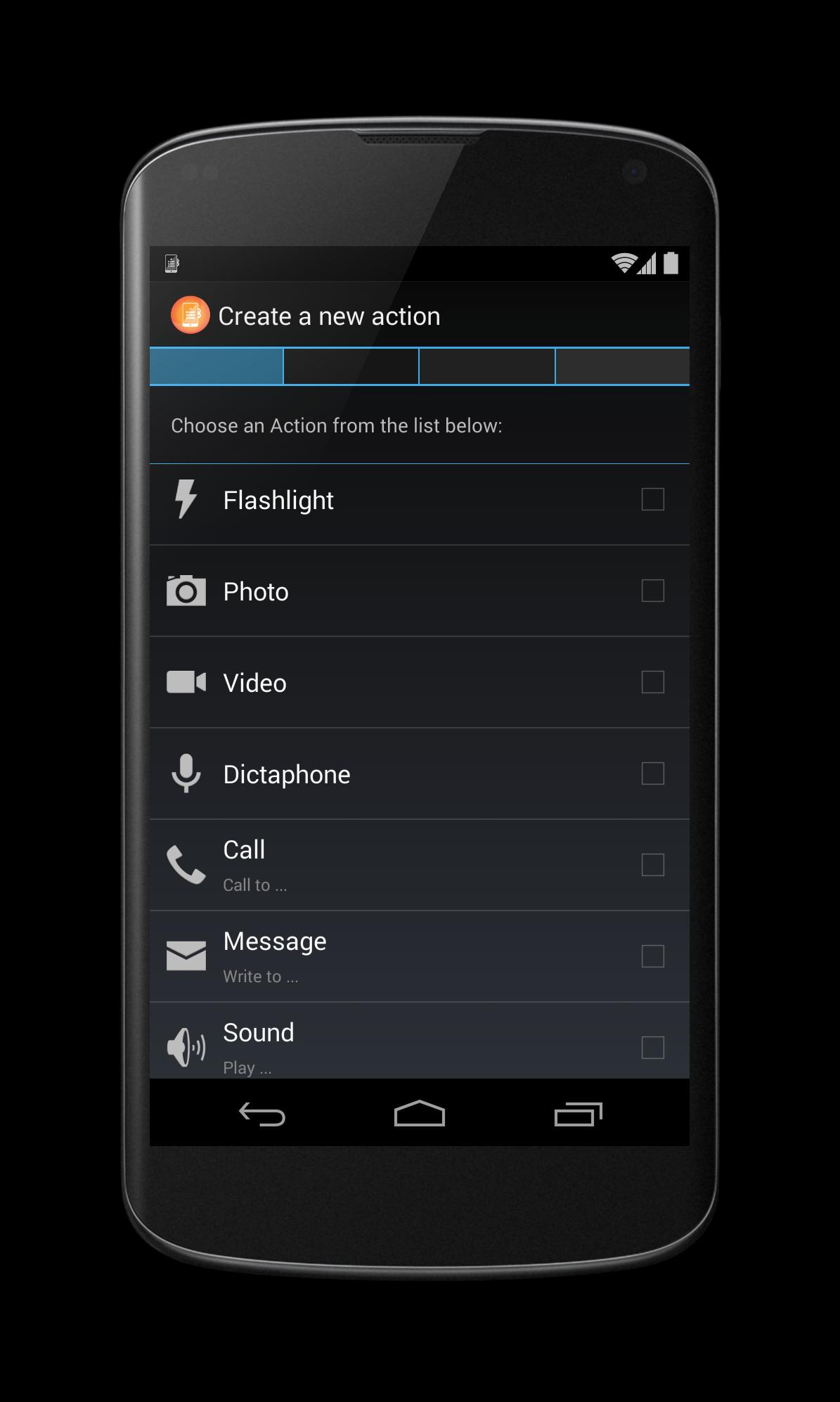
- take a photo or a video
- run Google Voice Search
- run music actions: next or previous song
- toggle flashlight on and off
- record an audio
- make a call
- start a message
- launch a Tasker task
- start any of your apps or shortcuts!
Easy configuration in 4 steps:
1. Choose an Action.
2. Configure an Action.
3. Set the clicks sequence.
4. Configure the Action settings.
https://twitter.com/blormobile
https://www.facebook.com/blor.mobile
https://www.google.com/+QuickClickBlor
Want to suggest a new Action or
want to add own App to the Actions list
please write:
blor.mobile@gmail.com
Latest Version
1.3.37Uploaded by
Phu Tranleminh
Requires Android
Android 4.0+
Category
Free Tools AppContent Rating
Everyone
Report
Flag as inappropriateLast updated on Jul 6, 2015
checkout:
https://play.google.com/store/apps/details?id=com.blor.fotoshot





APKPure - A multi-platform app store primarily focused on Android, providing extensive app-related content. Discover the app you want easier, faster, and safer, with quick and efficient downloads and installations.