Scan Date:Jun 14, 2025
Show More


Volume Booster GOODEV helps when movies, podcasts, or music sound too quiet, even at maximum volume. It focuses on media playback and offers a straightforward way to increase loudness without complex settings. You can open it, adjust a simple control, and keep listening in your favorite apps. The interface keeps distractions low, while access stays quick during everyday use. For users who prefer a direct installation path, the term Volume Booster GOODEV APK simply refers to the Android package for this tool.
System‑wide media boost
Volume Booster GOODEV raises the volume of media audio across common apps, including videos, music players, games, and audiobooks. You can use it with device speakers or wired and wireless headphones. It targets media streams only and does not change phone call volume.
Simple control with instant off
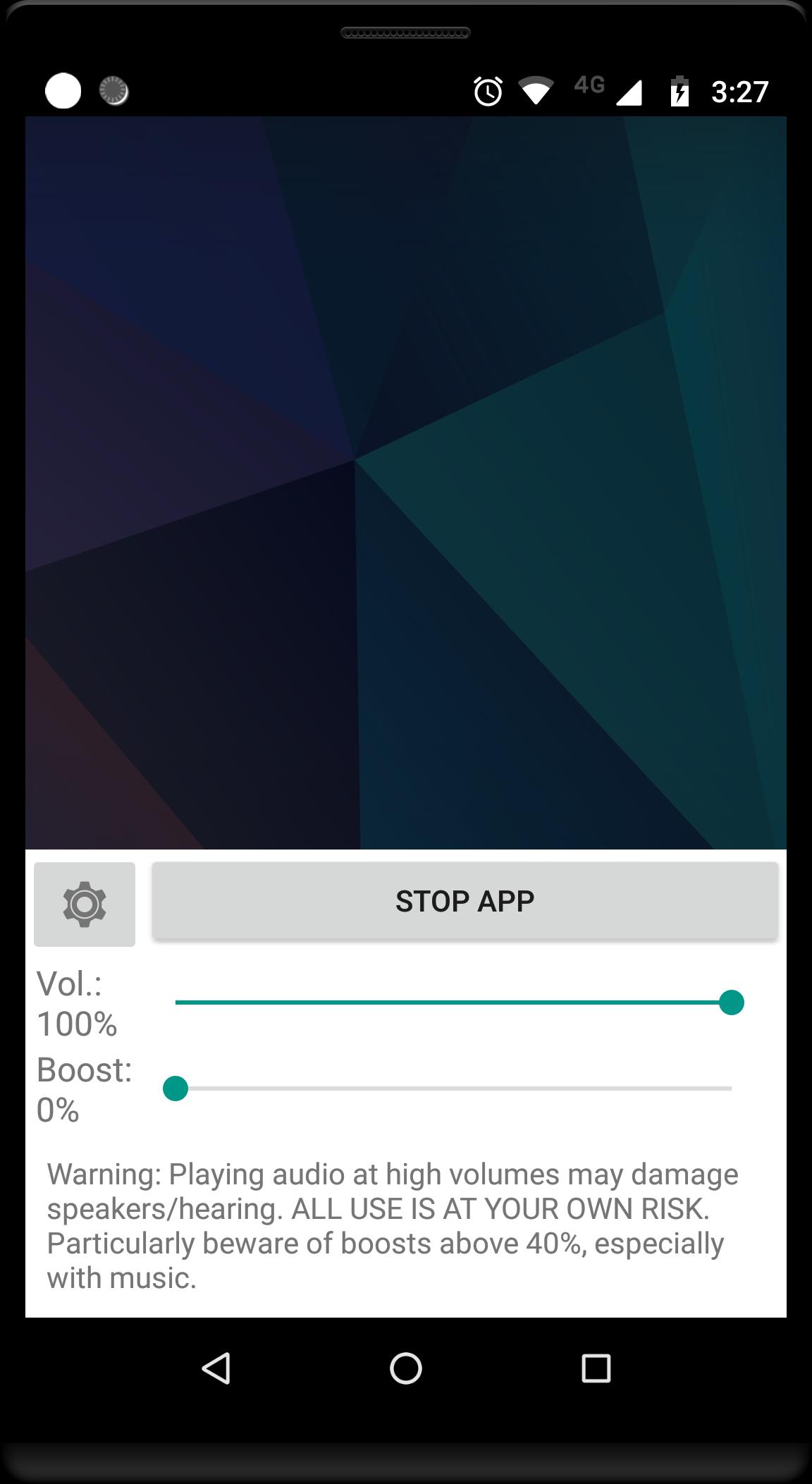
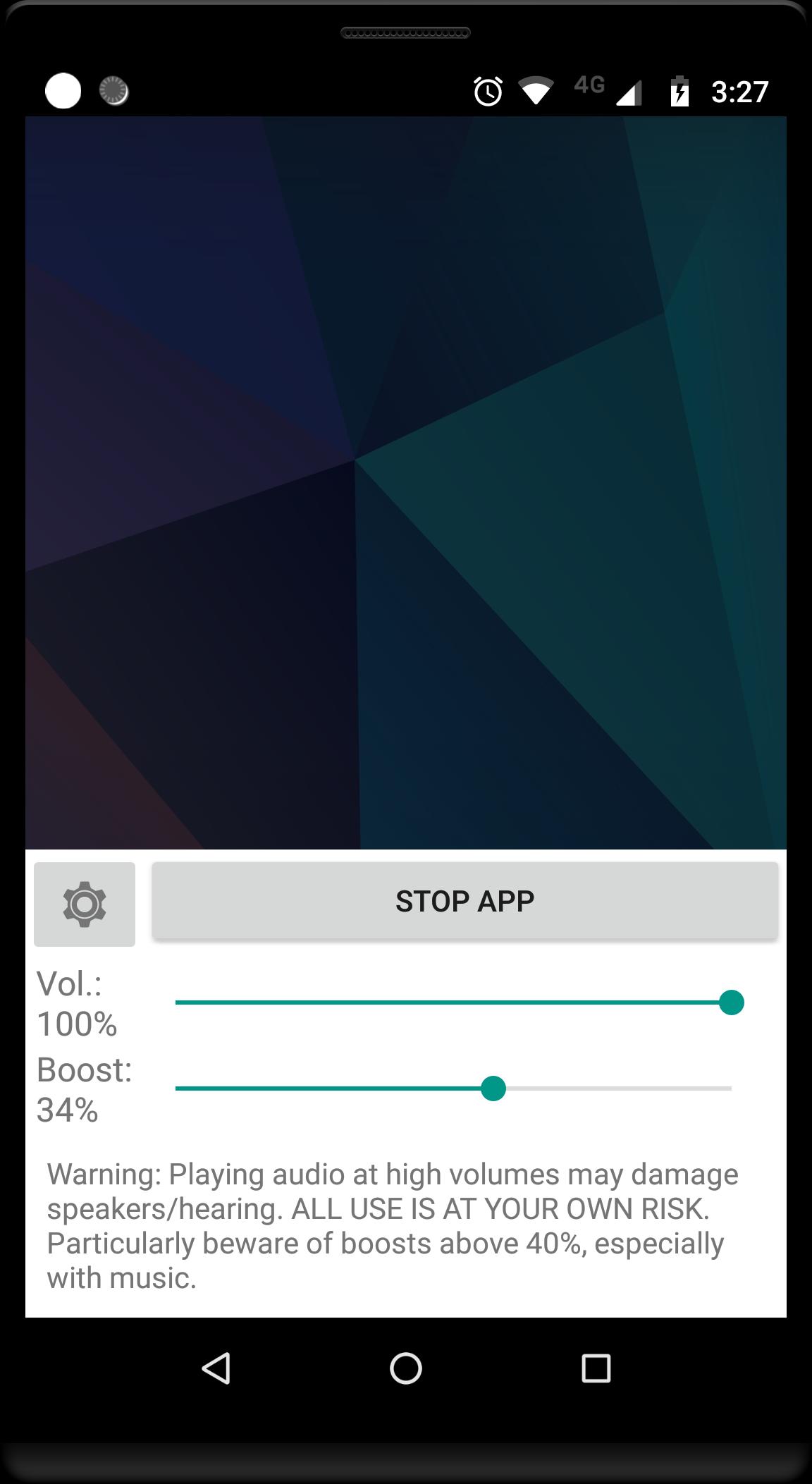
You adjust a single boost control to reach a comfortable level. When you set the boost to zero, the app turns off immediately and returns audio to normal. This makes it easy to switch between louder and standard listening as needed.
Lightweight, easy interface
The interface focuses on essential controls, so you can start quickly without extra configuration. New users can find the core control right away and make changes with minimal steps. This approach keeps the experience clear for a typical Volume Booster app use case.
Notification shortcut for quick access
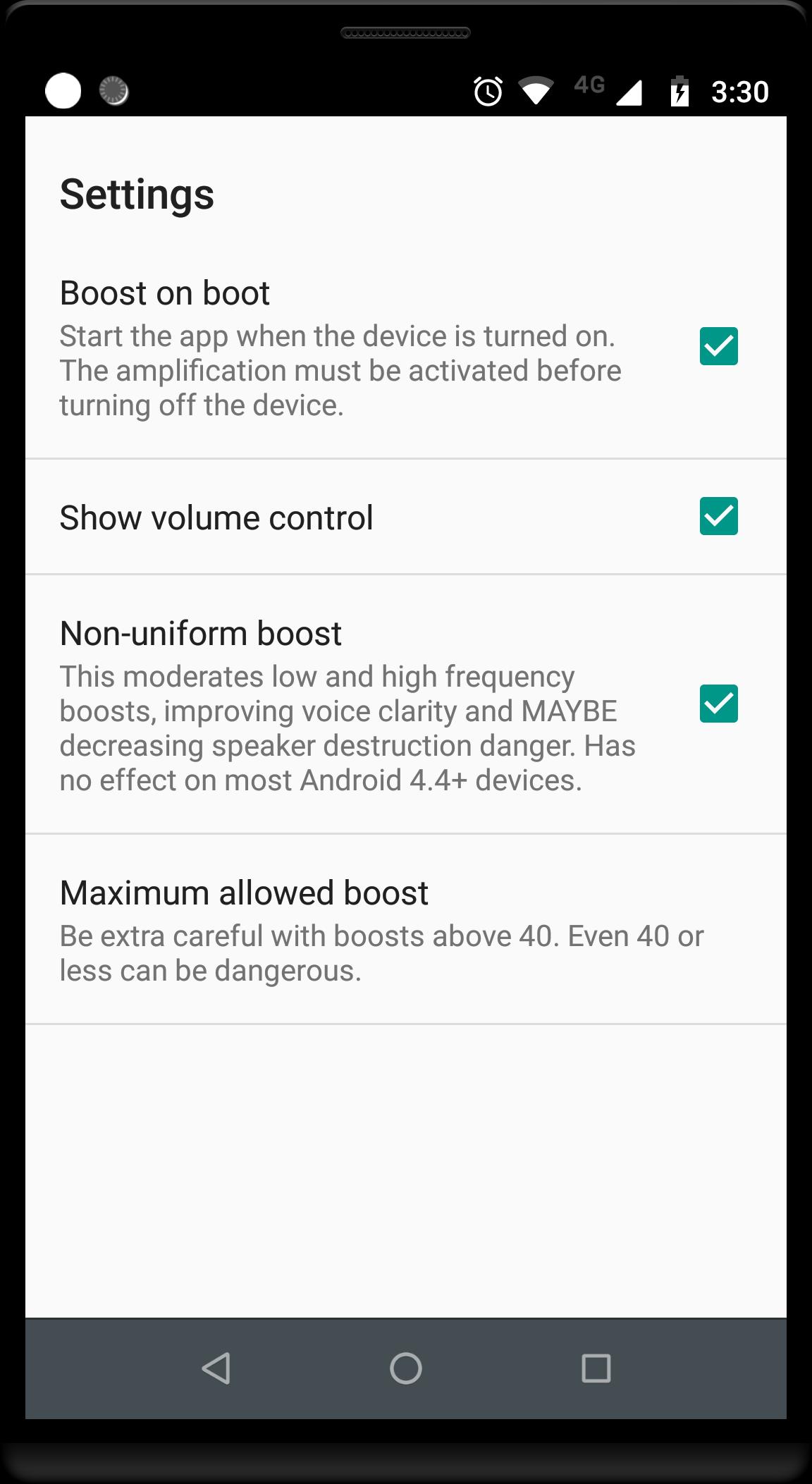
You can manage the booster from a notification shortcut for faster adjustments while watching or listening. There is also an option to show the notification only when the booster is active. This helps keep the status bar uncluttered when the app is not in use.
Designed for everyday media listening
This Android volume booster is intended for practical scenarios like quiet videos, soft podcasts, or older tracks with low mastering levels. It focuses on media playback and everyday convenience rather than advanced audio tuning. The app is free to use and keeps attention on common listening needs.
High volume can damage speakers or earphones and may harm hearing. Start with a low boost level and increase slowly while listening for changes. If you notice distortion, reduce the boost or return it to zero to protect your device and hearing.
Volume Booster GOODEV affects media audio only and does not boost phone call volume or speakerphone calls. Device support can vary, and some models or system versions may show limited effect or no change. Test the app with your regular apps and adjust settings based on your device, headphones, and content type.
The developer indicates that data is encrypted in transit to help protect information during transfer. The app may collect or share limited data types necessary for functionality and diagnostics. Review your device settings if you want to manage permissions, and contact the developer for more details about data practices.
Getting started is simple on Android. After you download Volume Booster GOODEV, you can raise media audio with just a few steps.
Volume Booster GOODEV raises media audio with a compact tool focused on everyday listening. If this matches your needs, look for the Volume Booster GOODEV latest version and set a boost level that works well with your device and content.
For support or more details, use the official links below.
Latest Version
8.1Uploaded by
Evelyn Penid
Requires Android
Android 6.0+
Category
Free Tools AppContent Rating
Everyone
Security Report
Report
Flag as inappropriateLast updated on Jun 14, 2025
- Fixed minor bugs

APKPure - A multi-platform app store primarily focused on Android, providing extensive app-related content. Discover the app you want easier, faster, and safer, with quick and efficient downloads and installations.